

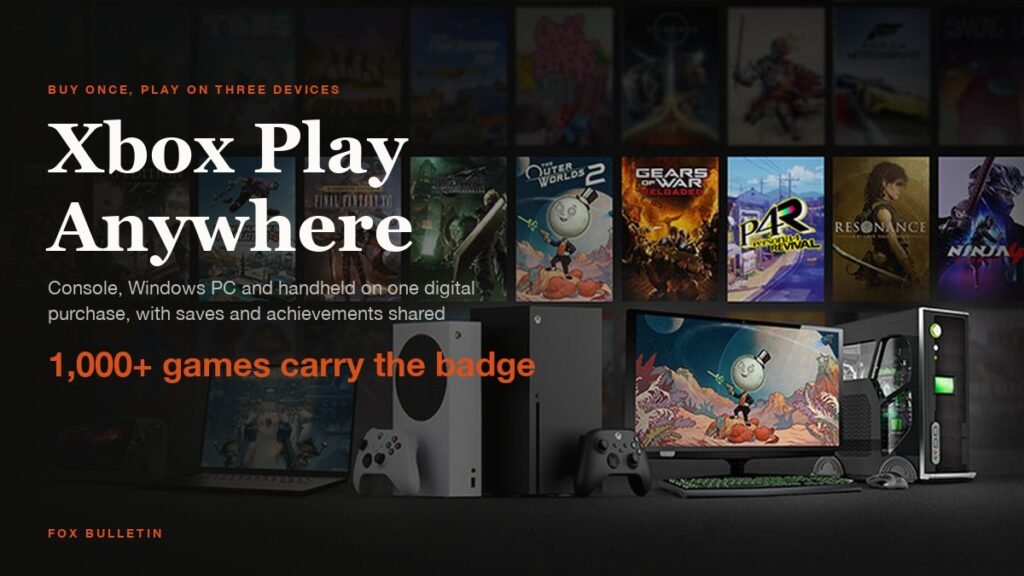
Xbox Play Anywhere is Microsoft’s rule that a digital Xbox game you buy once is yours on an Xbox console, a Windows 10 or 11 PC and a supported Windows handheld, at no extra charge. Your saves, add-ons and achievements travel with the game, so you can stop on the console and carry on at the desk.
The programme launched in 2016 with a handful of first-party titles and now covers more than 1,000 games, according to Xbox, with every participating title marked by a badge in the store. This guide explains what the badge gets you, what it leaves out, how to start a game on each device and where the full list is kept.
| What Play Anywhere covers | The detail |
|---|---|
| Where you can play | Xbox Series X|S, Xbox One, Windows 10/11 PC, Windows 11 gaming handhelds |
| Extra cost | None. One digital purchase covers every supported device |
| Saves and progress | Synced through your Xbox account; pick up where you left off |
| Add-ons and DLC | Season passes, add-ons, consumables and unlocks work on every device |
| Achievements | One shared set of Gamerscore and achievements, never earned twice |
| Disc games | Not included unless you claim a disc to digital license |
| Simultaneous play | Signed into a given game on one device at a time |
| How to spot it | Play Anywhere badge in the Xbox Store, the Microsoft Store and on xbox.com |
What Xbox Play Anywhere Includes
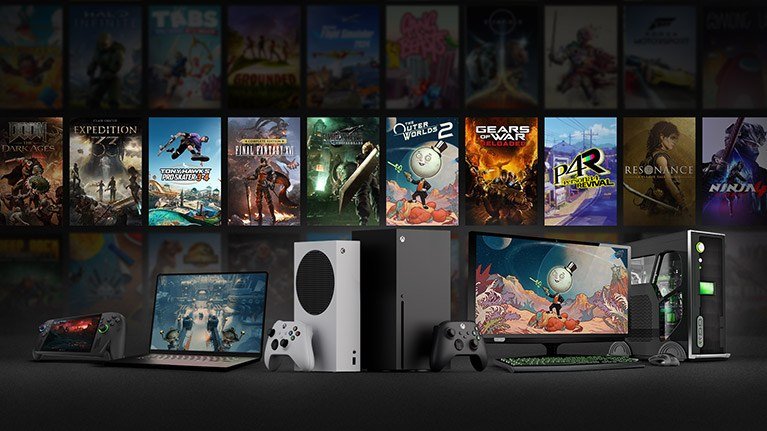
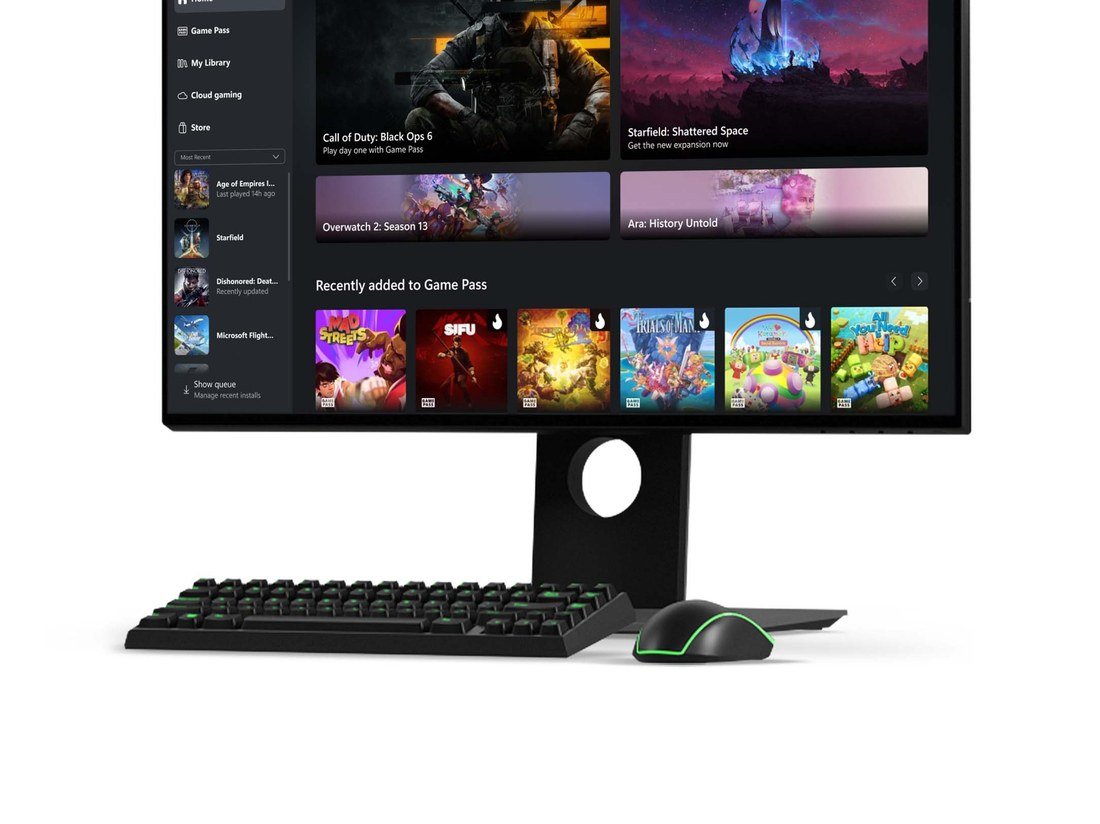
The core promise is a single licence across three kinds of hardware. Buy a Play Anywhere game in the Xbox Store, the Microsoft Store on Windows, or as a digital code from a retailer, and the same purchase appears as “Ready to Install” on your console and in My Library in the Xbox app on PC and handhelds.
Progress is stored with your Xbox account rather than on one machine. Xbox’s own description on the Play Anywhere page says you bring “all your saves, game add-ons, and achievements with you”, and that downloadable content you buy or earn, including season passes, consumables and in-game unlocks, is playable on every supported device.
Achievements are counted once. Xbox awards a single shared set of Gamerscore and achievements for a Play Anywhere game, so finishing a chapter on PC does not unlock it a second time on the console, and the reverse is also true.
How to Play a Play Anywhere Game on Console, PC and Handheld
There is no activation step. The only requirements Xbox lists are the latest system update on the console, Windows 10 Anniversary Edition or later on the PC, and the same Microsoft account signed in everywhere.
- Buy the game on any one device. On xbox.com, the Xbox Store on console or the Microsoft Store on Windows, look for the Play Anywhere badge on the product page before you pay.
- On an Xbox Series X|S or Xbox One, open My Games & Apps. The title shows as Ready to Install under the Full Library section.
- On a Windows PC, open the Xbox app and sign in with the same account. The game appears in My Library with an Install button.
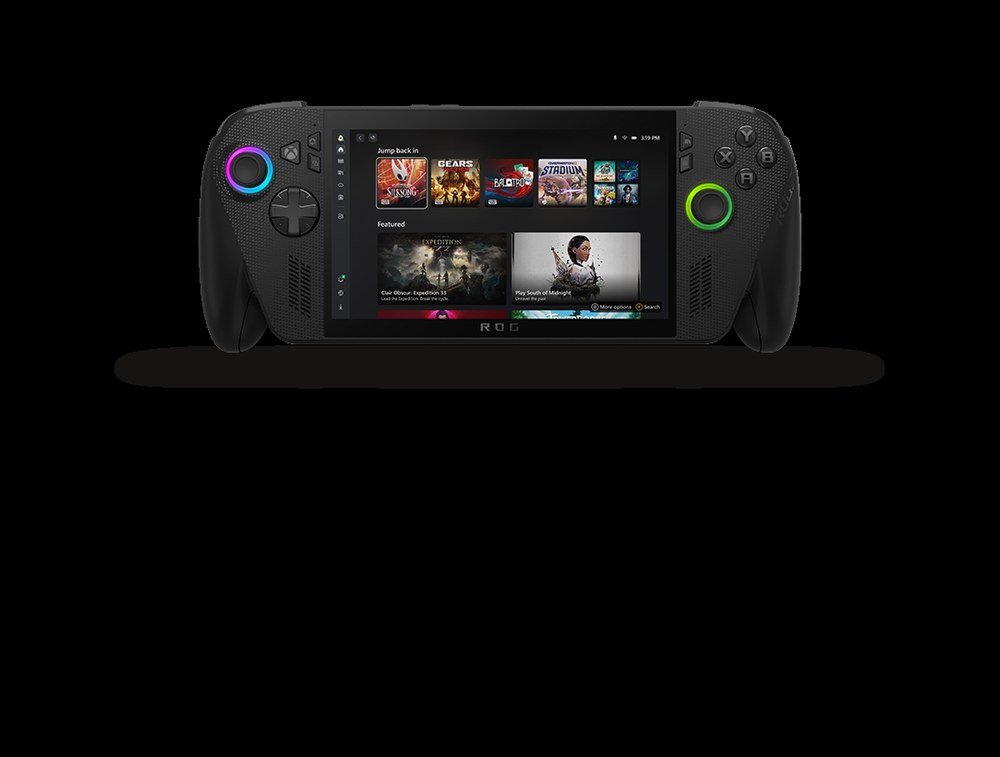
- On a Windows 11 handheld such as the ROG Xbox Ally, open the Xbox app the same way; the library is identical to the desktop one.
- Play on whichever device is in front of you. Cloud saves sync when you quit, so give the game a moment to upload before switching machines.
If you also own a PlayStation or a Switch, none of this applies there. Play Anywhere is an Xbox-to-Windows arrangement, and our guide to the best gaming consoles covers what each platform does and does not share.
Which Games Are Xbox Play Anywhere
Xbox does not publish a static list. Instead the Xbox Store browse page has a filter that shows every Play Anywhere listing, and the FAQ on the programme page points to that filter as the definitive source. On October 15, 2026 the filter returned 2,829 entries, a figure that counts separate editions and bundles, which is why it sits well above Xbox’s own “1,000 games and growing” headline.
Every Xbox Game Studios and Bethesda release of the last few years carries the badge, and a growing number of third-party games do too. Titles on the filter and the programme page at the time of writing include:
- Indiana Jones and the Great Circle
- DOOM: The Dark Ages
- Clair Obscur: Expedition 33
- Gears of War: Reloaded
- Gears of War: E-Day
- The Outer Worlds 2
- Forza Horizon 6
- Call of Duty: Black Ops 7
- Warhammer 40,000: Space Marine 2
- The Witcher 3: Wild Hunt Remastered
- ARK: Survival Ascended
- Dune: Awakening
- Minecraft Dungeons II
- Fortnite
- RuneScape: Dragonwilds
The quickest check for any single game is the product page. If the badge is missing, the game is console-only or PC-only, and buying it on one side does not grant the other. A few publishers sell the Windows version separately on Steam while keeping the Microsoft Store version Play Anywhere, so the store you buy from matters as much as the title.
The Rules: One Device at a Time and Digital Only
Two limits catch people out. The first is concurrency. Xbox states that at any single point in time you may only be signed into a Play Anywhere game on one console, one PC or one handheld. Two people in one household cannot play the same copy at once on different devices, which is a licence rule rather than a technical one.
The second is that Play Anywhere only applies to digital games. A disc does not carry a Play Anywhere licence, even if the digital version of the same game does. Since September 2026 there is a route around that: inserting an eligible Xbox One or Xbox Series X disc into a console with a drive can grant a disc to digital licence, and Xbox confirms that a claimed licence for a Play Anywhere title also unlocks the PC and handheld versions.
Handheld support is limited to Windows 11 devices. Steam Deck runs SteamOS, so it is not covered unless you install Windows on it, and the Xbox app on Android or iOS can only stream, not install.
Play Anywhere, Game Pass and Cloud Gaming Compared

Play Anywhere is about ownership. Game Pass is a subscription, and which devices a Game Pass title runs on depends on the plan rather than on the Play Anywhere badge. A game can be both: own it and it stays in your library after the subscription ends, with the same cross-device rights.
Cloud streaming is a third route. Our explainer on Xbox Cloud Gaming covers which plans can stream to a phone or a browser and what the connection needs. Streaming never installs anything, so it does not depend on Play Anywhere, but a Play Anywhere game you own can usually be streamed if it is in the cloud catalogue.
For PC-first players the practical upside is price. Buying the Play Anywhere version once replaces two purchases, and the Windows copy sits beside any free PC games you have claimed in the same Xbox app library.
- Own and play on both: buy the Play Anywhere version from the Xbox or Microsoft Store
- Rent across devices: Game Pass Ultimate covers console, PC and cloud
- Stream without installing: Xbox Cloud Gaming on phone, browser or TV
When a Play Anywhere Game Does Not Show Up
Start with the account. The game only appears where the purchasing Microsoft account is signed in, and a second profile on the same PC will not see it. Next check the version: Windows 10 Anniversary Edition or newer, and the latest console update, are the two stated requirements.
If the title is missing from My Library on PC, confirm the badge on its store page. Many games have separate console and PC SKUs, and the PC one may have been bought from Steam or the Epic Games Store, neither of which is part of the programme. Finally, remember the single-device rule: if the game is open on the console, launching it on PC will fail until the console session ends.
Frequently Asked Questions
Does Xbox Play Anywhere cost extra?
No. Xbox states there is no additional cost. Owning a supporting digital game includes the right to play it on an Xbox console, a Windows 10/11 PC and a supported gaming handheld.
Do Play Anywhere games work with discs?
Not directly. The programme applies only to digital purchases. An eligible disc can be converted into a digital licence on a console with a drive, and if the game is Play Anywhere that licence also covers PC and handhelds.
Can two people play the same Play Anywhere game at once?
No. You can only be signed into a given game on one console, one PC or one handheld at a time. Playing simultaneously on two devices with one purchase is not allowed.
Which handhelds support Xbox Play Anywhere?
Windows 11 gaming handhelds. The Xbox app installs Play Anywhere games on them exactly as it does on a desktop PC. Steam Deck and other SteamOS or Linux devices are not supported.
Related Articles

Get the Fox Bulletin briefing
The stories that matter, in your inbox. No spam, unsubscribe anytime.
Newsletter signup will be available soon.
Related stories

Fortnite Festival: Modes, Music Pass and What Epic Cut
What Fortnite Festival is on 5 November 2026: Main Stage and Jam Stage, the removed Battle Stage, how songs are kept, and what the Music Pass costs.
LEGO Fortnite Modes: Odyssey, Brick Life and Islands
LEGO Fortnite is a hub of separate experiences. Here is what Odyssey, Brick Life and LEGO Islands do, how they differ, and which one to start with.
Fortnite Crew: What You Get and What You Keep If You Cancel
What Fortnite Crew includes at $11.99 a month on 5 November 2026, what Epic changes on 5 December 2026, and exactly what stays yours if you cancel.