

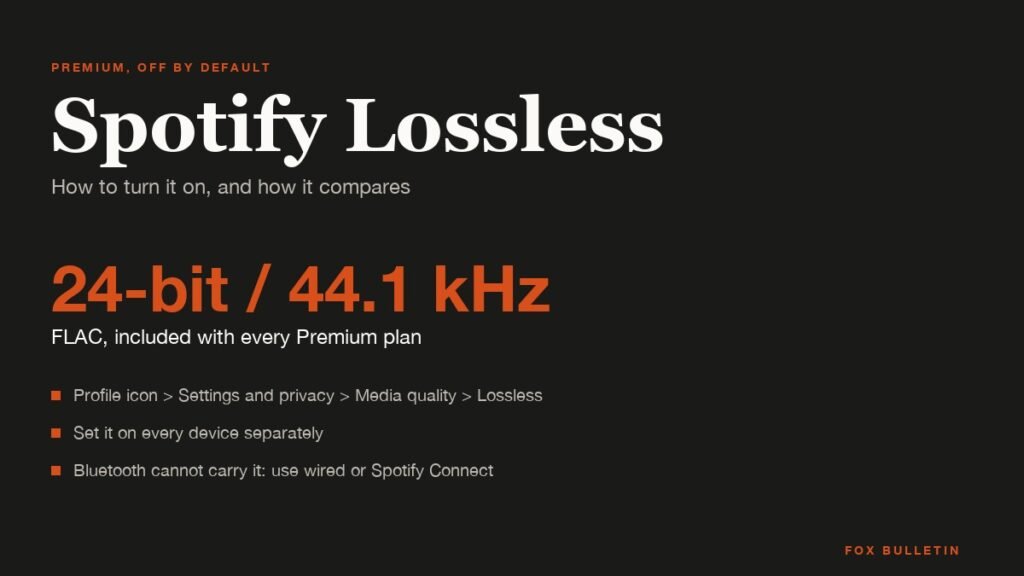
Spotify Lossless is the FLAC streaming option Spotify added to Premium in September 2025. It plays music at up to 24-bit/44.1 kHz, costs nothing beyond the Premium subscription, and reaches more than 50 markets, but it is switched off by default and has to be enabled on every device you use.
The short version: open your profile icon, go to Settings and privacy, then Media quality, and choose Lossless for Wi-Fi, cellular or downloads. The sections below cover the requirements, every version of those steps, how to confirm it is working, and how Spotify’s ceiling compares with the 24-bit/192 kHz rivals.
What Spotify Lossless Is
Lossless means the audio is compressed without discarding any data, so what plays back is identical to the file Spotify was given. Spotify’s standard Premium setting, Very High, is a lossy Ogg Vorbis stream at about 320 kbps; Lossless is FLAC at up to 24-bit/44.1 kHz, which is CD resolution with a higher bit depth.
Spotify announced the feature on September 10, 2025 for Premium listeners in Australia, Austria, Czechia, Denmark, Germany, Japan, New Zealand, the Netherlands, Portugal, Sweden, the United States and the United Kingdom, and said it was available in more than 50 markets by October 6, 2025. Subscribers get an in-app notification when it reaches their account.
It is a Premium feature with no separate tier or surcharge. Spotify’s Individual plan in the US is $12.99 a month, and its plan page lists sound quality up to 24-bit/44.1 kHz among the things that price includes. Free listeners stay capped at about 160 kbps, as our guide to Spotify Free explains.
What You Need Before Turning It On
- A Spotify Premium subscription of any type: Individual, Student, Duo or Family
- The Spotify mobile app version 9.0.58 or later, or the desktop app 1.2.67 or later
- A connection Spotify describes as a steady 1.5 to 2 Mbps for streaming
- Wired headphones, a wired speaker or a Spotify Connect device on Wi-Fi: Bluetooth cannot carry the full stream
- For a third-party speaker or receiver, the latest firmware from its maker
Spotify’s support page notes that the device, the network and the original recording all affect whether you hear lossless audio. A track mastered at 16-bit/44.1 kHz will not gain anything from the 24-bit ceiling, and a weak connection will make the app fall back to a lower quality.
How to Turn On Spotify Lossless on a Phone or Tablet
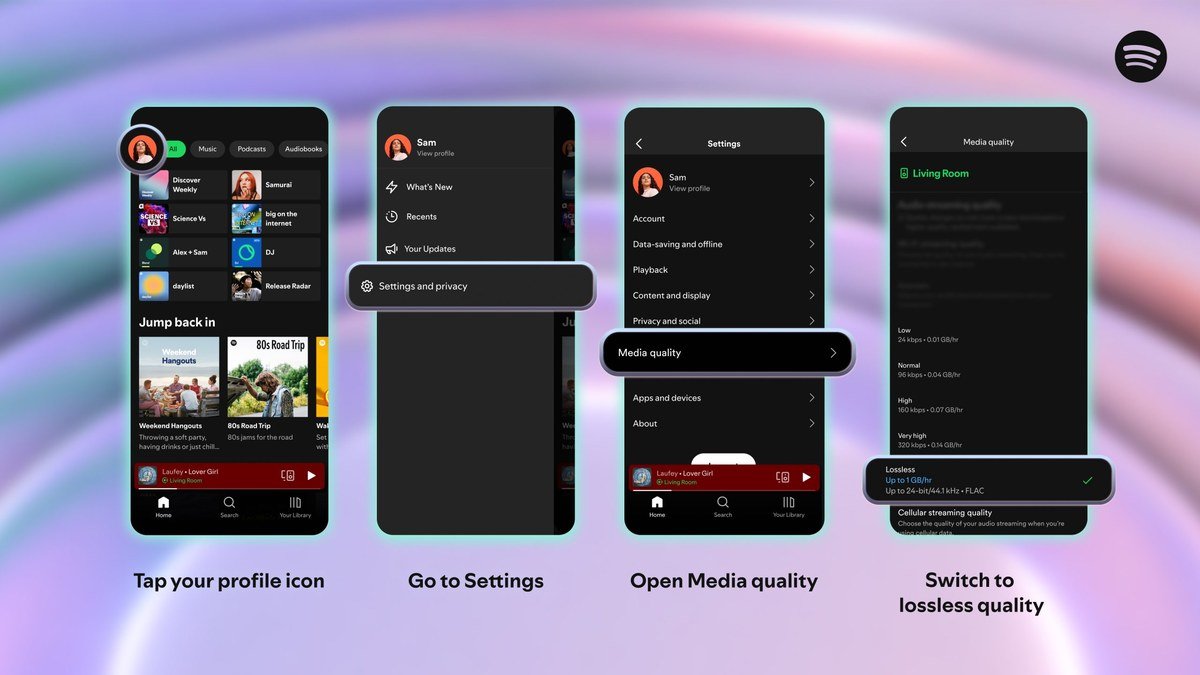
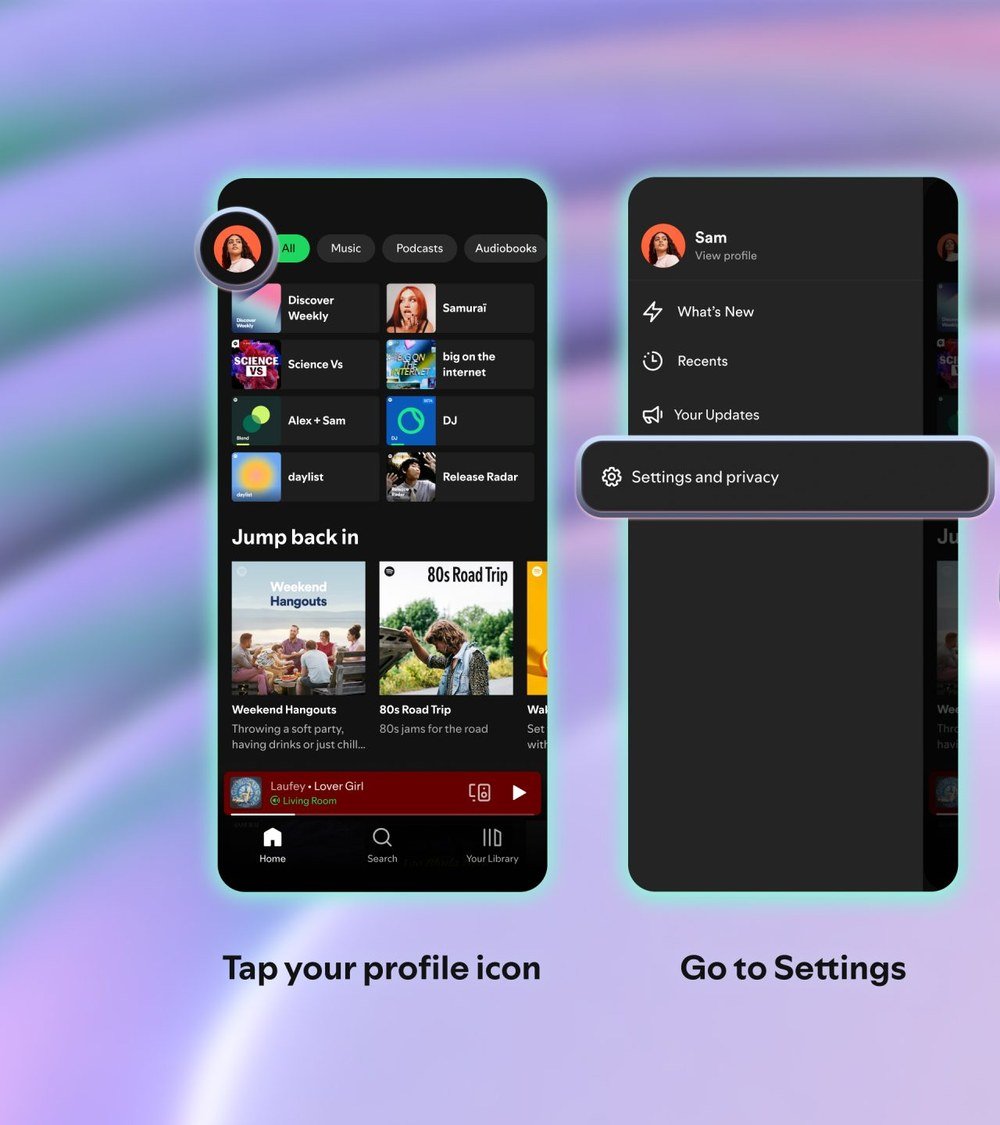
- Open the Spotify app and tap your profile icon in the top left corner.
- Tap Settings and privacy.
- Tap Media quality.
- Under streaming quality, choose Lossless for Wi-Fi, for cellular, or for both.
- Under download quality, choose Lossless if you want offline tracks at the same quality.
How you know it worked: a Lossless badge appears in the Now Playing view and in the Now Playing bar while a lossless track is streaming, and the same badge shows in the Connect picker next to a device that is receiving lossless audio.
The setting is per device. Turning it on for your phone does nothing for your laptop or your tablet, each of which has to be switched on separately through the same menu.
How to Turn It On for Desktop, Connect Speakers and Multi-Room Systems
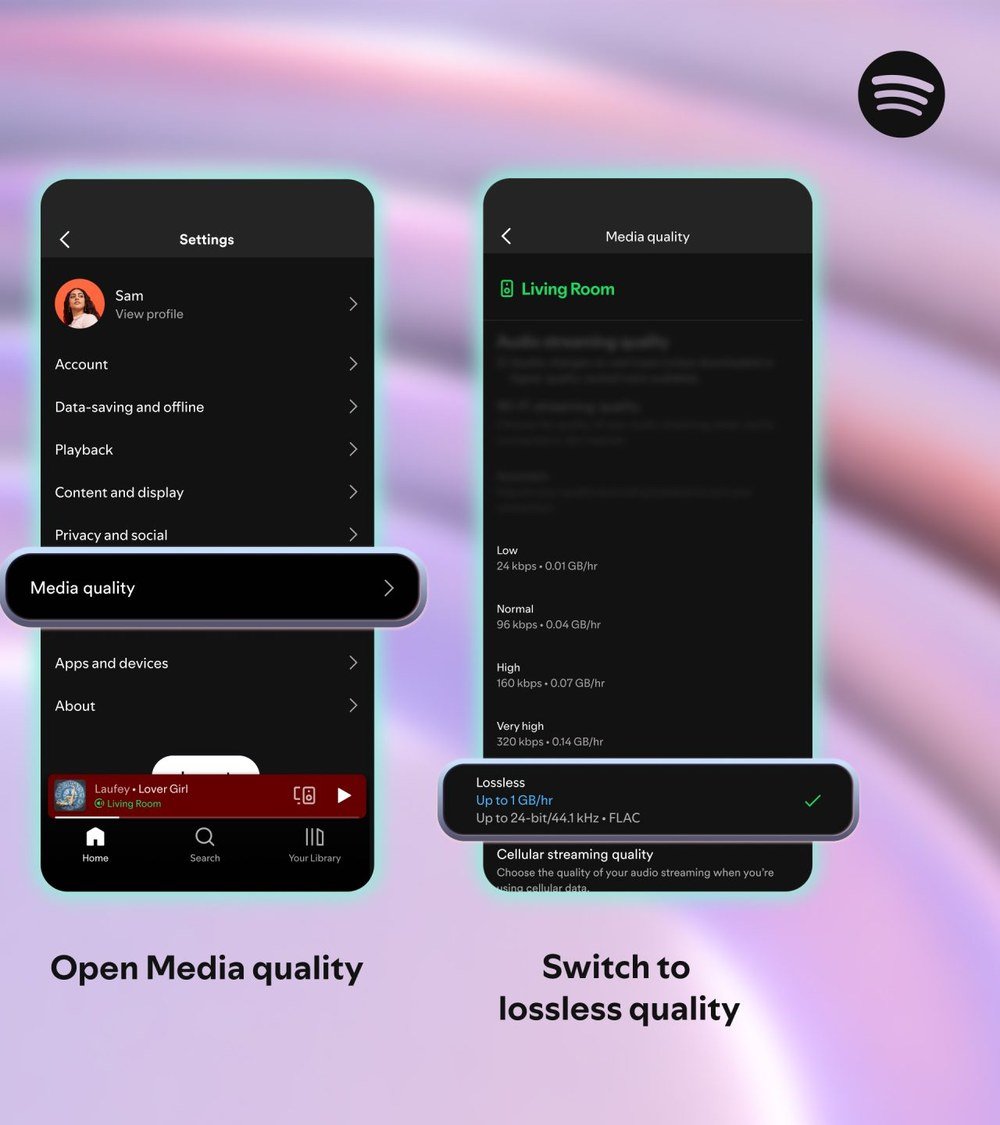
On the desktop app the path is the same: profile picture, Settings and privacy, Media quality, then Lossless for streaming and downloads. The web player has no quality setting at all, so Lossless is not available there.
For a third-party Connect device such as a Sony, Bose, Samsung or Sennheiser speaker, start playing, tap the device icon, pick the device that is playing, tap Change quality settings and select Lossless. Spotify requires this change to be made from the mobile app. For multi-room systems, tap the device icon, open Connect, tap Go to settings and choose Lossless there.
Spotify named Sony, Bose, Samsung and Sennheiser as Connect partners at launch, with Sonos and Amazon devices due the following month. Any device that cannot be set this way plays lossless only through its own settings while connected via Spotify Connect.
Downloads, Data and What Lossless Does Not Cover
Existing downloads do not upgrade on their own. After you set download quality to Lossless, the app offers an Update to Lossless prompt that re-downloads saved music at the new quality, which takes considerably more storage than the Very High files it replaces.
Data use rises in step. At the 1.5 to 2 Mbps Spotify recommends, an hour of lossless streaming moves roughly 650 MB to 900 MB, against about 140 MB an hour at Very High. Spotify suggests keeping Lossless to Wi-Fi unless your cellular plan is unmetered, and the Media quality screen shows the per-hour estimate for the current track when you tap a device in the Connect menu.
Lossless applies to music only. Spotify says it is unavailable on music videos, podcasts and audiobooks, and the standard podcast stream stays at about 96 kbps regardless of the setting.
Lossless Against Very High: What Changes
Very High, the setting most Premium listeners have used for years, is Ogg Vorbis at about 320 kbps. It discards parts of the signal that the encoder judges inaudible, and on most phones, laptops and Bluetooth headphones that judgement holds. Lossless removes the guesswork by keeping every sample of the source file.
Where the difference shows is on equipment that reveals it: wired headphones with a wide frequency response, a hi-fi system fed over Spotify Connect, or quiet, acoustic recordings where encoder artefacts are easiest to hear. On a phone speaker or a cheap Bluetooth earbud the two settings sound the same, because the output stage cannot reproduce what Lossless preserves.
Spotify’s own caveat is worth repeating: the recording itself sets the ceiling. A 1990s album mastered at 16-bit/44.1 kHz streams as a bit-perfect copy of that master, not as a 24-bit upgrade of it. The format guarantees fidelity to the source, not a better source.
The Two Mistakes That Stop Lossless Working
The first is Bluetooth. Spotify states that Bluetooth does not have enough bandwidth to transmit lossless audio, so the signal is compressed before it leaves the phone even when the setting is on. The badge may show, but the headphones receive a lossy stream. Use a wired connection or send the audio over Wi-Fi to a Connect device.
The second is the per-device setting. People enable Lossless on their phone and expect it on the desktop app or a speaker. Each one has to be switched on separately, and Connect devices have their own quality setting that is changed from the phone while they are playing.
How Spotify Lossless Compares With Other Services
| Service | Maximum resolution | Format | Individual price | Lossless cost |
|---|---|---|---|---|
| Spotify Premium | 24-bit/44.1 kHz | FLAC | $12.99 | Included |
| Apple Music | 24-bit/192 kHz | ALAC | $11.99 | Included |
| Amazon Music Unlimited | 24-bit/192 kHz | HD and Ultra HD | $11.99 with Prime, $12.99 without | Included |
| Tidal | 24-bit/192 kHz | FLAC and HiRes FLAC | $10.99 | Included |
| Qobuz | 24-bit/192 kHz | FLAC | From $10.83 on the annual plan | Included |
| Deezer | 16-bit/44.1 kHz | FLAC | $11.99 | Included in Premium |
Spotify’s 24-bit/44.1 kHz ceiling is the lowest of the major paid services. Apple Music’s lossless tier runs up to 24-bit/192 kHz in ALAC, with Hi-Res Lossless above 48 kHz needing an external digital-to-analog converter. Tidal, Qobuz and Amazon Music Unlimited also reach 24-bit/192 kHz, and Deezer stops at CD-quality 16-bit/44.1 kHz.
In practice the gap is smaller than the numbers suggest. Most of any catalogue is mastered at 44.1 or 48 kHz, playback above 48 kHz needs a wired DAC on most phones and computers, and none of the services send lossless over Bluetooth. What Spotify gives up is the headroom for the minority of genuinely hi-res masters.
On price, Spotify is the most expensive Individual plan in the table at $12.99 against Tidal’s $10.99 and Apple’s $11.99, both of which include the higher ceiling. Our comparison of the best music streaming services weighs the catalogues, apps and family plans behind those prices.
Frequently Asked Questions
Does Spotify Lossless cost extra?
No. It is included in every Premium plan, from Student at $6.99 to Family at $21.99 in the US. There is no separate HiFi tier, which Spotify had discussed since 2021 and never launched.
What quality is Spotify Lossless?
Up to 24-bit/44.1 kHz FLAC. That is CD sample rate at a higher bit depth, below the 24-bit/192 kHz maximum that Apple Music, Tidal, Qobuz and Amazon Music Unlimited offer.
Why is the Lossless option missing from my app?
Either the app is too old, the feature has not reached your market or your account yet, or you are on the web player, which has no quality setting. Update to mobile app 9.0.58 or desktop 1.2.67 or later and check again after Spotify’s in-app notification arrives.
Does Lossless work with AirPods or other Bluetooth headphones?
Not at full quality. Bluetooth compresses the stream before it reaches the headphones, so Spotify recommends wired headphones or a Spotify Connect speaker on Wi-Fi. Our guide to the best noise cancelling headphones covers which models offer a wired option.
Related Articles

Get the Fox Bulletin briefing
The stories that matter, in your inbox. No spam, unsubscribe anytime.
Newsletter signup will be available soon.
Related stories
Morse Code: The Full Chart, Timing and How It Works
Every letter, digit, punctuation mark and procedural signal in international Morse code, with the timing rules that govern them and the places the code is still working.
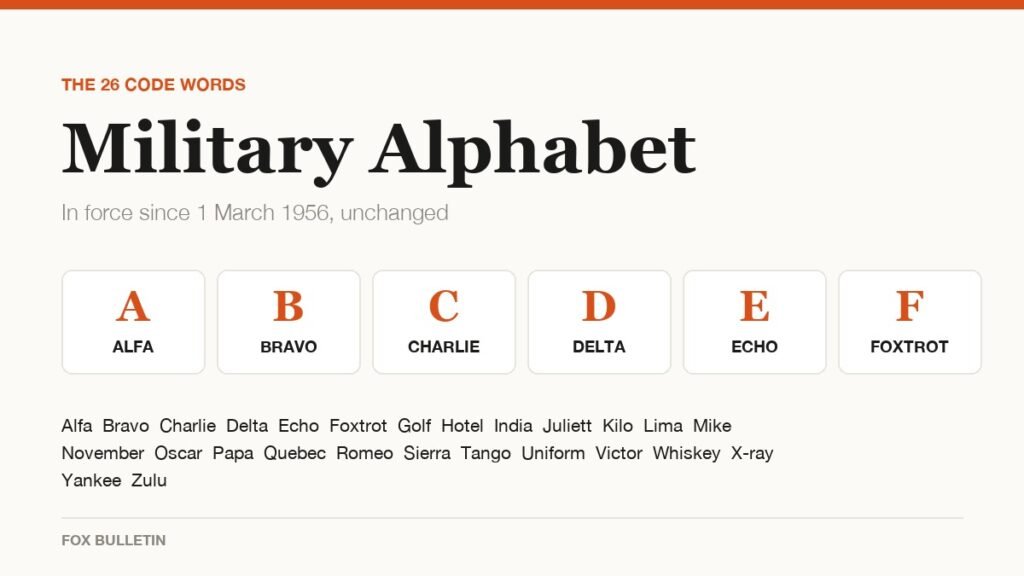
Military Alphabet: All 26 Letters, Spelled and Pronounced
Alfa, Bravo, Charlie: the military alphabet is a set of 26 code words that keep letters apart over a noisy radio. Here is every letter, how to say it, and the history behind the list.
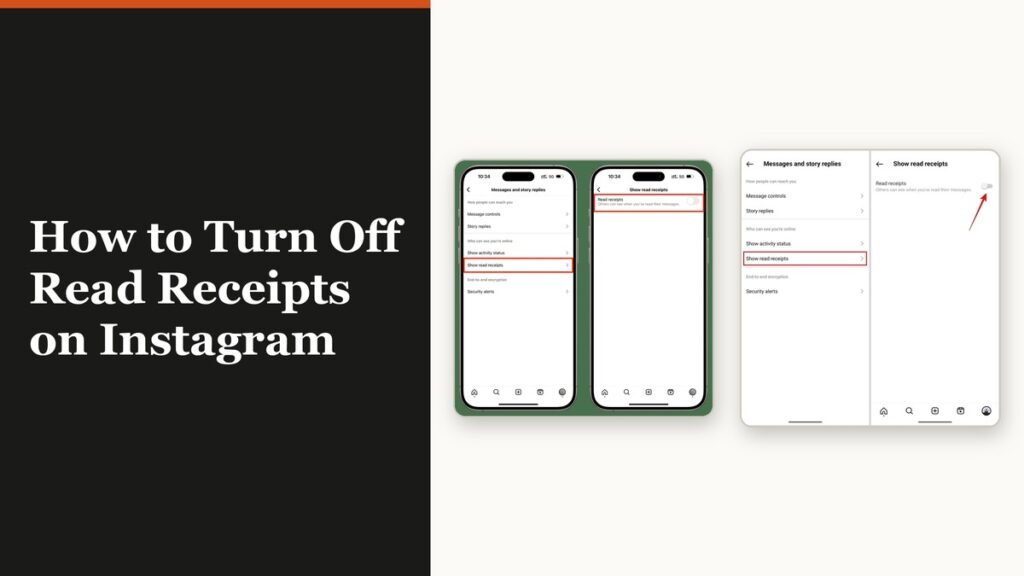
How to Turn Off Read Receipts on Instagram DMs
The global switch does not sweep up chats you have already set by hand. That one rule explains almost every case of Seen still appearing.