

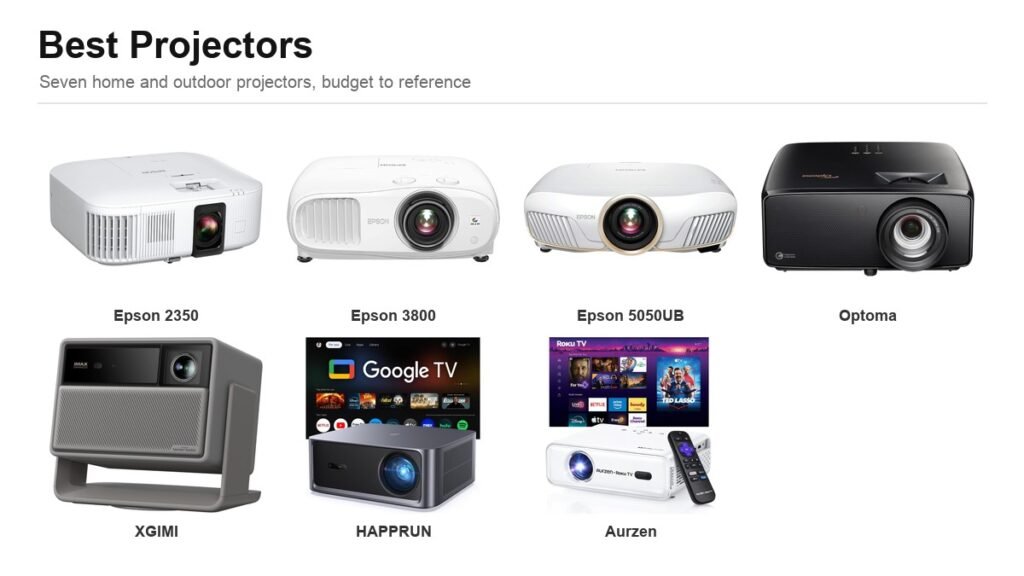
Projector specifications are where marketing does its worst work. A cheap projector will advertise “10000 lumens” against a $3,000 Epson claiming 2,800, and the Epson will look dramatically brighter in the same room. The number is not a lie so much as a different measurement, and understanding which one you are being shown is most of what separates a good purchase from an expensive disappointment.
The seven below are grouped by what they are actually for: a dedicated dark room, a living room with the lights on, or a garden in August. Every brightness figure quoted here is the manufacturer’s own, in the unit the manufacturer uses, and stated as such.
Fox Bulletin is an Amazon Associate. We earn from qualifying purchases made through links on this page, at no extra cost to you. Prices and availability change often, so check the listing before you buy.
The Seven Compared
Note the brightness column carefully. ANSI and ISO lumens are measured standards. Epson quotes colour and white brightness separately, which is a stricter disclosure than most brands make.
| Projector | Light source | Brightness (as stated) | Native resolution |
|---|---|---|---|
| Epson Home Cinema 2350 | Lamp | 2,800 lumens colour and white | 1080p with 4K PRO-UHD processing |
| Epson Home Cinema 3800 | Lamp | 3,000 lumens colour and white | 1080p with 4K PRO-UHD processing |
| Epson Home Cinema 5050UB | Lamp | 2,600 lumens colour and white | 1080p with 4K PRO-UHD processing |
| Optoma UHZ36 | Laser | 3,500 ANSI lumens | 3840 x 2160 (DLP) |
| XGIMI HORIZON 20 | RGB triple laser | 3,200 ISO lumens | 4K |
| HAPPRUN 3000 | LED | 3,000 ANSI lumens | 1080p, 4K decoding |
| Aurzen Roku TV D1R | LED | Not stated in ANSI | 1080p |
1. Epson Home Cinema 2350: The One Most Living Rooms Should Get
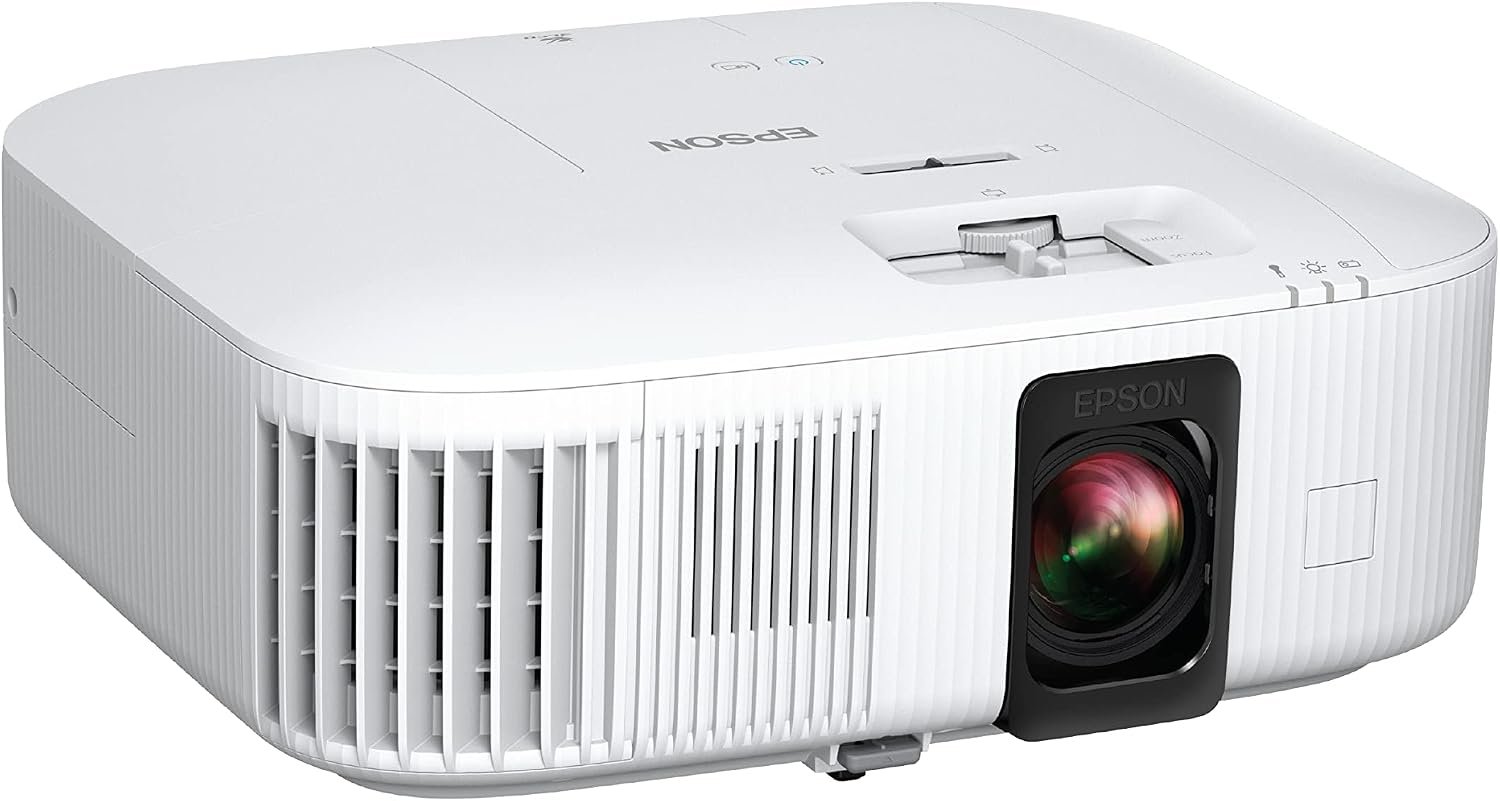
Epson rates this at 2,800 lumens of colour brightness and 2,800 lumens of white brightness. The fact that those two numbers are equal is the whole point, and it is why this beats projectors advertising three times the figure.
The reason is 3-chip 3LCD. A single-chip DLP projector puts a spinning colour wheel in front of one chip, so the white segment of that wheel inflates the white brightness while colour brightness lags behind. Epson uses three separate LCD panels, one per colour, displaying 100% of the RGB signal on every frame. Colour therefore stays as bright as white. Android TV is built in, so it streams without a box attached, and the 4K PRO-UHD processing pixel-shifts a 1080p panel to put a 4K-resolution image on the wall.
What it does well
- Colour brightness equals white brightness, which single-chip projectors cannot match.
- 3-chip 3LCD means no rainbow effect.
- Android TV built in, no streaming stick required.
- HDR10 and HLG support.
What to know before buying
- The panel is 1080p using pixel-shifting, not a native 4K chip.
- Lamp-based, so the bulb is a consumable.
2. Epson Home Cinema 3800: More Brightness for a Room You Cannot Fully Darken
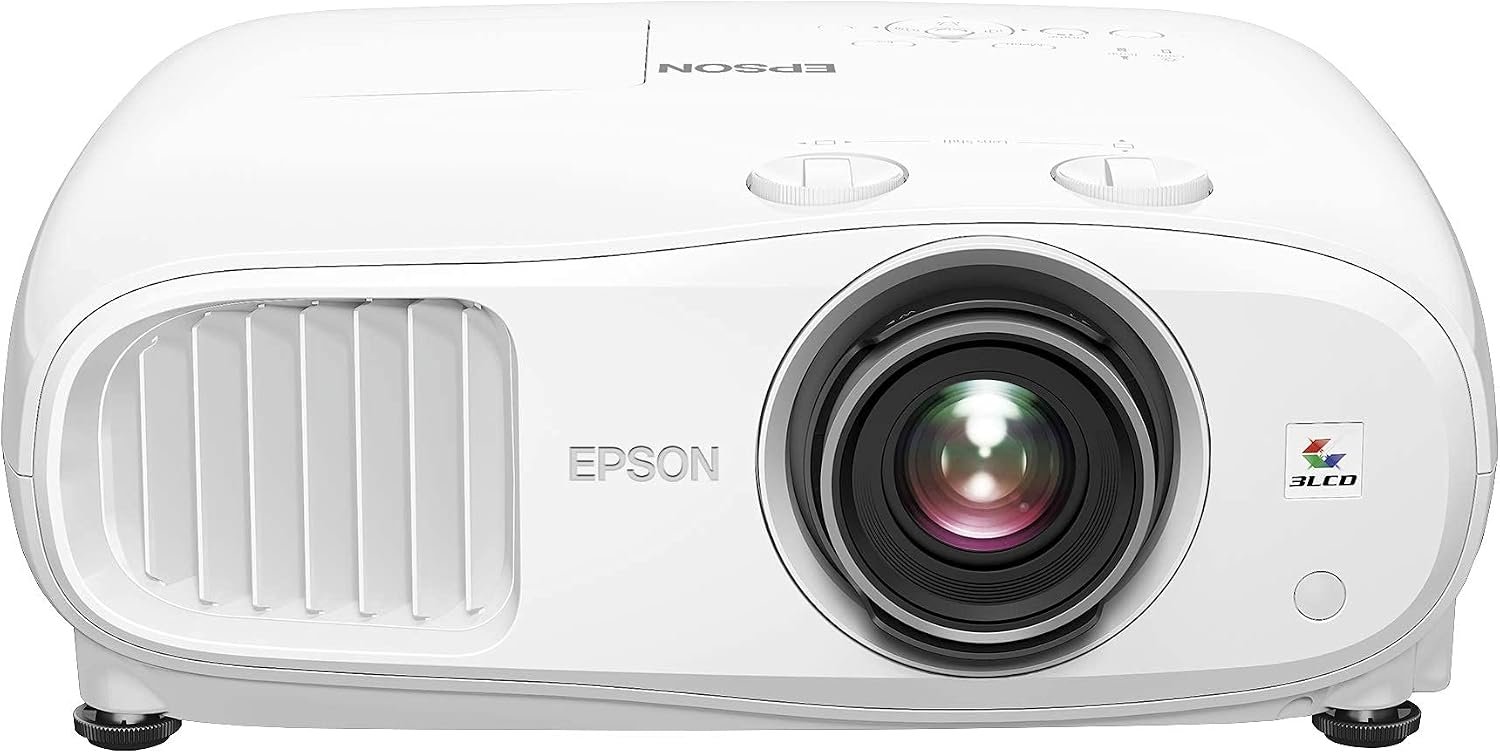
The step up from the 2350 is 3,000 lumens of both colour and white brightness, and that extra headroom is what you buy if the room has windows you cannot completely cover.
Everything else follows the same architecture: true 3-chip 3LCD with no colour wheel and therefore no rainbow artefacts, and pixel-shifting across three high-definition LCD chips to produce the 4K image. Epson is explicit that this is 4K PRO-UHD processing rather than a native 4K panel, which is a more honest description than most competitors offer for the same technique.
What it does well
- 3,000 lumens colour and white, brighter than the 2350.
- No rainbow effect, as there is no colour wheel.
- Advanced pixel-shifting for a 4K-resolution image.
- Better suited to rooms with ambient light.
What to know before buying
- No built-in streaming platform on this model.
- Still a lamp, and still a 1080p panel underneath.
3. Epson Home Cinema 5050UB: The Reference Pick for a Dark Room
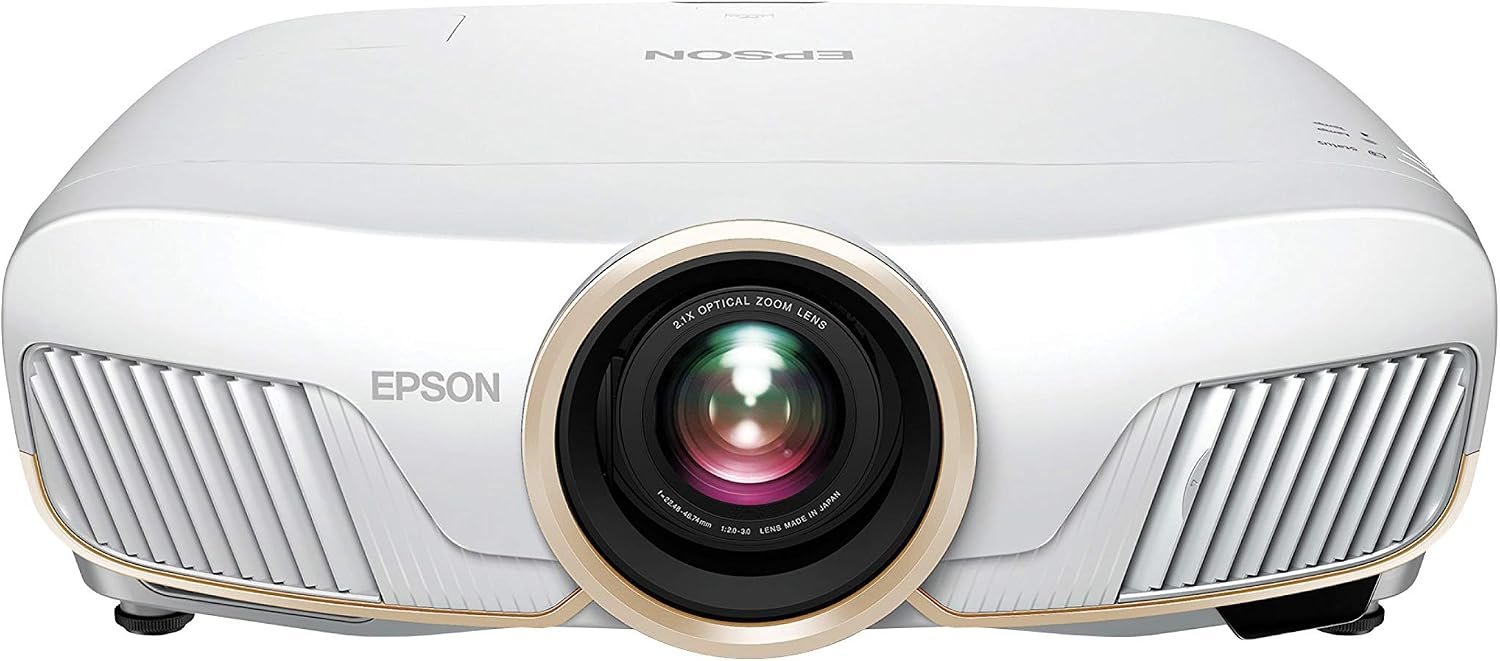
At 2,600 lumens this is the dimmest Epson here, and it is also the best. Brightness is not the constraint in a properly dark home cinema; black level is, and the UB in the name stands for Ultra Black.
This is the model people buy when they have a dedicated room with controlled light and a screen rather than a wall. The same 3-chip 3LCD architecture and pixel-shift processor apply, with a far more capable optical system and contrast handling. If your viewing happens in a bright lounge, the 3800 will look better despite being the lesser projector. If you can black the room out, nothing else on this list is close.
What it does well
- The strongest contrast and black level in this group.
- 3-chip 3LCD with 100% RGB colour signal per frame.
- Built for a dedicated, light-controlled room.
- Advanced pixel-shift processing.
What to know before buying
- Only worthwhile if you can genuinely darken the room.
- By far the most expensive option here.
4. Optoma UHZ36: A Laser Light Source With No Bulb to Replace
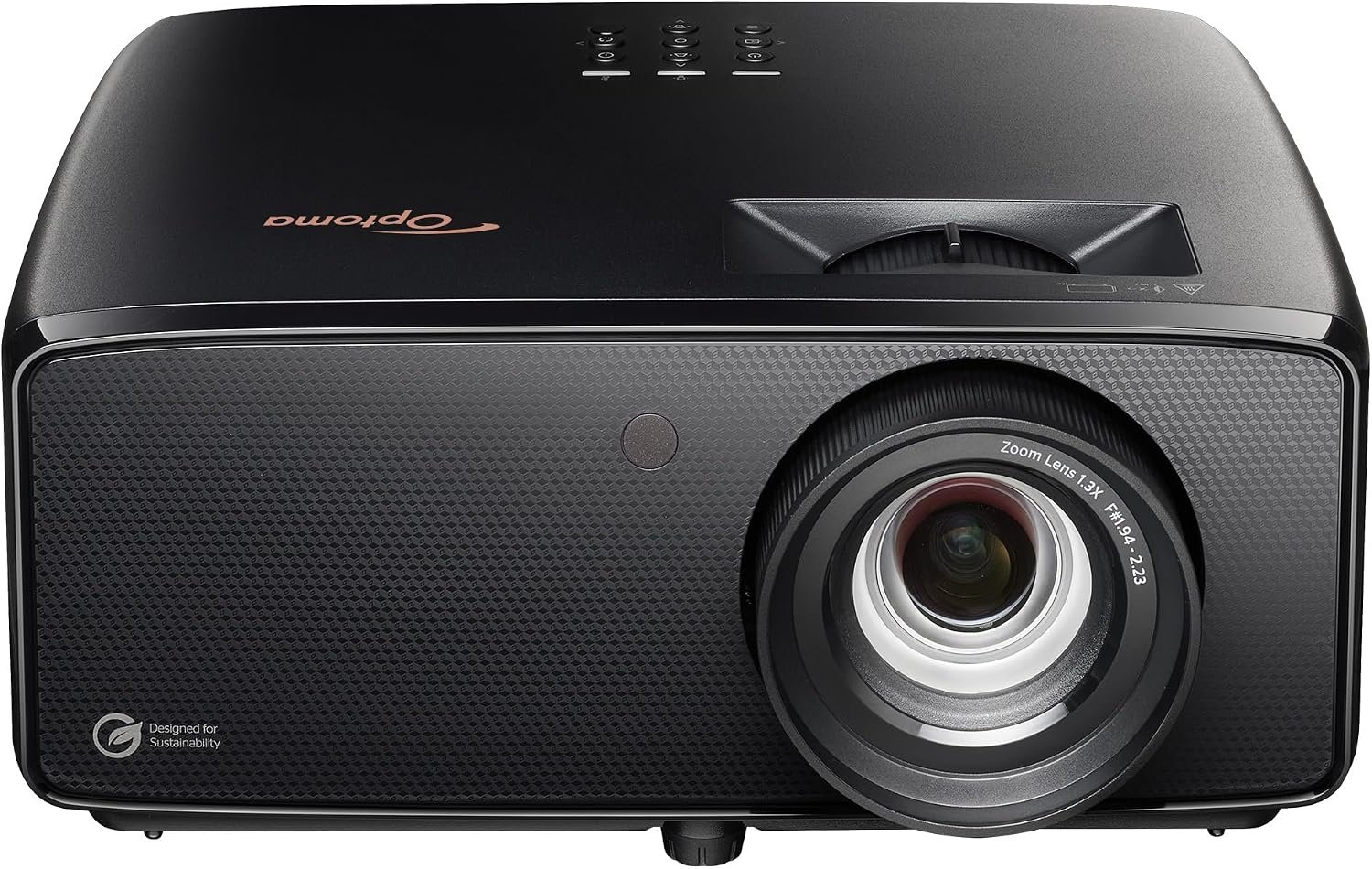
Every Epson above uses a lamp, and lamps dim with age and eventually need replacing. The UHZ36 uses Optoma’s DuraCore laser, rated at up to 30,000 hours. At four hours of viewing a night that is more than twenty years.
It is a single-chip DLP with a native 3840 x 2160 resolution, rated at 3,500 ANSI lumens with a 1,500,000:1 contrast ratio, and it throws a picture from as close as 3.19 feet out to 34.6 feet. Filmmaker Mode preserves the original frame rate, colour and aspect ratio rather than applying processing, while MEMC motion smoothing is there for sport. A 15W speaker is built in.
What it does well
- Laser light source rated to 30,000 hours, no lamp changes.
- Native 3840 x 2160 DLP chip.
- 3,500 ANSI lumens with Filmmaker Mode for accurate playback.
- Wide throw range from 3.19 to 34.6 feet.
What to know before buying
- Single-chip DLP, so some viewers see rainbow artefacts.
- No built-in smart platform.
5. XGIMI HORIZON 20: Triple Laser and Everything Built In
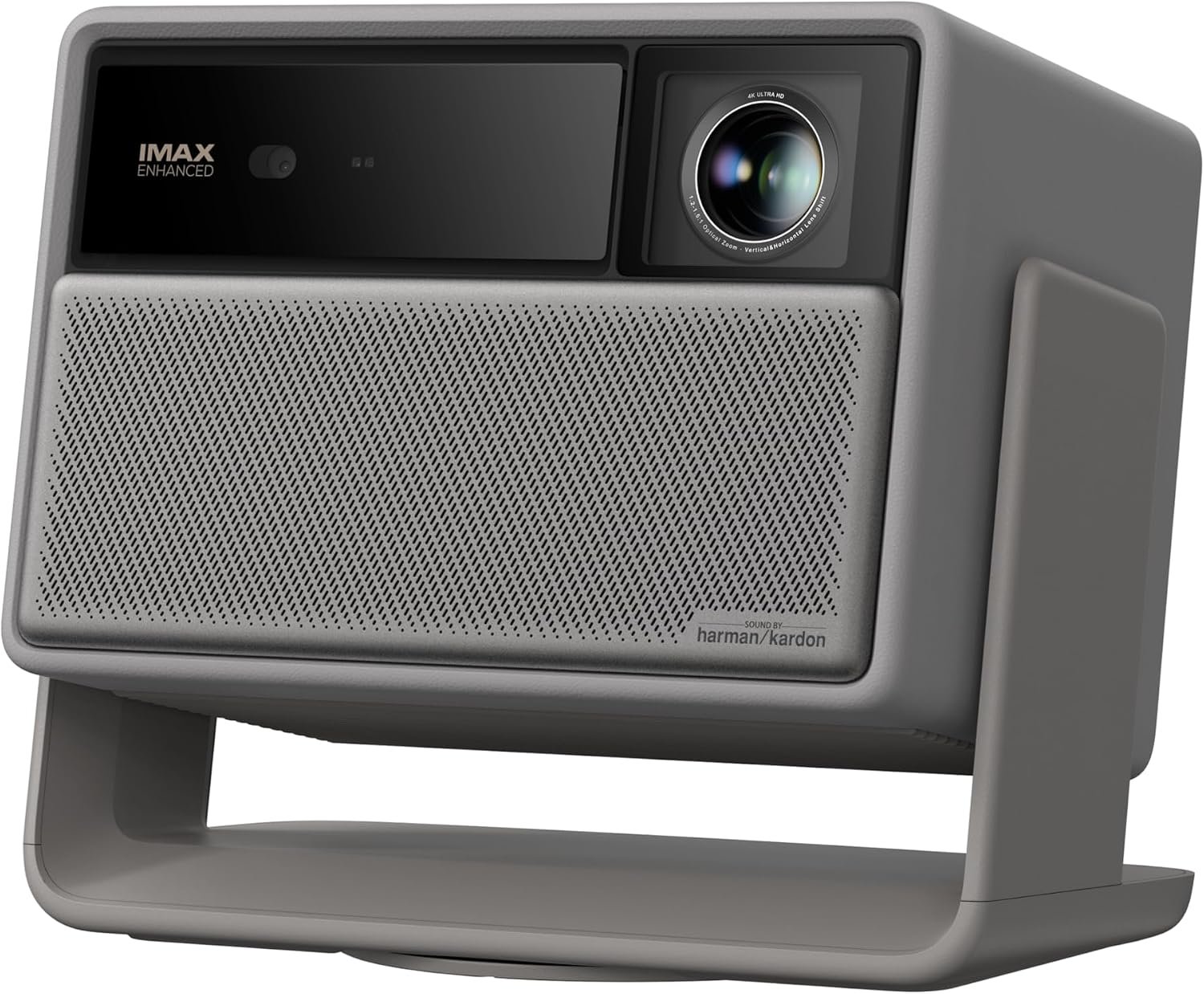
An RGB triple laser engine uses three separate lasers, one per primary colour, instead of a single blue laser firing through a phosphor wheel. XGIMI rates this one at 3,200 ISO lumens with a 100,000:1 contrast ratio, and the colour volume is the real benefit.
The case for it over the Epsons is that there is nothing else to buy or configure. Google TV is built in with licensed Netflix, which sounds trivial until you discover how many projectors cannot run Netflix natively. Harman Kardon speakers and an integrated stand are included, so it does not need an AV receiver, a streaming stick or a mount. It carries IMAX Enhanced, Dolby Vision, HDR10+ and Filmmaker Mode certifications.
What it does well
- RGB triple laser for a wider colour gamut than phosphor lasers.
- Licensed Netflix built into Google TV.
- Harman Kardon speakers and integrated stand.
- Dolby Vision, HDR10+ and IMAX Enhanced.
What to know before buying
- All-in-one design means you cannot upgrade pieces separately.
- Laser speckle is visible to some viewers.
6. HAPPRUN 3000: Real ANSI Lumens at the Budget End
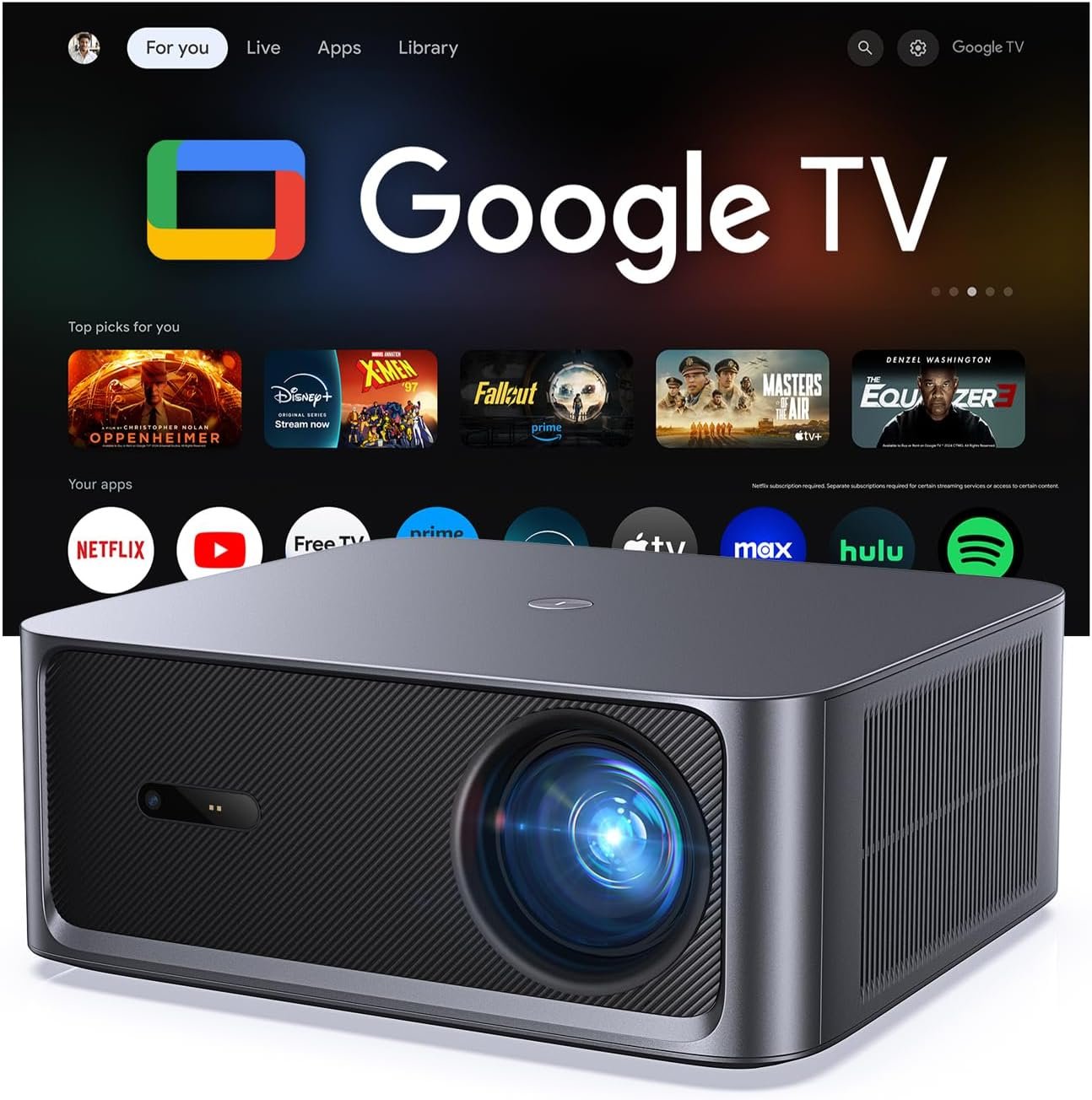
The budget projector market is full of invented brightness units, so a cheap projector quoting a genuine ANSI figure is worth noticing. HAPPRUN states 3,000 ANSI lumens, a 20,000:1 contrast ratio and 95% colour gamut coverage.
It runs official Google TV rather than a generic Android build, which means Netflix, Prime Video, Hulu, Disney+ and YouTube all work properly rather than requiring sideloading. Resolution is 1080p with 4K decoding support and HDR10+, and there is auto focus and Dolby Audio. This is the outdoor and casual option: not a home cinema projector, but honest about what it is.
What it does well
- Brightness quoted in real ANSI lumens, not an invented unit.
- Official Google TV with licensed streaming apps.
- Auto focus and keystone correction for quick setup.
- Genuinely affordable.
What to know before buying
- 1080p native, with 4K only decoded and downscaled.
- LED light source has a narrower colour range than laser.
7. Aurzen Roku TV D1R: The Portable One With Roku Built In
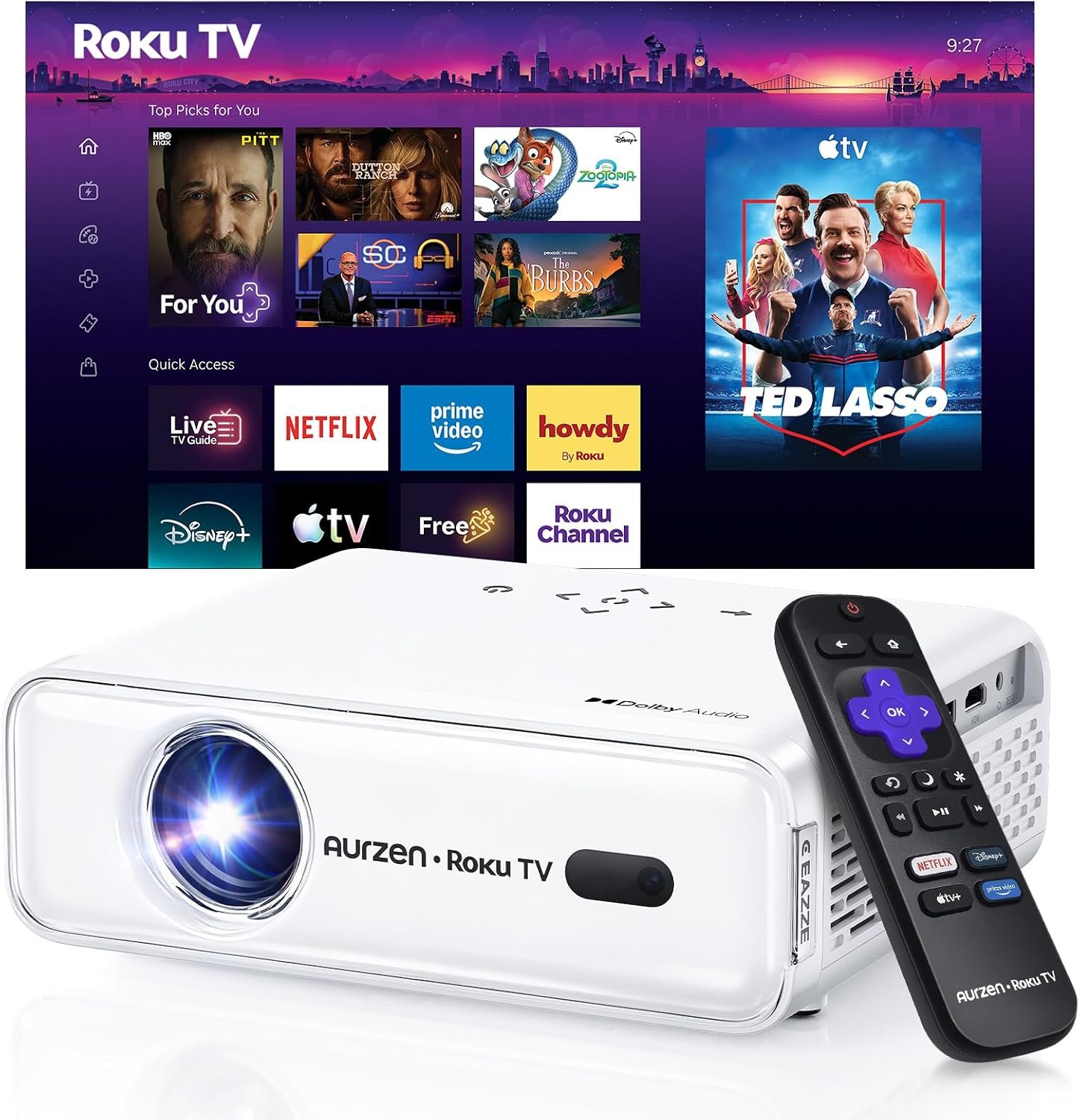
This is the only projector here with Roku built into the hardware rather than Android or Google TV, which matters if the rest of your household already runs on Roku and knows the interface.
It is a portable unit designed to be carried to a garden or a bedroom wall, with WiFi and Bluetooth, and the simple Roku home screen and remote rather than a complicated AV menu. Two caveats worth knowing before you buy: a free Roku account and an internet connection are required to activate it, and it runs from mains power at 100 to 240V rather than a battery, so “portable” means easy to move rather than cable-free.
What it does well
- Roku built into the projector, no stick needed.
- Small and light enough to move room to room.
- WiFi and Bluetooth included.
- Simple interface rather than an AV menu.
What to know before buying
- Requires a Roku account and internet to activate.
- Mains powered, not battery powered.
- Brightness is not quoted in ANSI lumens.
Why the Lumen Number on the Box Is Usually Meaningless
ANSI and ISO lumens are measured standards. Both specify where the meter sits, how many points across the image are averaged and what the projector is showing. The reference definitions for ANSI lumens, peak lumens and colour light output set out how differently each is measured. A projector quoting ANSI or ISO lumens is making a claim you can compare against another quoting the same unit.
“Lumens” on its own is not a standard. Cheap projectors quote LED lumens, light source lumens, or a bare number with no unit at all. These are typically two to three times the ANSI figure for the same machine. A projector advertising 10,000 lumens against a 3,000 ANSI lumen competitor is usually the dimmer of the two.
Colour brightness is the number nobody else prints. Epson publishes colour brightness and white brightness separately. Single-chip DLP projectors generally do not, because a colour wheel with a clear white segment produces far more white light than colour light, so a white test pattern measures bright while actual footage looks washed out. The same wheel causes the rainbow effect that a minority of viewers see as flashes of colour on high-contrast edges.
Ambient light beats every specification. The most effective upgrade for most projector owners is not a brighter projector, it is a blackout blind. Contrast in a room with light coming in is limited by the light in the room, not by the projector.
Native 4K, Pixel Shifting and What You Actually See
Three of the projectors here produce a 4K image from a 1080p panel using pixel shifting, a technique that moves the panel by half a pixel fast enough that the eye integrates two frames into one higher-resolution image. Epson labels this 4K PRO-UHD and is explicit that it is processing rather than a native panel.
The Optoma is genuinely native 3840 x 2160. At normal seating distances the difference between the two approaches is far smaller than the difference in contrast, colour accuracy and brightness, which is why the pixel-shifting Epson 5050UB remains the better picture in a dark room than a cheaper native-4K projector.
The lesson generalises. Resolution is the specification that sells projectors and the one that matters least once you are past 1080p. Contrast and colour are what you notice from the sofa.
Which Projector to Buy
For most people the Epson Home Cinema 2350 is the right answer. Equal colour and white brightness, no rainbow effect, streaming built in and enough light for a normal living room in the evening.
Step up to the 3800 if your room has windows you cannot fully cover, and to the 5050UB only if you have a dedicated dark room, where it is comfortably the best picture here. Choose the Optoma UHZ36 if you never want to think about a lamp again and want a native 4K chip. Choose the XGIMI HORIZON 20 if you want one box with speakers, a stand and licensed Netflix already inside. The HAPPRUN is the honest budget pick for a garden wall, and the Aurzen suits a Roku household that wants something easy to carry between rooms.
Before ordering, measure the throw distance from where the projector will sit to where the image will land, and check it against the projector’s range. This is the most common reason a projector gets returned, and it is the one specification no amount of picture quality can compensate for.
Frequently Asked Questions
How many lumens do I need for a projector?
In a fully dark room, 1,500 to 2,000 ANSI lumens is plenty. In a living room with lamps on, aim for 2,500 to 3,000. For daytime viewing or outdoors before dusk, 3,000 ANSI lumens and up. Ignore any figure not stated in ANSI or ISO lumens.
What is the difference between ANSI lumens and lumens?
ANSI lumens follow a defined measurement standard that averages brightness across nine points of the image. A bare “lumens” figure follows no standard and is often the raw output of the light source before it passes through the optics, typically two to three times higher than the ANSI figure for the same projector.
Is a laser projector better than a lamp projector?
Laser light sources last far longer, commonly 20,000 to 30,000 hours against 3,000 to 5,000 for a lamp, and they do not dim as noticeably with age. Lamp projectors using 3-chip 3LCD can still deliver better colour brightness and contrast for the money, so it is a trade rather than a straight upgrade.
Do I need a projector screen or will a wall do?
A smooth, matte white wall works better than most people expect and costs nothing. A proper screen improves brightness uniformity and contrast, and a grey screen helps noticeably in rooms with ambient light. Start with the wall and buy a screen if the picture disappoints.
Related Articles

Get the Fox Bulletin briefing
The stories that matter, in your inbox. No spam, unsubscribe anytime.
Newsletter signup will be available soon.
Related stories
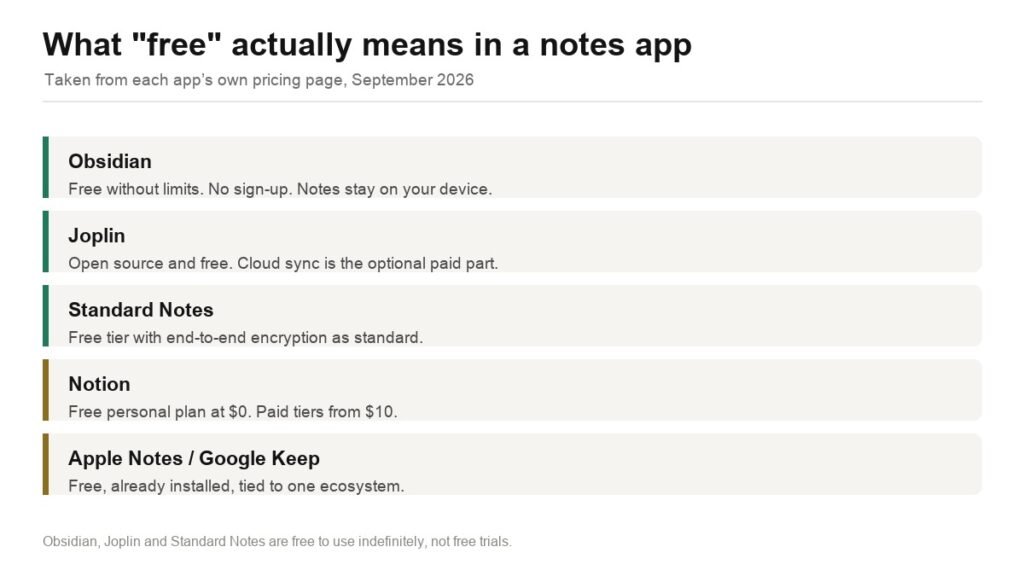
Free Evernote Alternative: 5 Options, 3 Genuinely Free Forever
Obsidian, Joplin, Standard Notes, Notion and the built-in notes apps compared on what free actually covers, plus how to export your Evernote library without losing attachments.
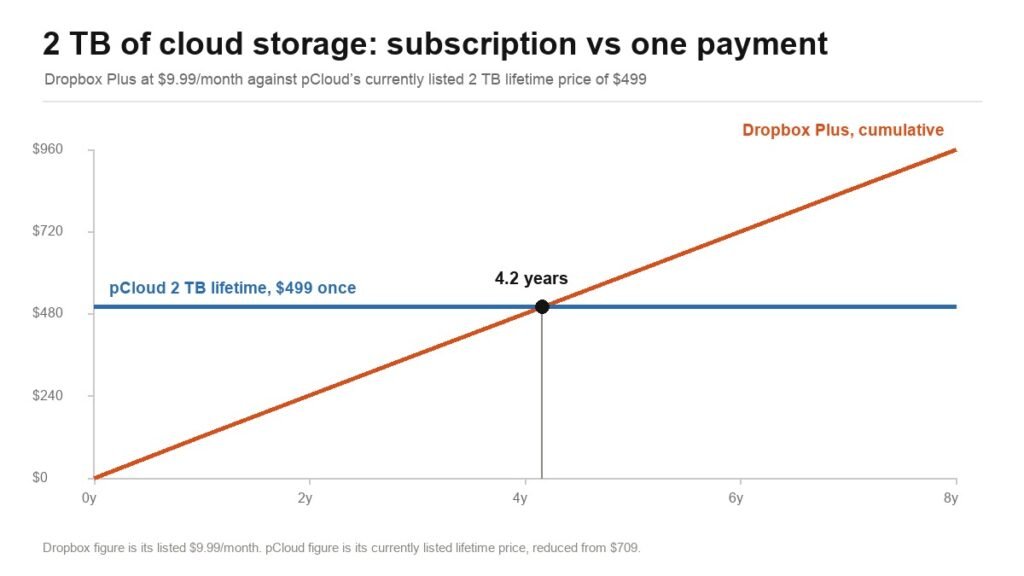
Dropbox Alternatives: 3 Worth Switching To, and the Break-Even Maths
pCloud, Proton Drive and Sync.com compared against Dropbox on published prices, encryption model and version history, plus exactly when a lifetime plan beats a subscription.
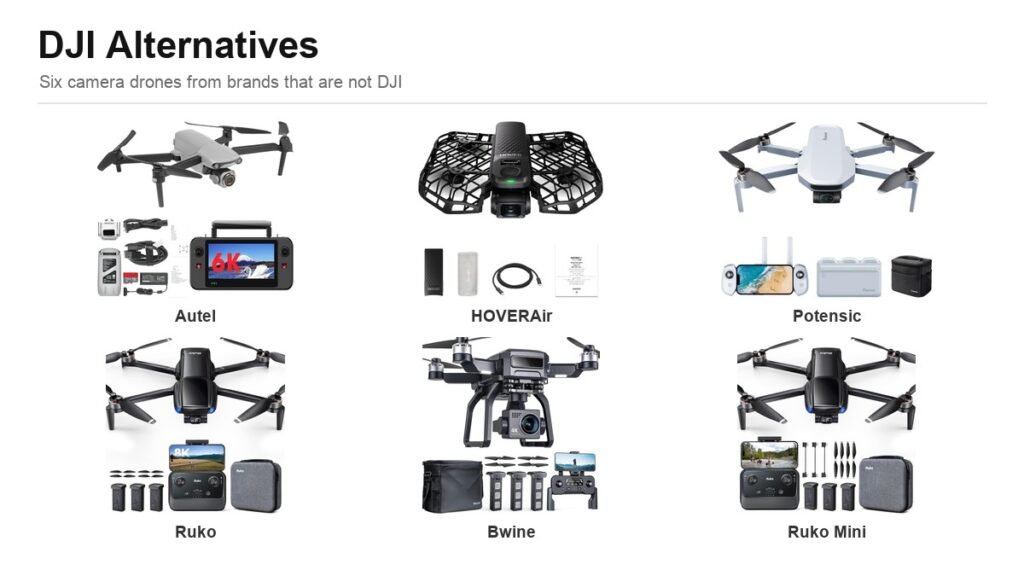
DJI Alternative: 6 Camera Drones Worth Buying Instead
Six credible DJI alternatives from Autel to HOVERAir, compared on sensor size, gimbal type and range, plus the FAA weight rule that decides whether you register the drone at all.