

Wi-Fi 7 is faster than Wi-Fi 6 on every measure that appears on a box. Whether any of that reaches the laptop in your kitchen is a different question, and it is the one worth answering before spending anything.
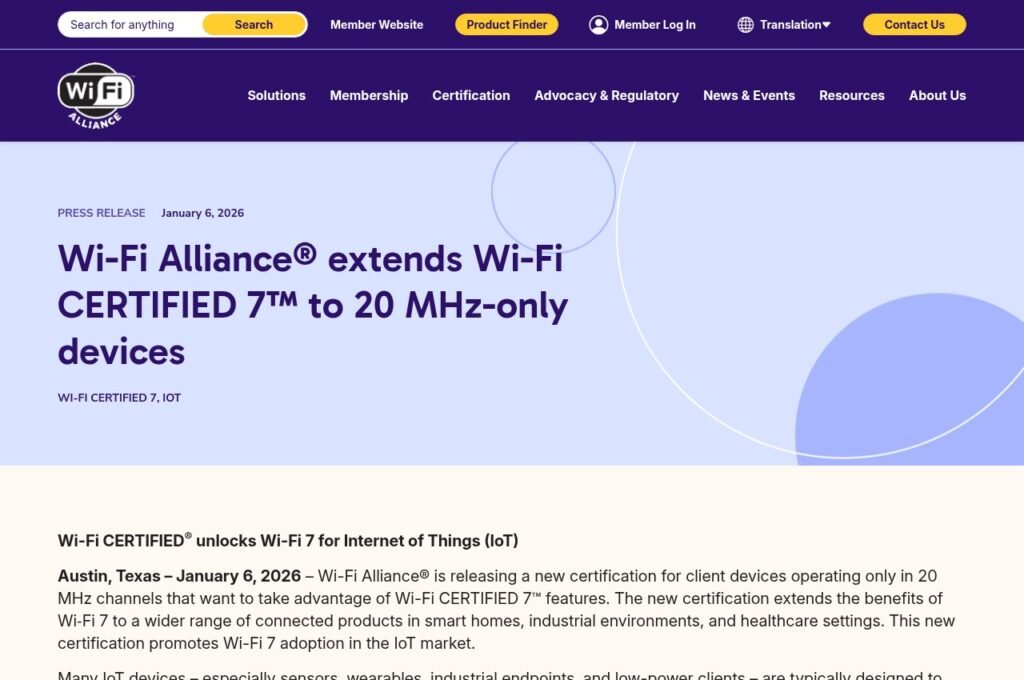
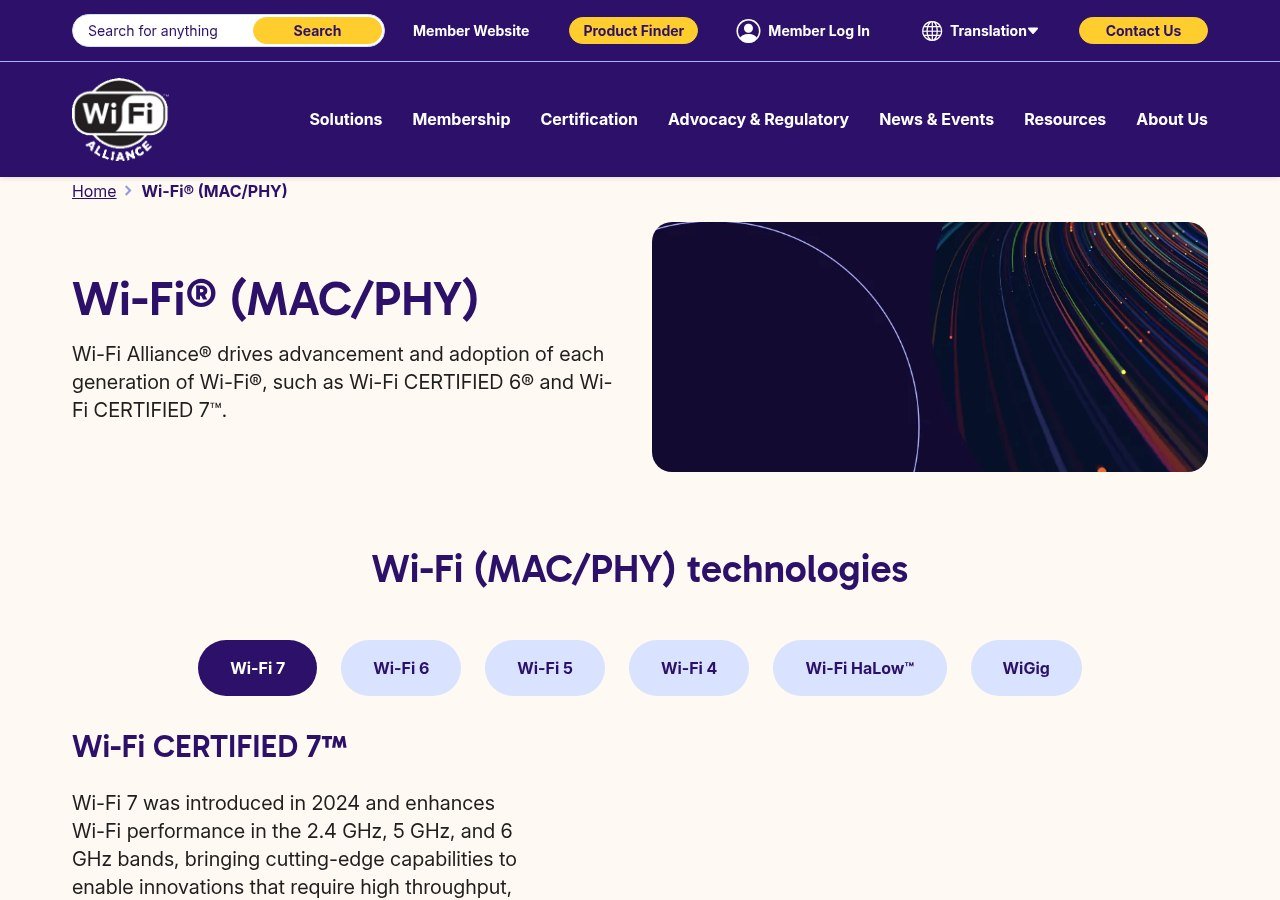
The specifications below come from the Wi-Fi Alliance, which certifies both standards. Adoption figures are the Alliance’s published ABI Research data for 2026.
The Four Real Differences
- Channel width doubles. Wi-Fi 6 tops out at 160 MHz. Wi-Fi 7 reaches 320 MHz, which the Alliance describes as twice the throughput. It works only in the 6 GHz band.
- Multi-Link Operation. Wi-Fi 7 devices use several bands simultaneously rather than choosing one, shifting traffic away from congestion instead of queuing behind it.
- 4K-QAM. More data per transmission than Wi-Fi 6’s 1024-QAM, which the Alliance puts at roughly 20 percent higher rates.
- Scheduling improvements. 512 Compressed Block Ack and multiple resource units cut overhead and let the router allocate spectrum more flexibly.
Multi-Link Operation is the one that changes daily experience. The others raise a ceiling most homes never touch; MLO attacks the pauses and stutters that people actually notice.
Specification Comparison
| Wi-Fi 6 | Wi-Fi 7 | |
|---|---|---|
| Introduced | 2018 | 2024 |
| Bands | 2.4 and 5 GHz; 6 GHz with Wi-Fi 6E | 2.4, 5 and 6 GHz |
| Widest channel | 160 MHz | 320 MHz, 6 GHz only |
| Modulation | 1024-QAM | 4K-QAM |
| Simultaneous bands | No | Yes, Multi-Link Operation |
| Chipsets shipping in 2026 | 2.2 billion | 1.4 billion |
Why the 6 GHz Band Decides Everything
The 320 MHz channel exists only at 6 GHz, so what you gain depends entirely on what you are coming from.
- From plain Wi-Fi 6. You gain an entire band you did not have, which is the biggest jump available here.
- From Wi-Fi 6E. You already have 6 GHz. You are buying wider channels and MLO, which is a narrower upgrade than the generation number suggests.
- From Wi-Fi 5 or older. Almost any modern router transforms things, and the standard is not the deciding factor.
There is a physical trade-off too. Higher frequencies carry more data and travel less far. A 320 MHz channel is extraordinary in the same room as the router and does nothing two floors away, which is why mesh nodes solve more real complaints than new standards do.
Your Broadband Is Probably the Limit
Wi-Fi speed and internet speed are separate numbers and the smaller one decides what you experience. A few hundred megabits of broadband is already comfortably inside what Wi-Fi 6 delivers.
What Wi-Fi 7 improves is traffic that never leaves the building: moving files to a local drive, streaming to a headset, backing up between machines. If everything you do goes out to the internet, the router is not the bottleneck and replacing it will not feel like anything.
This is the same trap as buying bandwidth you cannot use elsewhere, and it shows up in our comparison of free VoIP services, where the advertised number and the usable number are rarely the same.
Wi-Fi 7 Has Quietly Reached Smart Home Devices
In January 2026 the Wi-Fi Alliance extended Wi-Fi 7 certification to 20 MHz-only devices. It is the most consequential Wi-Fi 7 development for ordinary households and it got almost no coverage.
Sensors, wearables, smart locks and similar low-power devices are built for narrow channels, and previous generations kept chasing wider ones, which left those products behind. They can now use Multi-Link Operation and multiple resource units without wide-channel radios.
The Alliance lists the benefits as lower power draw, simpler and smaller hardware, better reliability in crowded environments and stronger coverage at the edge of a network. Kevin Robinson, its president and chief executive, framed it as improving deterministic behaviour and scheduling efficiency for devices in dense environments.
If your house has thirty connected things rather than three fast ones, that matters more than the 320 MHz headline.
Four Things People Get Wrong About This Upgrade
The same misunderstandings come up every time a Wi-Fi generation lands, and each one costs somebody money.
- That the router alone decides the standard. It does not. Both ends negotiate, so a Wi-Fi 7 router talking to a Wi-Fi 6 laptop runs Wi-Fi 6 on that link, regardless of what the box promised.
- That a faster standard fixes range. It usually worsens it. The bands that carry the most data travel the shortest distance, so the newest features are the first to drop away as you move through the house.
- That the advertised speed is achievable. Headline figures assume a single device in ideal conditions. Real throughput is divided among everything connected and reduced by every wall in the way.
- That upgrading is urgent. Wi-Fi 6 launched in 2018 and is still outshipping Wi-Fi 7 in 2026. Standards overlap for years, and nothing stops working when a new one arrives.
The useful mental model is that a Wi-Fi generation raises a ceiling rather than a floor. If you are not currently hitting the ceiling, raising it changes nothing you can perceive, and the money is better spent on placement, a mesh node or a faster line.
Checking What You Already Own
- Look at the router first. Certified hardware is badged, and the Alliance product finder lists products that passed testing rather than products that claim to have.
- Check devices individually. Both ends must support a feature, so a Wi-Fi 7 router serving Wi-Fi 6 phones behaves like a Wi-Fi 6 router.
- Look for a 6 GHz network in your Wi-Fi list. A third band means you already have 6E or 7.
- Run a speed test on a wired connection. If the line is slower than your Wi-Fi, no router will help.
When Buying Wi-Fi 7 Makes Sense
- Your router is five or more years old and due for replacement anyway.
- You live somewhere dense, where dozens of networks overlap and congestion is the actual problem.
- You use wireless VR, which the Alliance names specifically, or move large files across your own network.
- You are buying tri-band. A dual-band Wi-Fi 7 router has no 6 GHz and therefore no 320 MHz channels, which removes the point.
And when it does not: if the complaint is one weak room, the fix is a second access point. Wi-Fi 6 chipsets are still outshipping Wi-Fi 7 by roughly three to two in 2026, so the devices around you will stay mixed for years either way.
What the Numbers Actually Mean in a House
Specifications are measured in conditions your home does not reproduce: one device, one room, no interference, nothing else competing. It is worth translating them into what changes.
The 320 MHz channel is real but conditional. It needs a 6 GHz connection, which needs line of sight or close to it, and it needs a device that also supports Wi-Fi 7. Meet all three and large local transfers get noticeably quicker. Miss any one and you are running at Wi-Fi 6 speeds on that link.
4K-QAM has the opposite profile. The 20 percent gain applies only when signal quality is high, because denser modulation is more fragile. At the far end of a house the connection drops back to a simpler scheme and the advantage disappears entirely. It helps most exactly where you needed help least.
Multi-Link Operation is the one that behaves well under bad conditions rather than good ones. It does not raise your peak speed; it stops a congested band from holding everything up, which is why the Alliance points at dense environments and latency-sensitive uses like VR rather than at download figures.
That is the practical hierarchy: MLO matters in a flat full of competing networks, 320 MHz matters if you move big files locally, and 4K-QAM matters if you sit near the router. None of them matter if your broadband is the slow part.
Frequently Asked Questions
Is Wi-Fi 7 backwards compatible?
Yes. Older devices connect to a Wi-Fi 7 router at their own standard and keep working. Backwards compatibility is part of what the Alliance certifies.
What is the difference between Wi-Fi 6 and Wi-Fi 6E?
Wi-Fi 6E is Wi-Fi 6 with the 6 GHz band added. The Alliance certifies it under Wi-Fi CERTIFIED 6 rather than as its own generation, which is why the naming trips people up.
Will Wi-Fi 7 speed up my internet?
Only if Wi-Fi was the slower half. It raises the ceiling within your home network and cannot exceed what your provider delivers to the building.
How many devices actually support Wi-Fi 7?
1.4 billion Wi-Fi 7 chipsets are shipping in 2026 against 2.2 billion Wi-Fi 6, from an installed base of 12.8 billion Wi-Fi devices in use worldwide.
Does Wi-Fi 7 use more power?
On the router, yes, since it drives more radios. On client devices the picture is better: Target Wake Time carries over from Wi-Fi 6, and the 20 MHz-only certification added in 2026 exists specifically so low-power devices get Wi-Fi 7 features without the power cost of wide-channel radios.
Is it worth buying a Wi-Fi 7 phone?
Only alongside a Wi-Fi 7 router, and only a tri-band one. A Wi-Fi 7 phone on a Wi-Fi 6 network gains nothing at all, because the connection falls back to the older standard on both ends.
Related Reading

Get the Fox Bulletin briefing
The stories that matter, in your inbox. No spam, unsubscribe anytime.
Newsletter signup will be available soon.
Related stories
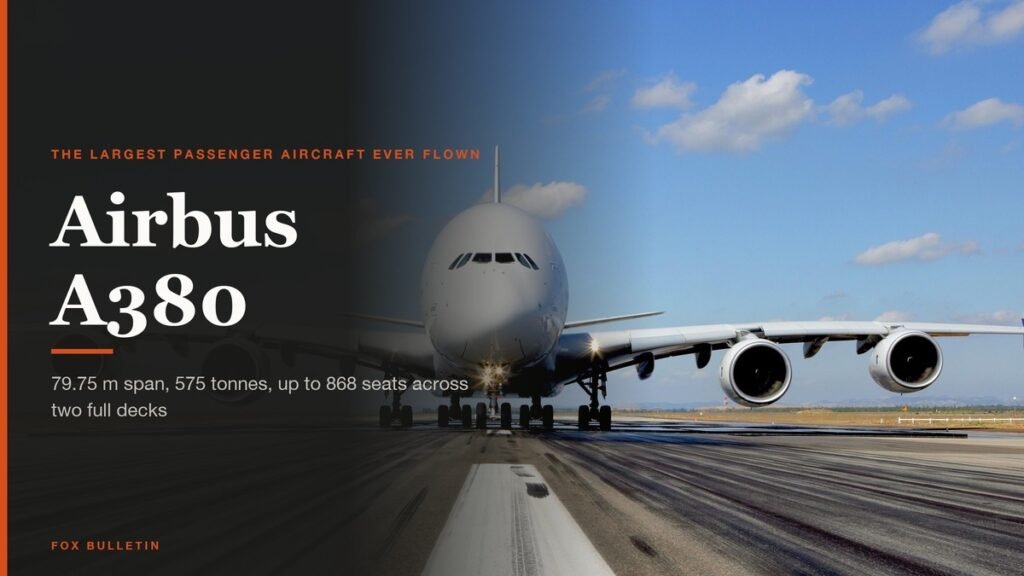
Airbus A380: Size, Range and Who Still Flies It
The largest passenger aircraft ever flown measures 72.72 m long and 79.75 m across the wings. Its specifications, the two decks, why production ended at 251 aircraft, and which airlines still fly it.

Apple Creator Studio: Price and the New AI Tools
Generate Fill in Pixelmator Pro, an AI assistant in Logic Pro and MotionVFX in Final Cut. A free update for subscribers.
Apple Home Collection: Every Accessory and Price
Cameras, a smart lock and two thermostats, built by LG and Schneider Electric and sold by Apple.