

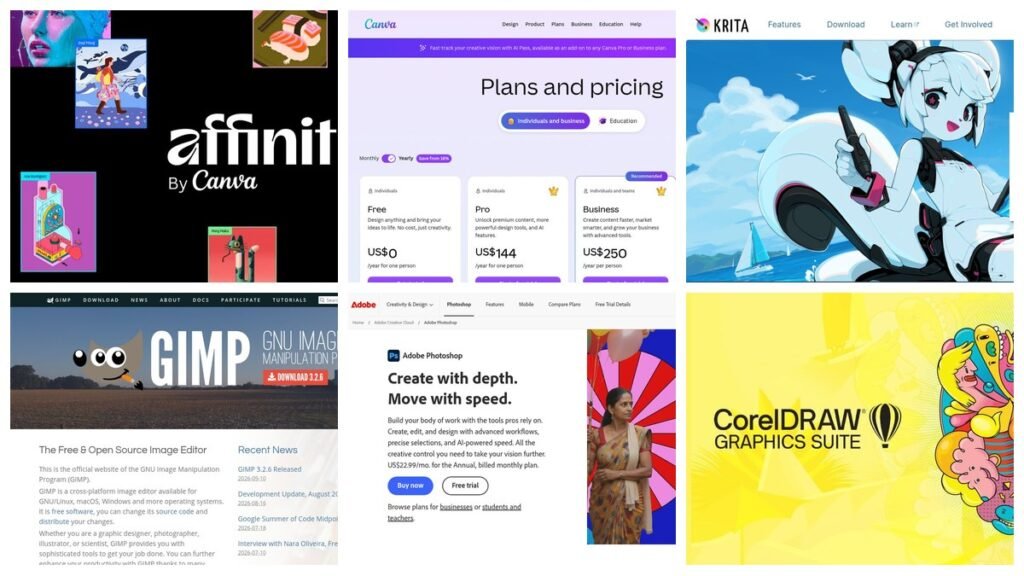
Most people asking which graphic design program to use are really asking a narrower question: what do I install to do this one specific job, and how much of my money does Adobe get. Those are answerable. The awkward part is that “graphic design” covers at least five unrelated crafts, and the program that is brilliant at one of them is often useless at the next.
Retouching a photograph, drawing a logo that has to survive being printed on a van, laying out a twelve-page brochure, painting an illustration with a stylus, and designing an app screen are five different jobs. This guide sorts ten programs by which of those jobs they are built for, gives the current price for each, and says plainly where the free ones stop being good enough.
What Three Years of Adobe Actually Costs
Every comparison in this category is really a comparison against one bill, so it is worth putting a number on it. Adobe’s plans page lists Photoshop on its own at US$22.99 a month and Illustrator at the same, both on the annual plan billed monthly. The Creative Cloud Pro bundle that includes both plus twenty or so other apps is US$69.99 a month, discounted to US$34.99 for the first three months. The Photography plan, which pairs Photoshop with Lightroom, is US$19.99 a month.
Run those forward. One app for three years is roughly $828. Photoshop and Illustrator bought separately is about $1,655. The full bundle, after the introductory quarter, is close to $2,414. Those are the figures the free programs below are competing against, which is why several of them look less like compromises and more like obvious choices.
Ten Graphic Design Programs Compared on Price and Purpose
| # | Program | Price | Built for | Platforms |
|---|---|---|---|---|
| 1 | Adobe Photoshop | US$22.99 a month | Photo editing and compositing | Windows, Mac, iPad, web |
| 2 | GIMP | Free, GPLv3 | Photo editing without a bill | Linux, macOS, Windows |
| 3 | Photopea | Free, ad-supported | Opening PSD files anywhere | Any browser |
| 4 | Adobe Illustrator | US$22.99 a month | Vector, logos and packaging | Windows, Mac, iPad, web |
| 5 | Affinity | Free for individuals | Vector, photo and layout in one | Mac, Windows, iPad |
| 6 | Inkscape | Free, GPL | SVG and open-format vector | Windows, macOS, Linux, FreeBSD |
| 7 | Canva | Free; Pro US$144 a year | Fast social and marketing graphics | Browser, mobile, desktop |
| 8 | Krita | Free, GPL | Digital painting and illustration | Windows, macOS, Linux, Android |
| 9 | CorelDRAW | $269 a year, or $549 once | Print, signage and production | Windows, Mac, web |
| 10 | Figma | Free tier; $16 per full seat | Interface and product design | Browser, desktop |
Five of the ten cost nothing. One can be bought outright. Only four require a recurring payment, and two of those have free tiers that a solo designer can work in indefinitely.
Photo Editing Programs for Raster Work
1. Adobe Photoshop
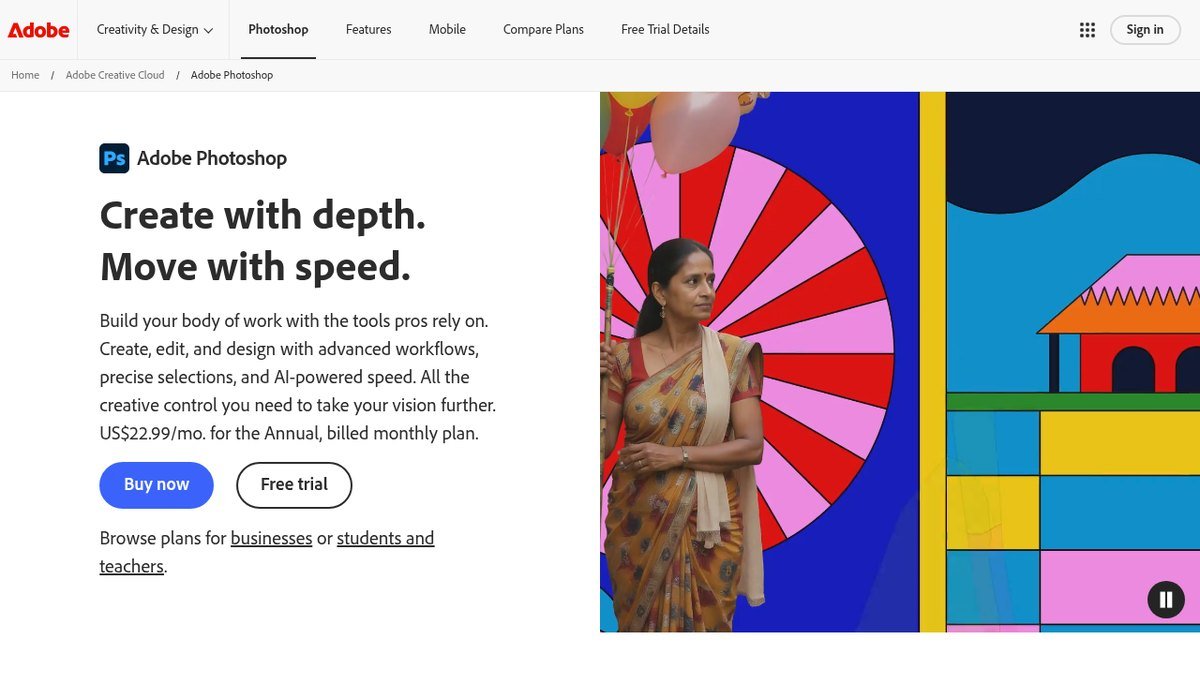
Photoshop is still the program every other raster editor is measured against, and pretending otherwise helps nobody. Thirty years of accumulated tooling means that when a job needs frequency separation, a precise hair selection, camera raw processing and a colour-managed CMYK export in the same session, it is the shortest route. The generative fill and remove tools have also moved from novelty to genuinely time-saving.
The case against it is the same one it has had since 2013. It is US$22.99 a month for a single application, it is rented rather than owned, and it stops opening your files the month you stop paying. For a professional retoucher that is a rounding error against billable hours. For a small business owner making three social posts a week, it is an absurd line item.
- Worth it if: photo work is how you earn money, or clients send you layered PSD files that must come back intact.
- Skip it if: you mainly crop, resize and add text, which every free option below does perfectly well.
2. GIMP
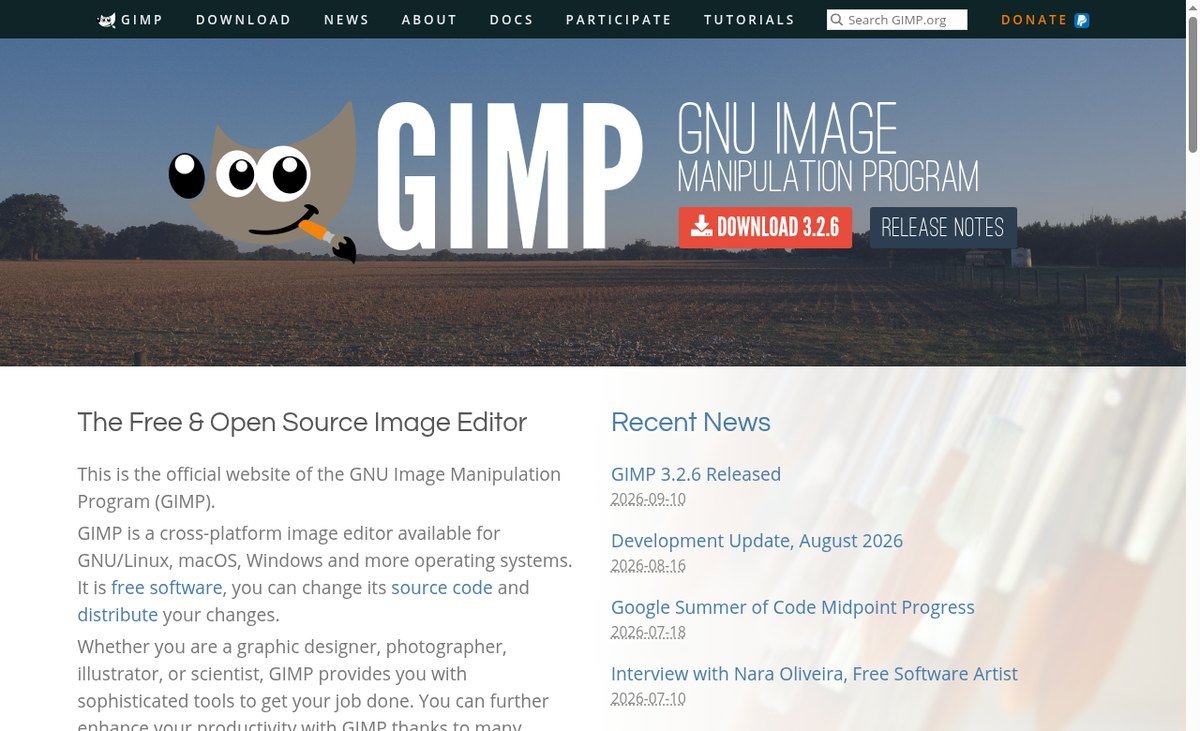
GIMP spent years being recommended with an apology attached. That has changed. The project site shows 3.2.6 as the current release, dated 10 September 2026, and the 3.x line finally delivered the things people had complained about for a decade: non-destructive editing, better colour handling and an interface that no longer feels like a research project.
It is released under GPLv3 and runs on Linux, macOS and Windows. Layers, masks, curves, healing, clone stamping, paths and a deep plugin ecosystem are all there. What is still missing relative to Photoshop is polished CMYK and prepress work, and the kind of one-click AI retouching Adobe now leans on.
- Worth it if: you need real raster editing for nothing, or you work on Linux where Photoshop simply does not exist.
- Skip it if: your output goes straight to a commercial printer expecting CMYK separations.
3. Photopea
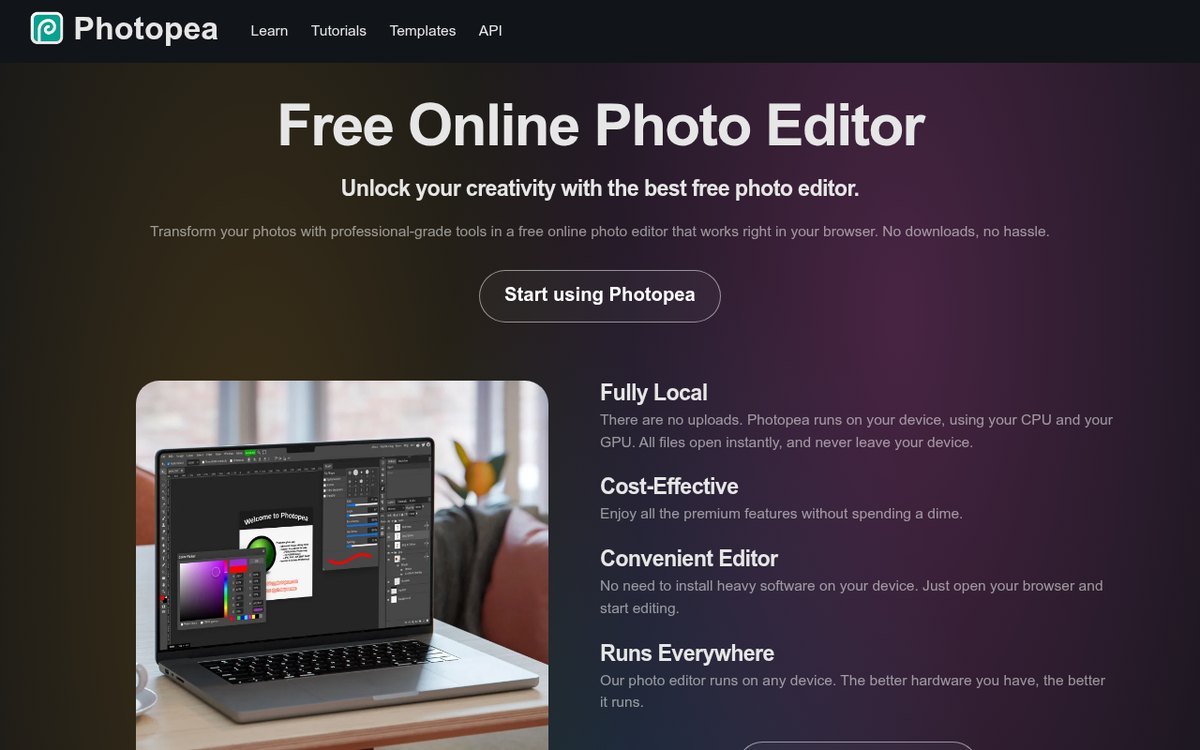
Photopea is the most useful bookmark in design. It is a Photoshop-shaped editor that runs entirely in a browser tab, needs no installation and no account, and opens a genuinely startling list of formats: PSD, AI, CDR, INDD, Sketch and Figma files, plus XCF, PDF, SVG and camera raw from Canon, Nikon, Sony, Panasonic, Fujifilm and Olympus.
That format list is the real product. When a client sends a PSD and you are on a borrowed laptop, or you need to pull one layer out of an InDesign file you cannot open, Photopea solves it in about fifteen seconds. It is funded by advertising, with a paid tier that removes the ads.
- Worth it if: you occasionally need to open or tweak files made in software you do not own.
- Skip it if: you are doing sustained heavy work. It is a browser tab, and large files feel like it.
Vector Programs for Logos and Brand Work
4. Adobe Illustrator
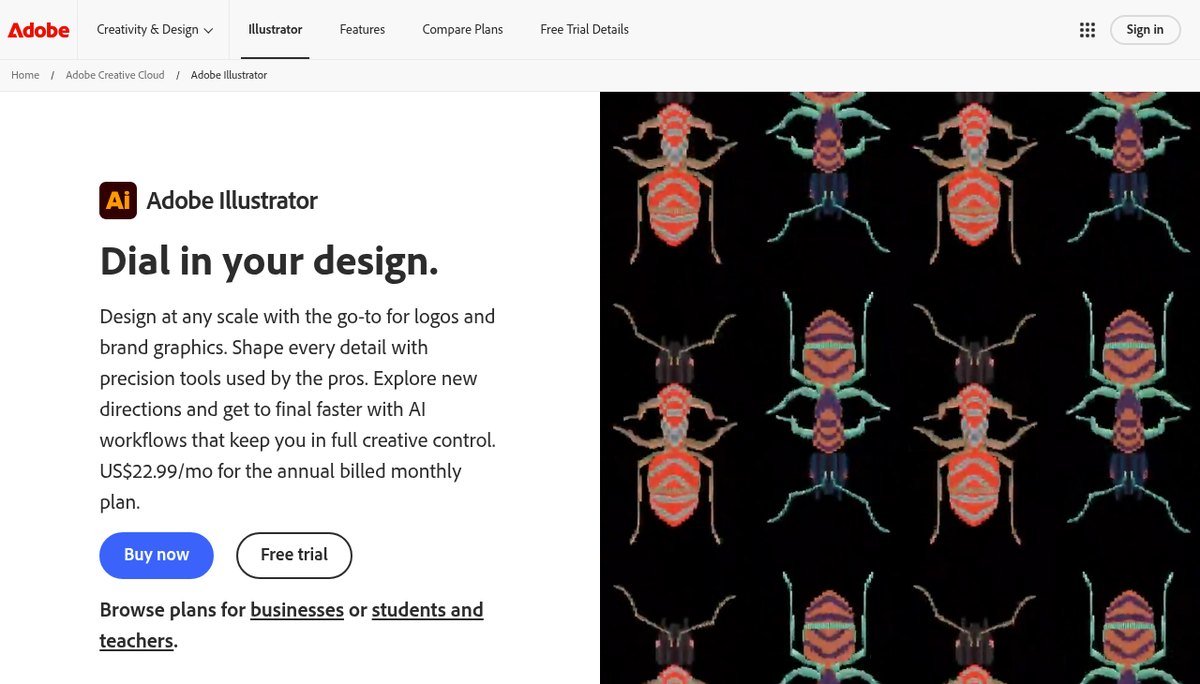
Illustrator is the industry default for anything that has to scale from a business card to a billboard without going soft: logos, packaging artwork, technical illustration and type design. Its pen tool, pathfinder operations and type handling remain the reference implementation that every alternative is judged against, and its text-to-vector generative feature is the one genuinely novel addition of recent years.
It costs US$22.99 a month, the same as Photoshop, and the practical reason studios keep paying is not the features but the file format. Printers, agencies and manufacturers ask for native .ai files, and that expectation is slow to shift. If that does not describe your clients, the case for paying weakens considerably, and we compared the specific replacements in our guide to picking an Adobe Illustrator alternative.
- Worth it if: you hand native files to printers, agencies or manufacturers who expect them.
- Skip it if: your vector work ends as SVG, PNG or PDF, which is most people’s.
5. Affinity
Affinity is the most consequential thing to happen to this category in years. Canva bought Serif, the studio behind it, merged the separate Designer, Photo and Publisher applications into one program, and made it free for individuals. Not free with a watermark, not free for thirty days, and not free with an export cap.
The technical argument is as strong as the price. Vector drawing, pixel editing and page layout coexist in a single document, so you draw a logo, retouch the photograph beside it and lay out the page around both without exporting anything. Adobe needs three programs and roughly $2,400 over three years to do that. Affinity runs on Mac, Windows and iPad, handles CMYK and spot colour, exports print-ready PDF and opens PSD and PDF files.
- Worth it if: you want one program that covers most of what Adobe’s suite does, at no cost.
- Skip it if: you depend on generative AI features, which require a paid Canva plan, or on Illustrator’s plugin ecosystem.
6. Inkscape
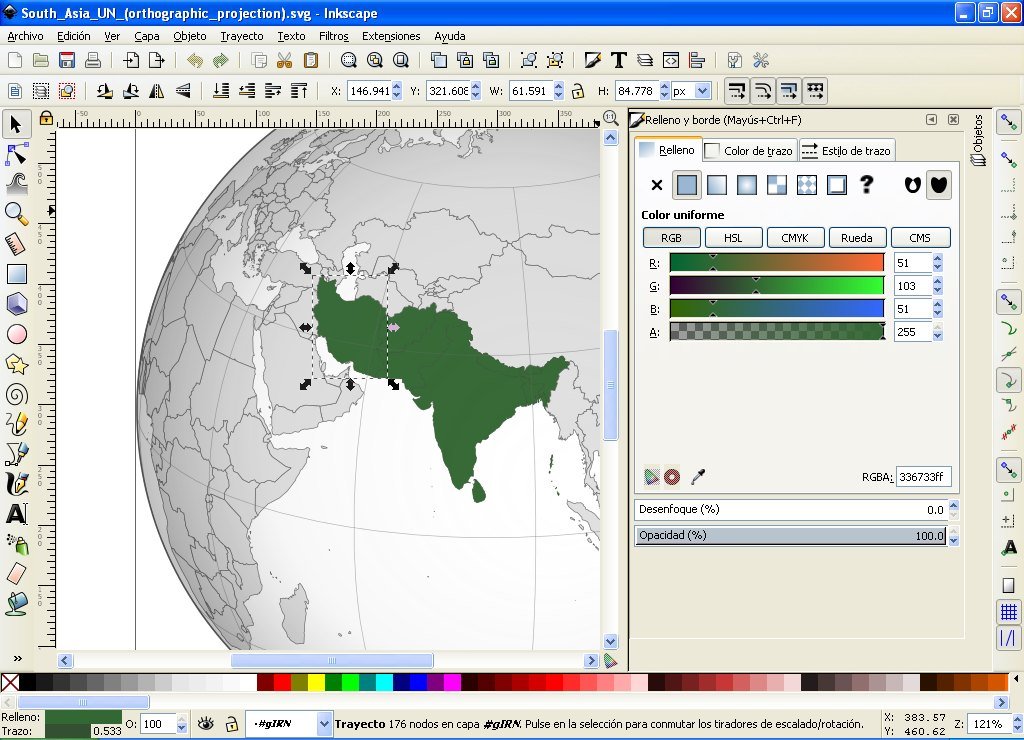
Inkscape’s distinguishing feature is that SVG is its native format rather than an export option. If your vector work is destined for a website, an icon set, a laser cutter or a vinyl plotter, that matters more than any feature list, because you get a clean standards-compliant file instead of one application’s interpretation of the standard.
It is GPL licensed, the current stable release is 1.4.4 dated 6 May 2026, and builds exist for Windows, macOS, Linux and FreeBSD. It imports AI, EPS, PDF, PostScript and PNG, which makes it a practical way to open an archive of old Adobe files. The interface is dated and it slows down on very complex documents, but the node editing is genuinely competitive.
- Worth it if: you work on Linux, output SVG, or drive a cutting machine.
- Skip it if: you need polished CMYK output or a modern interface more than you need open formats.
Programs for Social Graphics, Painting and Print
7. Canva
Canva is not a design program in the sense the other nine are, and that is exactly why it wins the job it is good at. It is a template engine with an editor attached, and for getting from a blank page to a finished Instagram post, a pitch deck or a menu in under ten minutes, nothing here is close.
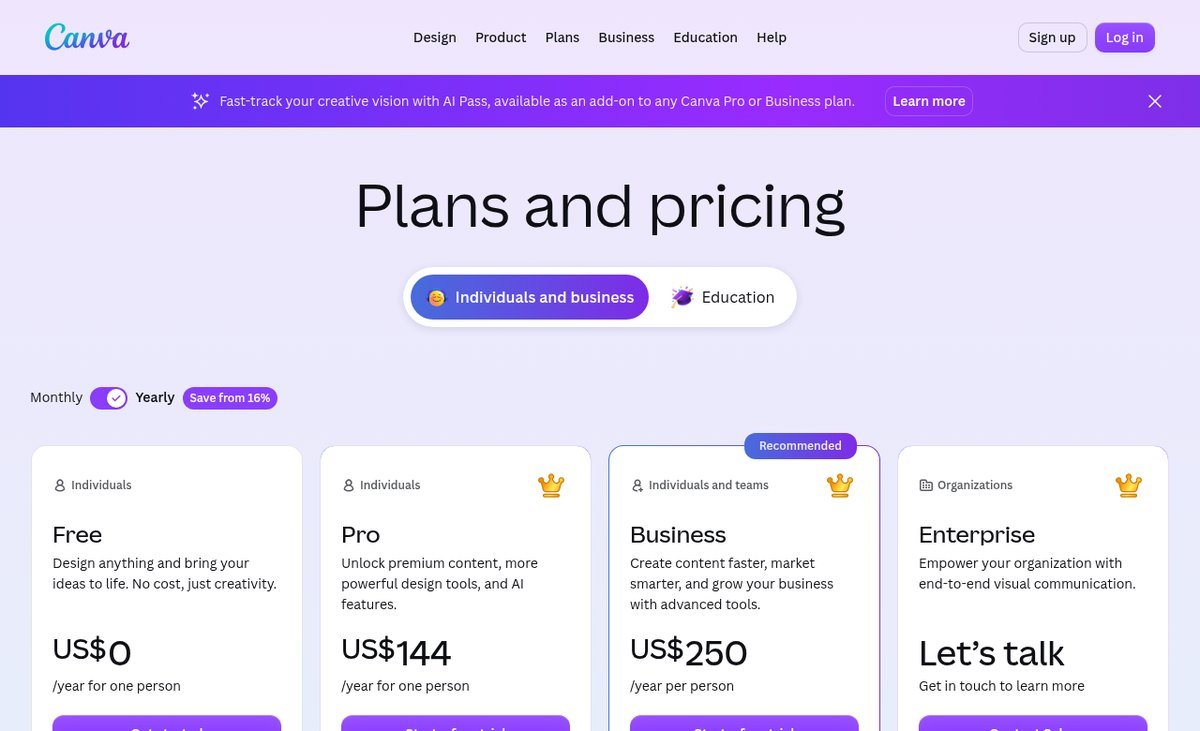
Its pricing page lists the Free plan at US$0 with over 1.6 million templates, 4.7 million stock assets, one brand kit limited to three colours and 5GB of storage. Pro is US$144 a year for one person and Business is US$250 a year per person. Canva also now owns Affinity, which makes it the only company on this list offering both the fastest beginner tool and a full professional suite.
- Worth it if: you produce a steady stream of marketing graphics and value speed over control.
- Skip it if: you need precise typography, real vector drawing or print colour management.
8. Krita
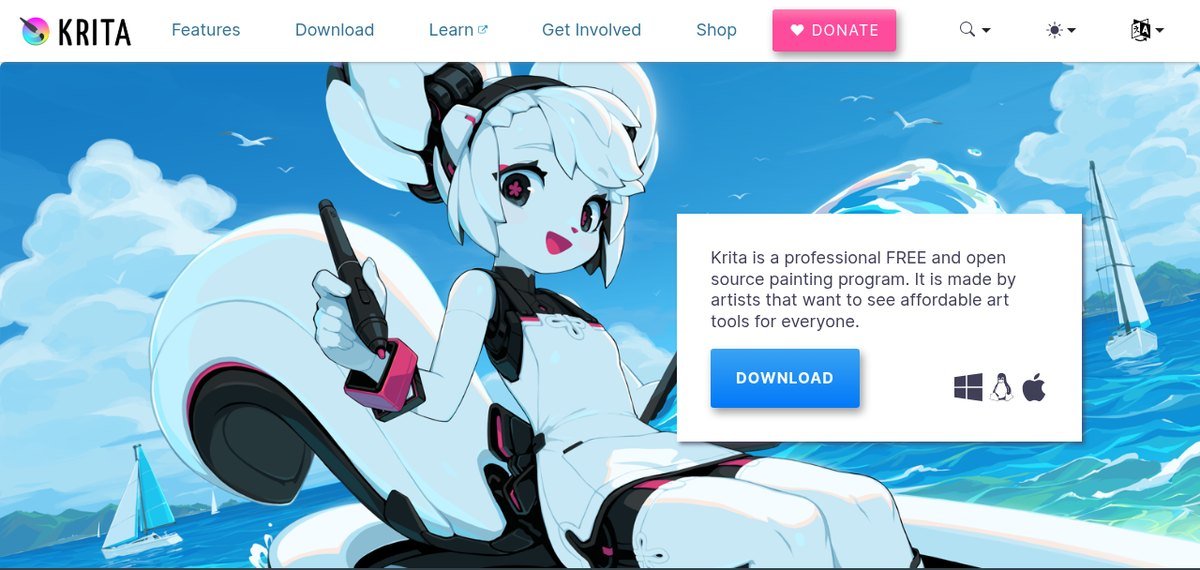
Krita is built by and for painters, which shows in every decision it makes. The brush engine is its centrepiece, with stabilisers, brush ganging, wrap-around mode for seamless textures and a genuinely good set of default brushes rather than a token few. It also handles frame-by-frame animation, which most free painting tools do not attempt.
The current version is 5.3.3, released 29 July 2026, and it is GPL licensed and free on Windows, macOS, Linux and Android. It is developed within the KDE community. Where it is weak is anything that is not painting: it is a poor photo editor and not a layout tool at all.
- Worth it if: you draw or paint with a graphics tablet and want a brush engine that rivals paid software.
- Skip it if: you need photo retouching or page layout, which are not what it is for.
9. CorelDRAW Graphics Suite
CorelDRAW is the program that print shops, sign makers and apparel decorators actually run, and it has survived by keeping the thing Adobe removed: you can buy it. The current CorelDRAW Graphics Suite 2026 is sold either as an annual plan at $22.42 a month, totalling $269.00 a year, or as a one-time purchase at $549.00, with a 15-day trial.
What the money buys is production tooling the free programs do not attempt. Colour management aimed at commercial print, multi-page documents, direct support for cutting plotters and large-format output, and the file compatibility that print suppliers expect to receive. The 2026 release adds generative AI with text-to-vector.
- Worth it if: your files go to a printer, a plotter or an embroidery machine.
- Skip it if: your work stays on screen, where $549 buys you nothing the free tools lack.
Interface and Product Design Programs
10. Figma
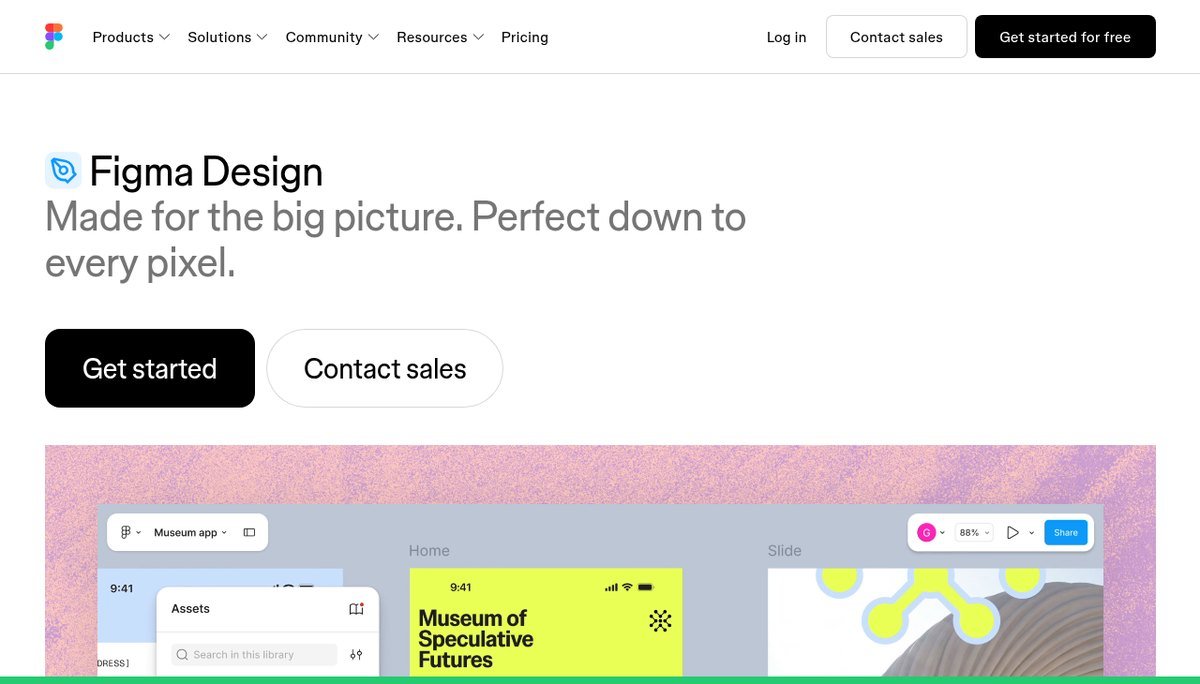
Figma won interface design by solving a problem that had nothing to do with drawing: several people editing the same file at the same time, in a browser, with a link instead of an export. Components, variants and shared libraries then made it the place design systems live.
Pricing is per seat, and the seat type matters more than the plan. Professional is $16 a month for a full seat, $12 for a dev seat and $3 for a collaborator. Organization is $55, $25 and $5, and Enterprise is $90, $35 and $5. The free Starter plan is limited but workable for one person. If what you are designing is a website rather than an app, it is worth checking whether one of the best website builders gets you there without a design file at all.
- Worth it if: you design screens, work with developers, or need several people in one file.
- Skip it if: you need print output or CMYK, neither of which Figma does.
Where to Start If You Have Never Opened a Design App
The wrong first move is downloading the most powerful program and bouncing off it. Pick by what you are trying to make this week.
- A social post, flyer or deck, today: Canva’s free plan. You will finish something in ten minutes, which matters more than anything else at the start.
- A logo or anything that will be printed large: Affinity, free, and learn the pen tool properly.
- Editing photographs: Photopea for occasional jobs, GIMP once you are doing it weekly.
- Drawing and painting: Krita with any graphics tablet.
- App or website screens: Figma’s free Starter plan.
One practical warning before you install anything. These programs are memory-hungry rather than processor-hungry, and a large layered file on a machine with 8GB of RAM is a miserable experience regardless of which program opened it. Our explainer on RAM versus storage covers why that is the specification to check.
Frequently Asked Questions
What graphic design program do professionals actually use?
Photoshop, Illustrator and InDesign still dominate agencies and studios, mostly because clients and printers expect native Adobe files. Outside that world the picture is more mixed: Figma owns interface design, CorelDRAW owns sign and print shops, and Affinity has been taking work from Adobe since it became free for individuals.
Can free graphic design programs handle paid client work?
Yes, with one caveat. Affinity, GIMP, Inkscape and Krita all produce commercial-quality output and none of them restrict what you do with it. The caveat is delivery format: if a client’s contract or printer requires native .ai or .psd files, no free program can supply those, and that is a business constraint rather than a quality one.
What is the cheapest way to get Adobe software?
The Photography plan at US$19.99 a month is the cheapest route to Photoshop, since it costs less than Photoshop alone at US$22.99 and adds Lightroom. Students and teachers get substantially discounted Creative Cloud pricing. Beyond that there is no legitimate cheap route, because Adobe no longer sells perpetual licences at all.
Which program should I learn if I want a design job?
Match it to the job you want. For product and UX roles, learn Figma, because it is what those teams use daily. For branding, packaging or print studios, learn Illustrator, because that is what the files are. For photo and retouching, learn Photoshop. Learning the free equivalents first transfers well, since the concepts of layers, masks, paths and nodes are the same everywhere.
Related Articles

Get the Fox Bulletin briefing
The stories that matter, in your inbox. No spam, unsubscribe anytime.
Newsletter signup will be available soon.
Related stories
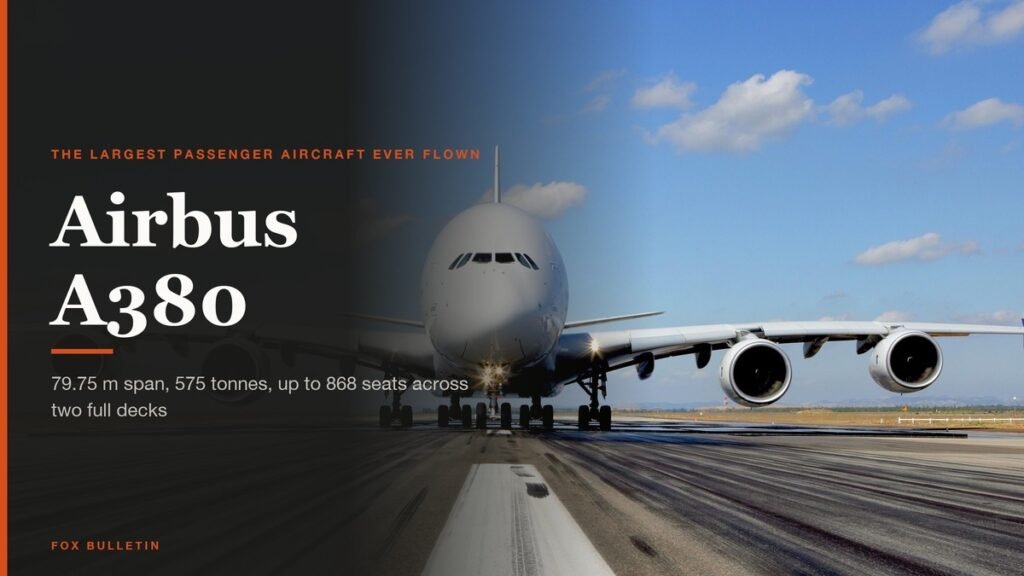
Airbus A380: Size, Range and Who Still Flies It
The largest passenger aircraft ever flown measures 72.72 m long and 79.75 m across the wings. Its specifications, the two decks, why production ended at 251 aircraft, and which airlines still fly it.
Apple Creator Studio: Price and the New AI Tools
Generate Fill in Pixelmator Pro, an AI assistant in Logic Pro and MotionVFX in Final Cut. A free update for subscribers.
Apple Home Collection: Every Accessory and Price
Cameras, a smart lock and two thermostats, built by LG and Schneider Electric and sold by Apple.