

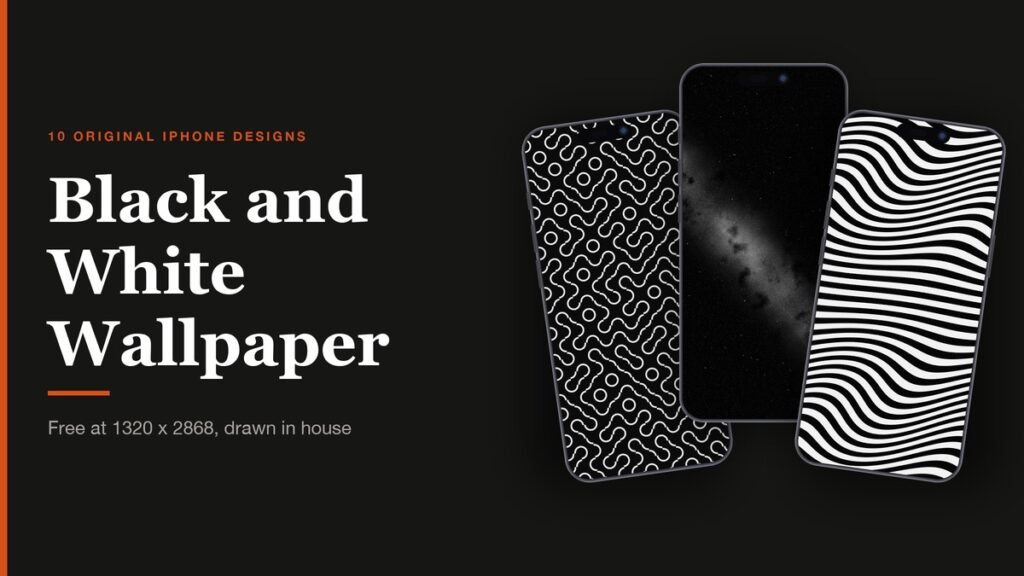
A black and white wallpaper does something a colour one cannot: it lets the icons, widgets and photos on your phone carry all the colour. The ten designs below were drawn for this page and appear nowhere else. They run from quiet near-black fields to high-contrast patterns built to be looked at.
Every file is 1320 x 2868 pixels, the native resolution Apple lists for the iPhone 18 Pro Max, and each one scales down cleanly to a smaller iPhone. They are free to download and use as your own wallpaper.
All 10 Black and White Wallpapers to Download
The tone column is the quick filter. Dark files suit a Lock Screen and save power on an OLED display; light ones suit a Home Screen with dark icons; high-contrast patterns are best where nothing sits on top of them.
| # | Wallpaper | Tone | File |
|---|---|---|---|
| 1 | Contour | Dark | Download |
| 2 | Ink Drift | Light | Download |
| 3 | Interference | High contrast | Download |
| 4 | Halftone | Dark to light | Download |
| 5 | Warp | High contrast | Download |
| 6 | Night Grain | Dark | Download |
| 7 | Liquid Chrome | Dark | Download |
| 8 | Bauhaus | Light | Download |
| 9 | Truchet | Dark | Download |
| 10 | Dunes | Light to dark | Download |
To save one on an iPhone, tap its download link, then touch and hold the image and choose Save to Photos. On a computer, right-click the link and save the file.
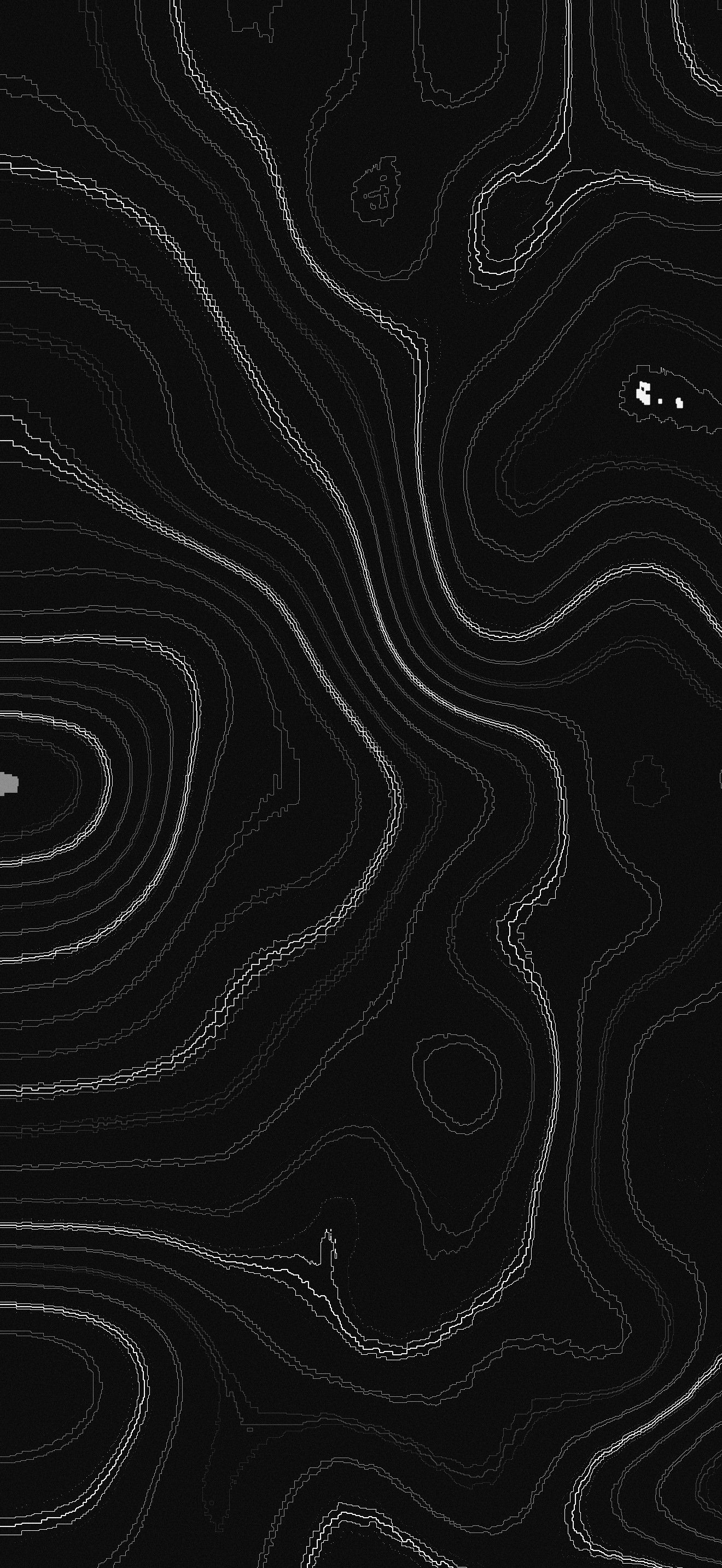
1. Contour
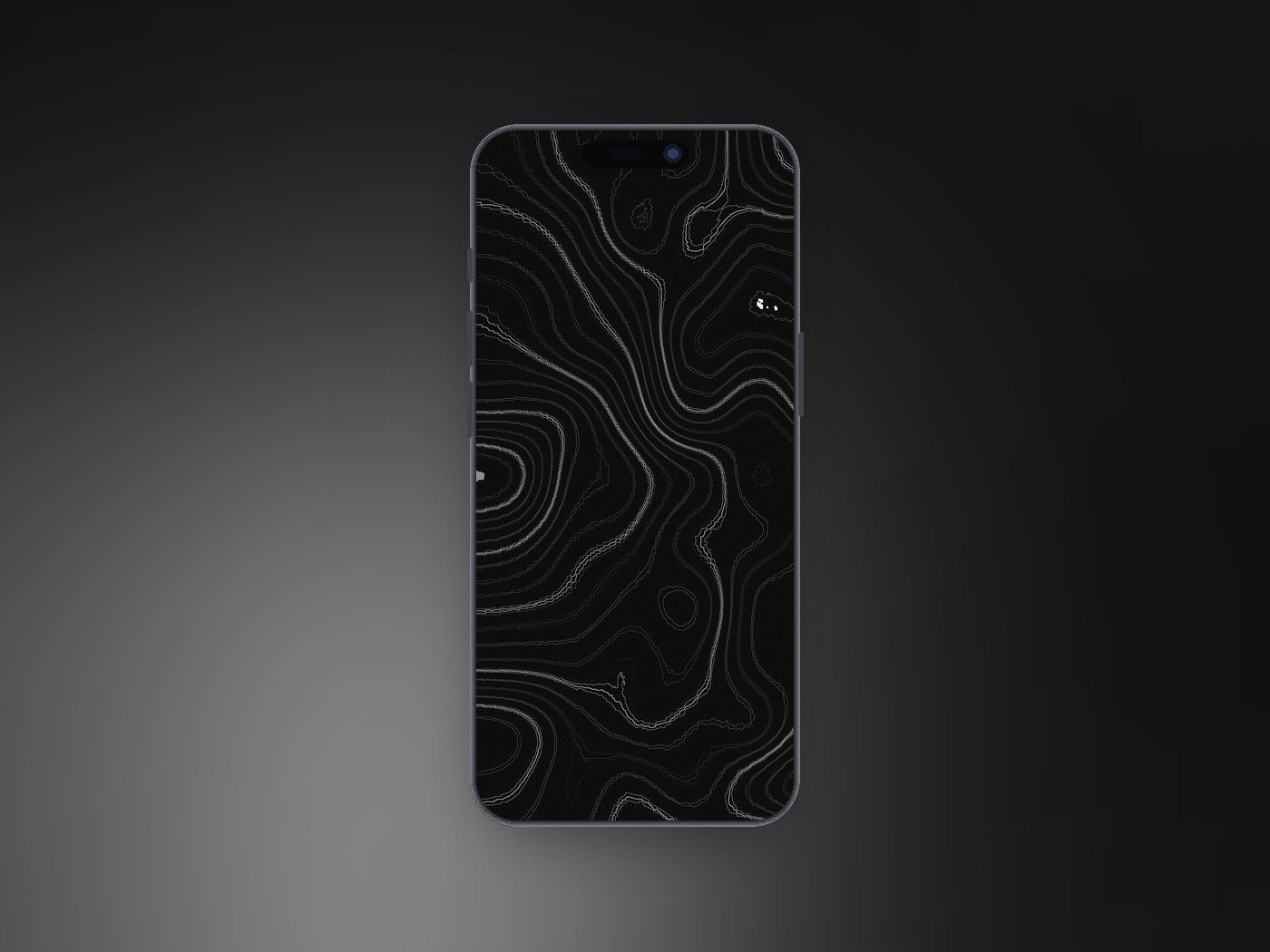
Thin white contour lines on near black, the way a topographic map draws a hillside. Every fourth line is heavier, so the eye reads height rather than noise, and the open dark spaces leave room for a clock.
1320 x 2868 · JPEG · Dark · Download Contour
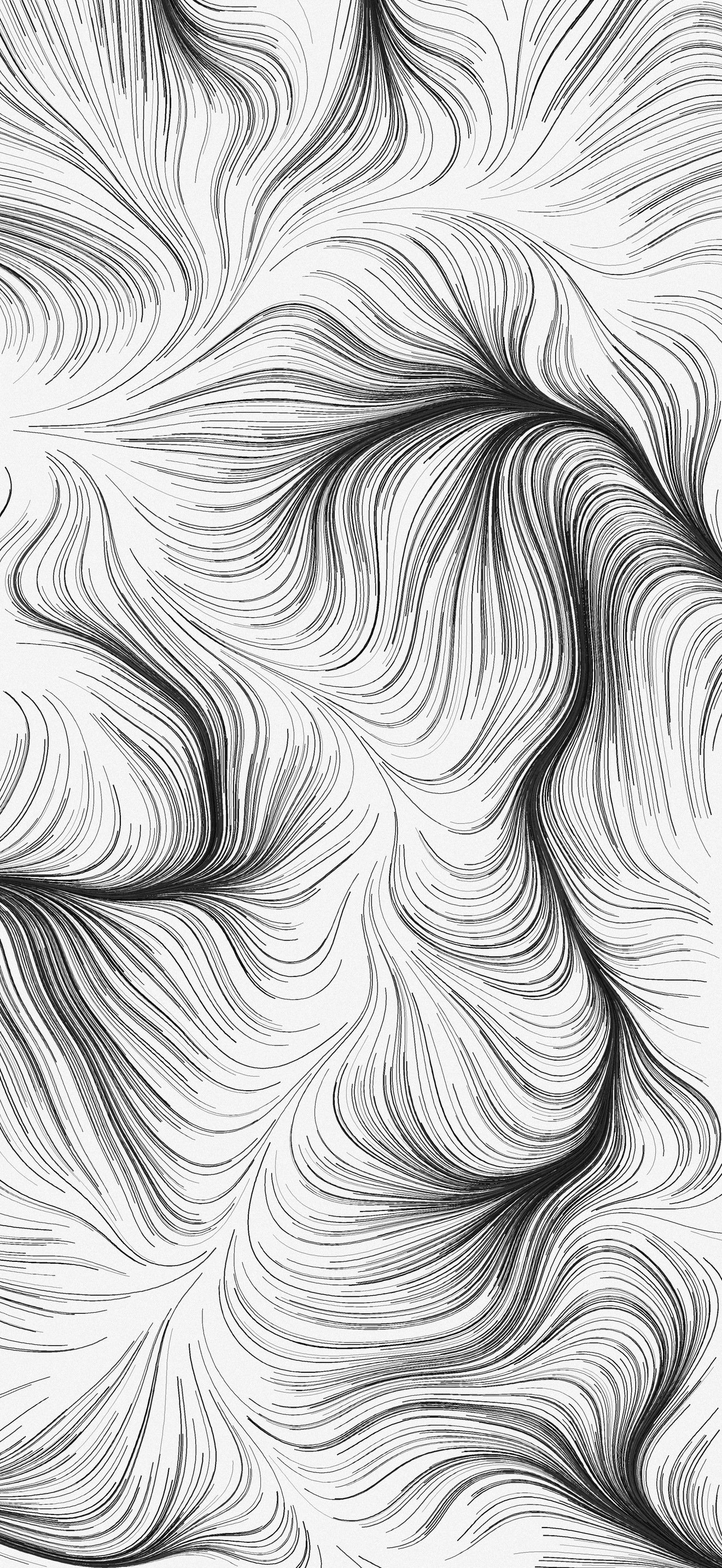
2. Ink Drift
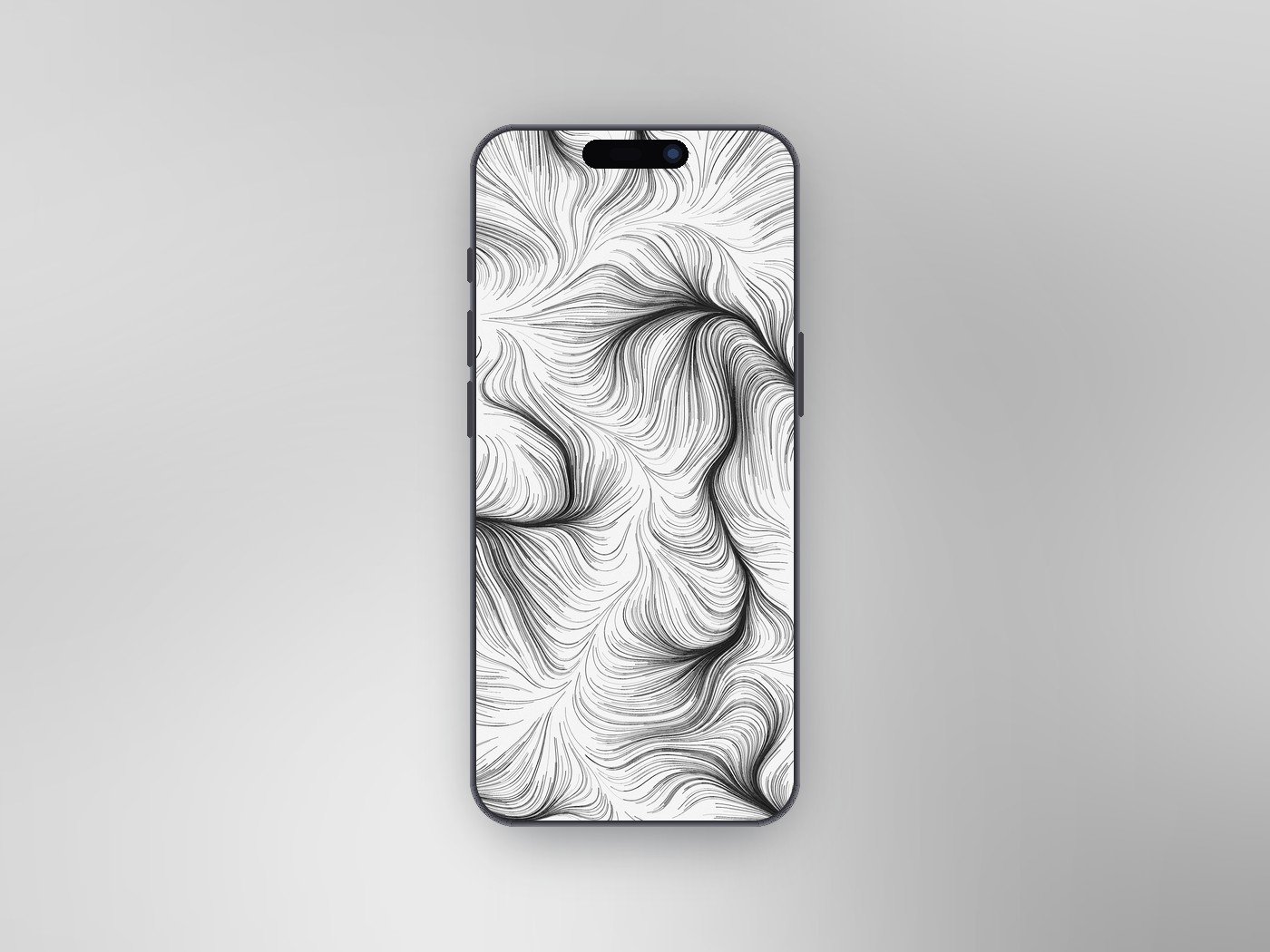
Thousands of fine ink strokes pulled along a flowing current, gathering into dark rivers where the strokes bunch up. It reads like a pen drawing of wind or hair, and it is the busiest light design here.
1320 x 2868 · JPEG · Light · Download Ink Drift
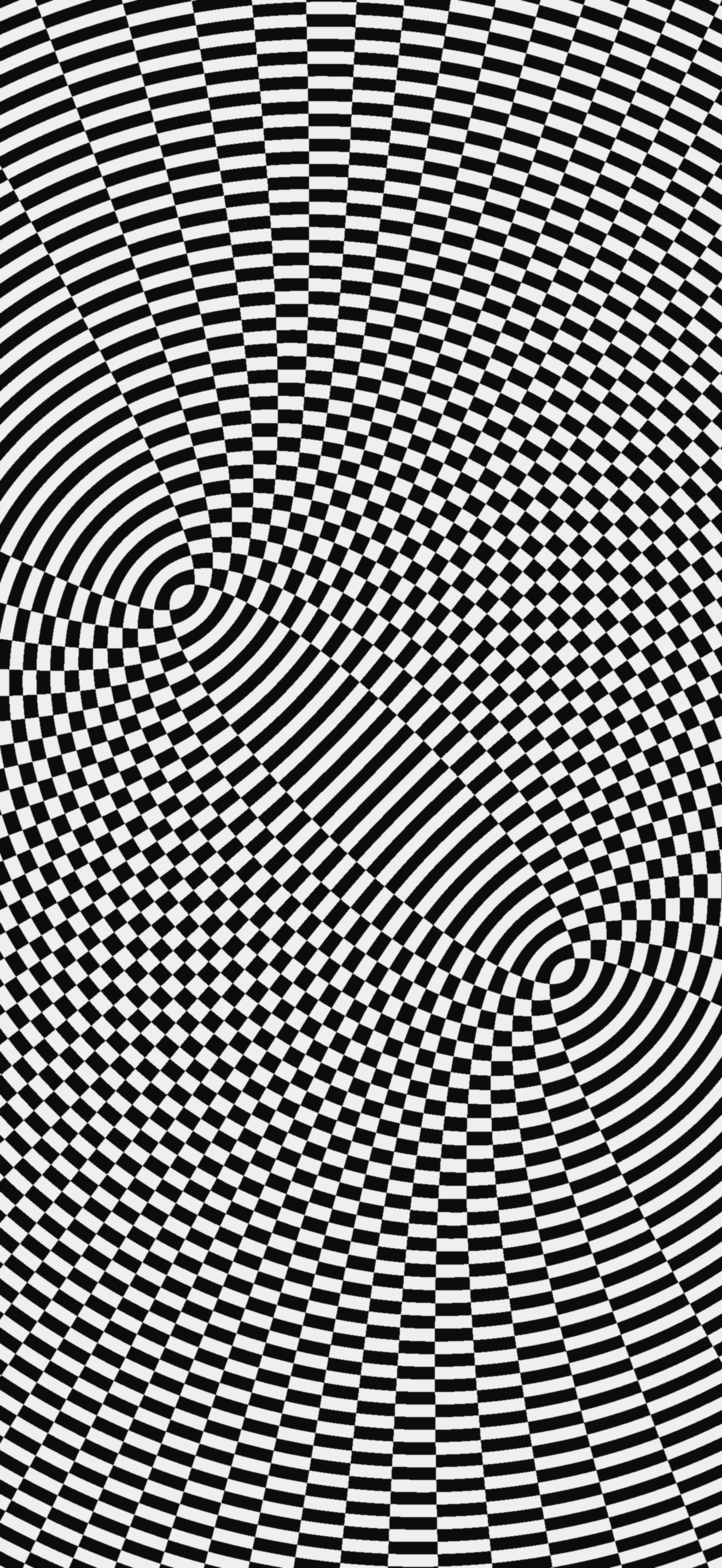
3. Interference
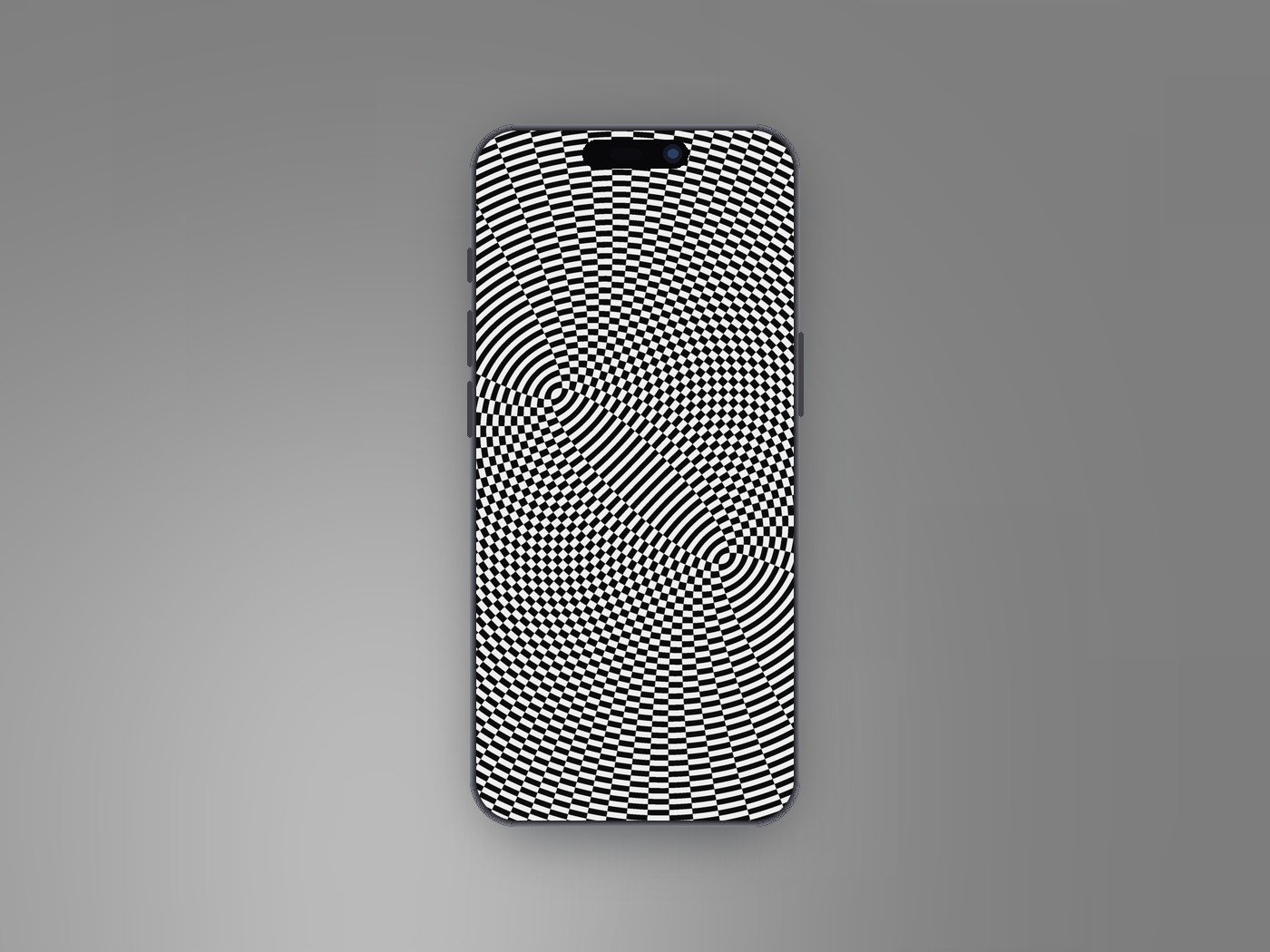
Two sets of ripples spreading from different points and crossing, rendered in pure black and white. Where the rings meet they form a moire grid that seems to shift as the phone moves.
1320 x 2868 · JPEG · High contrast · Download Interference
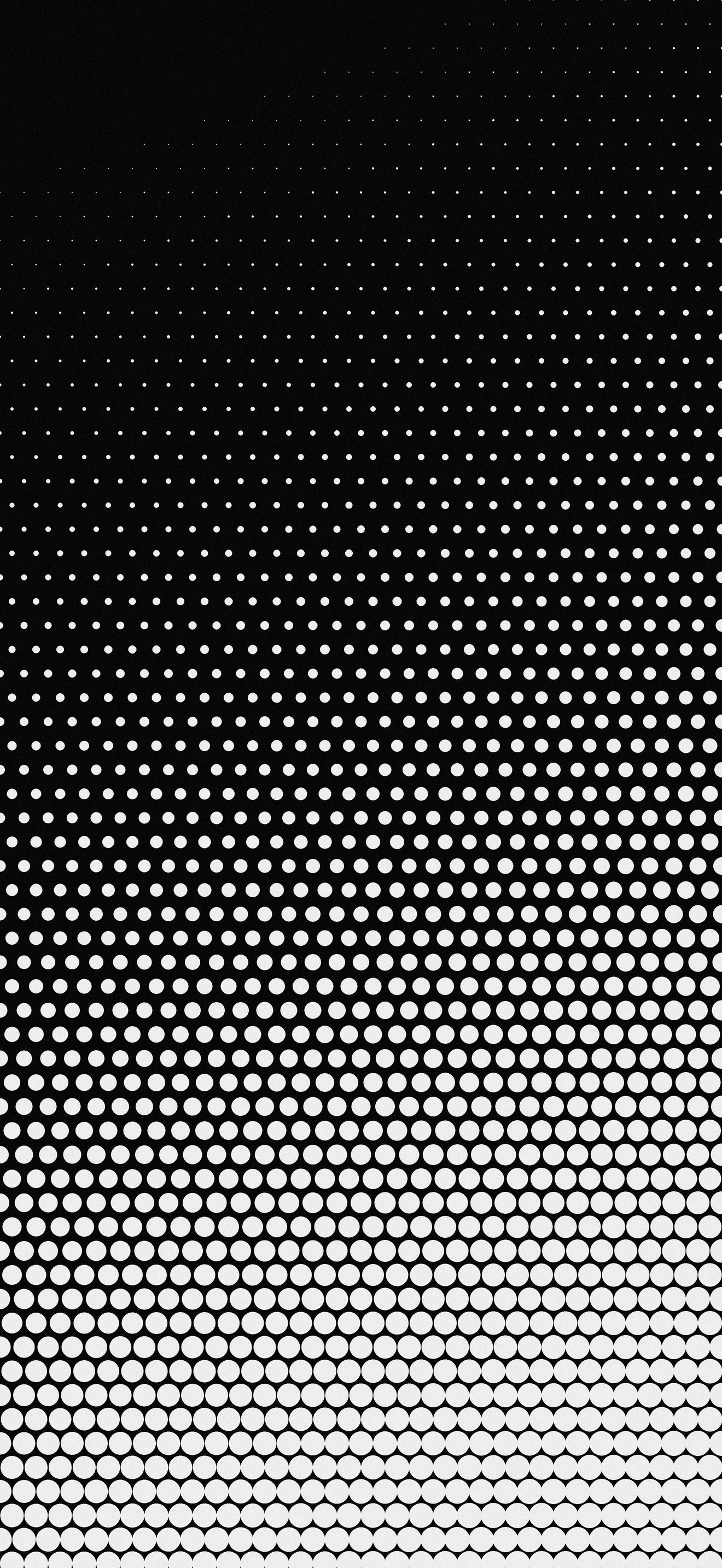
4. Halftone
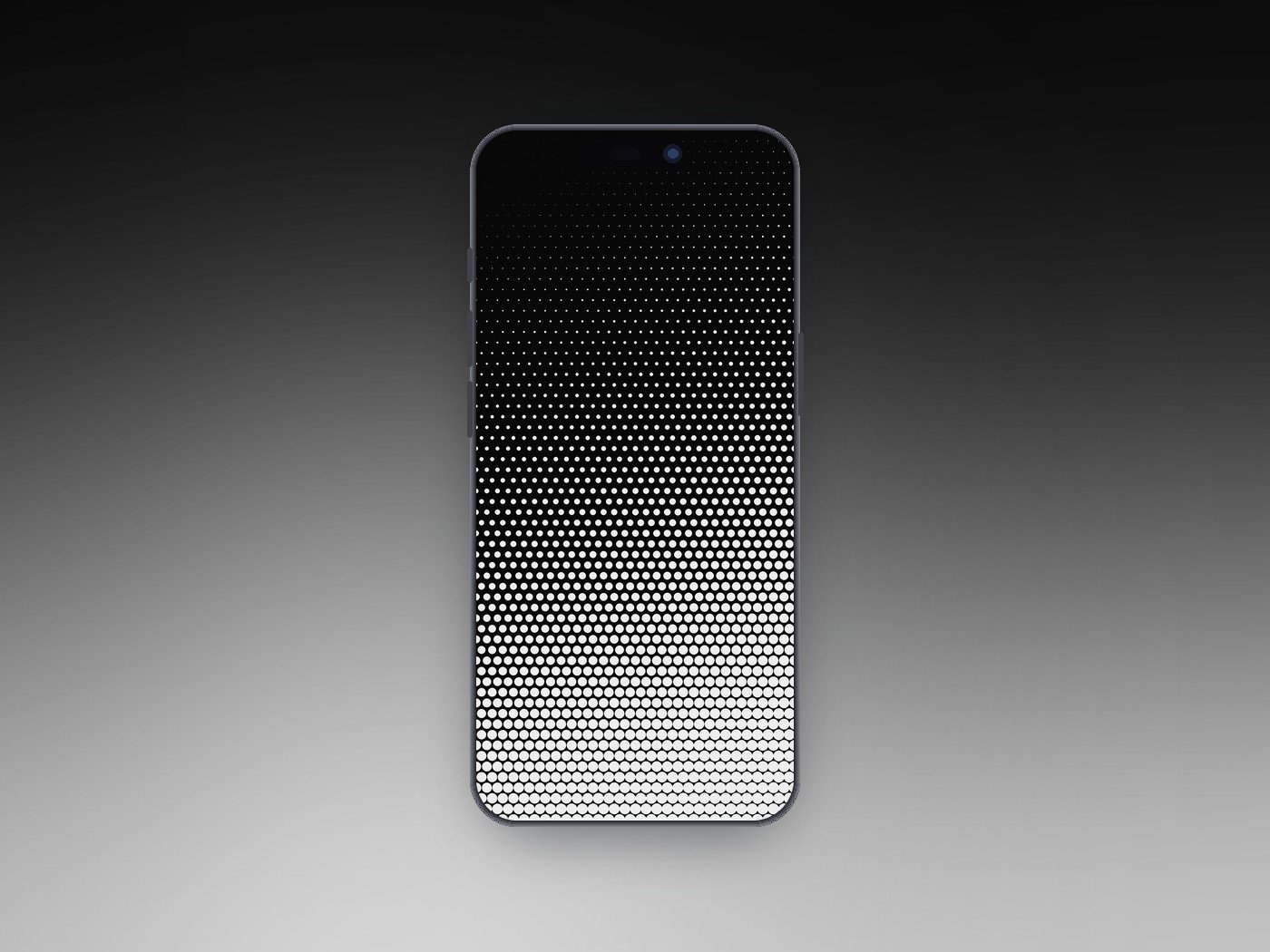
A halftone dot field that grows from pinpricks at the top to near solid white at the bottom, like a newspaper photo blown up. The dark top keeps the Lock Screen clock crisp.
1320 x 2868 · JPEG · Dark to light · Download Halftone
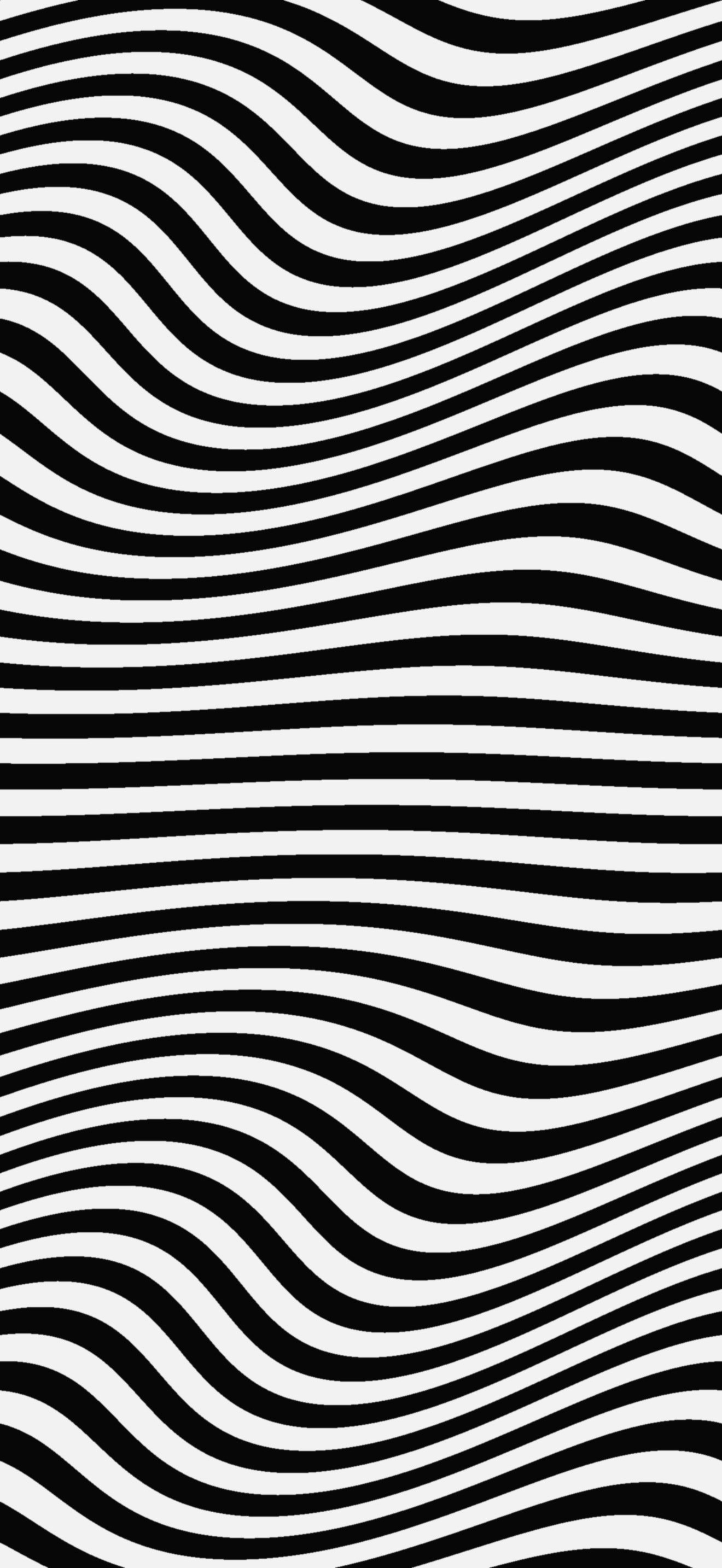
5. Warp
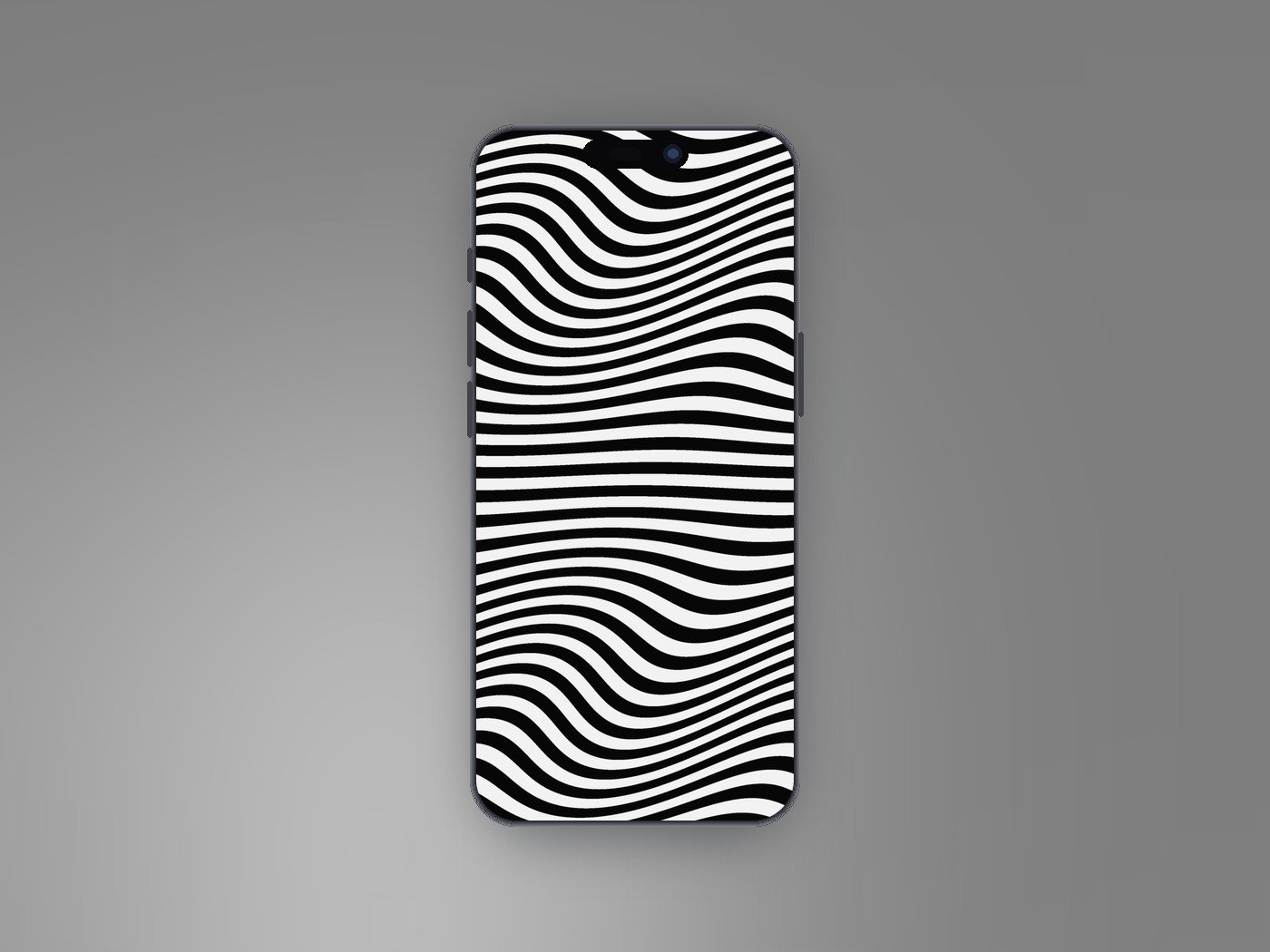
Black and white stripes that swell and bend across the screen in the tradition of op art. It is the loudest file in the pack, made to be noticed on a Lock Screen.
1320 x 2868 · JPEG · High contrast · Download Warp
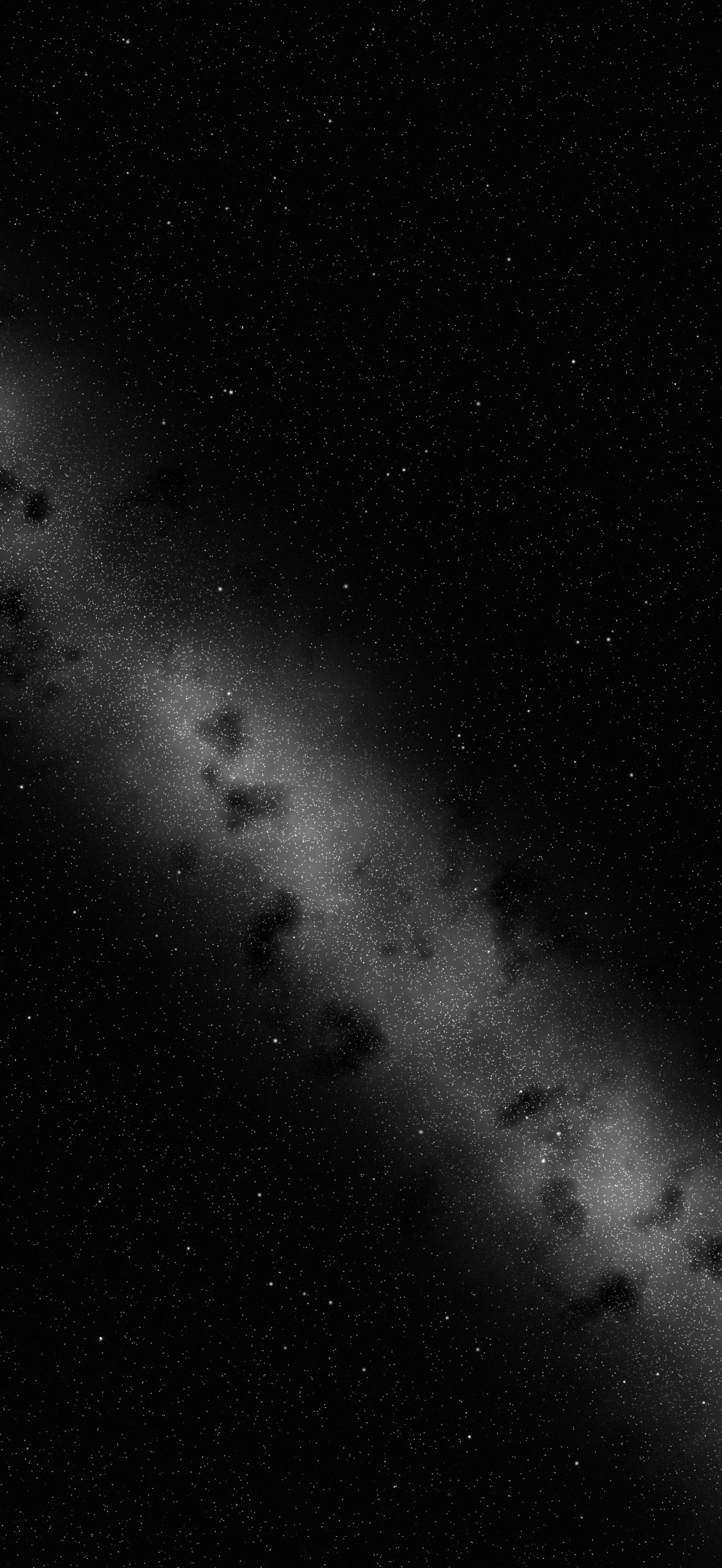
6. Night Grain
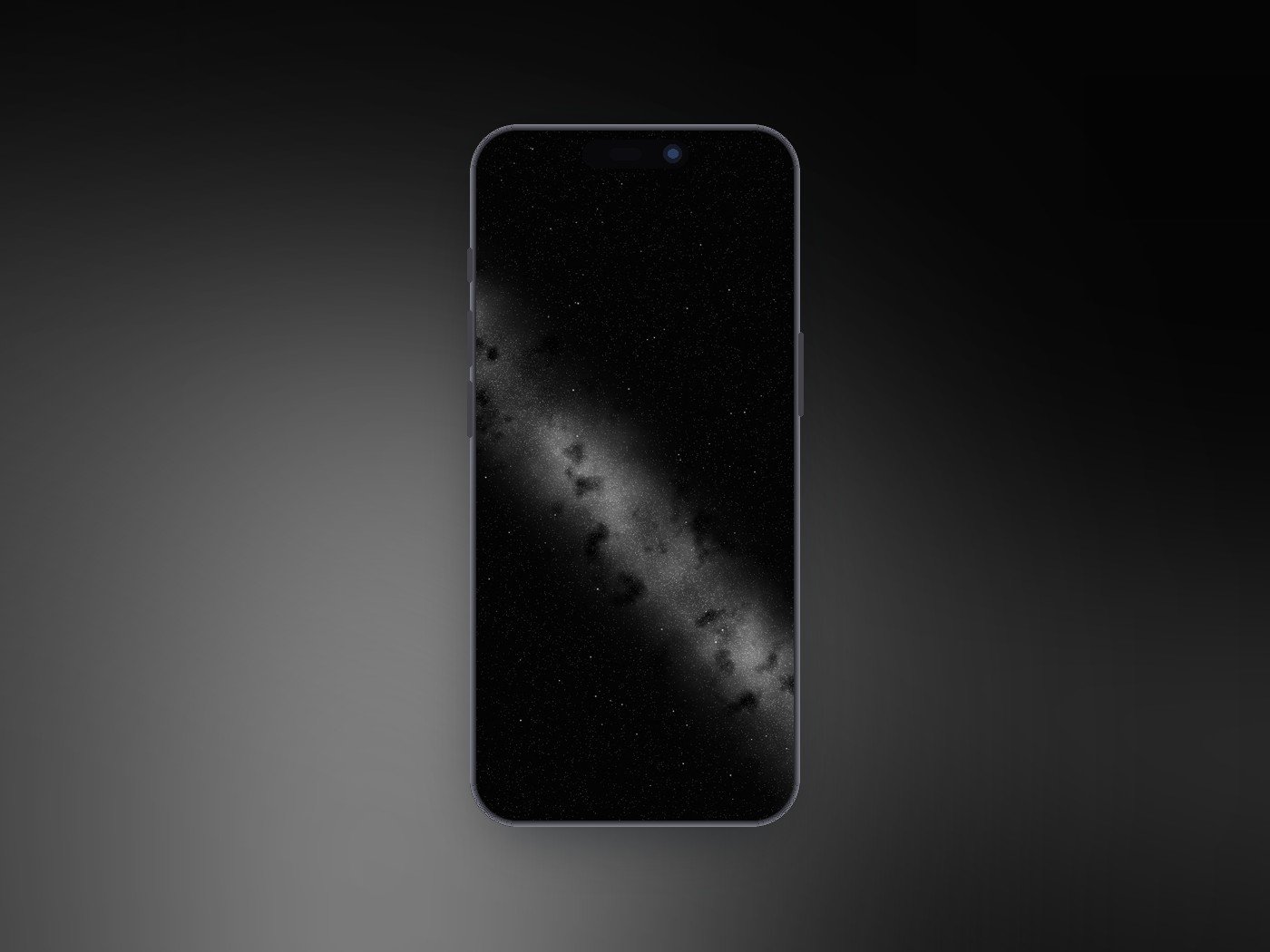
A diagonal band of grainy starlight crossing a black sky, with dust lanes breaking it up the way the Milky Way looks from somewhere properly dark. Almost every pixel outside the band is black.
1320 x 2868 · JPEG · Dark · Download Night Grain
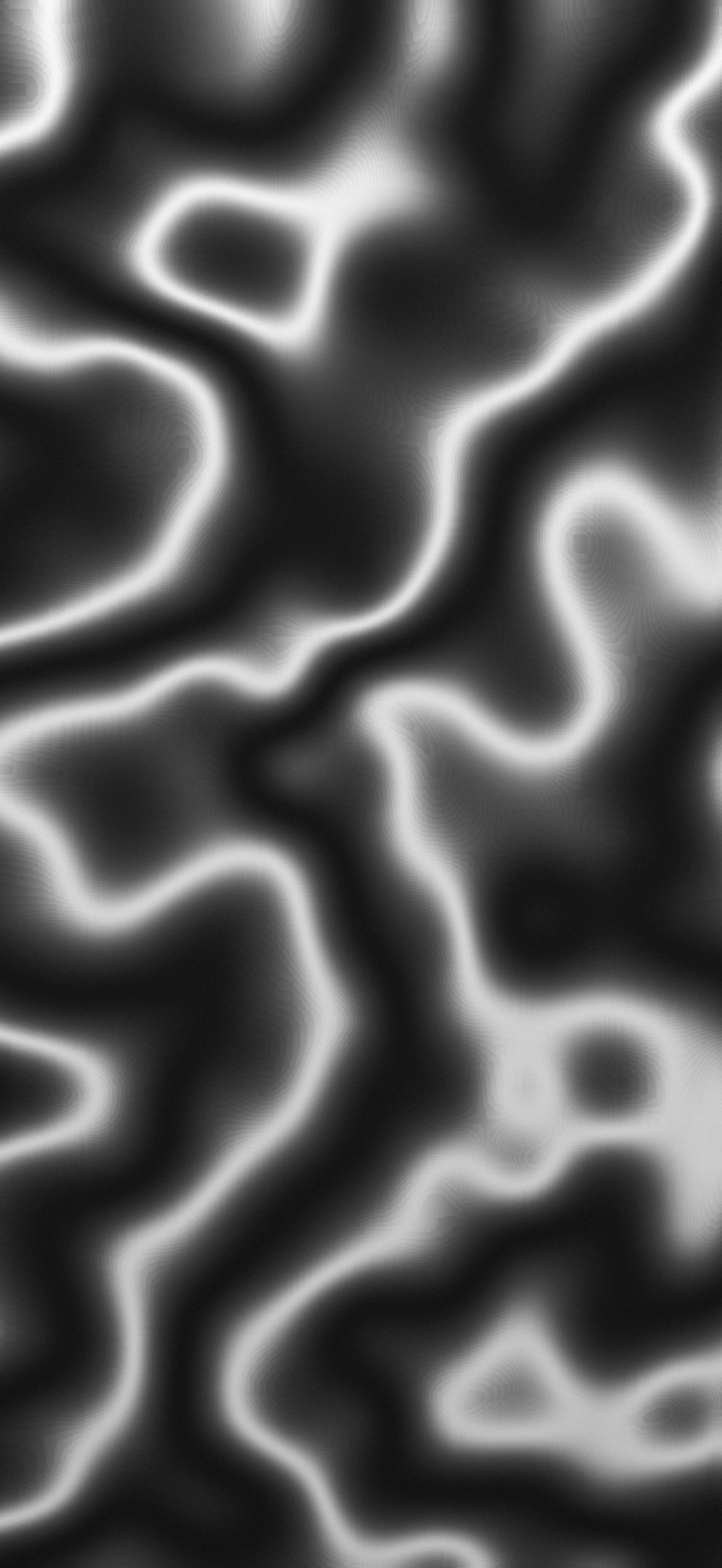
7. Liquid Chrome
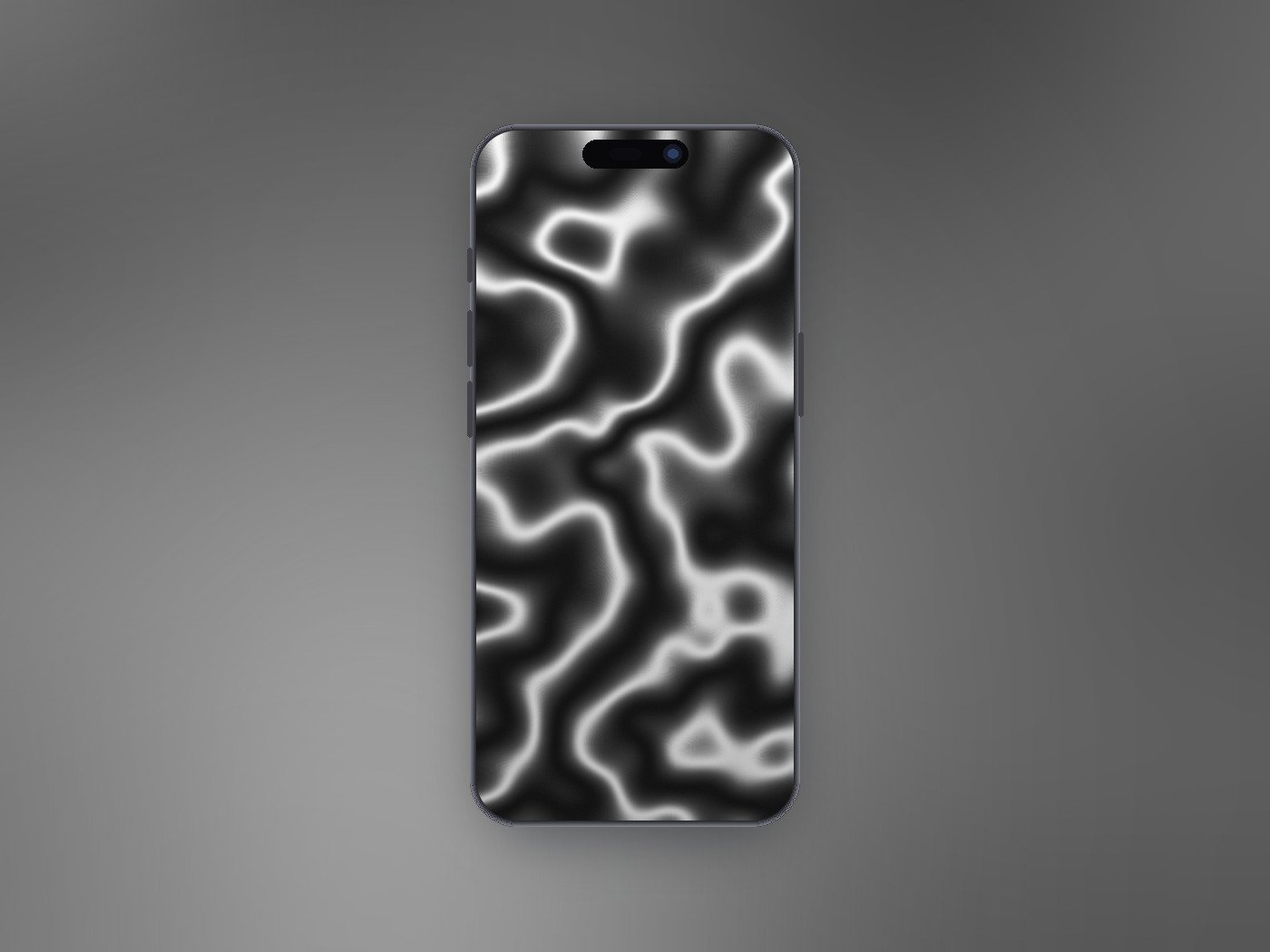
Molten highlights snaking through a dark field, like light caught on poured metal. The bright ridges are thin, so most of the screen stays dark around them.
1320 x 2868 · JPEG · Dark · Download Liquid Chrome
8. Bauhaus
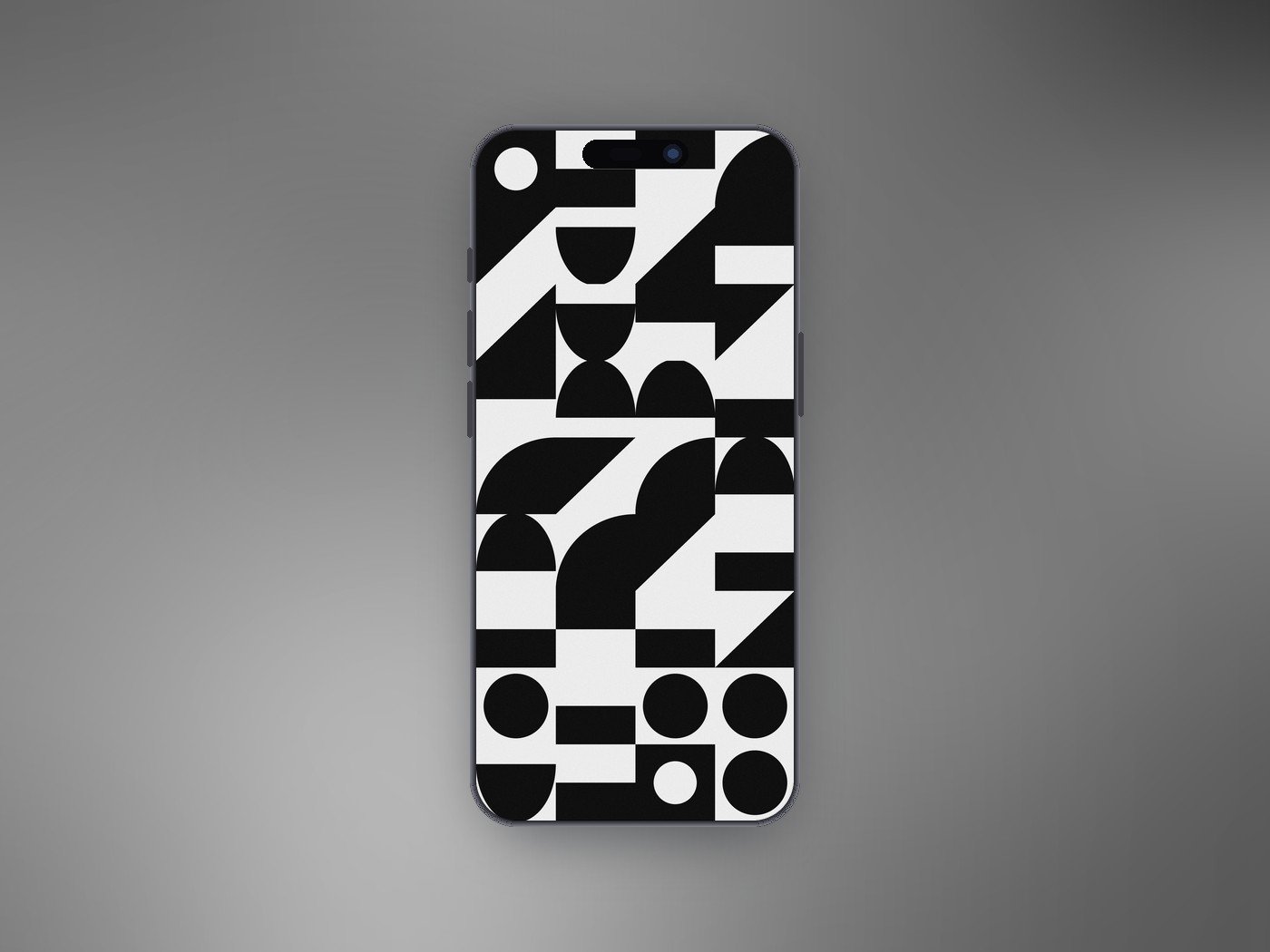
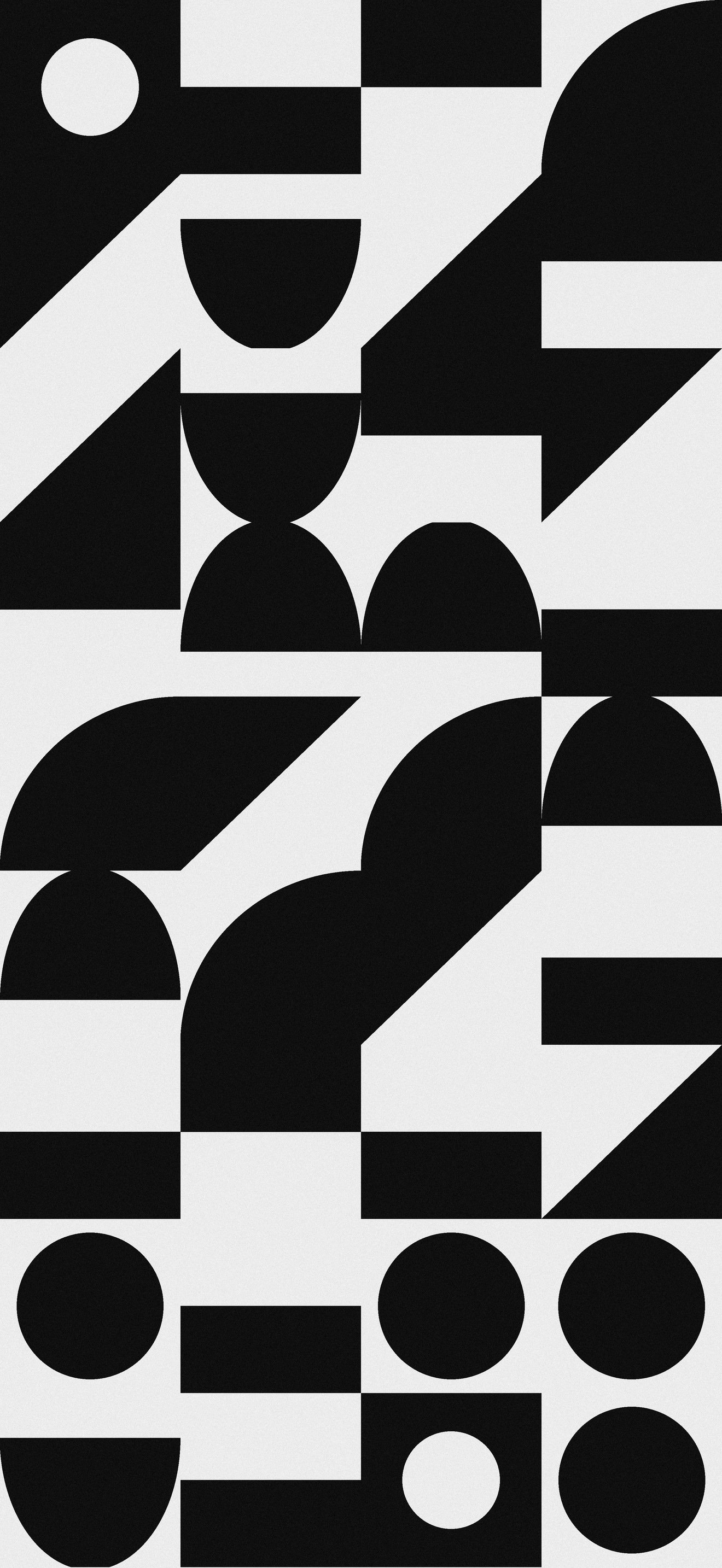
A grid of black circles, half circles, triangles and blocks on off-white, each tile chosen at random from the same small set of shapes. Flat, graphic and very tidy behind a full Home Screen.
1320 x 2868 · JPEG · Light · Download Bauhaus
9. Truchet
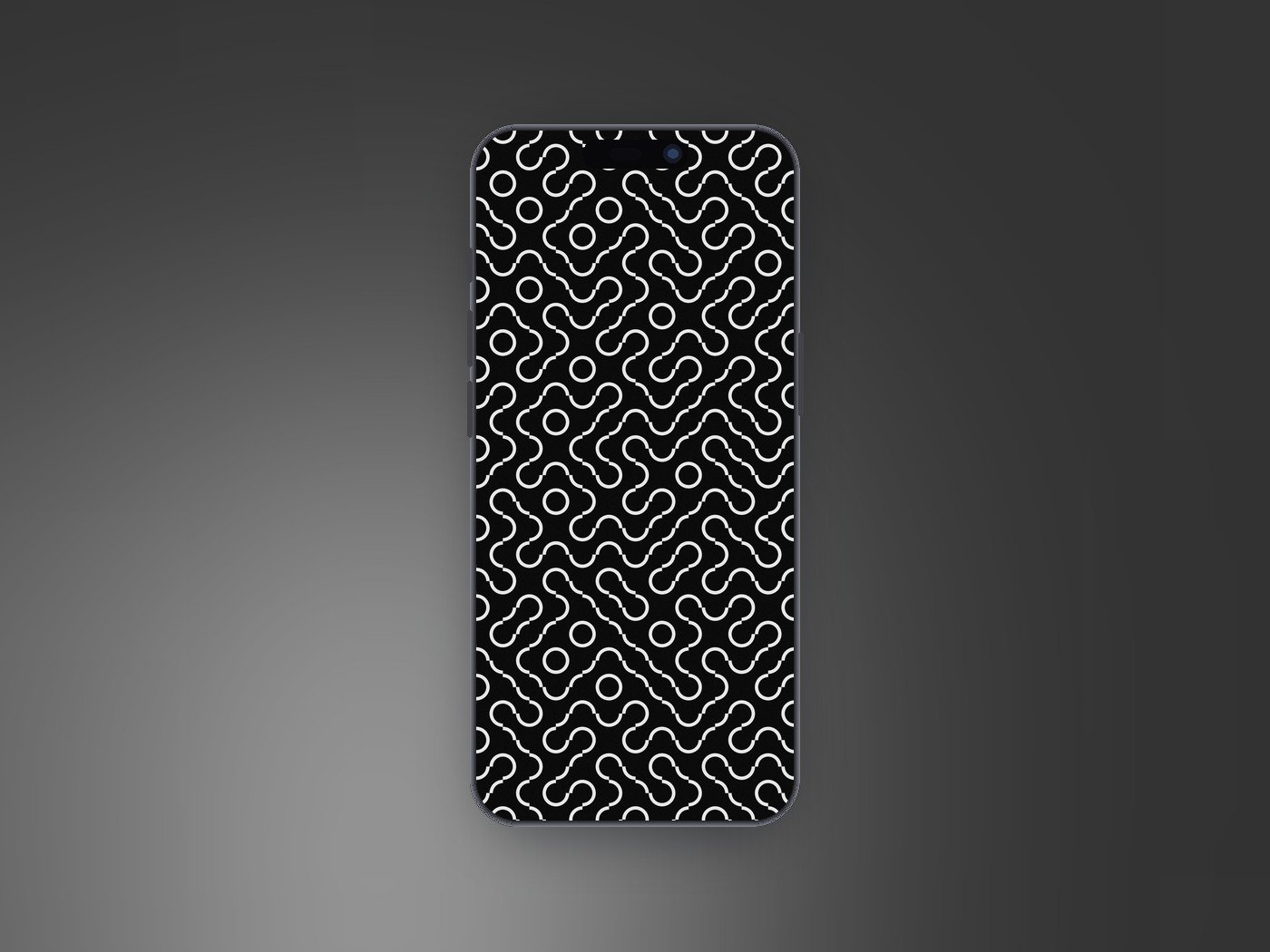
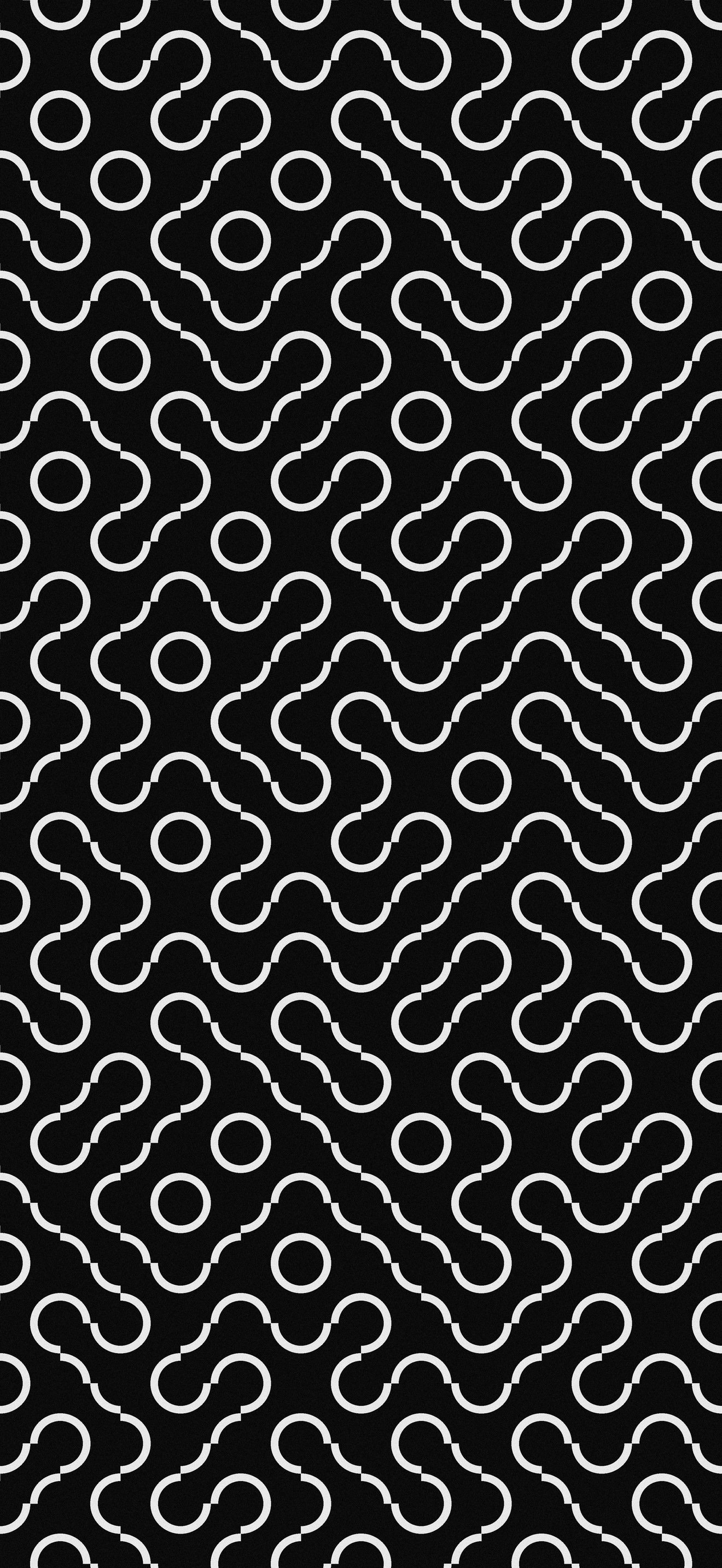
Quarter-circle Truchet tiles laid at random orientations, which is all it takes to grow the unbroken white loops and channels running across the black. No two runs of the pattern repeat.
1320 x 2868 · JPEG · Dark · Download Truchet
10. Dunes
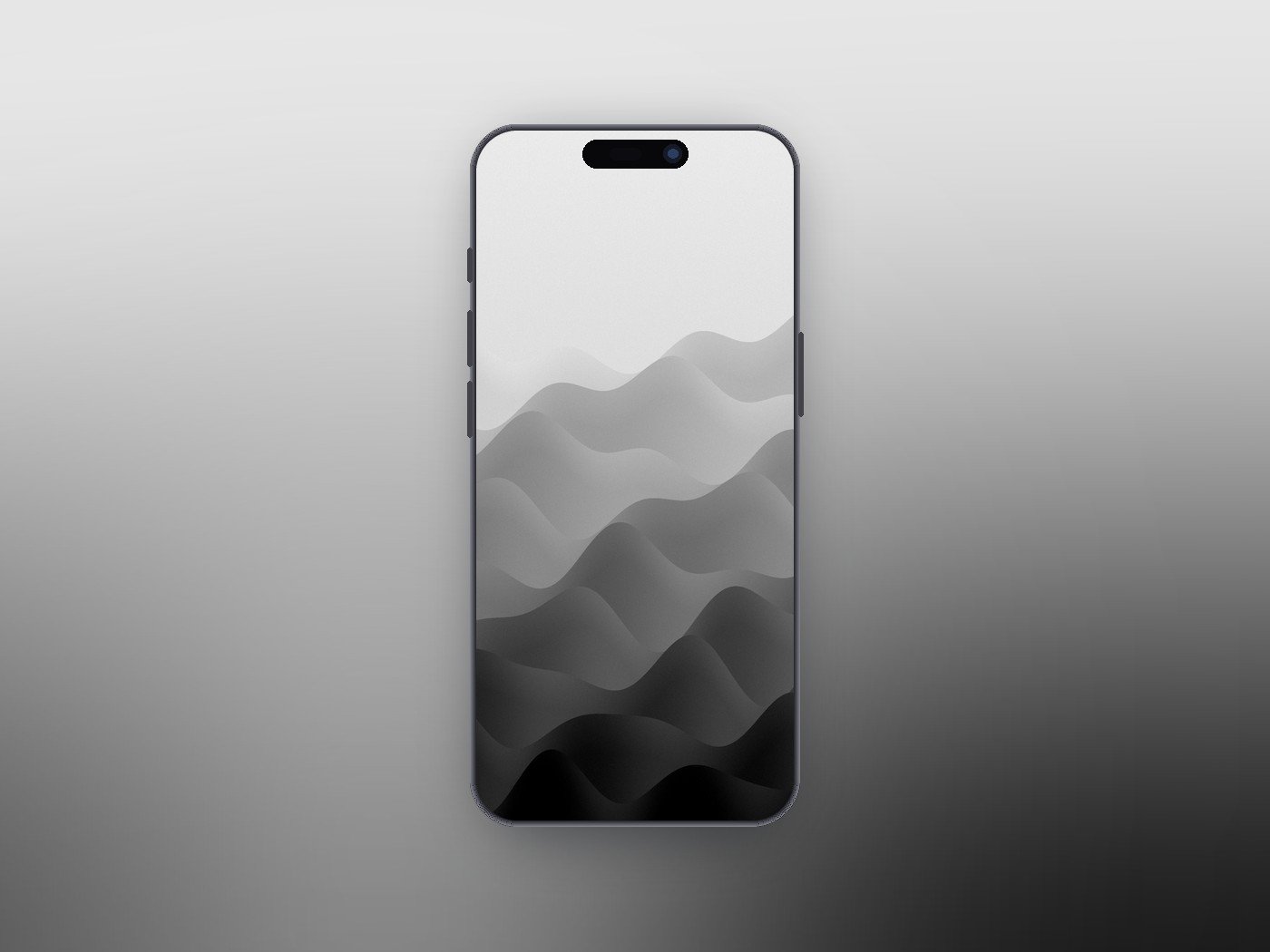
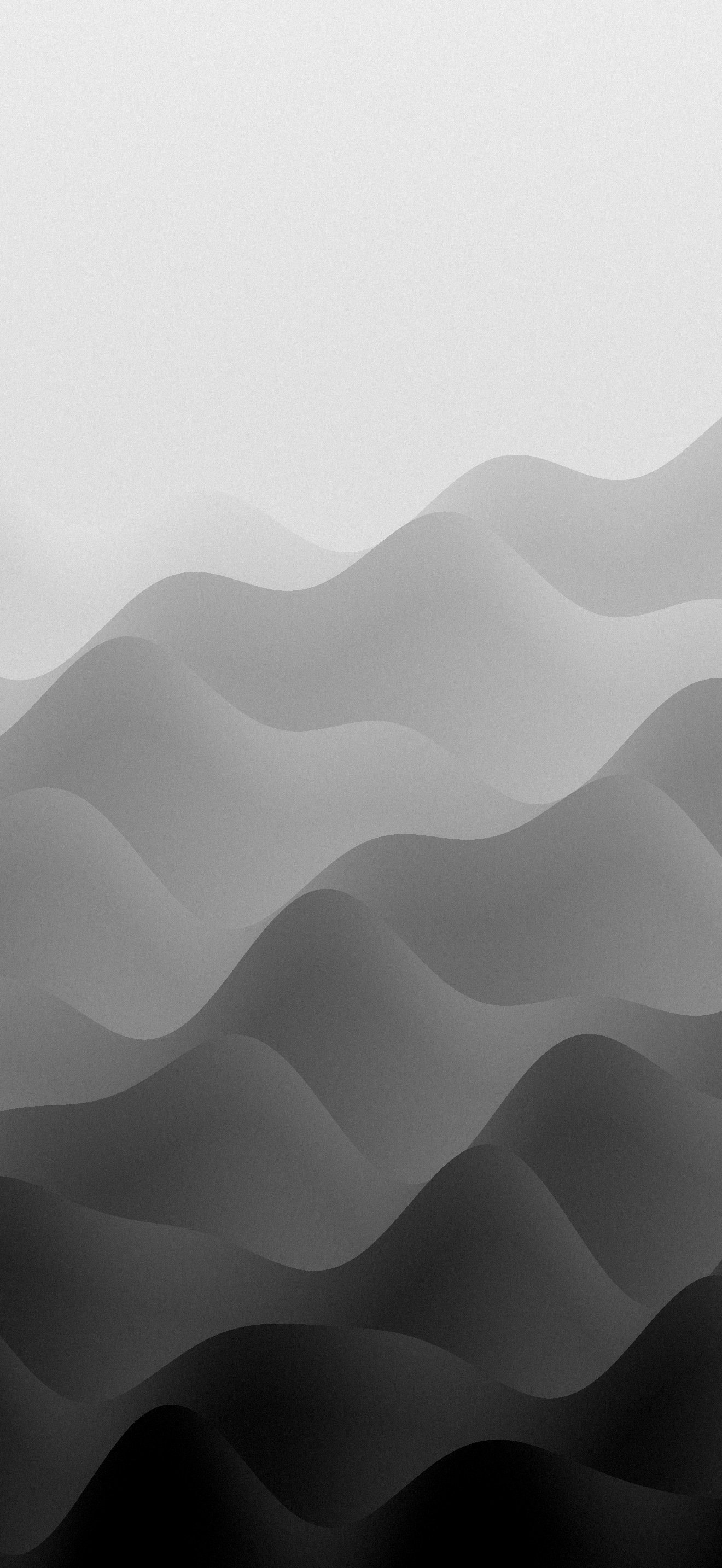
Layered grey ridges fading from pale at the top to charcoal at the bottom, like hills seen through fog. The empty upper third is made for the Lock Screen clock and widgets.
1320 x 2868 · JPEG · Light to dark · Download Dunes
Choosing a Black and White Wallpaper for Each Screen
The Lock Screen and the Home Screen ask different things of a wallpaper, and Apple lets you set a separate one for each. That makes a monochrome pair easy to plan.
- Lock Screen: pick a design with a calm upper third, such as Dunes, Halftone or Contour, so the clock and widgets sit on a clean area rather than a busy pattern.
- Home Screen: pick something even in tone. Bauhaus and Ink Drift keep white or dark icon labels readable; Warp and Interference fight with a full grid of apps.
- Battery: on an iPhone with an OLED display, pure black pixels are switched off, so mostly black designs like Night Grain, Liquid Chrome and Truchet draw less power than a white screen.
- Dark mode: pair a dark wallpaper with dark icons for a near-black phone, or set a light design with tinted icons for the opposite look.
If you like the idea of one design shipped in several variations, Apple's own iOS 27 wallpapers do that in colour.
Frequently Asked Questions
Are these black and white wallpapers free to use?
Yes. They are free to download and set as the wallpaper on your own phone, tablet or computer.
Will they fit my iPhone if it is not a Pro Max?
Yes. At 1320 x 2868 they match the iPhone 18 Pro Max panel, so iOS scales them down for smaller models without losing sharpness. You can also pinch to reposition a design when you set it.
Do black wallpapers save battery on iPhone?
On iPhones with an OLED display, yes, a little. Black pixels on OLED are switched off, so a mostly black wallpaper uses less power than a bright one. On an LCD iPhone the backlight stays on whatever the image.
Can I use them on a Mac or an Android phone?
On any phone, yes. They are tall portrait files, so on a Mac or a widescreen monitor they would be cropped heavily and lose most of the design.
Related Articles

Get the Fox Bulletin briefing
The stories that matter, in your inbox. No spam, unsubscribe anytime.
Newsletter signup will be available soon.
Related stories
Morse Code: The Full Chart, Timing and How It Works
Every letter, digit, punctuation mark and procedural signal in international Morse code, with the timing rules that govern them and the places the code is still working.
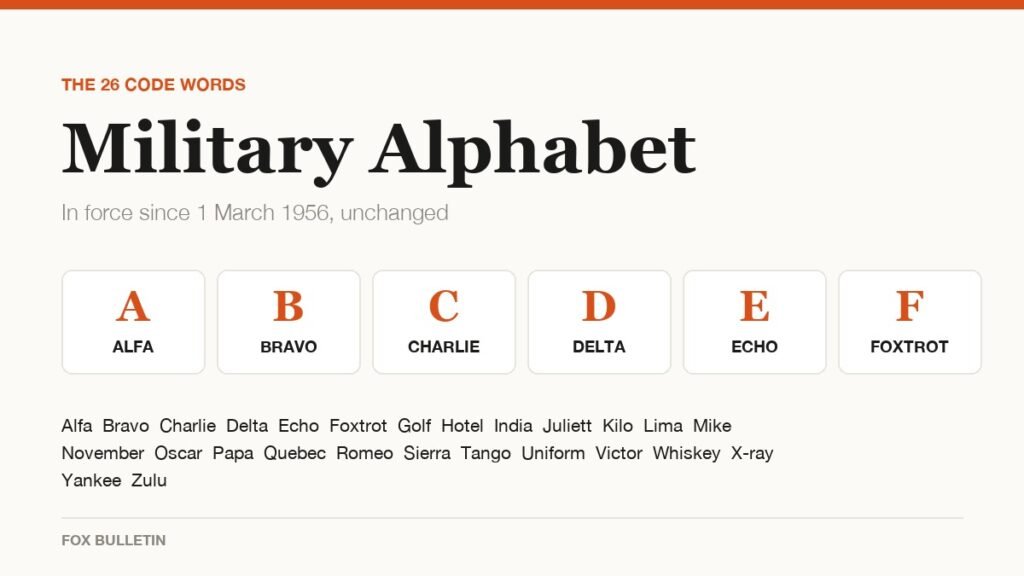
Military Alphabet: All 26 Letters, Spelled and Pronounced
Alfa, Bravo, Charlie: the military alphabet is a set of 26 code words that keep letters apart over a noisy radio. Here is every letter, how to say it, and the history behind the list.
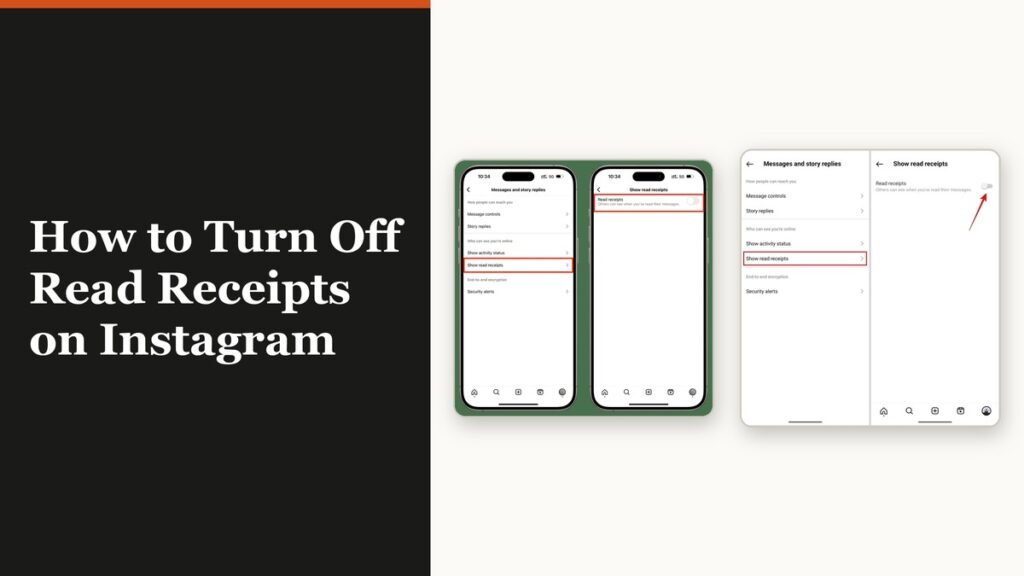
How to Turn Off Read Receipts on Instagram DMs
The global switch does not sweep up chats you have already set by hand. That one rule explains almost every case of Seen still appearing.