

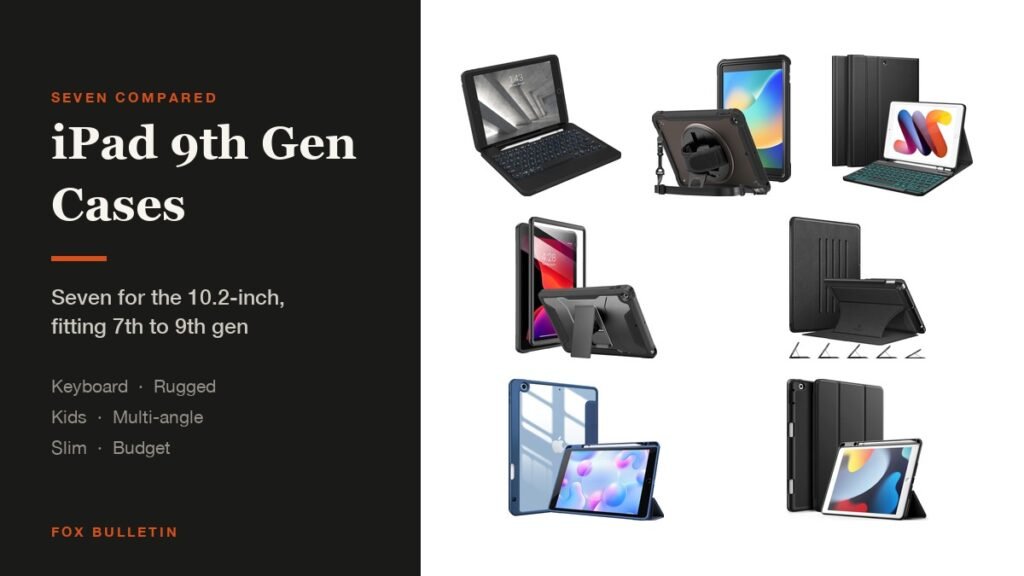
The best iPad 9th generation case for most people is the ProCase Slim, which holds a Pencil, props the tablet and adds almost nothing to the weight. If the iPad is doing schoolwork or email, a keyboard case changes what it is for, and if a child is using it, the rugged designs with a shoulder strap are the ones that survive.
Every case here fits the 10.2-inch iPad in all three of its generations, the 7th from 2019, the 8th from 2020 and the 9th from 2021, because Apple kept the shell identical across them. The table compares the seven on the things that differ:
iPad 9th Generation Cases Compared: Stands, Keyboards and Pencil Storage
Protection is adequate across all of these, so pick on what the case lets you do with the tablet:
| # | Case | Type | Stand | Apple Pencil | Best for |
|---|---|---|---|---|---|
| 1 | ProCase Slim | Slim folio | Trifold cover | Built-in holder | Everyday use |
| 2 | Fintie Backlit Keyboard | Keyboard folio | Adjustable stand | Built-in holder | Typing on a budget |
| 3 | ZAGG Rugged Book | Rugged keyboard | Magnetic hinge | Holder included | Work and travel |
| 4 | Soke Rugged Armor | Hard PC and TPU | Pop-out, two angles | Not part of the design | Drops |
| 5 | ProCase Rugged Kids | Three-layer with strap | 360-degree rotating | Leather band on the back | Children |
| 6 | Fintie Multi-Angle | Shockproof folio | Magnetic, five angles | Not part of the design | Reading anywhere |
| 7 | JETech Trifold | PU front, TPU back | Trifold cover | Built-in holder | Spending least |
1. ProCase Slim: The Best iPad 9th Generation Case for Most People
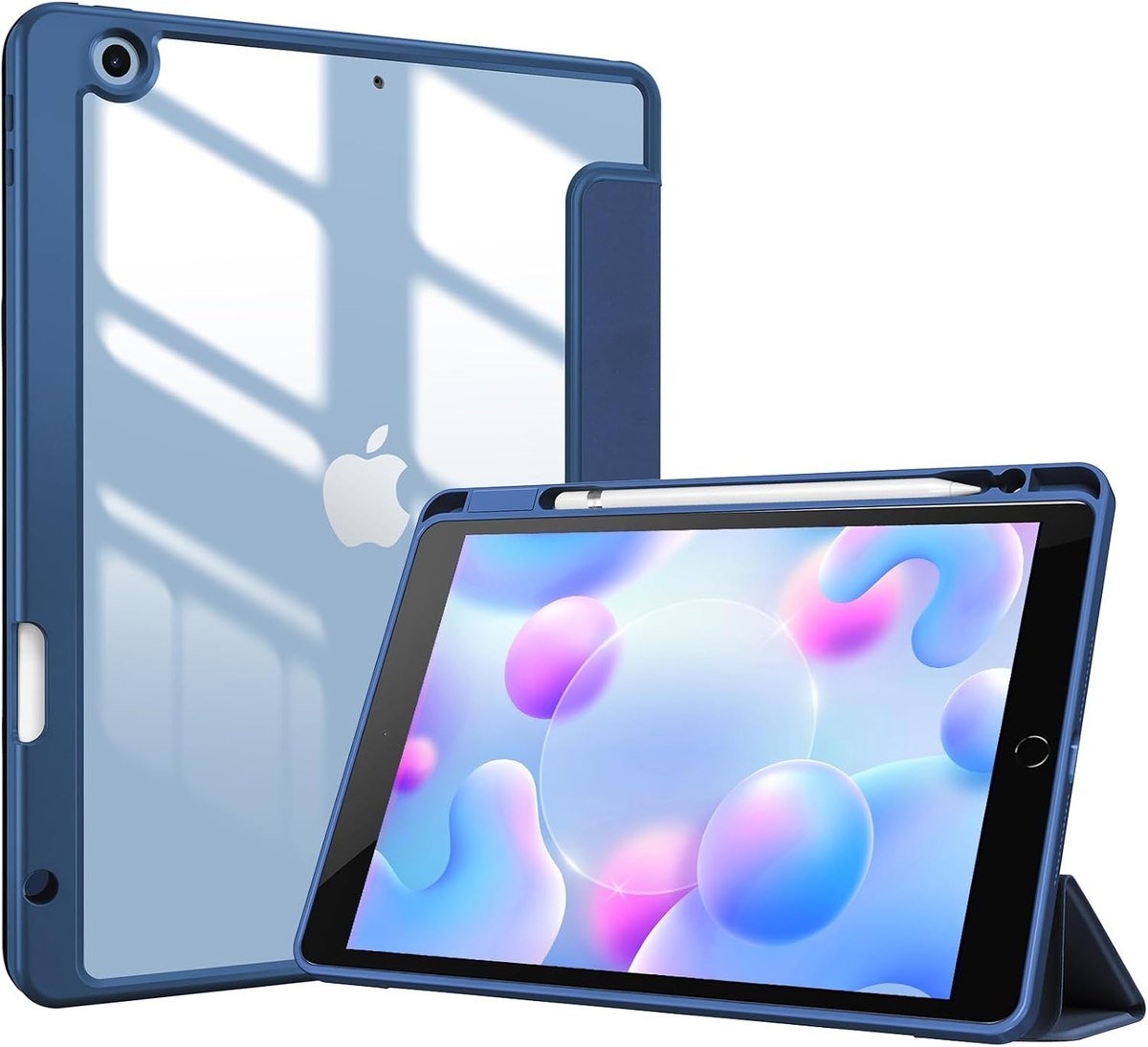
ProCase keeps this one simple: a protective shell with a built-in pencil holder, auto sleep and wake, and a magnet that secures the closure. The cutouts leave the cameras, speaker, ports and buttons accessible without taking the case off.
The listing covers the full set of 10.2-inch model numbers, running from the 2019 7th generation through the 2021 9th generation, so it is the safest purchase if you are not certain which one you own. It is the case to buy when the iPad is a browsing and video tablet and you want it protected without being changed.
What it does well
- Pencil holder without extra bulk
- Auto sleep and wake
- Fits all three 10.2-inch generations
What to know before buying
- Light protection against a real drop
- Trifold angles are fixed
2. Fintie Backlit Keyboard Case: Best Budget iPad Keyboard Case
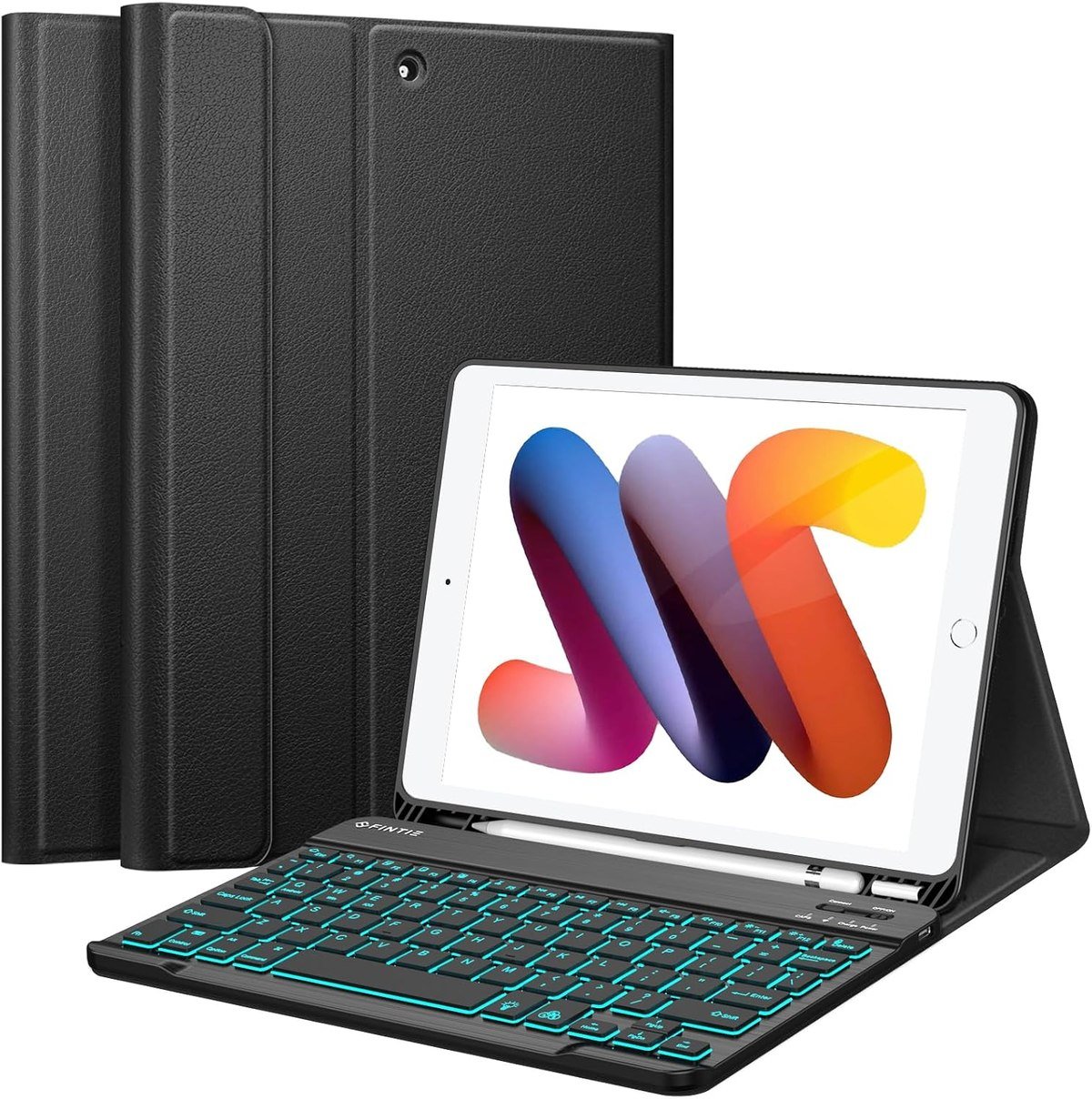
Fintie pairs a detachable backlit keyboard with a PU leather cover, an anti-slip rubber-lined interior and a soft TPU back shell. The keyboard works with iOS, Android and Windows, so it outlives the tablet it was bought for, and a built-in holder carries a first-generation Apple Pencil.
Compatibility is listed down to the model number for all three generations, and Fintie says it fits no other device. For a school or hand-me-down iPad this is the cheapest way to make the tablet usable for written work without buying a laptop.
What it does well
- Backlit keys for a low price
- Keyboard pairs with other devices too
- Adjustable stand and pencil holder
What to know before buying
- PU leather wears at the corners
- Adds noticeable thickness
3. ZAGG Rugged Book: Best iPad Keyboard Case for Travel
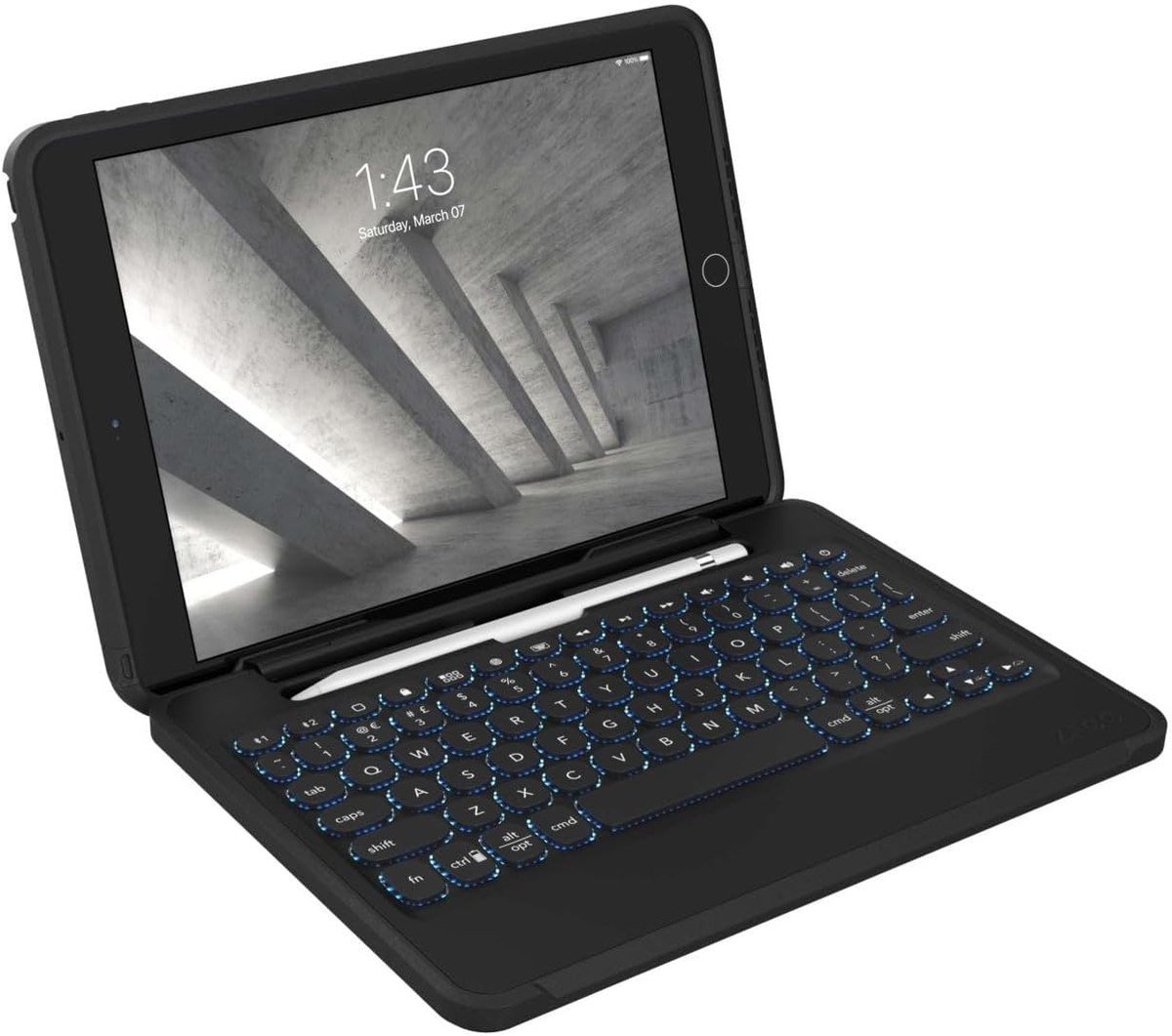
ZAGG builds the Rugged Book around a magnetic hinge that holds the tablet and lets you set the viewing angle, with a detachable keyboard rather than a fixed one. The case is polycarbonate and soft silicone, and ZAGG rates it for 6.6 feet, or 2 metres, of drop protection.
The keyboard is the strong part: a low-profile laptop-style keyframe with backlighting in seven colors, Bluetooth pairing to two devices at once with a toggle between them, forward-facing speaker cutouts and a stylus holder. ZAGG says the rechargeable battery runs up to two years between charges depending on backlight use.
What it does well
- Drop rating plus a real keyboard
- Pairs with two devices at once
- Keyboard detaches for tablet use
What to know before buying
- The heaviest option here
- Costs more than the tablet is worth second-hand
4. Soke Rugged Armor: Best Rugged iPad 9th Generation Case
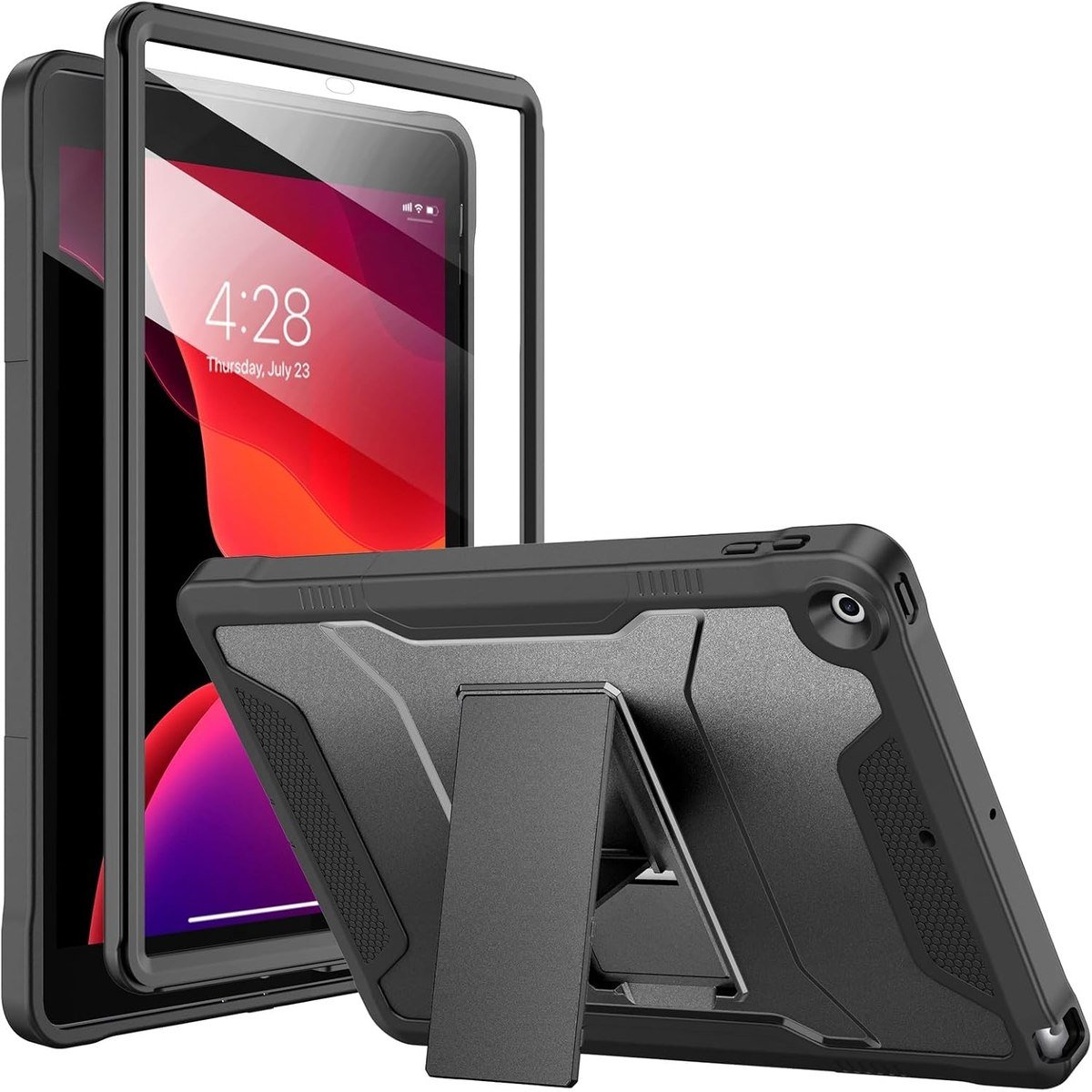
Soke layers a hard polycarbonate back with a flexible TPU bumper and adds a built-in screen protector, which the company says guards against scratches without compromising touch sensitivity. A pop-out kickstand gives two angles for watching or working.
The integrated screen protector is the detail that matters on a tablet this age. The 10.2-inch iPad is often a second or shared device by now, and the screen is what gets scratched in a bag. Precise cutouts keep the ports, sensors, speakers and cameras usable with the case on.
What it does well
- Screen protection built in
- Two-angle pop-out kickstand
- Multi-layer drop protection
What to know before buying
- Built-in protectors can trap dust under them
- Bulkier than any folio
5. ProCase Rugged Kids Case: Best iPad Case for Children
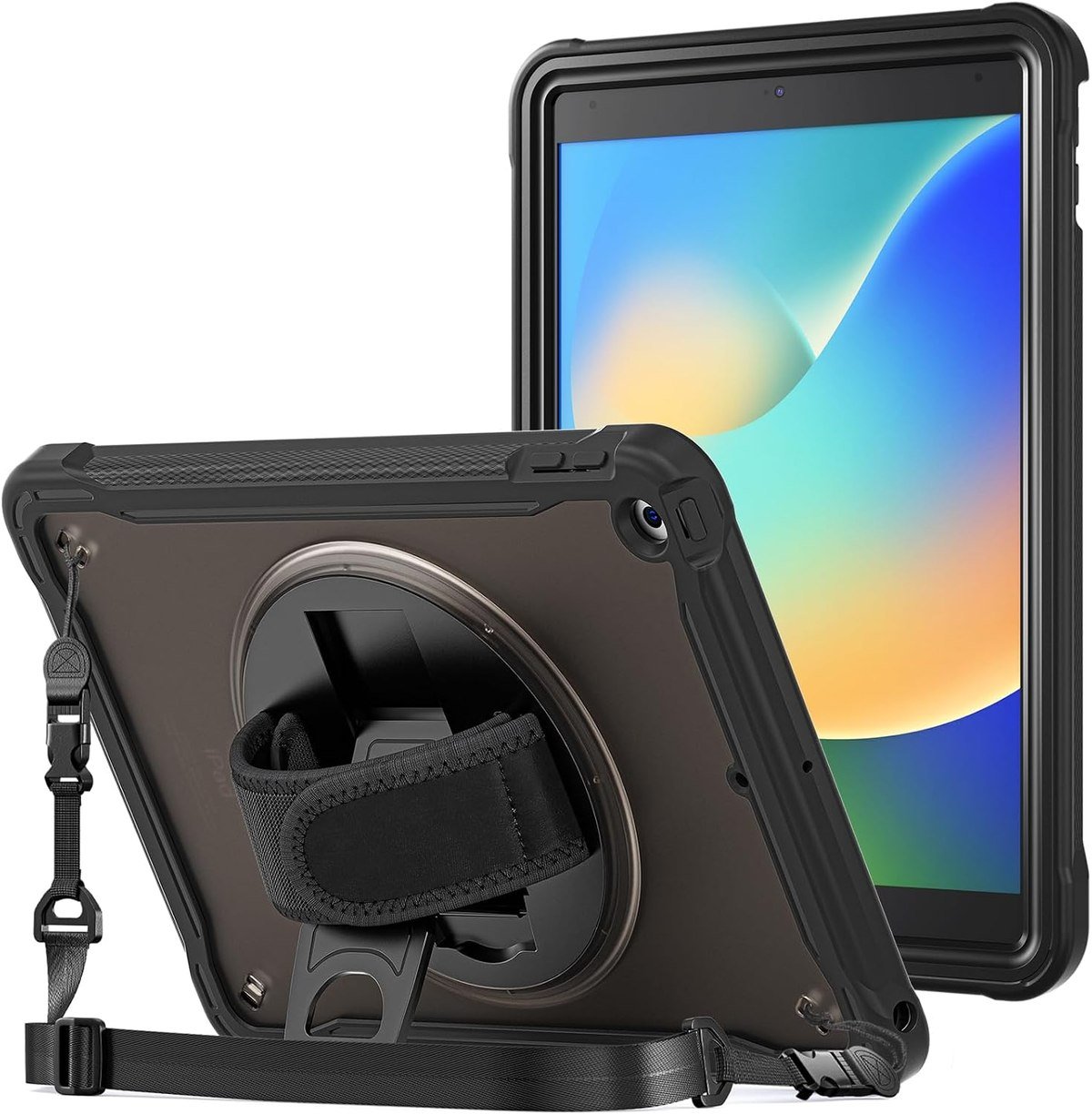
This is the heavy-duty option built around how children actually hold a tablet. A 360-degree rotating stand sets any position for typing or viewing, and an ergonomic grip on the back means the iPad can be carried in one hand without a pinch grip on the edges.
The translucent frosted back leaves the tablet colour visible, and a small leather band on the back holds a pencil within reach. ProCase lists all three generations of 10.2-inch model numbers, which matters for a case likely to outlive the tablet and get handed down with it.
What it does well
- Rotating stand and hand grip
- Heavy-duty construction for drops
- Pencil held on the back
What to know before buying
- Heavy and thick
- Too bulky for an adult carrying it daily
6. Fintie Multi-Angle: Best iPad Case for Reading in Odd Positions
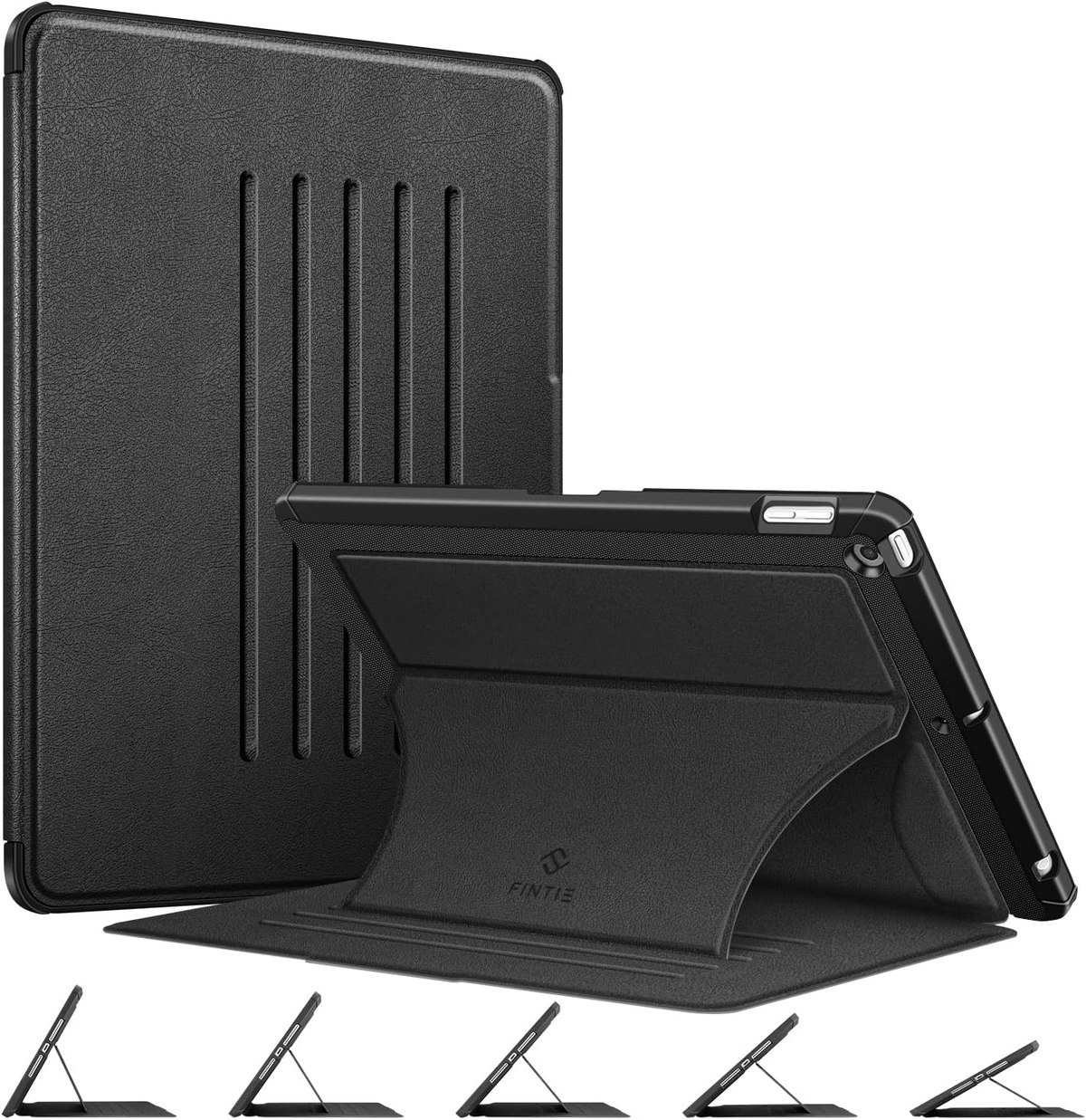
Fintie uses a magnetic kickstand with five secure angles instead of the usual two, which Fintie says is strong enough to hold the iPad against a fridge or other metal surface. A soft TPU back shell takes the shocks and a microfibre lining keeps the screen from being scratched by the cover.
Five angles sounds like marketing until you use a tablet on a plane tray, a sofa arm or a kitchen counter, where the right angle is rarely one of the two a trifold offers. A built-in magnetic strip drives sleep and wake as the cover opens and closes.
What it does well
- Five genuinely usable angles
- Magnet strong enough for metal surfaces
- Microfibre lining
What to know before buying
- No pencil holder
- Magnetic stands collect grit at the hinge
7. JETech Trifold: Best Cheap iPad 9th Generation Case
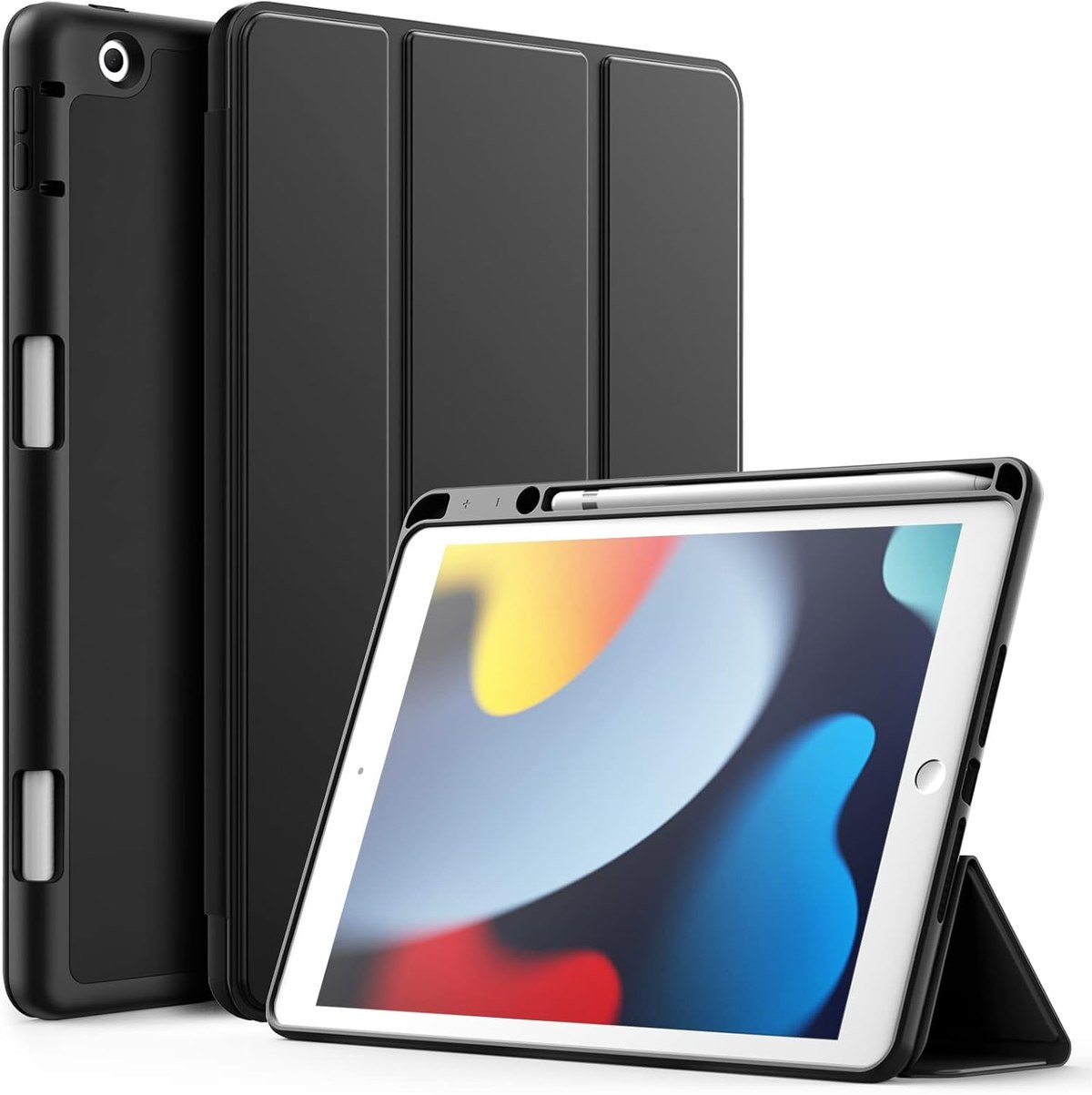
JETech covers the essentials and stops there: a flexible TPU inner back that makes the case easy to fit and remove, a PU front and back surface, a slim profile and a built-in pencil holder that keeps the stylus from falling out in a bag.
The compatibility line runs through all eleven model numbers across the three generations. For an iPad that lives on a kitchen counter or goes to a child who already has a rugged case for school, this is the one to buy and forget about.
What it does well
- Cheapest way to get a pencil holder
- Easy to fit and remove
- Covers all three generations
What to know before buying
- PU surface marks over time
- No meaningful drop protection
Why One Case Fits Three Generations
Apple kept the 10.2-inch iPad physically identical from 2019 to 2021, which is why case makers list all three generations together. The model numbers are:
- iPad 9th generation, 2021: A2602, A2603, A2604 and A2605.
- iPad 8th generation, 2020: A2270, A2428, A2429 and A2430.
- iPad 7th generation, 2019: A2197, A2198 and A2200.
Find yours on the back of the tablet or in Settings, then General, then About, and check it against Apple list of iPad models. The important thing this list is not is the 10.9-inch base iPad: the 10th and 11th generations changed the size, moved the camera and dropped the home button, so they take entirely different cases. Our wider roundup of iPad cases across the range covers those models and the Air, Pro and mini lines.
Buying for a 10.2-Inch iPad in Its Second Life
Most of these tablets are now second devices, school iPads or hand-me-downs, which changes what a case is for. Five things worth settling before ordering:
- Treat the three generations as one. Every case here lists all three sets of model numbers, so a case bought for an 8th generation iPad fits a 9th, which keeps second-hand options open.
- Do not mix it up with the 10.9-inch iPad. The 10th and 11th generation base models are a different size and shape, and nothing in this list fits them.
- Check which Apple Pencil the tablet takes. The 10.2-inch iPad uses the first-generation Pencil, which charges through the Lightning port rather than attaching magnetically, so a case needs a physical holder rather than a magnetic strip.
- Decide whether the case has to survive a child. The kid-proof designs weigh more than everything else here, and that weight is the entire point.
- Look at stand angles rather than stand counts. Two well-chosen angles beat five that all sit too upright for typing.
The Pencil point catches people out. The 10.2-inch iPad works with the first-generation Apple Pencil, which charges through a port rather than clipping magnetically to the side, so a case needs a loop, a band or a slot to carry it. A magnetic strip on the edge of the case does nothing for this generation. If the tablet is mainly for handwriting and study, our comparison of note-taking apps for iPad covers what runs well on older hardware.
Keeping the Case and the Tablet Usable
A case on an older iPad is doing more work than one on a new tablet, because the resale value no longer justifies a repair. Five habits:
- Lift a rugged case off every month or two and clear the dust that builds up around the ports and the camera cutout.
- Clean a built-in screen protector with a microfibre cloth rather than a wipe, since alcohol lifts the adhesive at the edges.
- Keep a keyboard case closed in a bag so crumbs stay out of the keys and nothing presses on them.
- Charge a Bluetooth keyboard before a long trip even if it claims months of life, because backlighting drains it far faster than typing does.
- Wipe PU leather with a barely damp cloth; solvent cleaners strip the coating and leave it looking worn within weeks.
If the iPad is shared or travels in a school bag, the rugged options earn their bulk. If it lives at home, the slim folio is the better choice, because a case that is annoying to hold gets left off, and a case left off protects nothing.
Which iPad 9th Generation Case to Buy
Buy the ProCase Slim as the default: it carries a pencil, props the tablet, wakes and sleeps with the cover and costs little. Move to the Fintie backlit keyboard case if anyone is writing on the iPad, since it is the cheapest route to a usable keyboard, and to the ZAGG Rugged Book if the tablet travels for work and you want the drop rating and the two-device Bluetooth pairing alongside it.
For a child, the ProCase kids case with its rotating stand and grip is the one that survives, and the Soke armour case is the compromise for an adult who wants screen protection built in. Fintie multi-angle suits reading in awkward positions, and JETech is the one to buy when the iPad is a spare. The same questions on a smaller tablet are covered in our guide to iPad mini cases.
Frequently Asked Questions
Do iPad 8th generation cases fit the 9th generation?
Yes. The 7th, 8th and 9th generation 10.2-inch iPads share the same dimensions and port layout, and case listings name all three sets of model numbers. Cases for the 10.9-inch 10th and 11th generation iPads do not fit.
Which Apple Pencil works with the iPad 9th generation?
The first-generation Apple Pencil, which charges through a port rather than attaching magnetically to the side of the tablet. That is why cases for this iPad use a holder, loop or band rather than a magnetic strip.
Is a keyboard case worth it on an iPad 9th generation?
For schoolwork, email and documents, yes, and it is the cheapest way to extend the useful life of an older tablet. A detachable keyboard is worth preferring, since it lets the iPad go back to being a tablet without carrying the keyboard everywhere.
What is the best iPad 9th generation case for school?
A rugged case with a stand and a pencil holder, or a kids case with a rotating grip and shoulder strap if the child is young. Drops in corridors and bags are what kill school iPads, so prioritise impact protection and a built-in screen protector over slimness.
Related Articles
- Best Keyboards for Mac: 7 Compared on Feel and Layout
- Best Power Bank: 7 Picks for Phones, iPhones and Laptops
- Best MagSafe Charger: 7 Compared on Watts and Form
- Best iPad Air Cases: 7 Compared for 11 and 13-Inch
- Best iPad Keyboards: 7 Cases and Standalone Picks
As an Amazon Associate, Fox Bulletin earns from qualifying purchases.

Get the Fox Bulletin briefing
The stories that matter, in your inbox. No spam, unsubscribe anytime.
Newsletter signup will be available soon.
Related stories
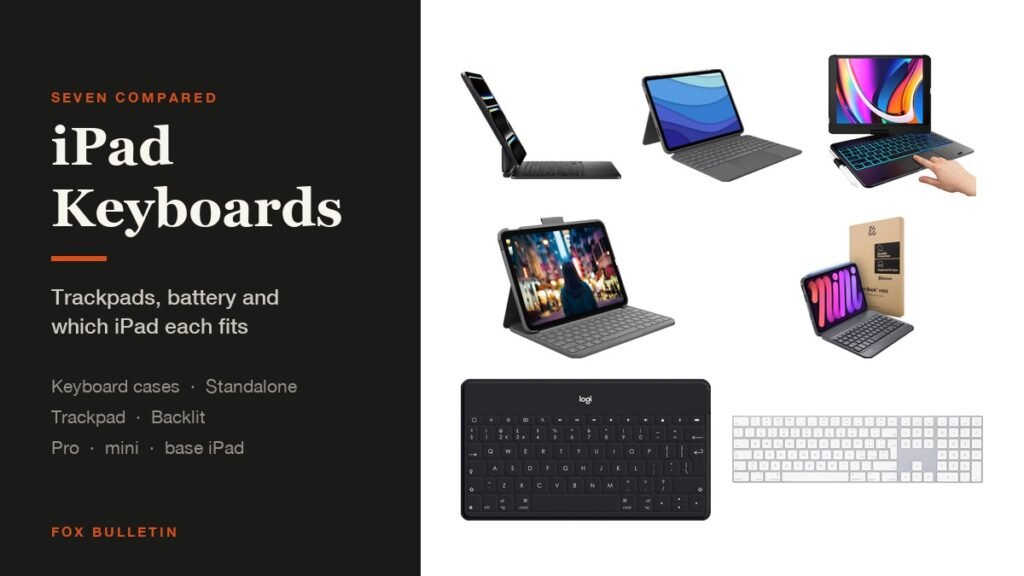
Best iPad Keyboards: 7 Cases and Standalone Picks
Seven iPad keyboards compared on trackpads, battery life and which tablet each fits, covering keyboard cases for the Pro, mini and base iPad as well as two standalone Bluetooth keyboards.
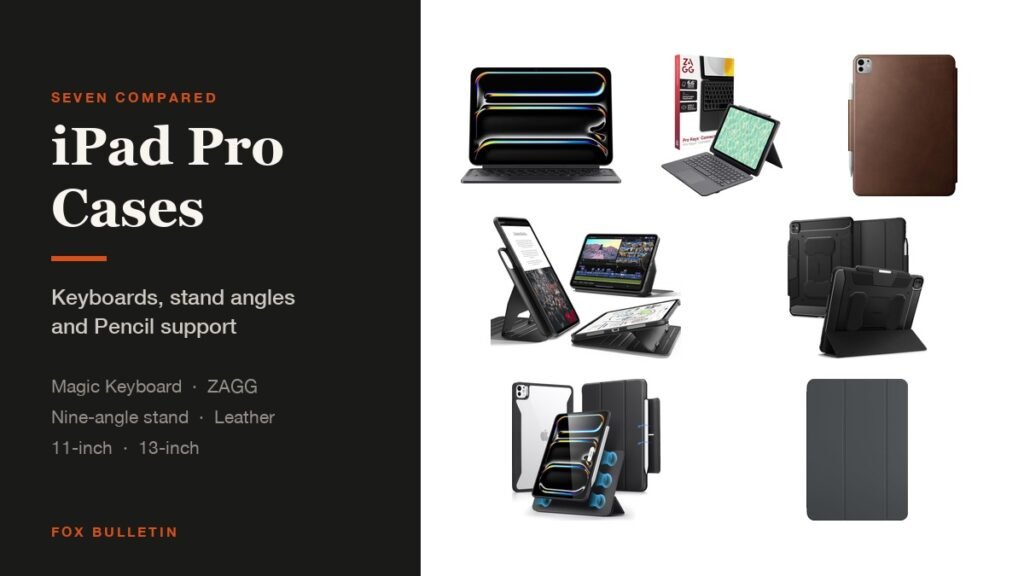
Best iPad Pro Cases: 7 Compared for 11 and 13-Inch
Seven cases for the M4 and M5 iPad Pro compared on keyboards, stand angles and Pencil support, from Apple Smart Folio and Magic Keyboard to a nine-angle magnetic stand and leather.
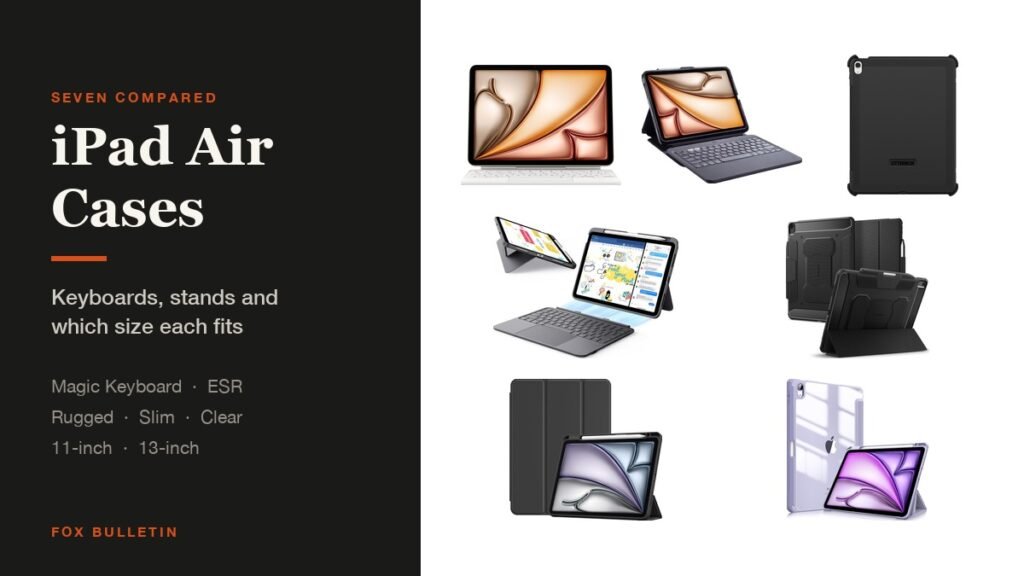
Best iPad Air Cases: 7 Compared for 11 and 13-Inch
Seven cases for the iPad Air compared on keyboards, stands and Pencil storage, covering the 11-inch and 13-inch models with M2, M3 and M4 chips as well as the Air 4 and 5.