

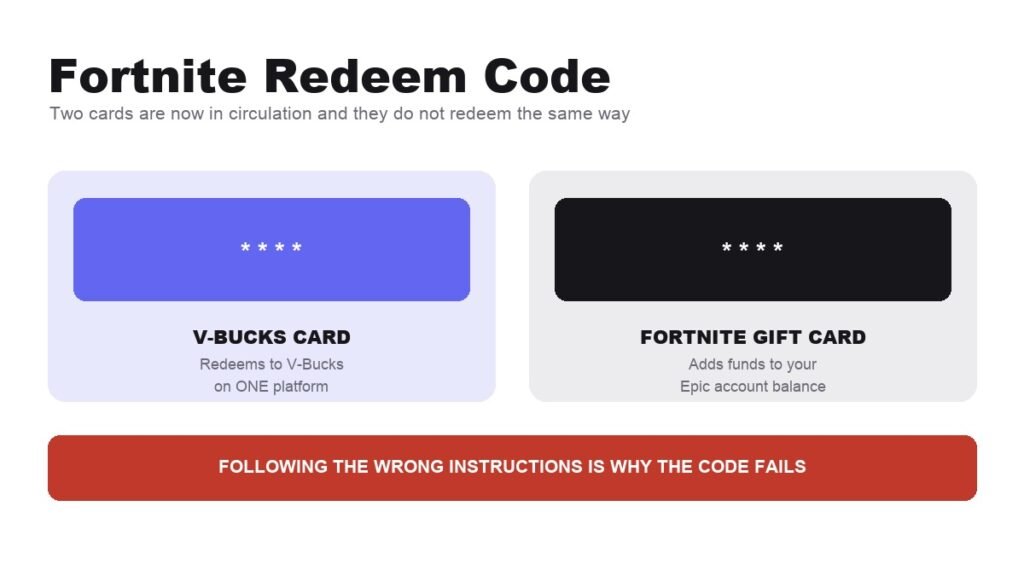
A fortnite redeem code is not one thing any more. Epic is replacing V-Bucks cards with Fortnite Gift Cards, the two redeem through different systems, and starting with the wrong set of instructions is the most common reason an evening gets wasted on a card that should have taken two minutes.
This covers the V-Bucks card route in full, including the second code consoles demand after Epic already told you the redemption was confirmed.
Two Cards, Two Different Systems
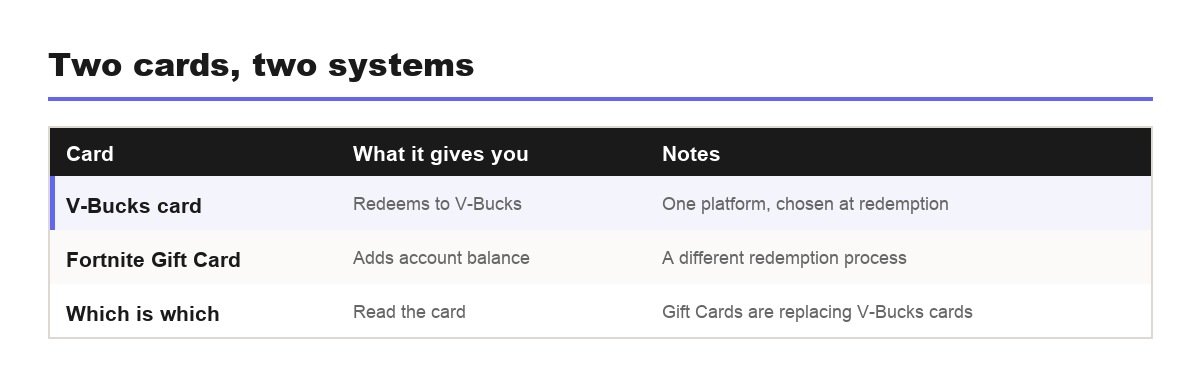
Epic opens its own instructions with this warning, which says something about how often it trips people up.
- V-Bucks card: redeems for V-Bucks on one chosen platform.
- Fortnite Gift Card: adds funds to your Epic Games account balance, through a different process.
- Gift Cards are the replacement, with V-Bucks cards still sold in some regions and retailers during the transition.
- Read the card before you scratch it, because the wrong instructions will not work.
- Neither type is a code you type into Fortnite itself, which is where a lot of players start looking.
Hold on to the receipt until the balance appears. Epic states that support may request it, and it is the only proof you have if the card turns out to be inactive or the code is rejected.
How to Redeem a Fortnite Code, Step by Step
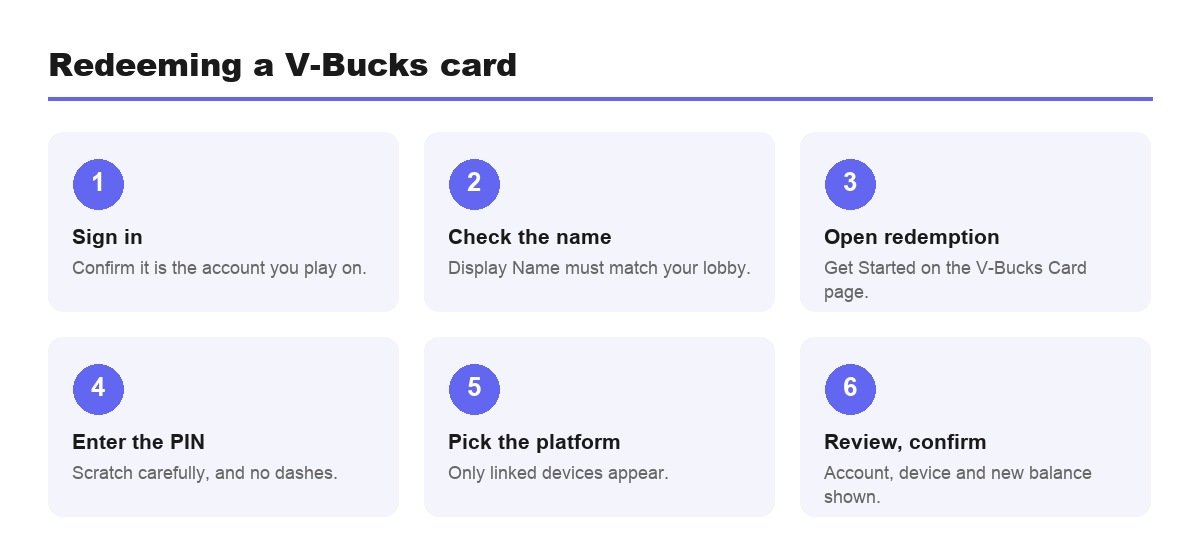
- Sign in at your Epic Games account settings and confirm it is the account you actually play on. Console players can sign in with console credentials.
- Check the Display Name under Account Information matches your in-game name.
- Open the V-Bucks Card redemption page, or hover your display name icon and select V-Bucks Card.
- Select Get Started.
- Scratch the back of the card carefully and enter the PIN with no dashes.
- Choose the platform you want the V-Bucks on, then select Next.
- Check the account, device and new balance, then select Confirm.
Two things in there cause most failures. The PIN goes in without dashes regardless of how it is printed, and the platform list only shows devices linked to the account you are currently signed into. A console missing from the list is almost always the wrong Epic account rather than a fault.
Consoles Need a Second Code
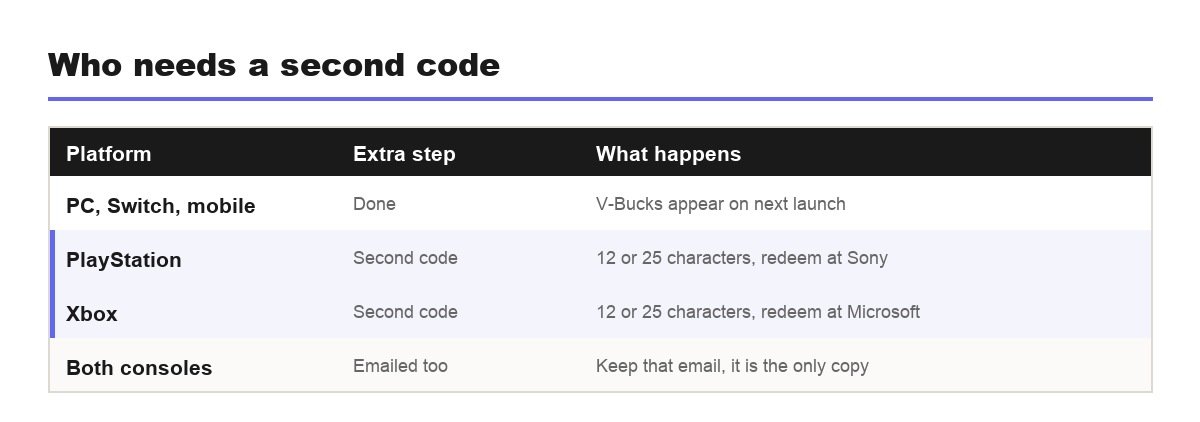
If you redeem to PlayStation or Xbox, Epic confirming the transaction is only half of it.
- A secondary code appears after Confirm, either 12 or 25 characters long.
- Epic emails a copy, which is the version worth keeping.
- It has to be entered on Sony or Microsoft’s own site to complete the process.
- Sign in to the linked account, the one connected to your Epic account.
- Use an incognito window if you have more than one Sony or Microsoft login.
Losing that email is the worst version of this, because the secondary code is the only thing between a confirmed redemption and V-Bucks you cannot reach. Check the spam folder before opening a support ticket. PC, Switch and mobile redemptions skip the whole stage: the V-Bucks are simply there next time you launch.
Choosing the Platform Is a One-Way Decision
- Only linked devices appear in the platform list.
- The summary screen shows account, device and new balance, and it is the last easy moment to catch an error.
- A card cannot be split across two platforms.
- The display name is the tell. If it does not match your lobby, stop.
It is worth deciding the destination before you start rather than at the confirmation screen. A household with a PlayStation in the living room and a PC upstairs is the classic case: both are linked, both appear in the list, and only one of them is where the player actually spends.
Once a code is committed, changing where it landed becomes a support conversation rather than a setting. The refund systems that cover Item Shop purchases have no bearing on currency redemption, so the review screen genuinely is the safety net.
When the Code Is Rejected
Epic runs a separate help article for each of these, which tells you how routine they are.
- Invalid code: usually a misread character, or dashes typed into the field.
- Inactive card: some need activating at the till, and the receipt proves it.
- Missing secondary code: it was emailed, so search before panicking.
- Country not supported: the PlayStation or Microsoft account country has to match.
- Damaged card: a real category, and the reason Epic says to scratch carefully.
Photograph the scratched panel under good light before typing anything. A zoomed image settles most character disputes instantly, and it gives you something to send support if the card really is faulty.
Do not simply retry the same code repeatedly. Repeated failures can trigger a temporary lockout on the redemption page, and none of the causes above is fixed by another attempt. Two careful tries, then work out which category you are in.
Buying Cards Without Getting Burned
- Buy from a retailer rather than a marketplace listing, since resold codes are the main source of invalid-card reports.
- Inspect the foil panel before leaving the shop.
- Match the card to your account country, not to where you happen to be shopping.
- Never accept a photographed code, because whoever took the photo can redeem it first.
- Redeem promptly rather than leaving a scratched card in a drawer.
Gift-givers should think about the account before the amount. A card is only useful to the person who owns the Epic account it lands on, and the redemption asks for a login rather than a name, so handing a card to someone means handing over the whole value with no way to reverse it.
The country rule catches holidaymakers most often. Epic publishes a specific error for it, telling players their PlayStation or Microsoft account country does not currently support V-Bucks cards, and there is no workaround at redemption time.
After the V-Bucks Land
Currency sitting in an account is safer than cosmetics bought in a hurry, because what happens after you spend is governed by a much thinner safety net.
- V-Bucks keep indefinitely once they are on the account.
- Item Shop mistakes have limited cover, at three Return Tickets in total.
- Gifted items cannot be returned by either party.
- Battle Pass levels are final, with no exceptions.
- Buying the Pass itself is also non-refundable, so decide before the season starts.
Our guide to refunding items in Fortnite covers the 24 hour cancellation window and the three tickets that Epic documents here. Turning on two-factor authentication is worth doing in the same session, since gifting is blocked without it and Epic attaches a free emote to switching it on.
Where the Balance Actually Lives
Once redeemed, V-Bucks belong to the Epic account rather than the device, which is what makes the display name check in the second step more than a formality.
Players who first signed in through a console years ago sometimes own two Epic accounts without ever realising it, and a card redeemed against the dormant one puts the balance somewhere they will never look. The name shown under Account Information has to match the name above your locker. If it does not, stop and sign in again before entering any PIN.
The same logic explains why the balance follows you between platforms afterwards. Link a new console to the same Epic account and the V-Bucks are already there, because the currency was never attached to the hardware in the first place.
Frequently Asked Questions
Can a V-Bucks card be split between two accounts?
No. The whole value goes to one Epic account and one platform, chosen during redemption and fixed once you press Confirm. Two children on separate accounts need two cards rather than one larger one.
How do you redeem a Fortnite code for V-Bucks?
Sign in to the correct Epic account, open the V-Bucks Card redemption page, select Get Started, enter the PIN with no dashes, choose your platform, then review the summary and confirm. Console players then redeem a second code on Sony or Microsoft’s site.
Why does my Fortnite code say invalid?
Most often a misread character on the scratched panel or dashes typed into the field. Inactive cards that were never activated at the till and country mismatches are the other two common causes, and both are covered by their own Epic help articles.
Can I redeem a V-Bucks card without a console?
Yes. Redeeming to PC, Switch or mobile skips the secondary code entirely and the V-Bucks appear the next time you open Fortnite. The two-stage process only exists because console currency has to pass through the platform holder.
Is a Fortnite Gift Card the same as a V-Bucks card?
No. A Gift Card adds funds to your Epic Games account balance and redeems differently. A V-Bucks card converts directly to V-Bucks on one platform. Epic is replacing the latter with the former, so check the wording on your card first.
Related Articles

Get the Fox Bulletin briefing
The stories that matter, in your inbox. No spam, unsubscribe anytime.
Newsletter signup will be available soon.
Related stories
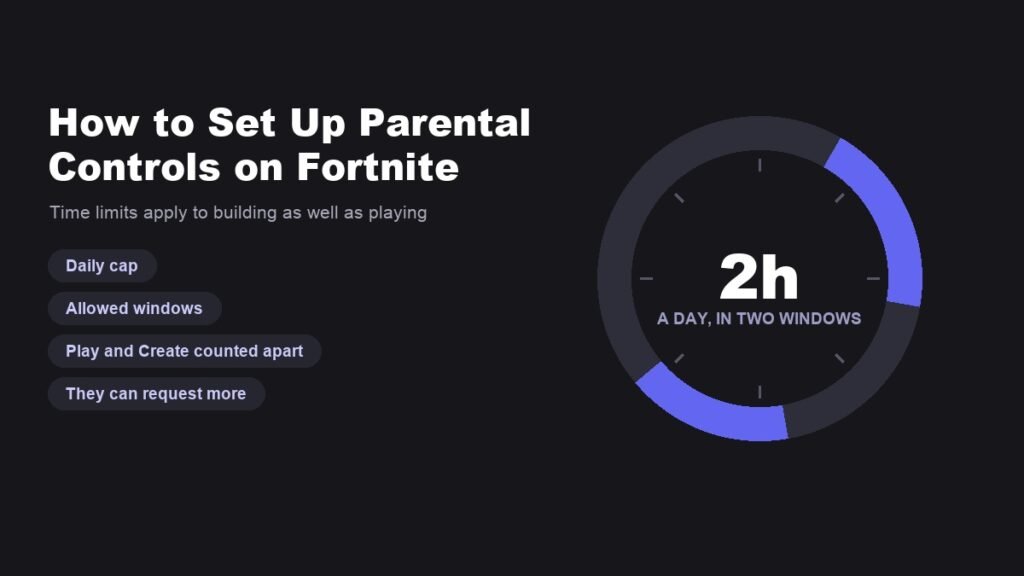
How to Set Up Parental Controls on Fortnite Properly
The setup is in the game, not on the website, and it turns on two decisions: which email owns it and what the PIN is.
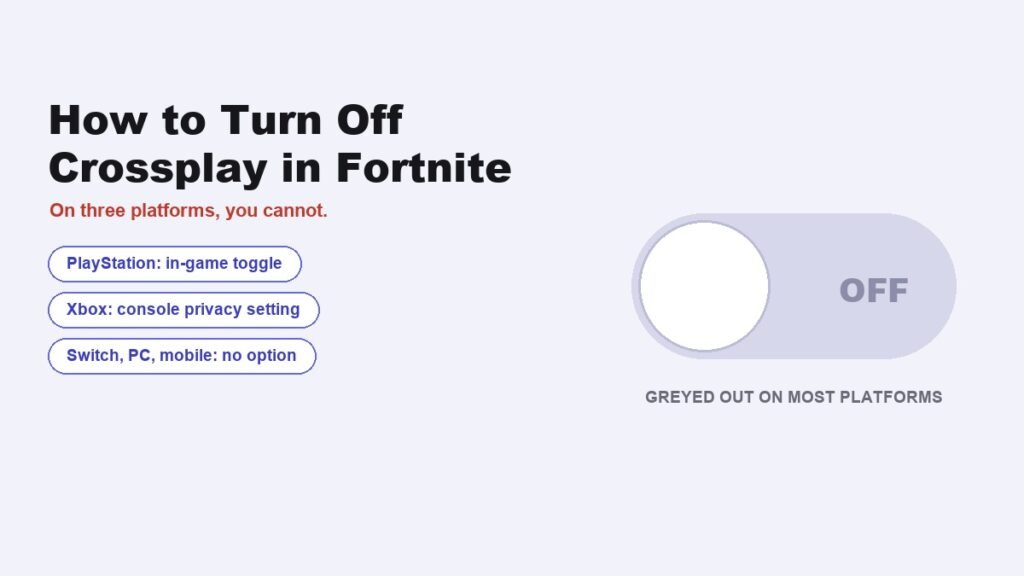
How to Turn Off Crossplay in Fortnite, and Who Actually Can
PlayStation has the toggle. Xbox hides it in console settings. On PC, Switch and mobile the option does not exist.
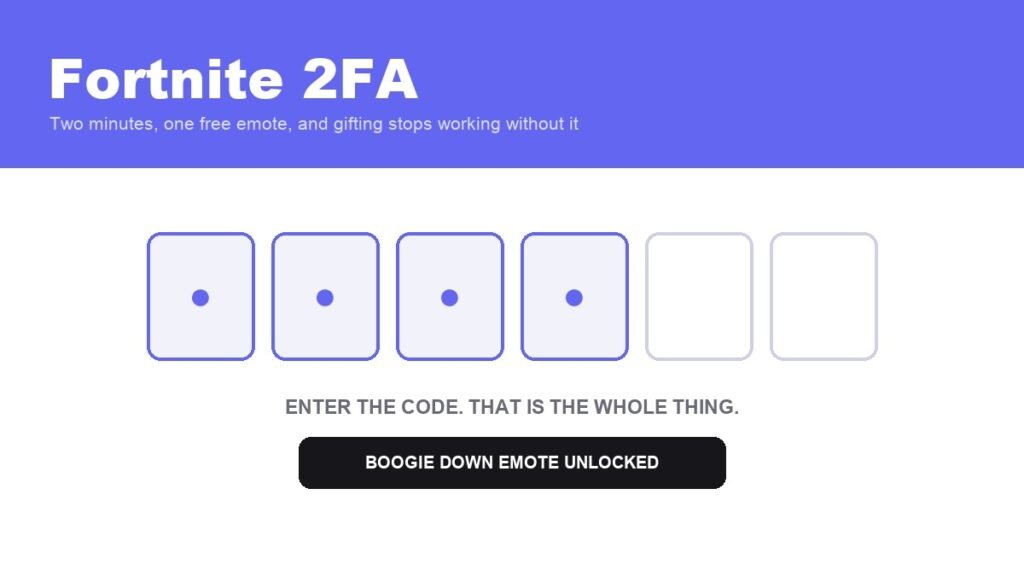
Fortnite 2FA: How to Enable It and What You Get
A free emote, three extra items for Save the World owners, and the reason your gift button does nothing.