
There are two reasons to leave Outlook and they lead to different answers. One is that you object to the app: the new Outlook is a web view in a desktop frame, and Microsoft moved everyone onto it without asking. The other is that you object to the mailbox, in which case swapping clients solves nothing and you need a different provider.
This compares five options across both. Every figure was read off the vendor’s own pricing page on 18 September 2026, and the free tiers are where the interesting details are.
What You Are Actually Leaving
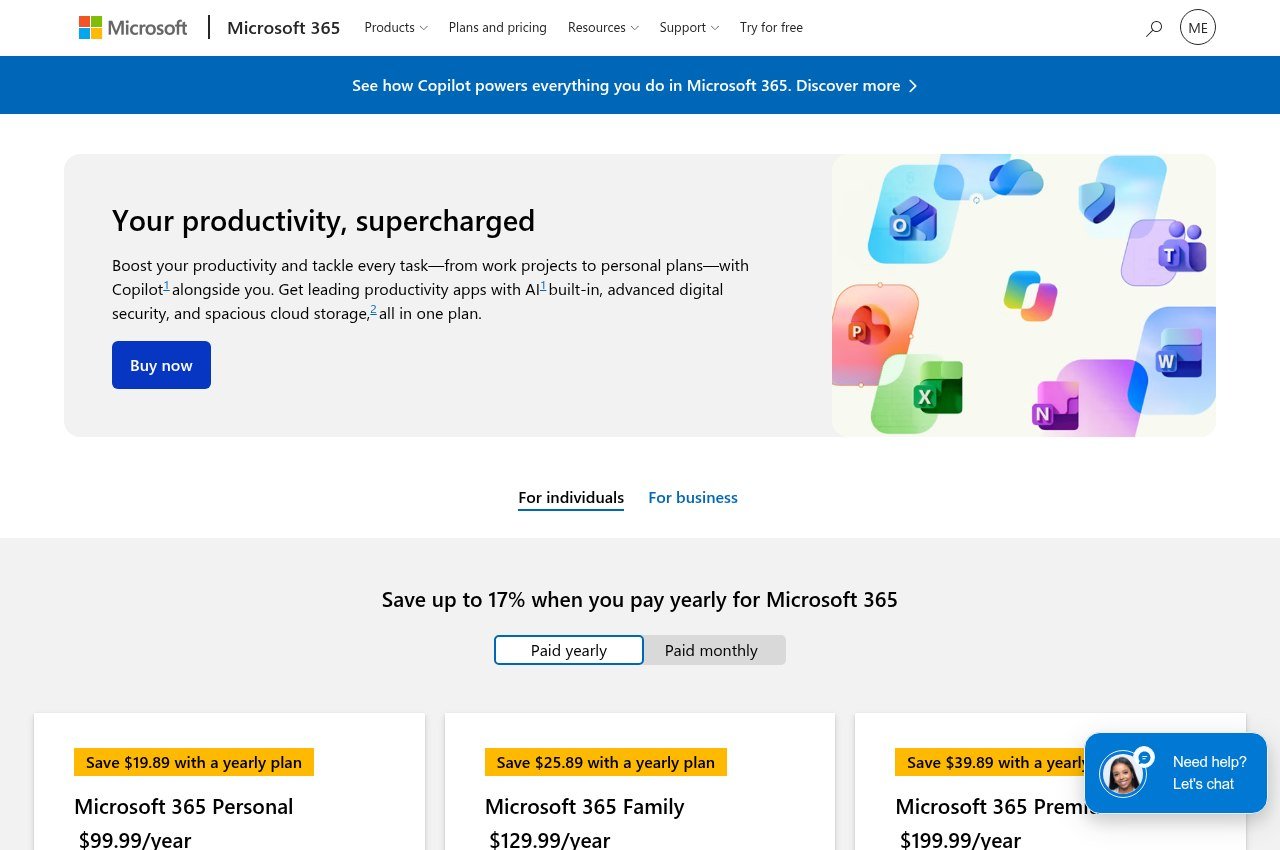
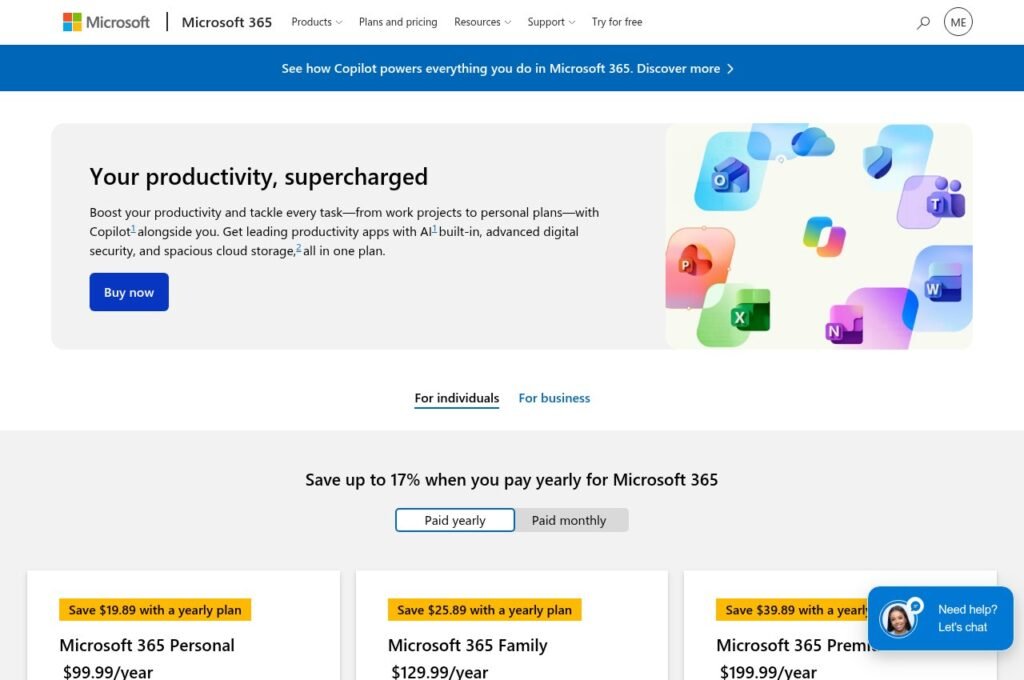
Outlook is free. The new Outlook ships as the default mail app on Windows 11, Microsoft pushed it to Windows 10 through a security update, and it costs nothing to use with an Outlook.com, Gmail or IMAP address.
What a Microsoft 365 subscription adds is the Office apps, extra storage and the desktop version of classic Outlook. That is worth knowing before you shop for a replacement, because you are not escaping a mail bill. You are choosing a different application.
The context is that Windows Mail stopped working on 31 December 2024. Mail, Calendar and People were retired into the new Outlook, so for a lot of people this is not a choice they went looking for.
Five Outlook Alternatives, and What Each One Costs
Thunderbird
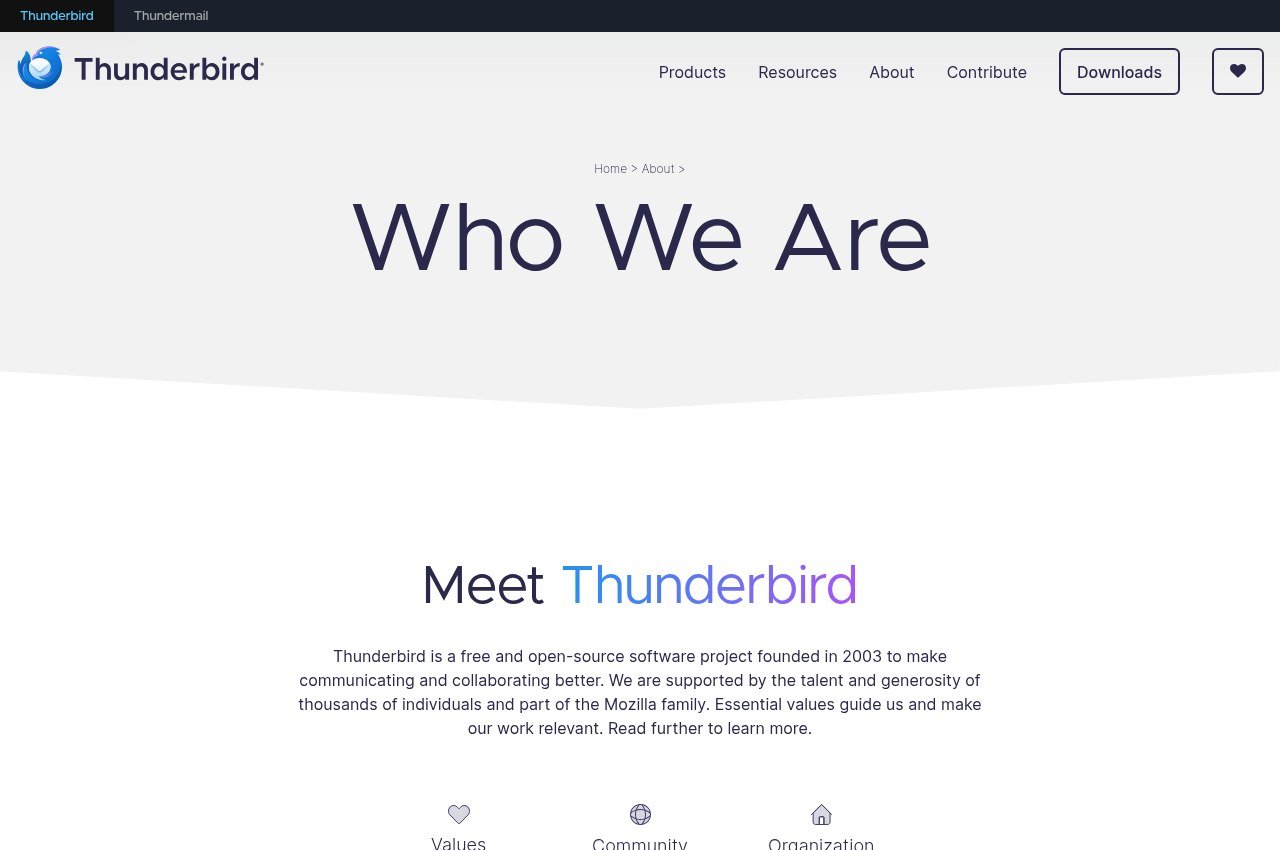
Thunderbird is free, has no paid tier, and is funded by donations rather than subscriptions. That is the whole pitch and it is a strong one: there is no commercial pressure to move you onto something else later, because there is nothing to move you onto.
Version 156 covers mail, calendar and contacts on Windows, macOS and Linux, with a unified inbox and a real Android app. The project states it does not collect personal data, sell ads in the inbox, or train AI on private conversations.
The cost is effort. Setup asks more of you than Outlook does and the interface is functional rather than designed. Nothing else on this list is free in the same unqualified way.
eM Client
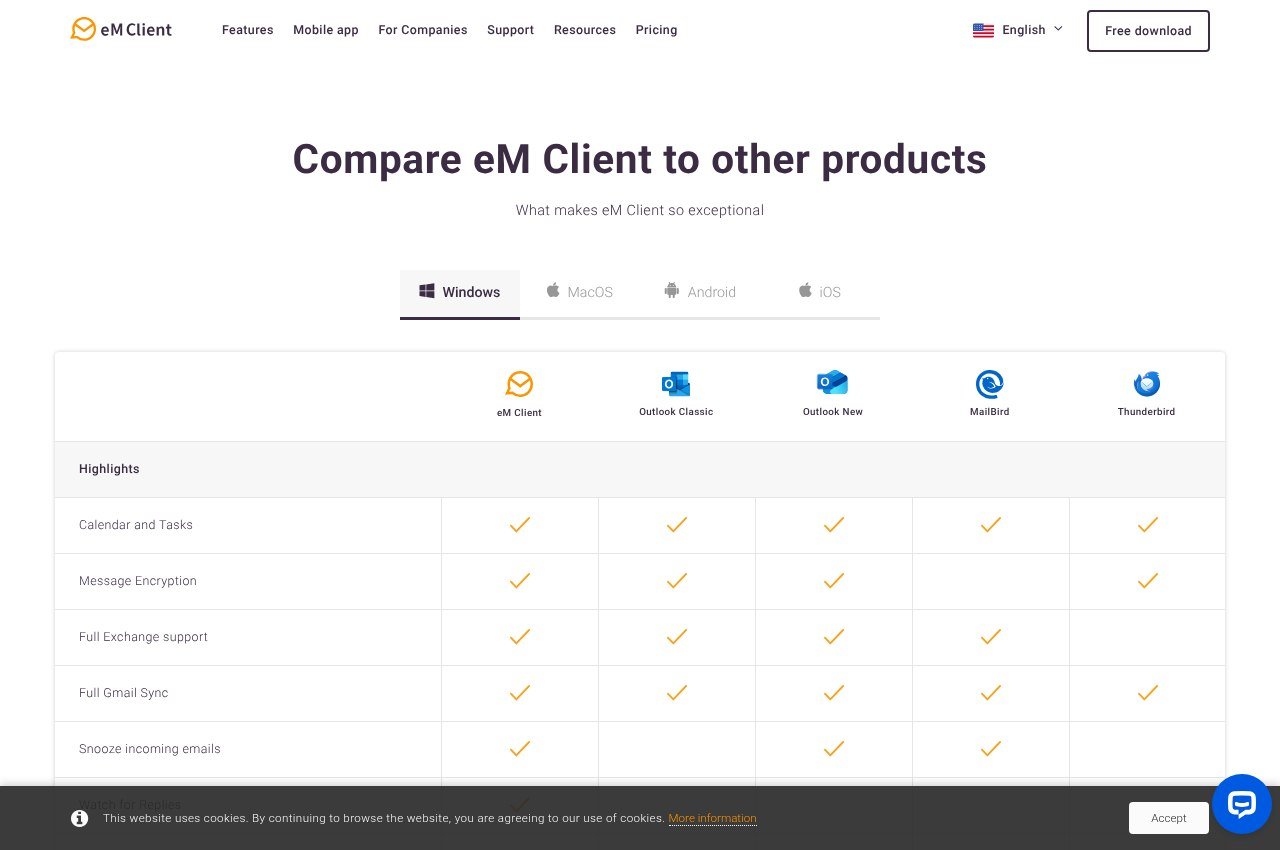
eM Client is the closest thing to Outlook without Microsoft, covering mail, calendar, contacts and tasks with Exchange support and a four-pane layout that will feel immediately familiar.
Pricing is $39.95 a year for three devices, or $59.95 once with lifetime upgrades. That perpetual option matters, because it is a real perpetual licence rather than a frozen version, and it is cheaper than eighteen months of the subscription.
The free licence is capped at two accounts and personal non-commercial use. It also holds back thread view, snooze, undo send, send later and tracking pixel blocking, though PGP and S/MIME encryption are included on every tier including free.
Mailbird
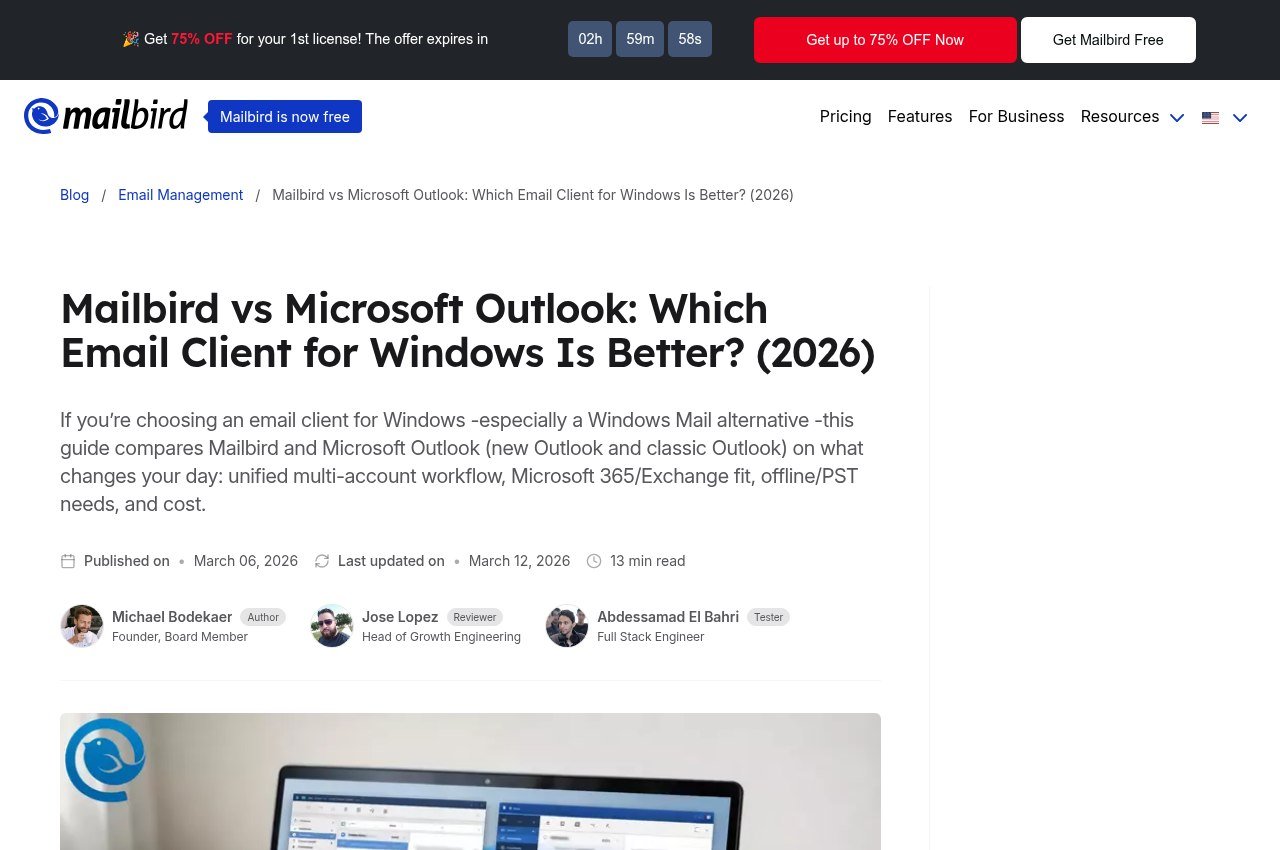
Mailbird is a Windows and Mac client built on a unified inbox with app integrations. Premium is posted at $4.03 a month billed yearly against a $5.75 list price, and there is a pay-once licence posted at $99.75 against a $399 list.
Two things to check before buying. The pay-once licence excludes lifetime updates, which are a separate $69, so the comparable figure against eM Client’s $59.95 is $168.75. And the free tier allows exactly one account, which is the tightest limit here.
There is no mobile app, the Mac build needs macOS Ventura or later, and the Mac build does not accept POP3 accounts.
Proton Mail
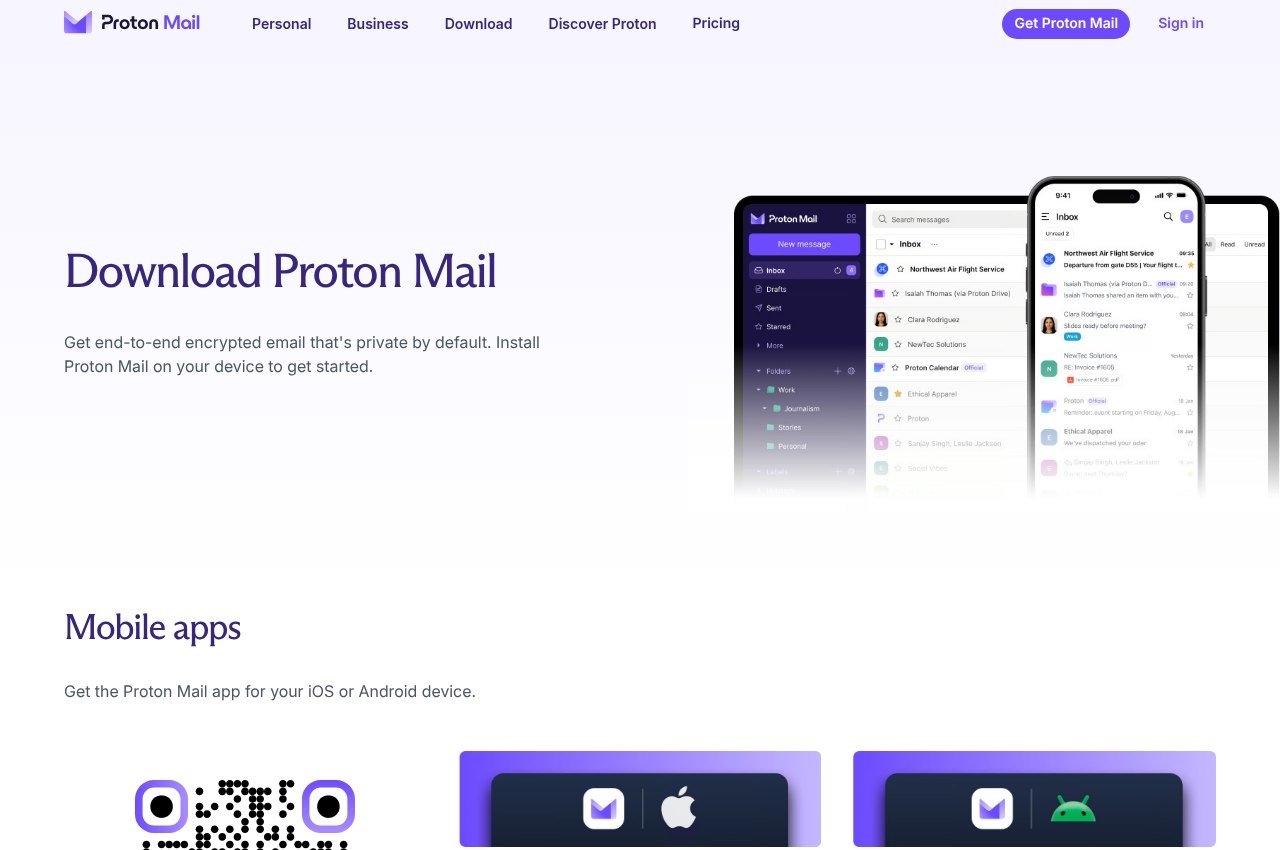
Proton Mail changes the mailbox rather than the app. It is Swiss, end-to-end encrypted, open source, and has apps for web, Windows, macOS, Linux, iOS and Android.
Mail Plus is $3.99 a month billed yearly, or $47.88 up front, against $4.99 month to month. Proton Unlimited is $9.99 a month billed yearly at $119.88 and bundles VPN, a password manager and 500 GB. Both carry a 30-day money-back guarantee.
The free plan is genuinely limited: 1 GB, a single address, three folders, three labels and a hard ceiling of 150 messages a day. And using Proton inside any desktop client requires Proton Mail Bridge, which is paid plans only, so the free tier cannot be run through Thunderbird.
Zoho Mail
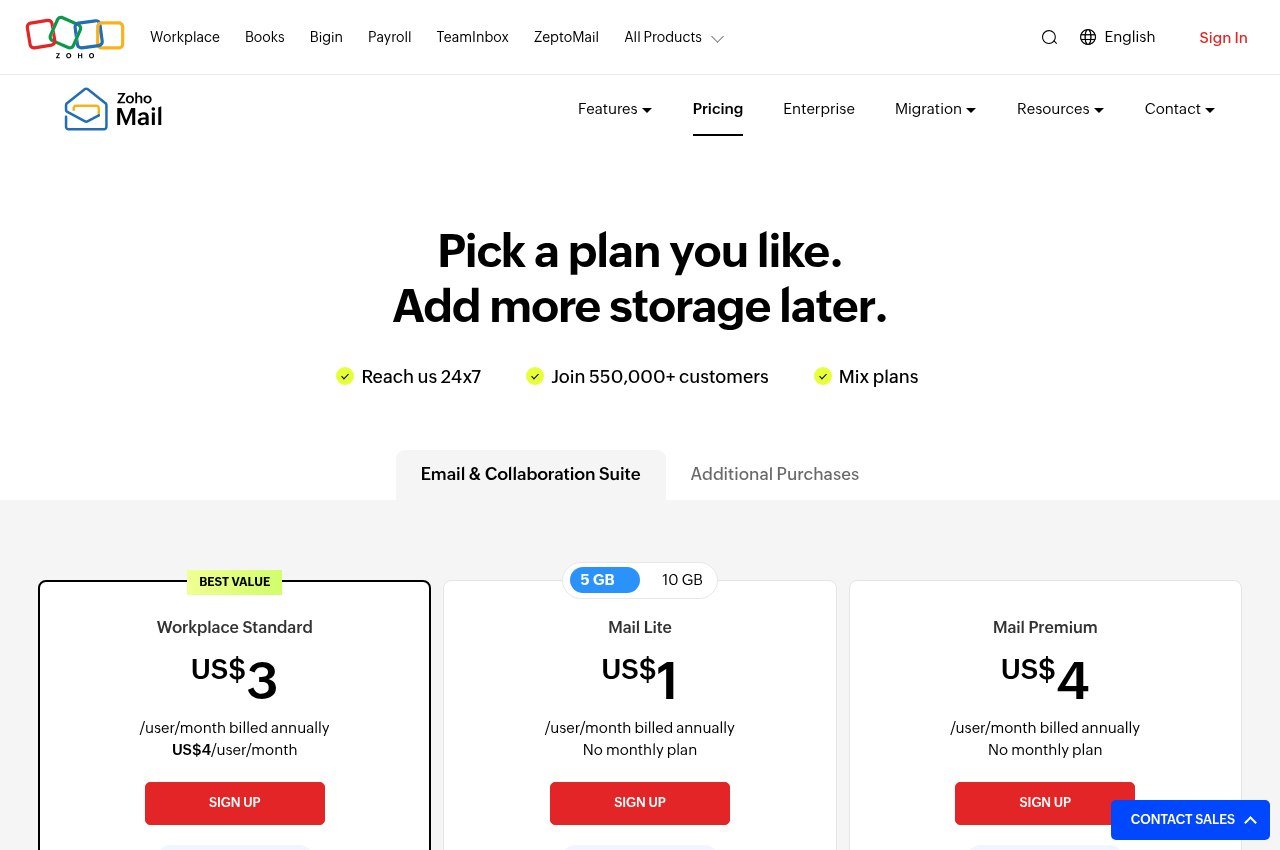
Zoho Mail is the cheapest way to put mail on a domain you own. Mail Lite is $1 per user a month billed yearly for 5 GB, or $1.25 for 10 GB. Mail Premium is $4 per user a month with 50 GB plus 50 GB of retention storage.
The forever-free plan covers one domain and five users at 5 GB each, and it comes with a restriction most write-ups omit: no IMAP, no POP and no Active Sync. You get webmail and Zoho’s own apps, nothing else. Free hosting is also limited to selected data centres.
Pay the dollar and the protocols unlock. At $12 per user a year it is the cheapest line item in this comparison by a distance, and Zoho states it is ad-free and does not sell user data.
Price and Platform Comparison
| Option | Price | Runs on |
|---|---|---|
| Thunderbird | Free | Windows, macOS, Linux, Android |
| eM Client | Free tier, $39.95 a year or $59.95 once | Windows, macOS, Android, iOS |
| Mailbird | Free tier, $4.03 a month or $99.75 once | Windows, macOS |
| Proton Mail | Free tier, $3.99 a month billed yearly | Web, Windows, macOS, Linux, iOS, Android |
| Zoho Mail | Free tier, from $1 per user a month | Web, Windows, macOS, iOS, Android |
Read from each vendor’s pricing page on 18 September 2026. Mailbird’s figures are promotional prices that have been posted continuously.
The Free Tier Traps
Four of the five advertise free plans. Only one behaves the way the word implies:
- Thunderbird is free with nothing withheld and no tier above it.
- eM Client caps at two accounts and forbids commercial use.
- Mailbird caps at one account and withholds Exchange, filters, templates and dark mode.
- Proton Mail caps at 150 messages a day and blocks desktop clients unless you pay for Bridge.
- Zoho Mail gives five users a custom domain but no IMAP or POP at all.
This is the standard shape of freemium software rather than anything unusual to email, and the same pattern turns up in our comparison of free VoIP services.
Picking One by What You Are Trying to Fix
Match the complaint to the answer rather than to the marketing:
- You dislike the new Outlook interface but your mailbox is fine. Thunderbird or eM Client. Both open an Outlook.com address over IMAP and neither asks you to move provider.
- You want a desktop app that looks designed. eM Client, and buy the $59.95 perpetual licence rather than the subscription if you plan to keep it.
- You want Microsoft to stop reading your mail. Proton Mail, and budget for Mail Plus at $47.88 a year, because the free tier will not run in a desktop client.
- You want mail on your own domain cheaply. Zoho Mail Lite at $12 per user a year. Skip the free Zoho tier unless browser-only access genuinely suits you.
- You want to pay once and never think about it. eM Client again at $59.95. Mailbird’s pay-once is $99.75 before the $69 updates add-on.
- You want to spend nothing, ever. Thunderbird. It is the only honest answer to that question on this page.
Two of those six answers are the same product, which tells you something about how this category is priced. eM Client is the only one here selling a perpetual licence that keeps receiving versions, and Thunderbird is the only one that is free without an asterisk.
Making the Switch Without Losing Mail
- Confirm your protocol. IMAP and Exchange keep everything server-side, so a new client simply re-downloads it and there is nothing to migrate.
- If you are on POP3, export before you change anything. That mail exists only on your machine.
- Add the new client before removing the old one. Two clients can read one IMAP mailbox simultaneously.
- Generate an app password if the account uses two-factor authentication. Desktop clients are rejected by your normal password on Gmail and Outlook.com.
- Rebuild filters and signatures manually, because nothing imports them reliably across vendors.
Store those app passwords properly while you are at it rather than in a text file, which is what our guide to password managers is for.
Frequently Asked Questions
Is there a completely free alternative to Outlook?
Thunderbird. No paid tier exists, nothing is held back, and it runs on Windows, macOS, Linux and Android. Every other free plan here is capped on accounts, messages or protocols.
Which Outlook alternative feels most like Outlook?
eM Client, which keeps the same mail, calendar, contacts and tasks structure and supports Exchange. It is $39.95 a year or $59.95 as a one-off with upgrades included.
Do I lose my email address if I stop using Outlook?
No. An Outlook.com mailbox works over IMAP, so any client here can open it. Changing the app is not the same as changing the provider.
What is the cheapest way to get email on my own domain?
Zoho Mail Lite at $1 per user a month billed yearly. The free Zoho plan also supports a custom domain but excludes IMAP and POP, so it only works in a browser or Zoho’s own apps.
Related Reading

Get the Fox Bulletin briefing
The stories that matter, in your inbox. No spam, unsubscribe anytime.
Newsletter signup will be available soon.
Related stories
Windows Mail Replacement: 5 Email Apps for Windows Compared
Windows Mail stopped sending and receiving at the end of 2024. Here is how to rescue your mail, and five replacements compared on what their free tiers allow.
Thunderbird Alternatives: 5 Compared by the Problem They Solve
Five Thunderbird alternatives matched to the four reasons people leave, with three-year costs and the free fork most comparisons miss.
Linktree Alternatives: Picking One by What Your Page Has to Do
Six Linktree alternatives compared by the job the page has to do, from a nine-dollar-a-year site builder to a booking page that takes card payments. Every price read from the vendor’s own page.