

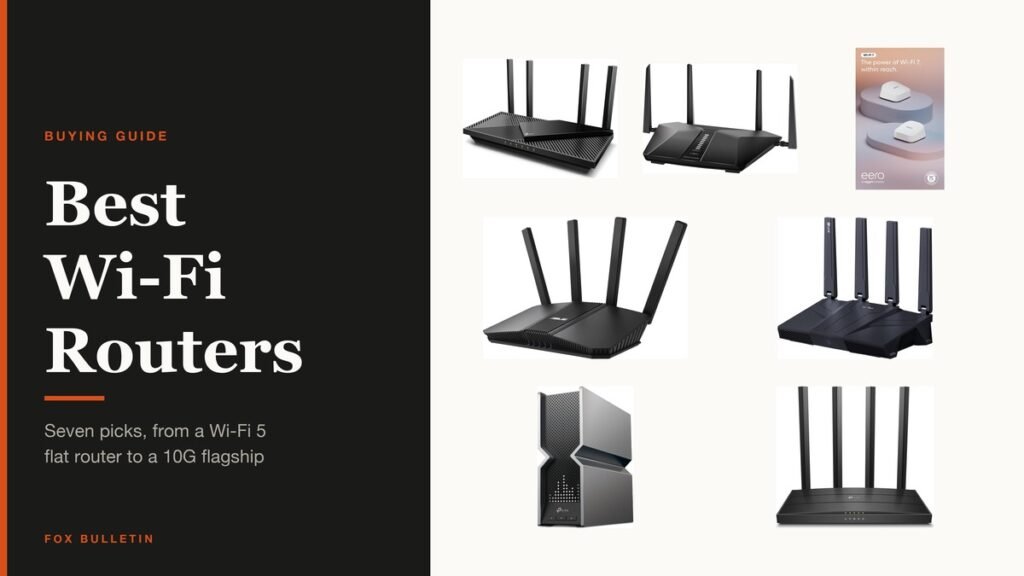
The cheapest real improvement to a home network is usually replacing the router the internet provider supplied. They are built to a price, they age badly, and almost anything on this list will handle a busy house better.
Seven are compared below, from a Wi-Fi 5 unit that is entirely adequate for a flat to a tri-band flagship with two 10G ports. The hard part is working out which of the advertised numbers will change anything for you, so that comes first.
Wi-Fi Router Comparison: Standard, Bands, Coverage and Ports
All seven, with the figures each listing states. Coverage is blank where the manufacturer does not quote one.
| # | Router | Standard | Bands | Coverage | Fast ports |
|---|---|---|---|---|---|
| 1 | TP-Link Archer AX3000 | Wi-Fi 6 | Dual-band | Not stated | Gigabit |
| 2 | NETGEAR Nighthawk RAX43 | Wi-Fi 6 | Dual-band | 2,500 sq ft | 4 x 1G |
| 3 | Amazon eero 7 Mesh Wi-Fi 7 Router | Wi-Fi 7 | Dual-band | Up to 4,000 sq ft | Not stated |
| 4 | ASUS RT-BE82U Wi-Fi 7 Router | Wi-Fi 7 | Dual-band | Not stated | 2.5G |
| 5 | GL.iNet Flint 3 Tri-Band Wi-Fi 7 | Wi-Fi 7 | Tri-band | Not stated | 5 x 2.5G |
| 6 | TP-Link Archer BE800 | Wi-Fi 7 | Tri-band | Not stated | 2 x 10G, 4 x 2.5G |
| 7 | TP-Link Archer A6 AC1200 | Wi-Fi 5 | Dual-band | Not stated | Gigabit |
1. TP-Link Archer AX3000: The Upgrade Most Homes Actually Need
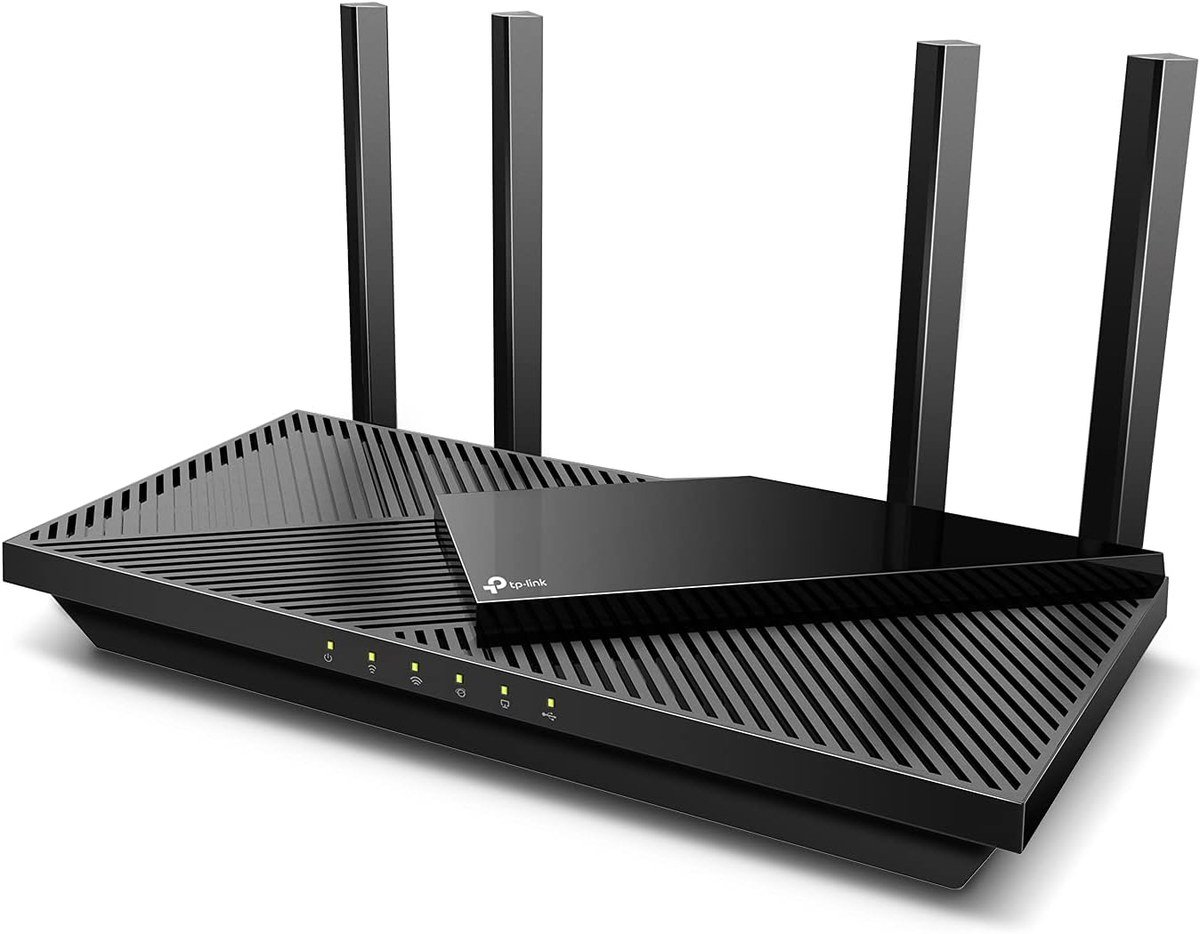
Most people reading this have an ISP-supplied router and would see a bigger improvement from replacing it than from any other network purchase. The Archer AX3000 is the cheapest sensible way to do that: Wi-Fi 6, dual-band, gigabit throughout.
Wi-Fi 6 matters less for peak speed than for handling many devices at once, which is the actual problem in a house full of phones, televisions and smart plugs. This is the point where the price curve flattens and the gains get small.
What it does well
- Wi-Fi 6 handles a crowded house better than Wi-Fi 5
- Dual-band with gigabit wired ports
- A substantial step up from a typical ISP router
- The cheapest point at which Wi-Fi 6 stops being compromised
What to know before buying
- Dual-band, so no 6GHz for congested areas
- Gigabit rather than multi-gig wired ports
- One router still will not cover a large or awkward house
2. NETGEAR Nighthawk RAX43: 2,500 Square Feet of Stated Coverage
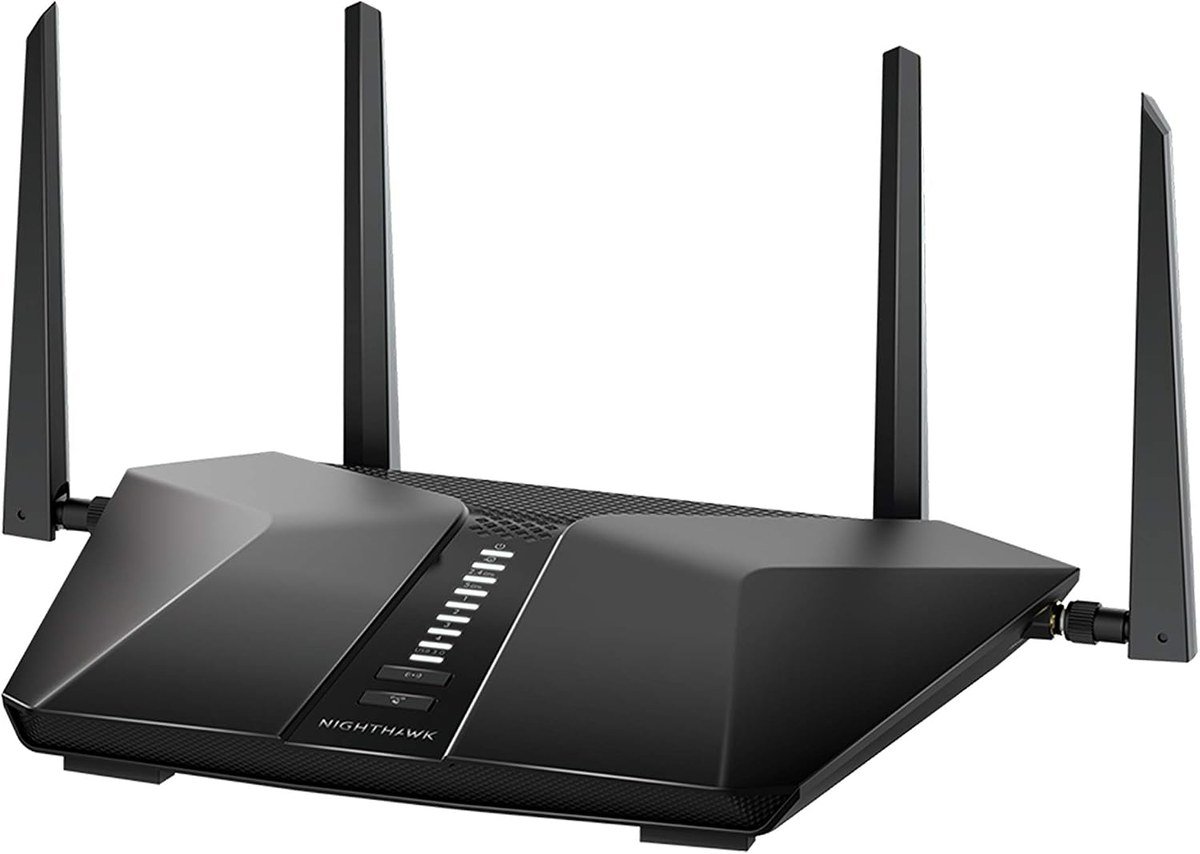
NETGEAR quotes 2,500 square feet of coverage and five streams across a dual-band Wi-Fi 6 design, with four gigabit LAN ports and the security features the Nighthawk line is known for.
Coverage figures from any manufacturer assume an open plan with no brick walls, so treat 2,500 as an upper bound. In a normal house with internal walls, expect meaningfully less and plan accordingly.
What it does well
- 2,500 square feet of stated coverage
- Five-stream dual-band Wi-Fi 6
- Four gigabit LAN ports
- Security features included rather than subscription-gated
What to know before buying
- Coverage claims assume open space without solid walls
- Dual-band, with no 6GHz capability
- Gigabit wired ports rather than 2.5G
3. Amazon eero 7 Mesh Wi-Fi 7 Router: Mesh, for a House One Router Cannot Reach

When a single router cannot cover a house, more power does not help; more access points do. The eero 7 is a dual-band Wi-Fi 7 mesh system quoted at up to 4,000 square feet, and it is the easiest of these to set up by a wide margin.
Mesh trades peak speed for consistency, which is the right trade for most households. The eero approach is deliberately simple, with very few settings to adjust, and that is either the appeal or the drawback depending on who you are.
What it does well
- Quoted at up to 4,000 square feet
- Wi-Fi 7 across a mesh system
- The simplest setup process of any router here
- Expandable by adding further units
What to know before buying
- Dual-band rather than tri-band, so no dedicated backhaul
- Very little manual configuration available
- Some features sit behind an optional subscription
4. ASUS RT-BE82U Wi-Fi 7 Router: Wi-Fi 7 With Security That Is Not a Subscription
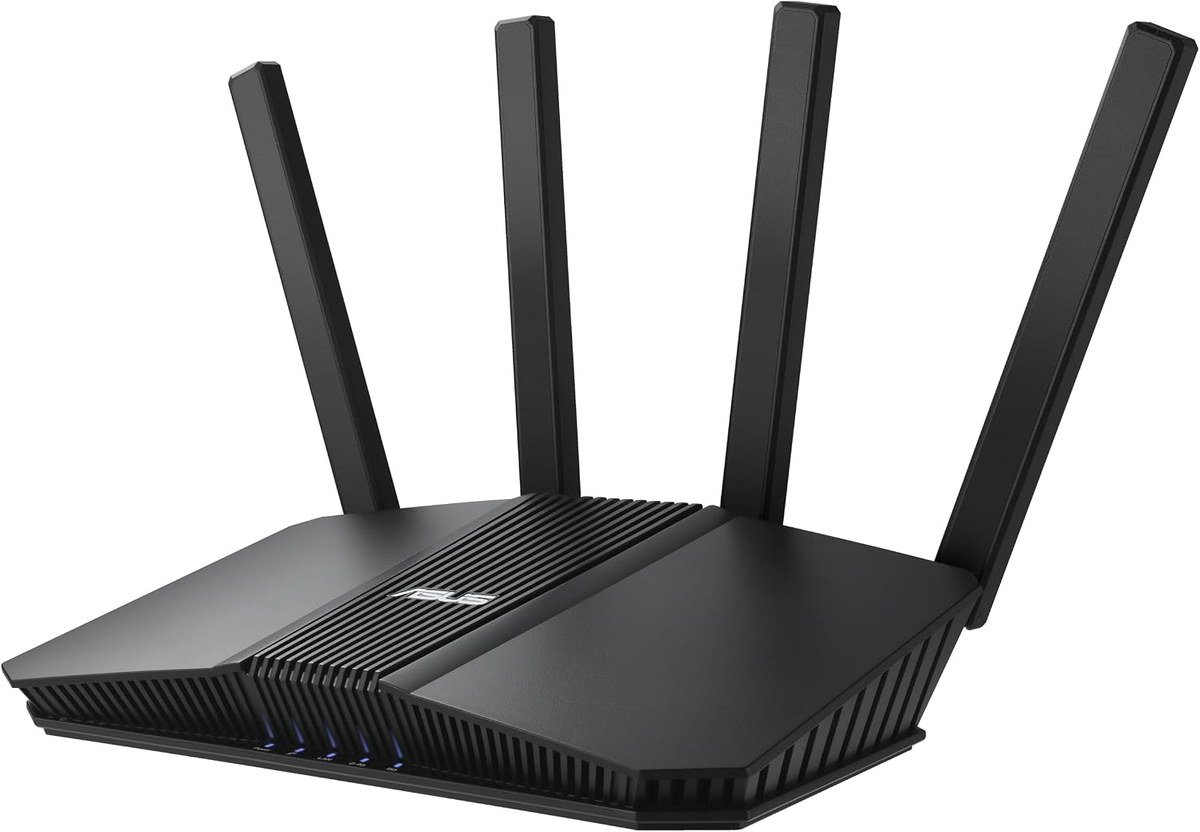
ASUS quotes 6.5 Gbps across a dual-band Wi-Fi 7 design, with mesh compatibility and VPN support built in. The listing specifies subscription-free network security, which is the detail that separates it from several rivals.
Plenty of manufacturers include security software and then start charging for it after a year. ASUS has historically not, and for a router you expect to keep for five years that difference compounds.
What it does well
- Wi-Fi 7 at a quoted 6.5 Gbps
- Subscription-free network security
- Mesh compatible, so it can be extended later
- VPN support built into the firmware
What to know before buying
- Dual-band, so no 6GHz band
- The ASUS interface is dense compared with eero
- Wi-Fi 7 needs Wi-Fi 7 clients to show any benefit
5. GL.iNet Flint 3 Tri-Band Wi-Fi 7: Five 2.5G Ports and a Real VPN Client
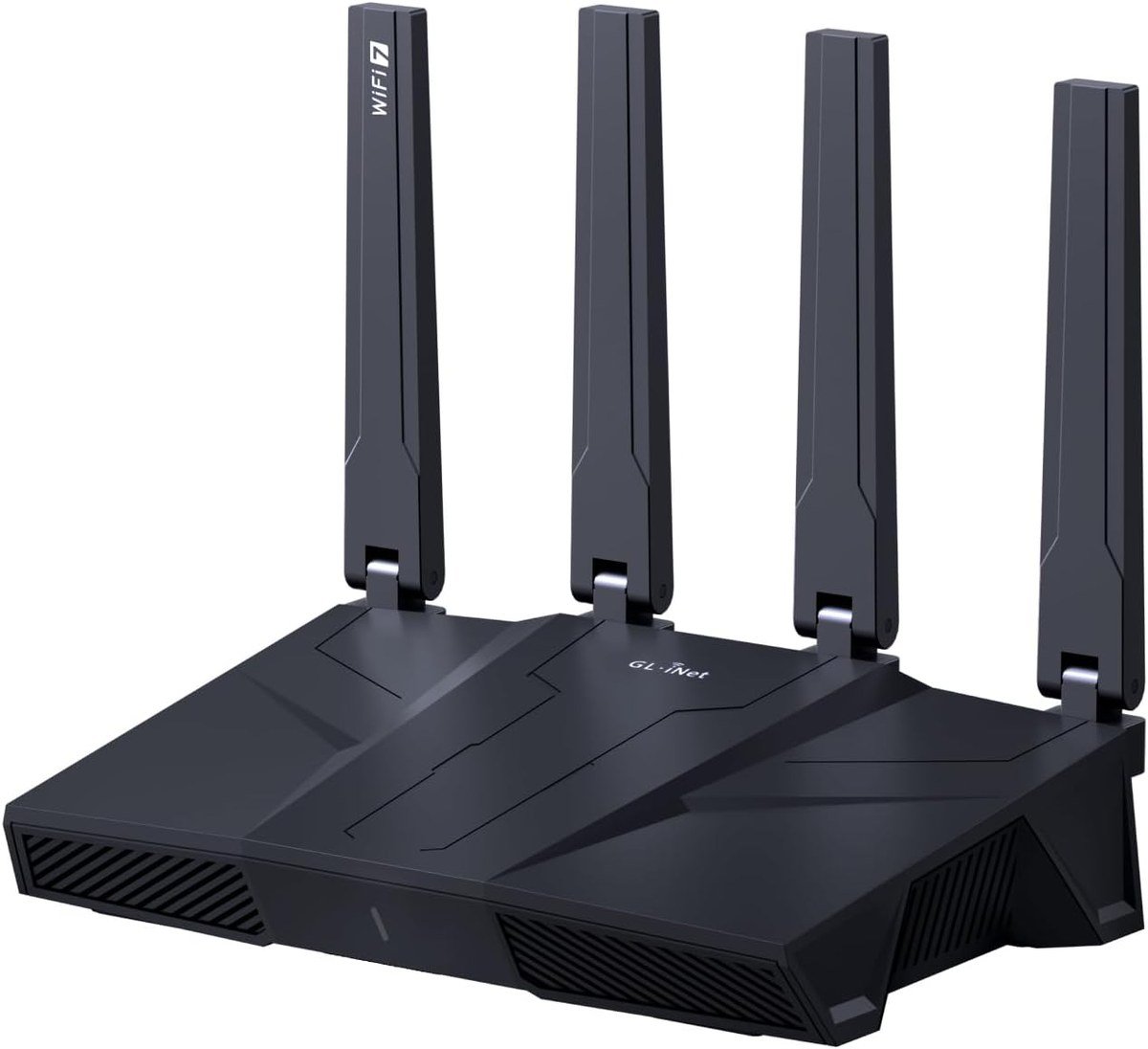
Five 2.5G ports is unusual at any price, and it is the specification that makes this router interesting for anyone moving large files between machines rather than only out to the internet.
GL.iNet builds on OpenWrt and takes VPN seriously, with both client and server support that works properly rather than as a checkbox. If you want the whole house routed through a VPN, this is the one on this list designed for it.
What it does well
- Five 2.5G ports for fast wired networking
- Tri-band Wi-Fi 7 including 6GHz
- Genuine VPN client and server support
- Built on OpenWrt, so it is highly configurable
What to know before buying
- The interface assumes more networking knowledge than most
- A less familiar brand than TP-Link or NETGEAR
- Overkill if you only want better Wi-Fi
6. TP-Link Archer BE800: The Flagship, With 10G and a Screen
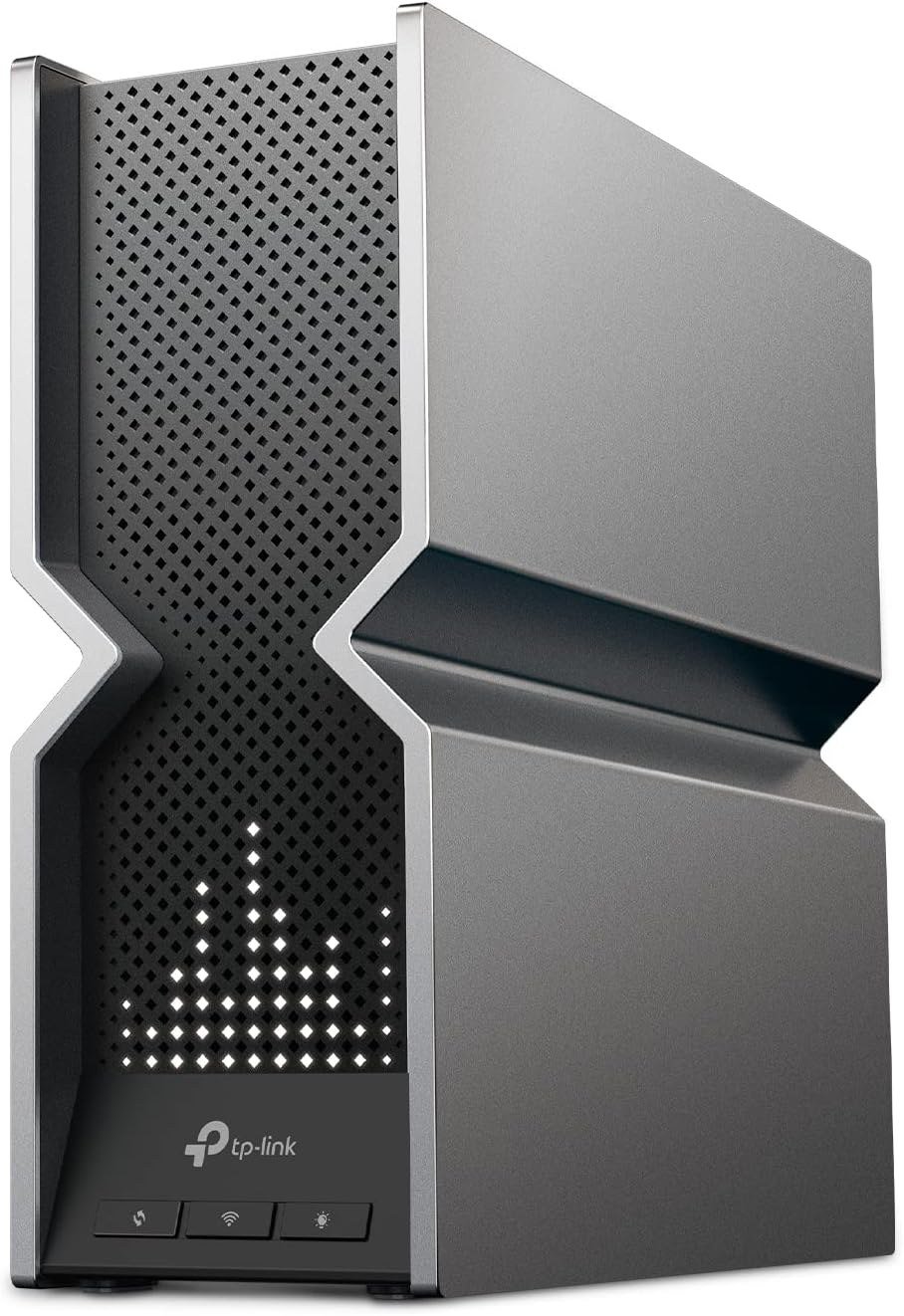
This is the top of TP-Link’s consumer range: tri-band Wi-Fi 7 quoted at 19 Gbps across twelve streams, with two 10G ports, four 2.5G ports, eight antennas and an LED screen on the front.
Two 10G ports matter if your internet service is faster than a gigabit or if you run a network storage device. If neither applies, almost everything here will be wasted, and the cheaper routers on this list will serve you identically.
What it does well
- Two 10G ports plus four 2.5G ports
- Tri-band Wi-Fi 7 with twelve streams
- Eight high-performance antennas
- Genuinely future-proof wired networking
What to know before buying
- Pointless unless your internet or your LAN exceeds a gigabit
- Physically large with eight antennas to place
- The front screen is decoration rather than function
7. TP-Link Archer A6 AC1200: The One to Buy When Nothing Else Justifies It
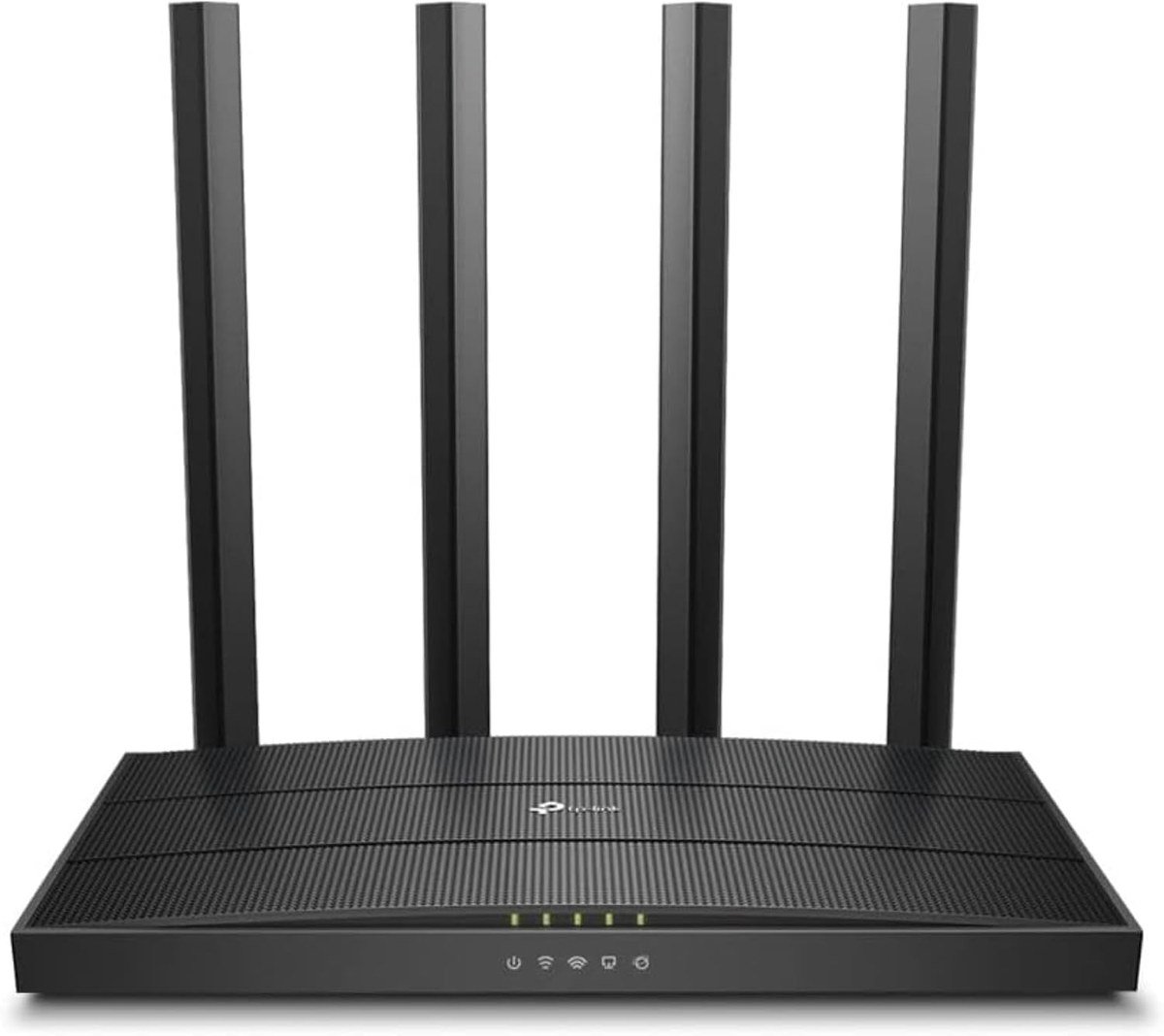
Wi-Fi 5 is two generations old and perfectly adequate for a small flat with a handful of devices and an internet connection under 200 Mbps, which describes a great many homes.
Dual-band AC1200 with gigabit ports covers that case for very little money, and it holds the highest rating of any router here. Buying more capability than your internet connection can supply achieves nothing.
What it does well
- The highest rated router compared here
- Dual-band AC1200 with gigabit ports
- Entirely adequate for a flat or a small house
- Costs a fraction of the Wi-Fi 7 options
What to know before buying
- Wi-Fi 5, so it handles crowded networks less gracefully
- No 6GHz and no multi-gig ports
- Not the right choice for a connection above about 200 Mbps
Standards, Bands and Ports, and Which of Them Matters
Three numbers get advertised and only one of them usually changes anything you can feel.
- The standard. Wi-Fi 5, 6, 6E or 7. Newer standards handle many devices at once better than they raise the speed of any single one.
- The bands. Dual-band means 2.4GHz and 5GHz. Tri-band adds 6GHz, which is the part that matters in a crowded building.
- The ports. Gigabit, 2.5G or 10G on the wired side, which only matters if your internet or your local network exceeds a gigabit.
The 6GHz band is the real advance of recent years. It is wide, it is fast and almost nothing uses it yet, which in a block of flats where every 2.4GHz and 5GHz channel is occupied makes it the only clear air available.
That is why a dual-band Wi-Fi 7 router is a smaller upgrade than it sounds: the 802.11be standard brings wider channels and multi-link operation, and without 6GHz there is less room to use them in.
Three Things an Expensive Router Will Not Fix
Three things disappoint people who buy an expensive router, and all three are predictable.
A router cannot be faster than your internet connection. If the service is 300 Mbps, a router quoted at 19 Gbps delivers 300 Mbps, and the only gains are in how well it handles many devices at once.
Coverage figures assume open space. A quoted 2,500 square feet means a clear floor plan, not a house with brick walls and a metal-backed mirror in the hallway. Where coverage is the problem, mesh solves it and more transmit power does not.
Your devices have to support the standard too. The newest generation only helps on hardware built for it, so a house of three-year-old phones sees very little from it.
One Router or a Mesh System
This is the decision that most affects whether you are happy, and it is about the shape of the building rather than the size of your budget.
A single router broadcasts from one point. Signal falls away with distance and brick, plaster and foil-backed insulation all absorb it. Past a certain distance no amount of power helps, because the weak link is your phone’s transmitter talking back, not the router shouting louder.
A mesh system places several units around the house, each close enough to be heard clearly. You trade peak speed for consistency, which is the correct trade almost everywhere outside a flat.
- One router: a flat, or a house under roughly 1,500 square feet on one or two floors.
- Mesh: three floors, a long thin house, thick stone walls, or any building with a permanent dead spot.
- Either, later: several routers here are mesh-compatible, so you can start with one and add units when you find the dead spot.
Before buying anything, check whether the problem is the router at all. If the connection is slow everywhere including on a cable, the router is not the cause and a slow internet connection needs a different fix.
Which Wi-Fi Router to Buy
For most homes the TP-Link Archer AX3000 is the right answer: Wi-Fi 6, dual-band, cheap, and a clear improvement on an ISP box. Spend more only when a specific reason applies.
Buy the NETGEAR Nighthawk RAX43 for a mid-sized house, the eero 7 if one router cannot reach everywhere, the ASUS RT-BE82U for Wi-Fi 7 with security that does not become a subscription, and the GL.iNet Flint 3 if you want serious VPN routing and five 2.5G ports. Take the Archer BE800 only if your internet is faster than a gigabit, and the Archer A6 if your flat and your connection are both modest. If the network drops out entirely rather than running slowly, that is a different problem from a router that needs replacing.
Frequently Asked Questions
Is it worth replacing my ISP router?
Usually, yes. Provider-supplied routers are built to a price and handle crowded networks poorly. A mid-range Wi-Fi 6 router will cope better with a house full of devices, though it cannot make your internet connection itself any faster.
Do I need Wi-Fi 7?
Only if your devices support it and you have a reason to want the 6GHz band, such as living somewhere the other channels are congested. On older phones and laptops a Wi-Fi 7 router behaves much like a Wi-Fi 6 one, because the standard has to be supported at both ends.
What is the difference between dual-band and tri-band?
Dual-band uses 2.4GHz and 5GHz. Tri-band adds 6GHz, which is wide, fast and almost unused, making it the most valuable band in a crowded building. A dual-band Wi-Fi 7 router misses most of what makes the standard worthwhile.
Will a better router fix my dead spot?
Rarely. Coverage problems are solved by putting an access point closer to the dead spot, not by a more powerful router, because your phone has to transmit back and its aerial is tiny. That is what mesh systems are for.
Related Articles
As an Amazon Associate, Fox Bulletin earns from qualifying purchases.

Get the Fox Bulletin briefing
The stories that matter, in your inbox. No spam, unsubscribe anytime.
Newsletter signup will be available soon.
Related stories

Best Gaming Chairs: 7 Picks and Their Limits
Seven gaming chairs compared on capacity, material and features, including the mesh and fabric options that do not trap heat.

Best Standing Desks: 6 Picks for Every Room
Six standing desks compared on size, capacity and presets, including two glass desks that look like furniture and a riser for the desk you already own.

Best Graphics Cards: 7 Picks From Entry to 4K
Seven graphics cards compared on GPU, memory and physical size, from a 6GB entry card to a 16GB GDDR7 board built for 4K.