

Safari on iPhone and iPad cannot block advertising on its own, but it will hand the job to an app that you install. That design is why the best ad blockers for iPhone and iPad are small, cheap and surprisingly effective: they write a list of rules, Safari compiles it, and the browser does the blocking itself.
Ten apps are ranked below, every one of them updated during 2026 and every one rated 4.0 stars or better on the US App Store. Prices run from free to $9.99, and the figures quoted for each app come from the App Store listing as it stood on October 25, 2026.
How a Safari Content Blocker Works on iOS
A content blocker is not a program that watches your browsing. The app ships a list of rules written in JSON, and WebKit compiles those rules into a bytecode format that Safari runs against every request. The app itself never learns which pages or resources were blocked.
Two consequences follow. The first is privacy: a blocker cannot leak a browsing history it was never given. The second is a ceiling. Safari caps how many rules each extension may load, which is why larger apps such as AdGuard split their filters across several content blockers instead of one.
It also explains the limit everyone runs into. These rules apply to Safari and to apps that render pages with Safari’s view. Advertising inside a native app, a game or the YouTube app goes through none of that machinery.
Best Ad Blockers for iPhone and iPad: Price, Rating and Latest Update
Every app ranked below appears in this table. Ratings are the US App Store average and the number of ratings behind it.
| # | App | Price | App Store rating | Last update | Best for |
|---|---|---|---|---|---|
| 1 | AdGuard Ad Blocker for Safari | Free | 4.34 (20,072 ratings) | September 28, 2026 | Most people |
| 2 | 1Blocker: Ad Blocker | Free | 4.50 (12,941 ratings) | October 7, 2026 | Fine-grained control |
| 3 | Wipr 2 | $4.99 | 4.68 (1,342 ratings) | October 22, 2026 | One payment, no account |
| 4 | AdBlock Pro for Safari | Free | 4.47 (74,076 ratings) | October 19, 2026 | A free set-and-forget blocker |
| 5 | uBlock Origin Lite | Free | 4.72 (964 ratings) | October 19, 2026 | Open filter lists on iOS 18.5 or later |
| 6 | AdGuard Pro: Safari Ad Blocker | $9.99 | 4.42 (3,140 ratings) | September 28, 2026 | Blocking outside Safari |
| 7 | Adblock Plus for Safari & Apps | Free | 4.34 (19,860 ratings) | August 10, 2026 | Desktop Adblock Plus users |
| 8 | Ad blocker by Magic Lasso | Free | 4.23 (916 ratings) | October 16, 2026 | Page load speed |
| 9 | AdLock: Ad Blocker & Privacy | Free | 4.43 (2,124 ratings) | August 6, 2026 | Video ads |
| 10 | Hush Nag Blocker | Free | 4.41 (1,087 ratings) | July 26, 2026 | Cookie and consent nags |
The 10 Ad Blockers Ranked
1. AdGuard for Safari: Most people
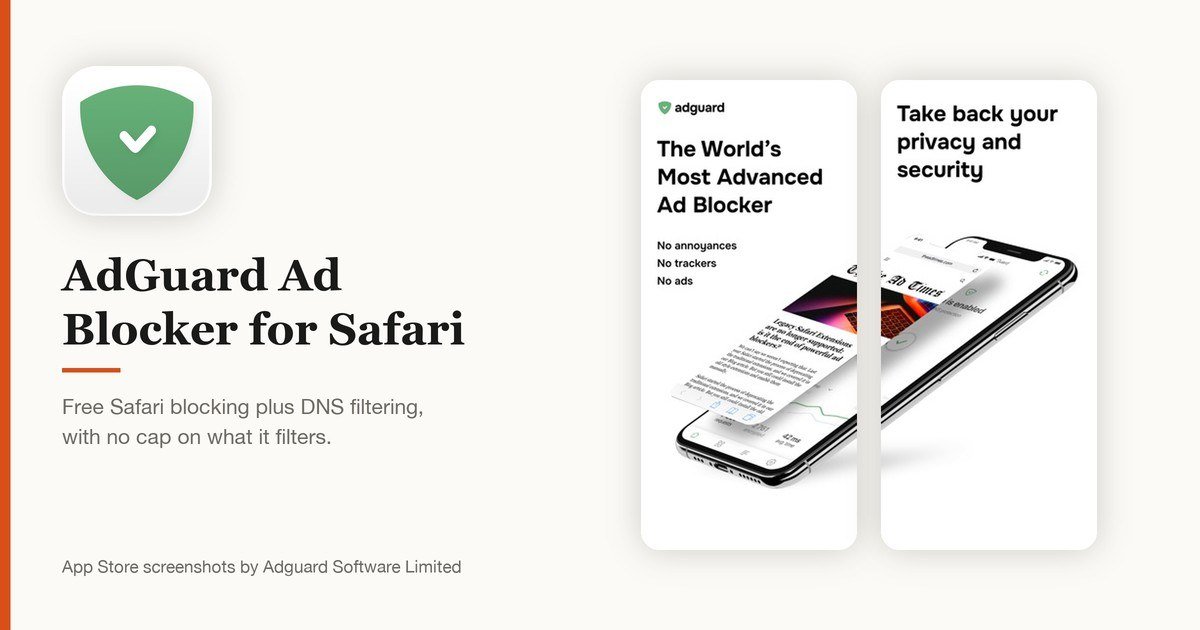
Price: Free · App Store rating: 4.34 from 20,072 ratings · Version 4.5.23, September 28, 2026 · Needs iOS 13.0 or later
AdGuard is the one to install first if you have no particular requirement beyond fewer ads. The free app covers Safari on both iPhone and iPad, and it adds DNS filtering on top, which reaches requests that a Safari-only blocker never sees. Nothing is held back behind a paywall in the Safari half of the app.
The cost of that reach is bulk. At 84.8 MB it is one of the larger installs here, and the first run asks you to pick filter lists rather than making the choice for you. Set it once and it stops asking. AdGuard publishes the iOS app’s source code, so the blocking logic is open to inspection.
View AdGuard Ad Blocker for Safari on the App Store
2. 1Blocker: Fine-grained control
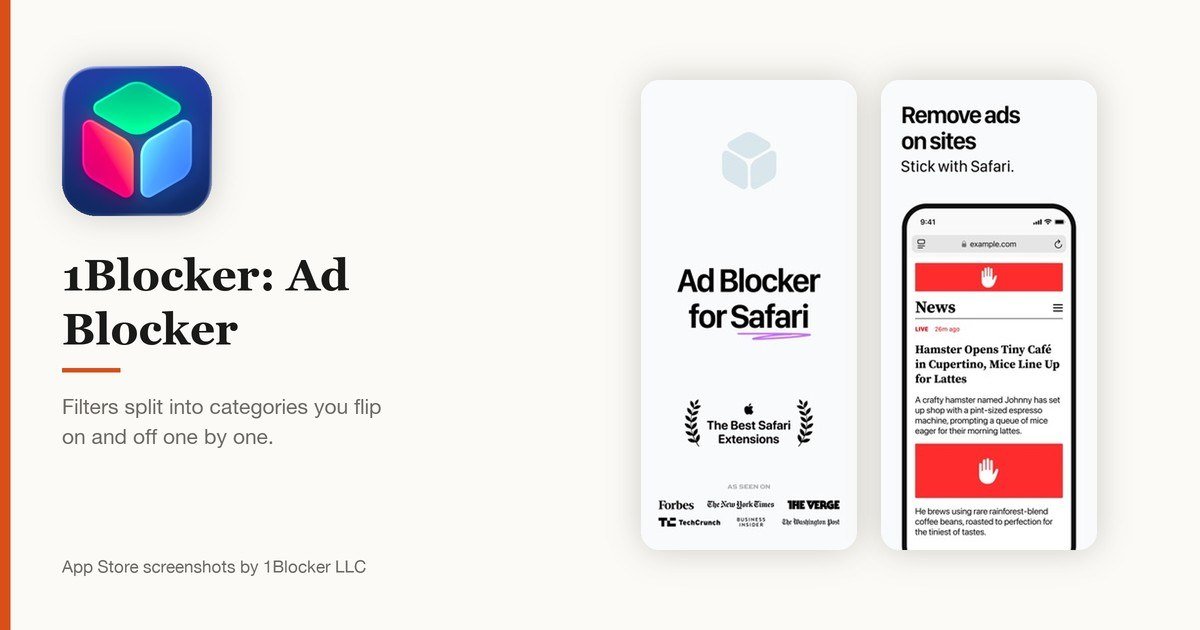
Price: Free · App Store rating: 4.50 from 12,941 ratings · Version 6.7, October 7, 2026 · Needs iOS 16.0 or later
1Blocker breaks its filters into separate categories and gives each one its own switch, so you can block advertising while leaving comment widgets alone, or turn off social buttons and keep everything else. Few blockers on iOS let you take the rules apart this far without editing a text file.
Filter updates arrive from 1Blocker’s servers in the background, so the lists stay current without you opening the app. Safari performs the blocking itself using the rules 1Blocker hands over, which is why the app has no window into the pages you visit. It needs iOS 16 or later.
View 1Blocker: Ad Blocker on the App Store
3. Wipr 2: One payment, no account
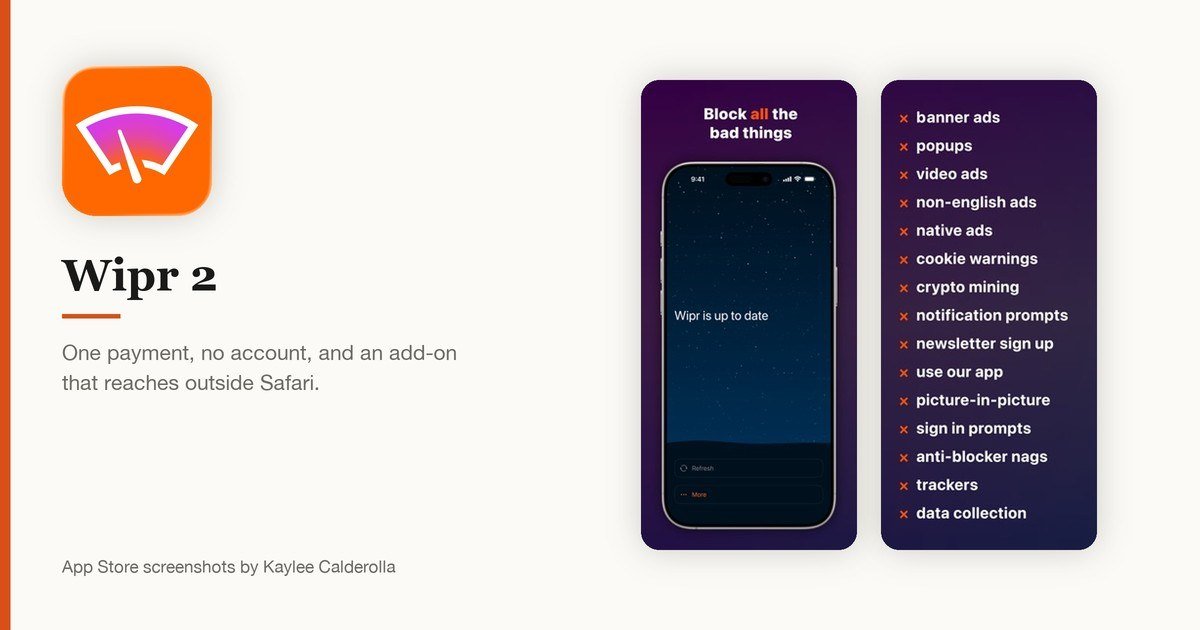
Price: $4.99 · App Store rating: 4.68 from 1,342 ratings · Version 2.43, October 22, 2026 · Needs iOS 17.0 or later
Wipr 2 asks $4.99 once and then leaves you alone. There is no account, no subscription and no settings screen worth the name. The blocklist refreshes twice a week on its own, which is the whole of the maintenance story. Apple has featured Wipr in its own Best Safari Extensions collection.
The optional Filtr add-on is the part worth knowing about. It extends the blocking past Safari to every app on the device at the network level, and unlike a VPN it can read none of your data, so it runs alongside a VPN, iCloud Private Relay or a custom DNS setting rather than fighting them.
4. AdBlock Pro for Safari: A free set-and-forget blocker
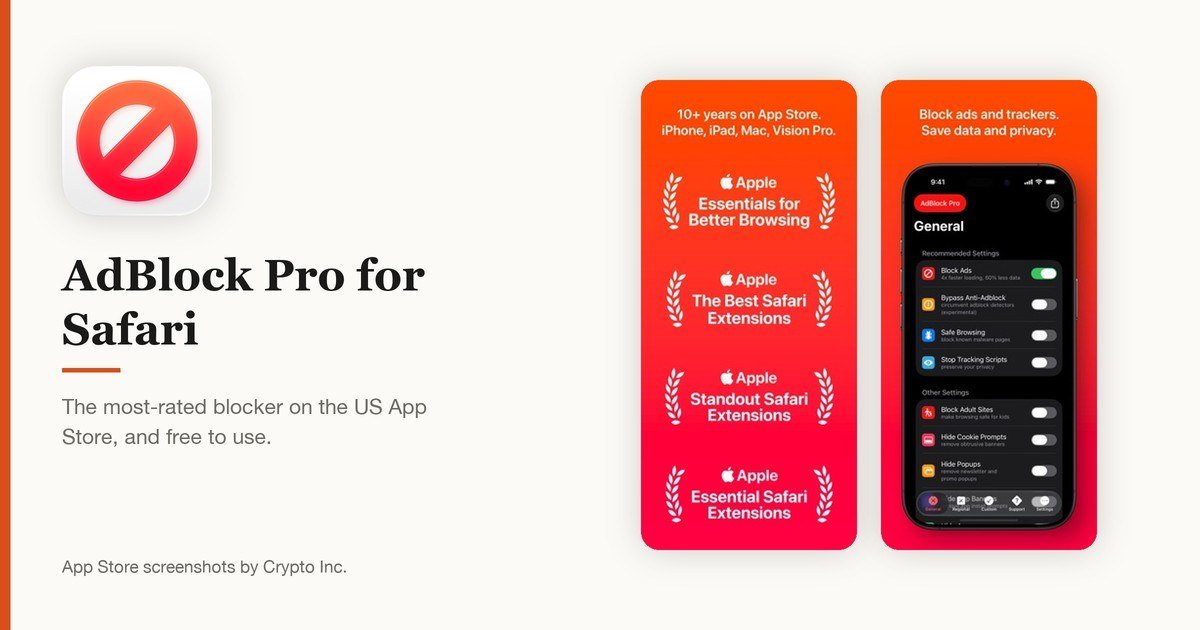
Price: Free · App Store rating: 4.47 from 74,076 ratings · Version 13.0.0, October 19, 2026 · Needs iOS 15.0 or later
AdBlock Pro has collected 74,076 US App Store ratings, more than any other blocker on this list, and still averages 4.47 stars. It is free, it covers Safari on iPhone and iPad, and the October 19, 2026 release took it to version 13. There is very little to configure.
That simplicity is the point. If you want one switch, a filter list that somebody else maintains and no further involvement, this is the lowest-effort option that still does a thorough job. Power users will find it thin next to 1Blocker or AdGuard.
View AdBlock Pro for Safari on the App Store
5. uBlock Origin Lite: Open filter lists on iOS 18.5 or later
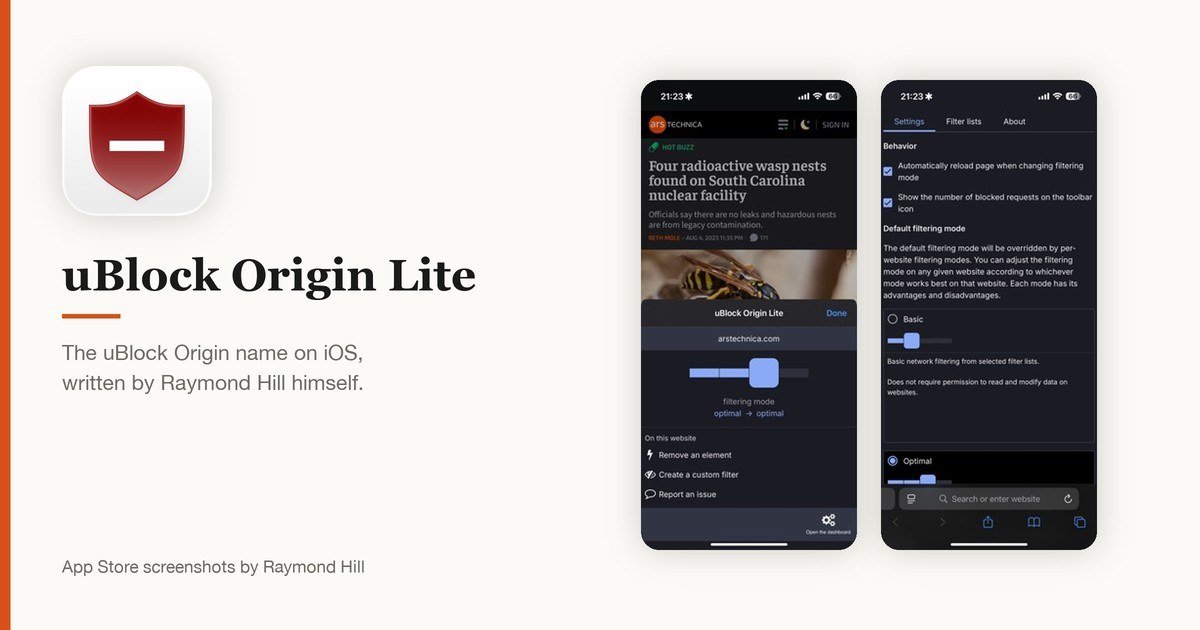
Price: Free · App Store rating: 4.72 from 964 ratings · Version 2026.1018.2229, October 19, 2026 · Needs iOS 18.5 or later
uBlock Origin is the name most people reach for on a desktop browser, and this is the iOS version from Raymond Hill, the person who wrote it. The Lite build uses Safari’s own declarative blocking, so it works within the same rules every other app here lives by.
The catch is the requirement: iOS 18.5 or later, the steepest on this list, which rules out older iPads still sitting on iOS 17. Its 4.72 average is the highest of the ten, though from 964 ratings rather than tens of thousands.
View uBlock Origin Lite on the App Store
6. AdGuard Pro: Blocking outside Safari
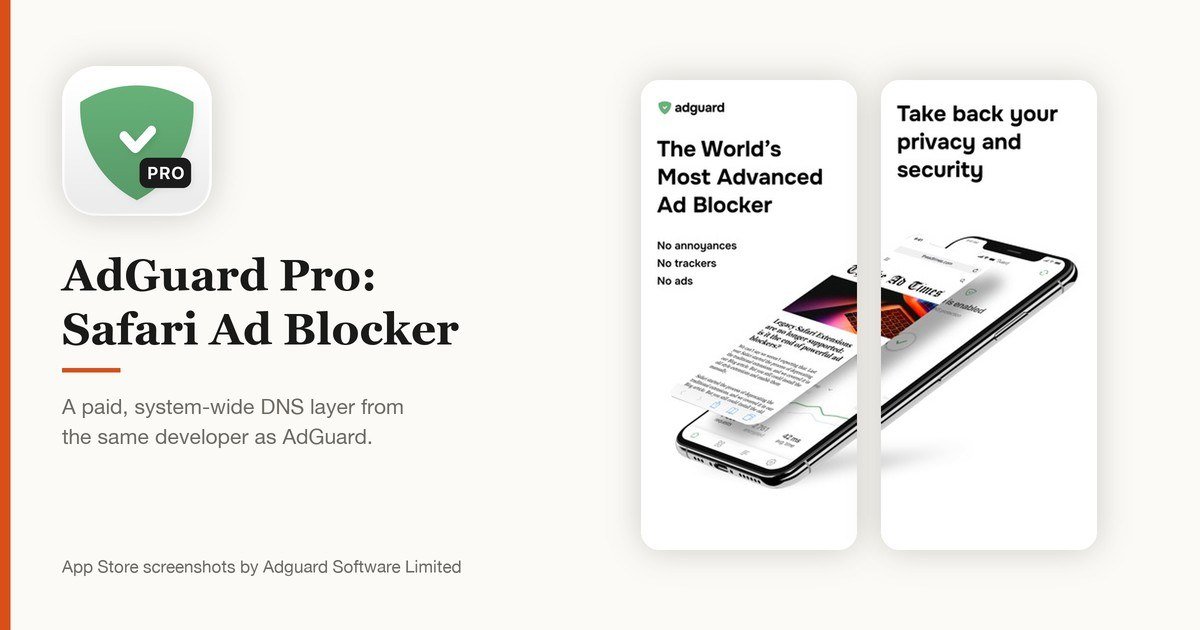
Price: $9.99 · App Store rating: 4.42 from 3,140 ratings · Version 4.5.23, September 28, 2026 · Needs iOS 13.0 or later
AdGuard Pro is the paid sibling of the free AdGuard app and costs $9.99 up front. The difference is reach. It runs a local DNS layer that filters requests from apps and games, not only from Safari tabs, which is the gap every Safari content blocker leaves open.
Pay for it only if ads inside apps are the thing bothering you. For Safari alone the free AdGuard app blocks the same pages, and the ten dollars buys nothing extra there. Both apps share version 4.5.23 and the same September 28, 2026 release.
View AdGuard Pro: Safari Ad Blocker on the App Store
7. Adblock Plus: Desktop Adblock Plus users
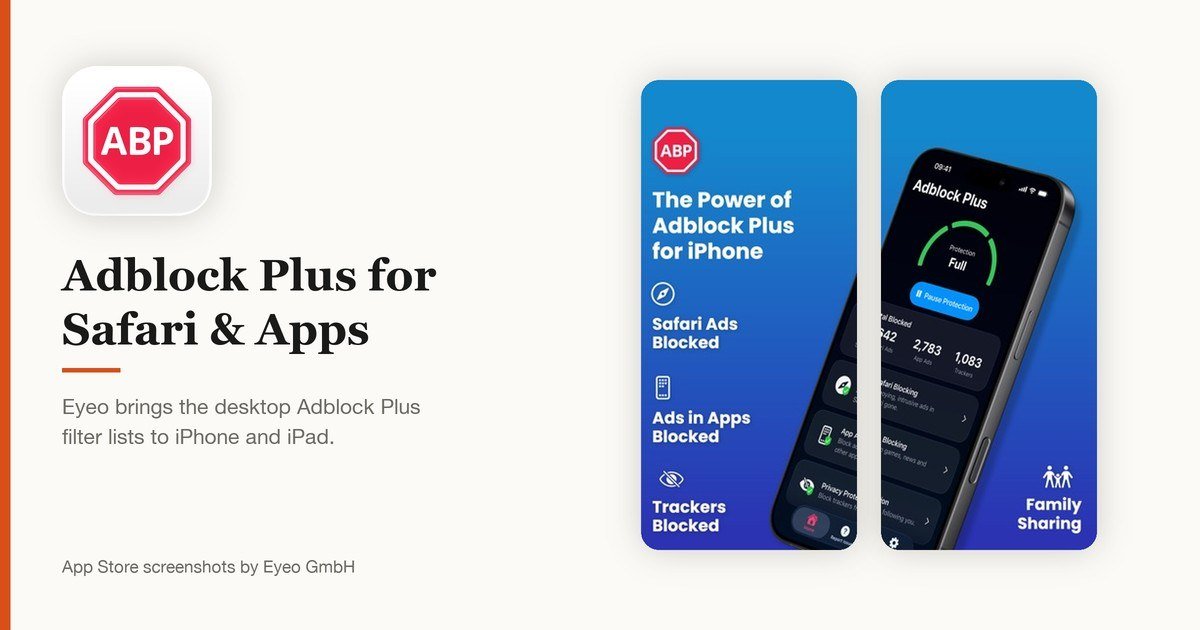
Price: Free · App Store rating: 4.34 from 19,860 ratings · Version 3.2.9, August 10, 2026 · Needs iOS 17.0 or later
Adblock Plus has been in the business since the Firefox extension days, and Eyeo brings the same filter lists to iPhone and iPad. If you already run Adblock Plus on a computer, the blocking here behaves the way you expect it to.
Eyeo operates an Acceptable Ads programme that lets some non-intrusive advertising through by default, and advertisers above a size threshold pay to take part. The setting can be turned off inside the app. Decide whether that bargain suits you before installing.
View Adblock Plus for Safari & Apps on the App Store
8. Magic Lasso: Page load speed
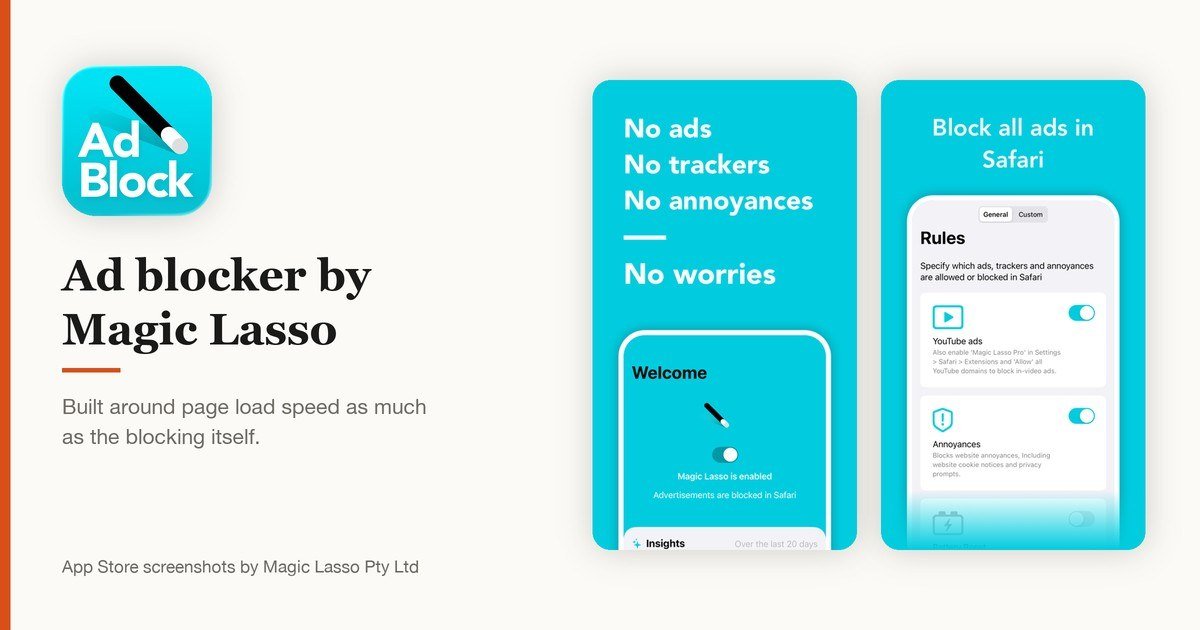
Price: Free · App Store rating: 4.23 from 916 ratings · Version 5.6.1, October 16, 2026 · Needs iOS 18.0 or later
Magic Lasso is built around what the blocking does to page load time, not only to the page. Removing advertising scripts before they run is the cheapest performance win available on a phone, and this app treats it as the headline feature rather than a side effect.
Its 4.23 average is the lowest of the ten, from 916 ratings. The free tier covers Safari; the developer sells a paid tier above it. It needs iOS 18 or later and is a small 14.6 MB download.
View Ad blocker by Magic Lasso on the App Store
9. AdLock: Video ads
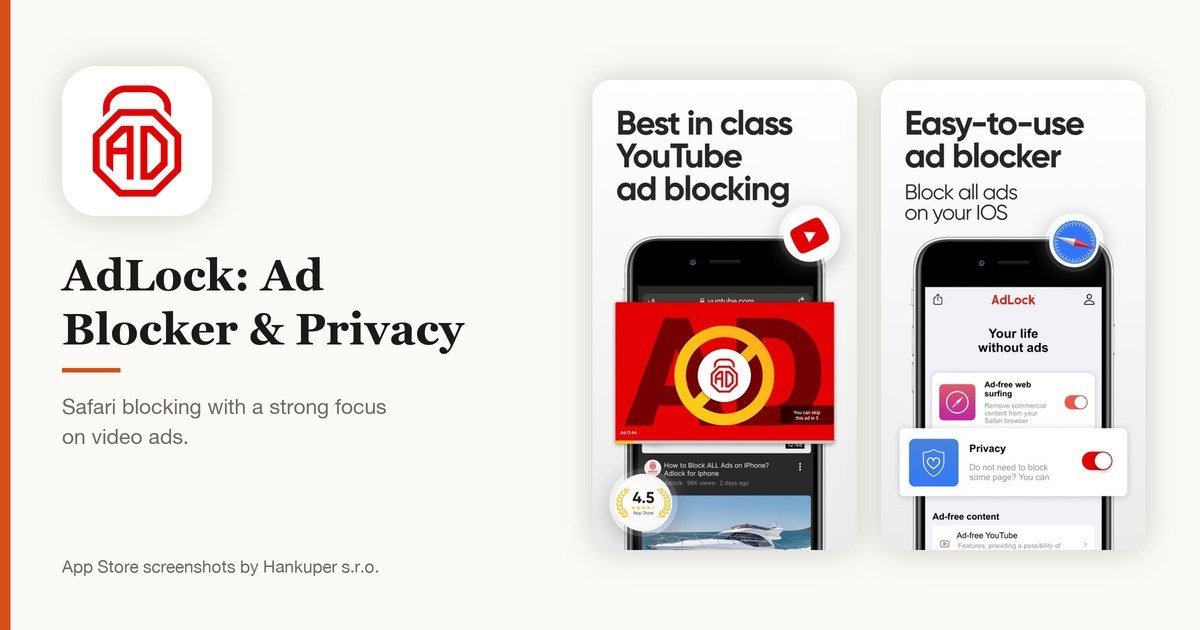
Price: Free · App Store rating: 4.43 from 2,124 ratings · Version 2.32, August 6, 2026 · Needs iOS 15 or later
AdLock covers the usual Safari banners and pop-ups and puts particular weight on video advertising, the format that costs the most in data and battery. The free app handles Safari on iPhone and iPad.
At 118 MB it is the heaviest install here, and its last release was August 6, 2026, which makes it the second oldest build on the list. Both matter less than they sound, since filter lists update separately from the app itself.
View AdLock: Ad Blocker & Privacy on the App Store
10. Hush Nag Blocker: Cookie and consent nags
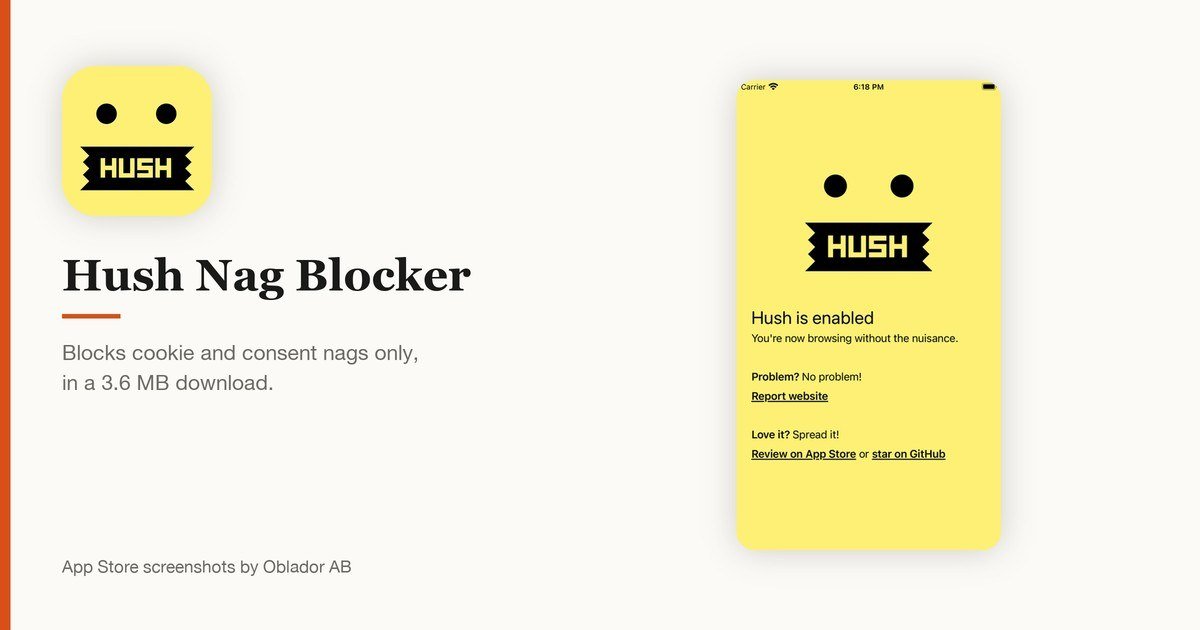
Price: Free · App Store rating: 4.41 from 1,087 ratings · Version 1.0.19, July 26, 2026 · Needs iOS 14.3 or later
Hush does one job: it removes the cookie consent and privacy nags that cover the top or bottom of nearly every page you open. It blocks no advertising at all, so it belongs alongside one of the apps above rather than instead of one.
The whole download is 3.6 MB. It collects no data, carries no third-party code and publishes its source, and because Safari applies the rules, Hush can see neither your browsing nor the pages it cleans up. John Gruber of Daring Fireball recommends it to anyone using Safari.
View Hush Nag Blocker on the App Store
What a Safari Blocker Will Not Touch
Nine of the ten apps above work inside Safari. That covers most of the advertising most people see, because most of what you read on a phone arrives through a browser. It does not cover everything.
- Banners and interstitials inside free apps and games, which are drawn by the app, not by Safari.
- Advertising in the YouTube app, Instagram, X and other services that render their own feeds.
- Sponsored results inside Chrome, Firefox or Edge on iOS, each of which carries its own blocking settings.
- Advertising in podcasts and streaming video, which is stitched into the audio or video itself.
Two routes get past that wall. A DNS-level filter such as AdGuard Pro or Wipr’s Filtr add-on works below the app layer, so requests from any app can be filtered. A privacy browser such as Brave or Firefox Focus blocks inside its own tabs, which helps for browsing but not for native apps.
A VPN service is not a substitute, though several bundle a filter of their own. Blocking and tunnelling are separate jobs, and paying for one to get the other is usually the expensive way round.
Turning a Content Blocker On
Installing the app is not enough. iOS keeps extensions switched off until you allow them, and the path moved in recent releases. On iOS 27.0.1, which Apple released on September 28, 2026, it runs through the Apps list.
- Install the blocker from the App Store and open it once, so it can register its extension.
- Open Settings and tap Apps.
- Tap Safari, then Extensions.
- Tap the blocker and turn on Allow Extension. Apps that split their filters across several extensions list each one separately, so switch on every entry belonging to that app.
- If you browse with Safari profiles, enable the extension inside each profile you use.
- Open a page you know carries advertising and reload it to confirm the rules took effect.
A switch that will not move is usually Screen Time. Content and Privacy Restrictions can lock web content settings, and the extension toggles go with them. Turn that restriction off and the switch becomes available again.
Free Blockers and Paid Blockers
Seven of the ten apps here cost nothing, and the free ones are not crippled versions. AdGuard, AdBlock Pro and Adblock Plus all block Safari advertising in full without payment, because the heavy lifting is done by Safari rather than by a server somebody has to run.
Money buys one of two things. Wipr 2 charges $4.99 once for an app with no account and no upsell, which is a fee for being left alone. AdGuard Pro charges $9.99 for reach beyond Safari. Neither price buys better blocking inside a Safari tab.
Watch for the third model. Some free blockers carry a subscription behind the first screen, and the App Store price of Free describes the download rather than the product. Check the in-app purchase list on the listing before installing.
What Decided the Order
Four things, weighted in this order: how much the app blocks without payment, how recently the developer shipped a build, the US App Store rating together with the number of ratings behind it, and how much work the app asks of you after setup.
Two filters were applied before ranking began. Anything averaging below 4.0 stars was dropped, which removed several heavily advertised apps. Anything whose last release predates 2026 was also dropped, since an abandoned blocker keeps a stale filter list. BlockBear, a once-popular free blocker from TunnelBear, last shipped in February 2018 and did not qualify.
Blocking effectiveness was not scored, and no claim is made here that one app catches more ads than another. On iOS the rules all run through the same Safari engine, so differences come down to the filter lists each developer maintains.
How to Choose an Ad Blocker for Your iPhone or iPad
Start with where the advertising annoys you. If it is web pages, any of the first five apps will do, and AdGuard is the safest default. If it is inside apps and games, only a DNS-level option such as AdGuard Pro or Wipr’s Filtr add-on reaches that far.
Then decide how much control you want. 1Blocker rewards people who want category switches and per-site rules. AdBlock Pro and Wipr 2 reward people who want to install something once and forget it.
Check the iOS requirement last, since it quietly disqualifies apps. uBlock Origin Lite needs iOS 18.5, which an older iPad kept on an earlier release will not have. AdGuard and Unicorn still run on iOS 13.
One blocker is enough. Running several at once multiplies the rules Safari must compile and can break page layouts without blocking anything extra, and the wasted work shows up as faster battery drain rather than cleaner pages.
Frequently Asked Questions
Do ad blockers work in the YouTube app on iPhone?
No. A Safari content blocker has no visibility into the YouTube app, which draws its own video and advertising. Blocking YouTube advertising in Safari is possible, and AdGuard lists it as a feature, but that applies to youtube.com opened in a Safari tab rather than to the app.
Does an ad blocker slow my iPhone down?
The opposite, in most cases. Advertising scripts are usually the heaviest part of a page, and rules that stop them loading cut page weight, data use and battery drain. Safari compiles the rule list once rather than on every page load.
Are free ad blockers safe to install?
The content blocker design makes this easier to answer than on other platforms. The app hands Safari a rule list and receives nothing back, so it cannot read your browsing even if it wanted to. Apps that also run a DNS filter or a VPN profile do see traffic, so read the privacy section of those listings.
Can I use an ad blocker on an iPad and an iPhone with one purchase?
Usually yes. Every app on this list is a universal purchase covering iPhone and iPad, so a $4.99 payment for Wipr 2 or $9.99 for AdGuard Pro covers both devices on the same Apple Account at no extra cost.
Related Articles

Get the Fox Bulletin briefing
The stories that matter, in your inbox. No spam, unsubscribe anytime.
Newsletter signup will be available soon.
Related stories
Windows Update Troubleshooter: Run It, Then Fix the Rest
Where the Windows Update troubleshooter lives on Windows 11 and Windows 10, how to run it, what it cannot fix, and the manual repairs in order: disk space, pause and resume, services and folders, DISM, sfc, stuck updates, restart loops and error codes.
Best iPhone Camera Settings for Photos in iOS 27
Every iPhone camera setting that changes how a photo turns out in iOS 27, with the exact menu path and what to set it to.
How to Fix Slow Internet: Find the One Weak Link
A wired speed test, a symptom table and fixes in order: Wi-Fi band and placement, background tasks, cables, modem limits, QoS and the point where the plan or hardware has to change.