

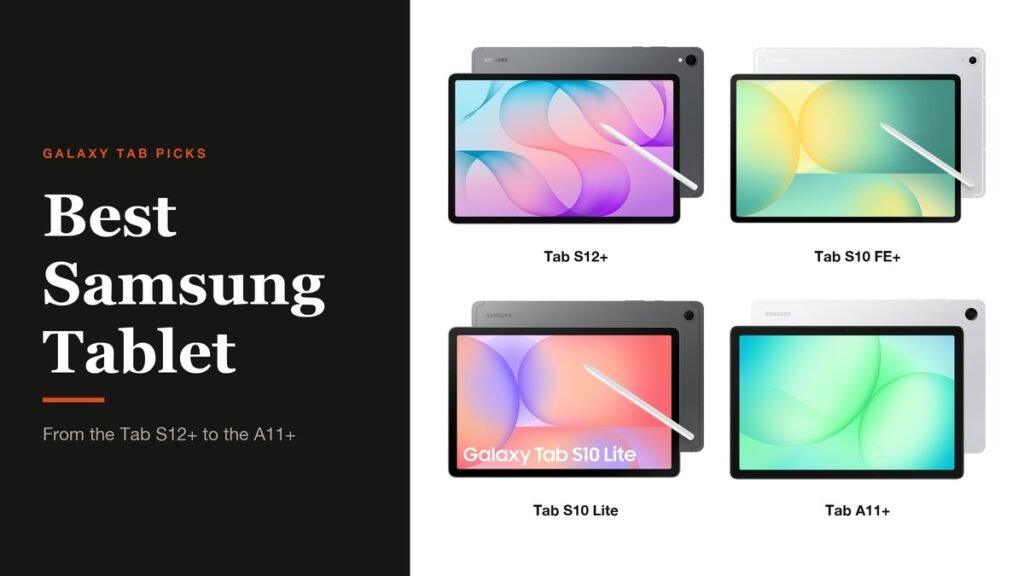
The best Samsung tablet for most people right now is the new Galaxy Tab S12+, which combines a bright 12.6-inch AMOLED screen with Samsung's DeX desktop mode and an S Pen in the box. It is also expensive, and three cheaper Galaxy Tabs cover most of what people actually do on a tablet for a fraction of the money.
Every pick below is a current model sold through Samsung's US listings on Amazon, from the flagship S12+ to the family-focused A11+. The comparison table lines them up on the three things that separate Samsung's range: the screen, the S Pen and water resistance.
Samsung Tablet Comparison: Screen, S Pen and Water Resistance
| # | Tablet | Screen | S Pen | IP rating | Best for |
|---|---|---|---|---|---|
| 1 | Galaxy Tab S12+ | 12.6″ AMOLED, 120Hz | Included | IP68 | Work and creative use |
| 2 | Galaxy Tab S10 FE+ | 13.1″ LCD, 90Hz | Included | IP68 | Big screen on a budget |
| 3 | Galaxy Tab S10 Lite | 10.9″ display, 90Hz | Included | None | Notes and homework |
| 4 | Galaxy Tab A11+ | 11″ display, 90Hz | Not included | None | Family streaming |
1. Samsung Galaxy Tab S12+: Best Samsung Tablet Overall
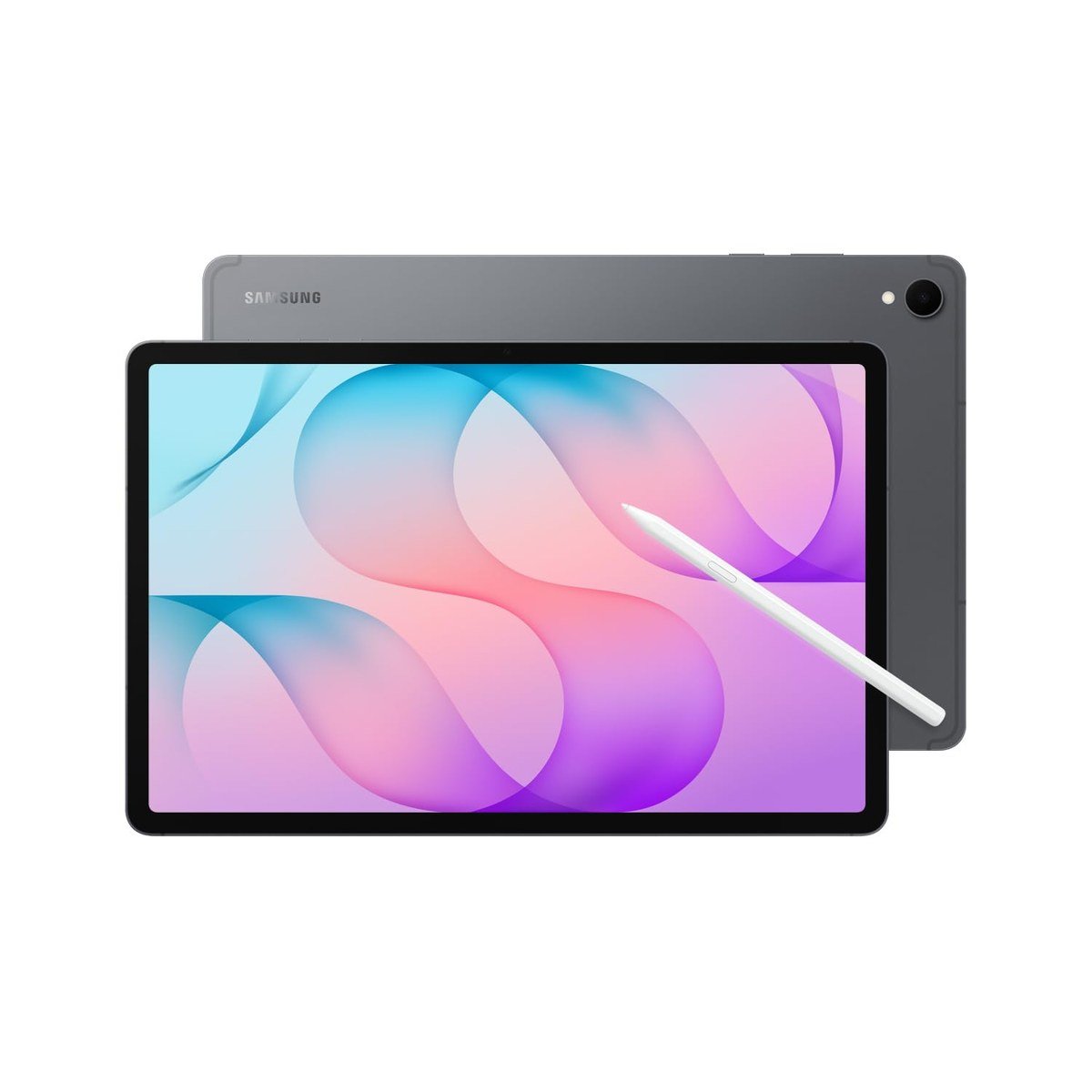
The Galaxy Tab S12+ is the newest Samsung tablet, announced on 30 September 2026 and on sale from 7 October. Samsung pairs a 12.6-inch Dynamic AMOLED 2X screen running at up to 120Hz with the MediaTek Dimensity 9500 processor and an upgraded vapor chamber, all in a body 5.3mm thin.
It is also the only pick here with Samsung DeX, the windowed desktop mode that turns the tablet into something closer to a laptop with a keyboard cover. Samsung quotes up to 21 hours of video playback from the 10,600mAh battery and 45W charging, and the S Pen comes in the box.
What it does well
- Bright 120Hz AMOLED screen, the best of the four
- DeX desktop mode for laptop-style multitasking
- IP68 water and dust resistance with S Pen included
What to know before buying
- By far the most expensive pick here
- Keyboard cover is sold separately
- Overkill if you mainly stream and browse
2. Samsung Galaxy Tab S10 FE+: Biggest Screen for the Money
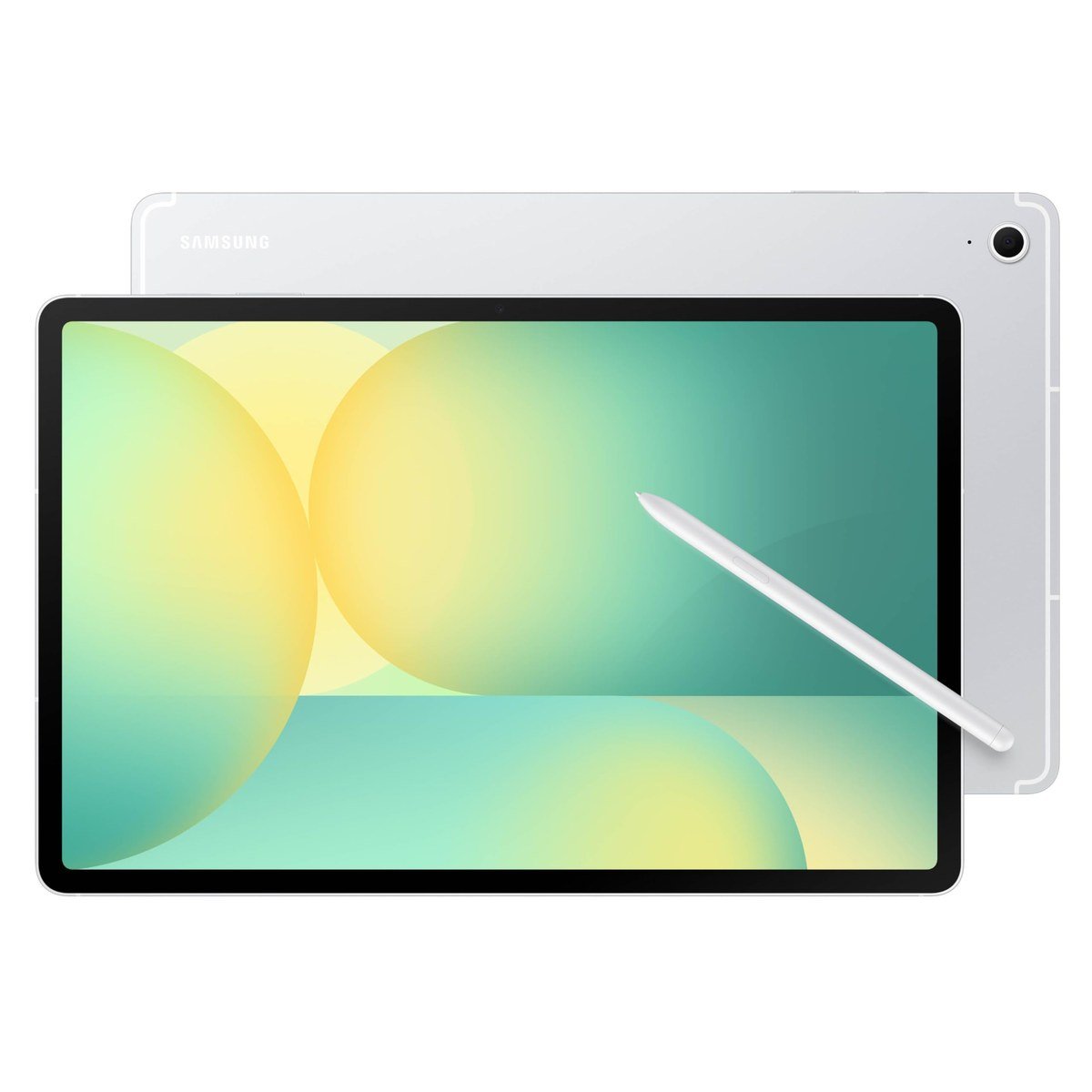
The Galaxy Tab S10 FE+ gives you a 13.1-inch display, larger than the S12+, for far less money. The trade is the panel: it is a 2880 x 1800 LCD at up to 90Hz rather than AMOLED, so blacks look grayer and motion is a little less fluid.
It keeps the features that matter for school and note-taking. The S Pen is included, the Exynos 1580 chip handles split-screen apps comfortably, and Samsung rates it IP68. Samsung quotes up to 21 hours of video, matching the S12+.
What it does well
- 13.1-inch screen is great for split-screen work
- S Pen and IP68 rating at a mid-range price
- Long battery life on Samsung's numbers
What to know before buying
- LCD, not AMOLED
- 90Hz rather than 120Hz
- Large and heavy for one-handed reading
3. Samsung Galaxy Tab S10 Lite: Cheapest Samsung Tablet With an S Pen
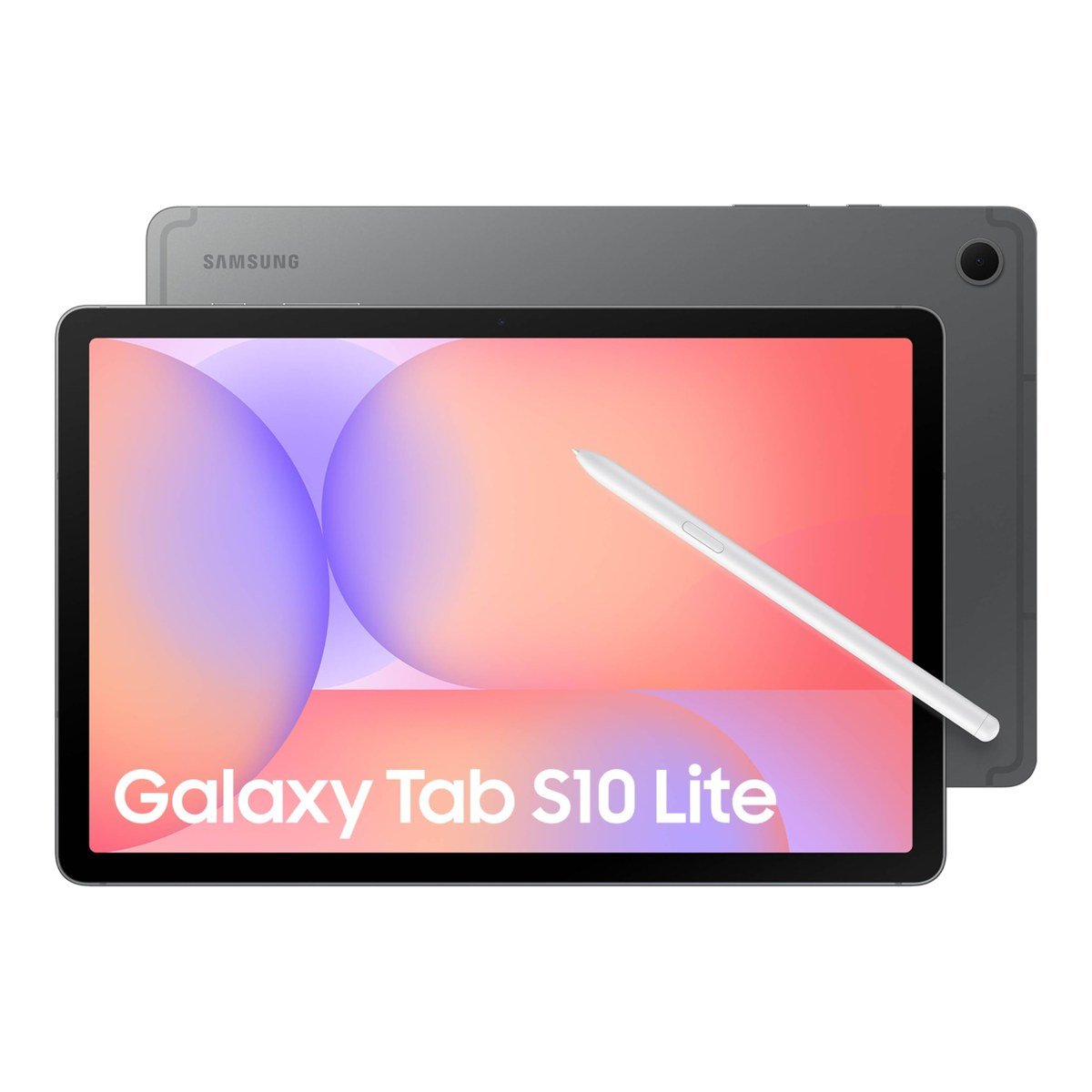
The Galaxy Tab S10 Lite is the least expensive way into Samsung's S Pen experience. It has a 10.9-inch screen at up to 90Hz, an Exynos 1380 processor and an S Pen in the box, which makes it a strong choice for handwritten notes and homework.
This listing is the 8GB RAM and 256GB version, and storage expands by up to 2TB with a microSD card. Samsung quotes up to 16 hours of video from the 8,000mAh battery, and the tablet weighs about 1.15 pounds.
What it does well
- S Pen included at an entry-level price
- microSD expansion up to 2TB
- Light enough to hold for long reading sessions
What to know before buying
- No IP68 rating
- Slower chip than the S10 FE series
- Shorter battery life than the bigger tablets
4. Samsung Galaxy Tab A11+: Best Samsung Tablet for Families
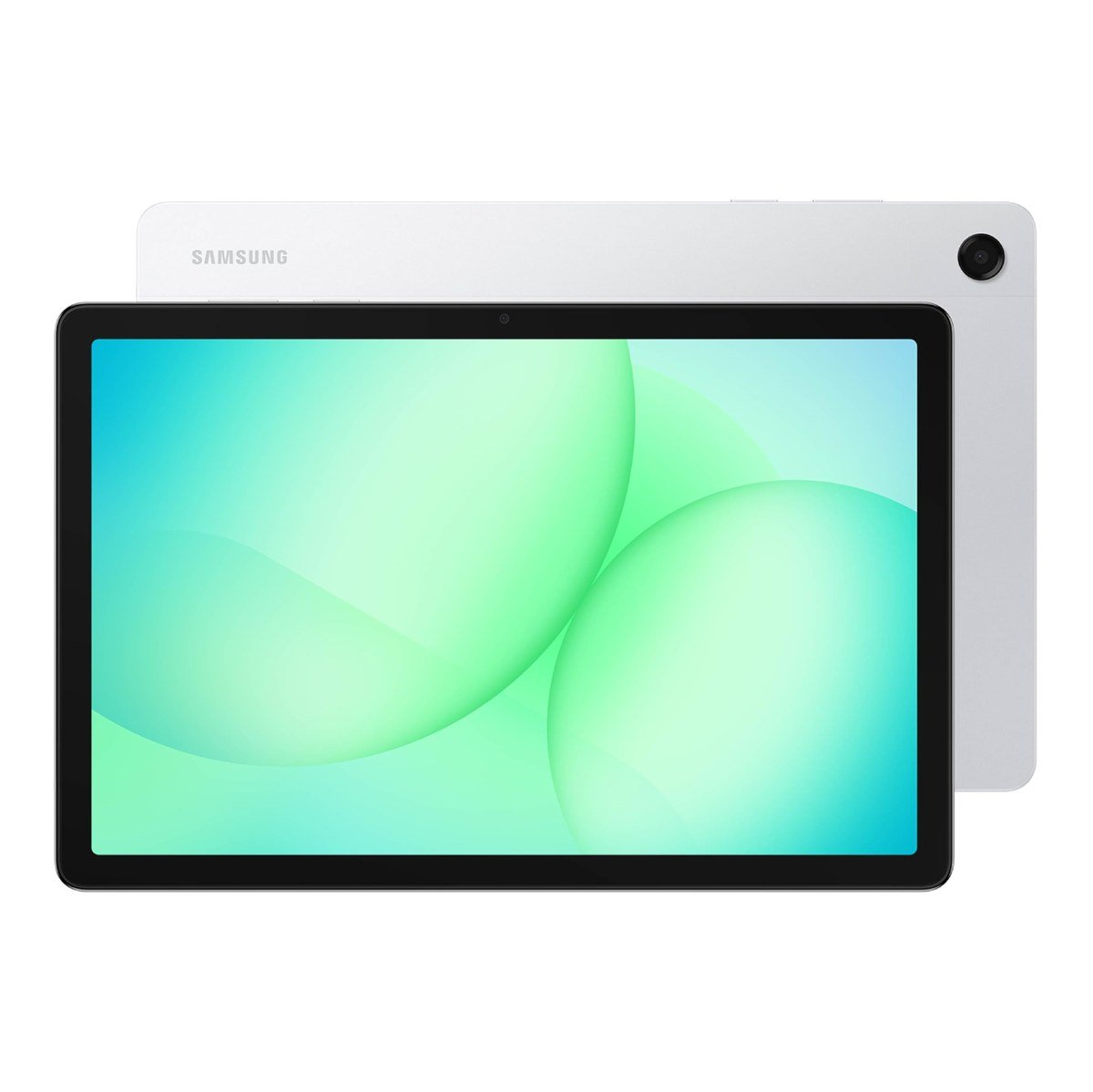
The Galaxy Tab A11+ is the family tablet: an 11-inch screen at up to 90Hz, quad speakers tuned with Dolby Atmos and enough power for streaming, video calls and games. This is the 8GB RAM and 256GB configuration, the roomiest A11+ Samsung sells.
It gets Google Gemini and Circle to Search, and a 5MP front camera for video calls. What it does not come with is an S Pen, so it suits watching and browsing more than handwriting.
What it does well
- Quad Dolby Atmos speakers for films and shows
- Generous 8GB RAM and 256GB storage in this version
- Simple, durable choice for shared family use
What to know before buying
- No S Pen in the box
- No IP68 rating
- Not the pick for drawing or heavy multitasking
Galaxy Tab S, FE, Lite and A: What the Names Mean
Samsung's tablet names follow a clear ladder, and knowing it saves you from paying for features you will not use.
- Galaxy Tab S (S12+, S11): the flagships, with AMOLED screens, the fastest chips, IP68 protection and DeX. Samsung's Galaxy Tab S12 page lists the S12+ and S12 Ultra as this year's pair.
- Galaxy Tab S FE (S10 FE, S10 FE+): the Fan Edition keeps the S Pen and IP68 rating but uses LCD screens and a mid-range Exynos chip.
- Galaxy Tab S Lite (S10 Lite): a smaller, lighter S Pen tablet without water resistance.
- Galaxy Tab A (A11+): the entertainment line, built around speakers and price rather than pen input.
A plus sign marks the bigger version of the same model, so the S10 FE+ is a 13.1-inch S10 FE. An Ultra, when there is one, is the largest and most powerful model in its generation.
Does IP68 Matter on a Tablet?
IP68 means the tablet is dust-tight and can survive being submerged in water under the maker's test conditions, as the IP code standard defines it. Samsung is one of very few tablet makers to offer it, and it is the difference between a spilled drink being a non-event and an expensive repair.
Our four picks split evenly here: the S12+ and S10 FE+ carry IP68, while the S10 Lite and A11+ do not. If the tablet will live in a kitchen, travel in a school bag or go near a pool, that rating is worth paying for. Water resistance also fades with age and wear, so it is protection against accidents rather than permission to use the tablet underwater.
Whichever you buy, a fast charger shortens the wait between sessions; the 45W chargers in our Galaxy S26 Ultra charger guide suit these tablets too, and our Galaxy Tab S11 Ultra case picks show what a protective cover adds.
Which Samsung Tablet to Buy
Buy the Galaxy Tab S12+ if the tablet has to do real work: its AMOLED screen, DeX mode and S Pen make it the closest thing to a laptop in Samsung's range. If that budget is too high, the Galaxy Tab S10 FE+ keeps the S Pen and IP68 rating and gives you an even bigger screen.
For students and note-takers on a tight budget, the Galaxy Tab S10 Lite is the cheapest way to get an S Pen in the box. For a family tablet that mostly plays shows and games, the Galaxy Tab A11+ and its quad speakers are the better fit.
If you want the biggest screen Samsung makes, the Galaxy Tab S12 Ultra has a 14.6-inch display and an 11,600mAh battery. It is missing from this list for a practical reason: Amazon's US store offers it only as imported international units, which can lack a US warranty and US carrier support. Buy the Ultra from Samsung or a major US retailer instead.
Storage is the other choice to get right. The S10 Lite and A11+ both take microSD cards, so their built-in capacity matters less than it does on a flagship, where buying the larger model up front is the safer choice if you keep films, music or big project files on the tablet.
Frequently Asked Questions
Which Samsung tablet comes with an S Pen?
The Galaxy Tab S12+, S10 FE+ and S10 Lite all include an S Pen in the box. The Galaxy Tab A11+ does not come with one.
Is the Galaxy Tab S12+ worth it over the S10 FE+?
If you want the sharper AMOLED screen, 120Hz motion and DeX desktop mode, yes. For notes, streaming and school work, the S10 FE+ does most of the same jobs on a bigger, cheaper LCD.
Can a Samsung tablet replace a laptop?
The S12+ comes closest thanks to DeX, which runs apps in resizable windows with a taskbar. Add a keyboard cover and it handles documents, email and video calls well, though desktop-only software still needs a PC.
Which Samsung tablet is best for kids?
The Galaxy Tab A11+ suits younger children best, with its large screen and speakers and simple setup. Older students who take handwritten notes are better served by the S10 Lite and its included S Pen.
Related Articles
- Best iPad Cases: 7 Compared on Protection and Stands
- Best iPad Keyboards: 7 Cases and Standalone Picks
- Best Galaxy S26 Screen Protector: 7 Picks Compared
- How to Split Screen on iPad: Side by Side, Slide Over and More
As an Amazon Associate, Fox Bulletin earns from qualifying purchases.

Get the Fox Bulletin briefing
The stories that matter, in your inbox. No spam, unsubscribe anytime.
Newsletter signup will be available soon.
Related stories
Second Monitor Not Detected? Fixes for Common Multi-Monitor Problems
A second monitor that shows no signal is usually a cable, input or display mode problem. Here is the fix for that and every other common multi-monitor headache.
How to Scan Mac for Malware: A Complete Step-by-Step Check
Macs scan themselves, but not on demand. Here is how to check a Mac for malware by hand, which free tools help, and the 2026 copy-paste scam to watch for.
How to Split Screen on iPad: Side by Side, Slide Over and More
Split screen on iPad now lives inside Windowed Apps. Here is how to put two apps side by side, resize them, float a third in Slide Over and go back to one app.