

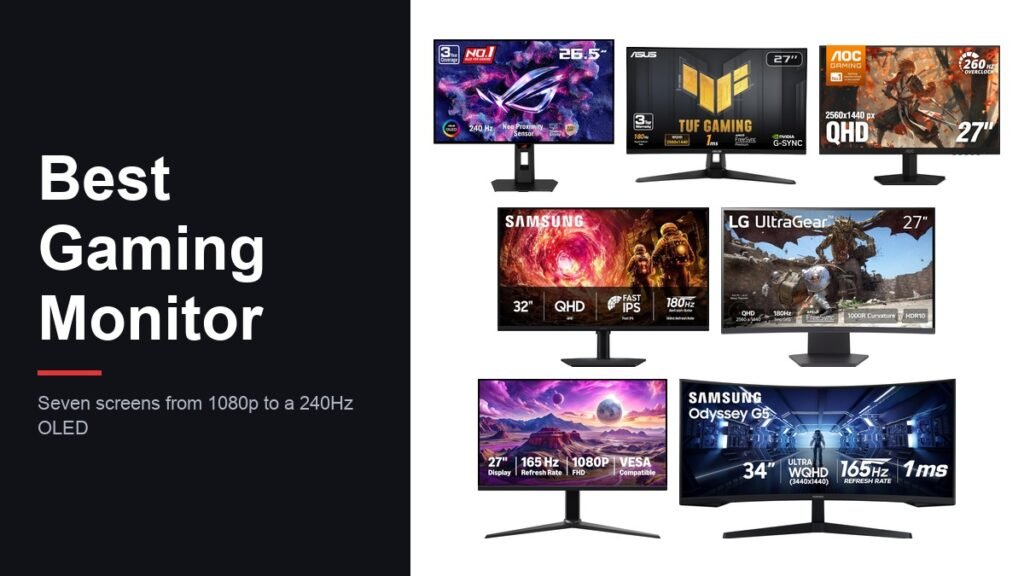
Picking the best gaming monitor starts with one honest question: how many frames can your graphics card actually deliver in the games you play? A 240Hz panel attached to a card that manages 90fps in your main title spends most of its life idling, while a 1440p screen paired with a current card can leave a 1080p monitor looking soft and dated.
The seven screens below cover 1080p at 165Hz through to a 240Hz OLED and a 34-inch ultrawide. Each one is here for a specific job rather than an overall score, and every specification quoted is the one the maker publishes for that model.
Best Gaming Monitor Picks Compared by Panel, Refresh Rate and Size
Read refresh rate and resolution together. Higher resolution costs frames, so the two numbers only make sense alongside the card driving them.
| # | Monitor | Size and panel | Resolution and refresh | Suits |
|---|---|---|---|---|
| 1 | ASUS ROG XG27AQDMGR | 26.5-inch glossy WOLED | 2560 x 1440 at 240Hz | Players who want the best image on the list |
| 2 | ASUS TUF VG27AQ3A | 27-inch Fast IPS | 2560 x 1440 at 180Hz | The all-round 1440p choice |
| 3 | AOC Q27G41ZE | 27-inch IPS | 2560 x 1440 at 240Hz | Competitive shooters at 1440p |
| 4 | Samsung Odyssey G5 G50F | 32-inch IPS | 2560 x 1440 at 180Hz | A bigger screen at the same resolution |
| 5 | LG UltraGear 27GS60QC-B | 27-inch curved, 1000R | 2560 x 1440 at 180Hz | A curve on a single-screen desk |
| 6 | Amazon Basics 27-inch 165Hz | 27-inch IPS | 1920 x 1080 at 165Hz | The lowest outlay for high refresh |
| 7 | Samsung Odyssey G5 34-inch | 34-inch curved VA, 21:9 | 3440 x 1440 at 165Hz | Sim racing, strategy and wide desks |
1. ASUS ROG XG27AQDMGR: The OLED That Sets the Picture Standard
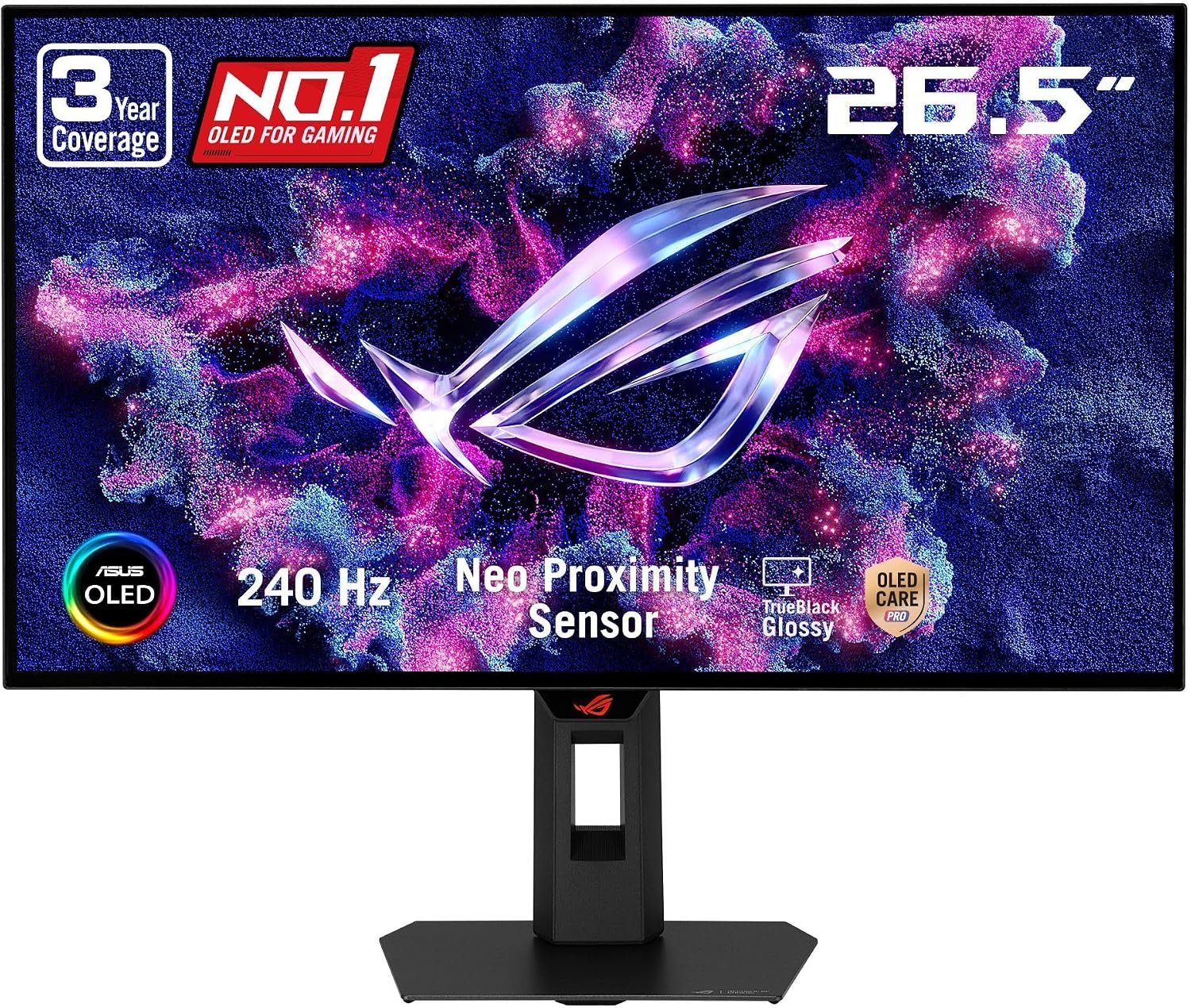
ASUS builds this one around a 26.5-inch TrueBlack glossy WOLED panel running 2560 x 1440 at 240Hz, with a quoted 0.03ms grey-to-grey response. OLED switches each pixel off individually, which is why ASUS lists a 1,500,000:1 contrast ratio where the IPS screens here sit near 1000:1. In a dim room the difference is not subtle.
The colour side is equally serious: 99 percent DCI-P3 coverage, true 10-bit output and a quoted Delta E under 2, with VESA DisplayHDR 400 True Black certification. Burn-in is the usual OLED worry, so ASUS adds an OLED Care Pro suite with a proximity sensor that dims the panel when you walk away, and covers burn-in for three years.
What it does well
- 2560 x 1440 at 240Hz with a 0.03ms grey-to-grey claim.
- 1,500,000:1 contrast, far beyond the IPS panels here.
- 99 percent DCI-P3 and true 10-bit colour.
- Three-year warranty that includes burn-in cover.
What to know before buying
- The glossy coating looks superb in a dark room and shows reflections in a bright one.
- Driving 1440p at 240Hz in modern titles asks a lot of a graphics card.
- The panel measures 26.5 inches even though the listing is titled 27 inch.
2. ASUS TUF Gaming VG27AQ3A: The Sensible 1440p Default
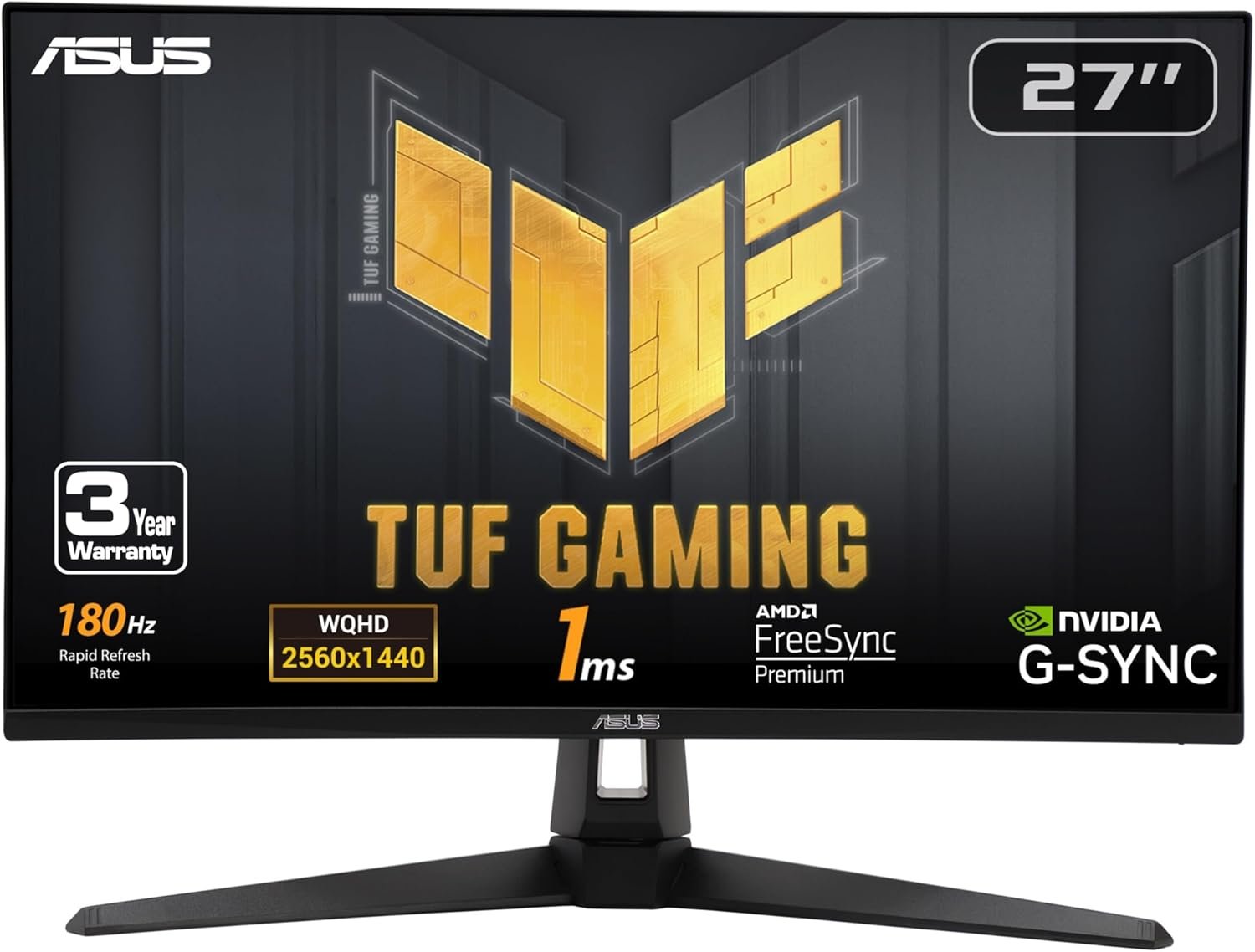
This is the screen to buy when you want 1440p without thinking about it too hard. The 27-inch Fast IPS panel runs 2560 x 1440 at 180Hz with a 1ms grey-to-grey rating, covers 130 percent of sRGB, and carries both FreeSync Premium and G-Sync Compatible validation, so it syncs cleanly with either brand of card.
ASUS also includes ELMB Sync, which lets its backlight-strobing mode run at the same time as variable refresh rate rather than forcing a choice between the two. At 4.6kg it is light enough to mount easily, and built-in speakers cover system sounds when you are not wearing a headset. Our gaming mouse roundup pairs naturally with it.
What it does well
- 180Hz at 1440p, the ratio most current cards can actually feed.
- FreeSync Premium and G-Sync Compatible on the same panel.
- ELMB Sync runs blur reduction alongside variable refresh.
- 130 percent sRGB coverage and HDR10 input support.
What to know before buying
- 1000:1 contrast is ordinary next to an OLED or a VA panel.
- HDR10 is accepted as a signal rather than delivered with real brightness.
- The built-in speakers are a convenience, not an upgrade on desk speakers.
3. AOC Q27G41ZE: 1440p at 240Hz for Competitive Play
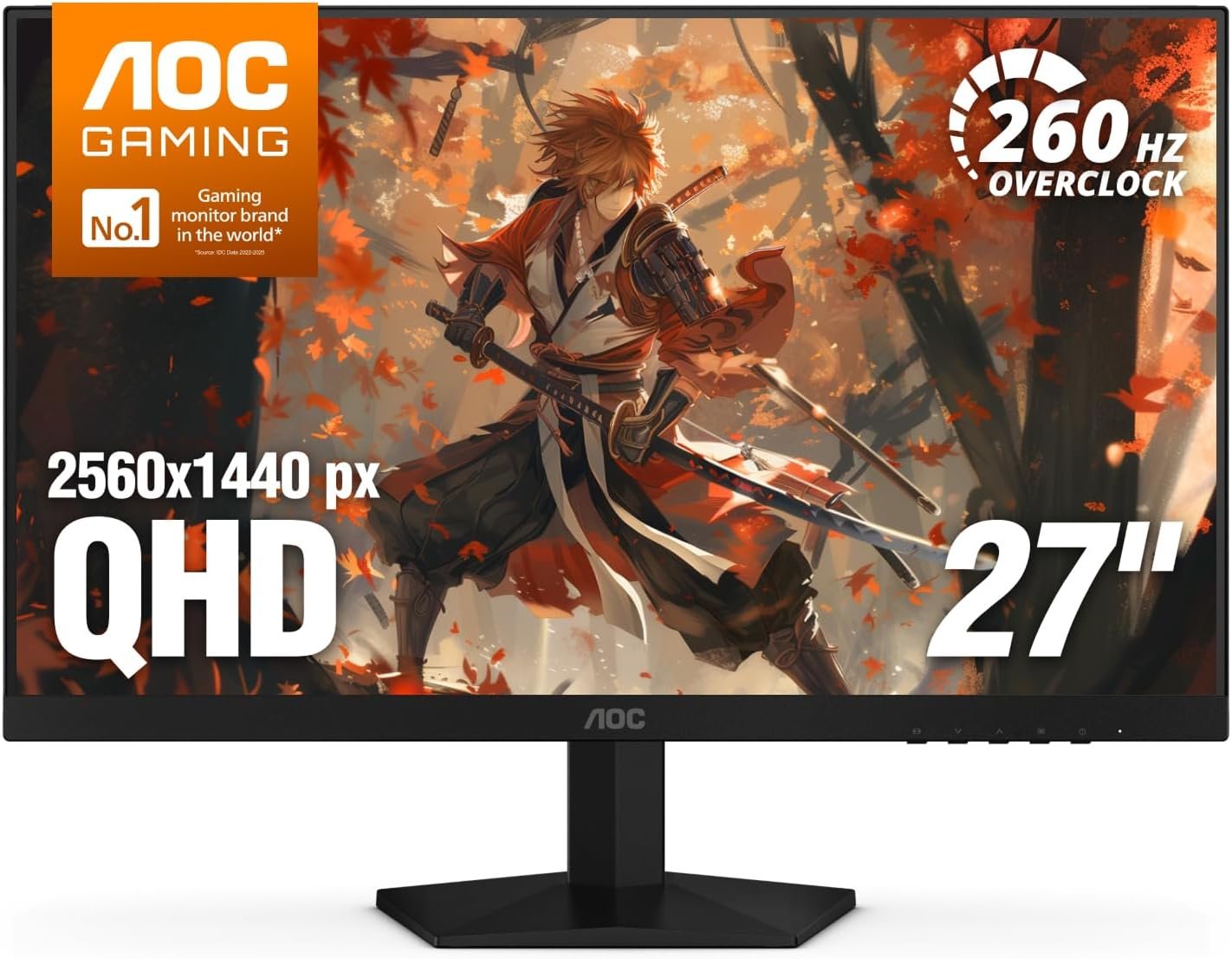
AOC lists this 27-inch IPS panel at 240Hz over DisplayPort, with a 260Hz overclock mode in the product name, and quotes a 0.3ms response time. That combination of 1440p sharpness and a very high refresh rate is aimed squarely at shooters, where the extra frames show up as smoother tracking rather than prettier scenery.
Adaptive-Sync works with both AMD and NVIDIA cards, and the gaming extras are the usual set: Shadow Control to lift detail out of dark corners, game-mode presets and an on-screen menu you can drive quickly. Brightness is 300 nits with 1000:1 contrast, which is standard for an IPS gaming panel at this size.
What it does well
- 240Hz over DisplayPort at 2560 x 1440.
- 0.3ms quoted response time.
- Adaptive-Sync with AMD and NVIDIA cards.
- Shadow Control and game presets in a quick on-screen menu.
What to know before buying
- The stand tilts from -3 to +21 degrees and does nothing else, so budget for an arm if you need height.
- 300 nits suits a normally lit room rather than a sunny one.
- Reaching the highest refresh figure needs DisplayPort and a card that can push it.
4. Samsung Odyssey G5 G50F: 1440p Stretched to 32 Inches
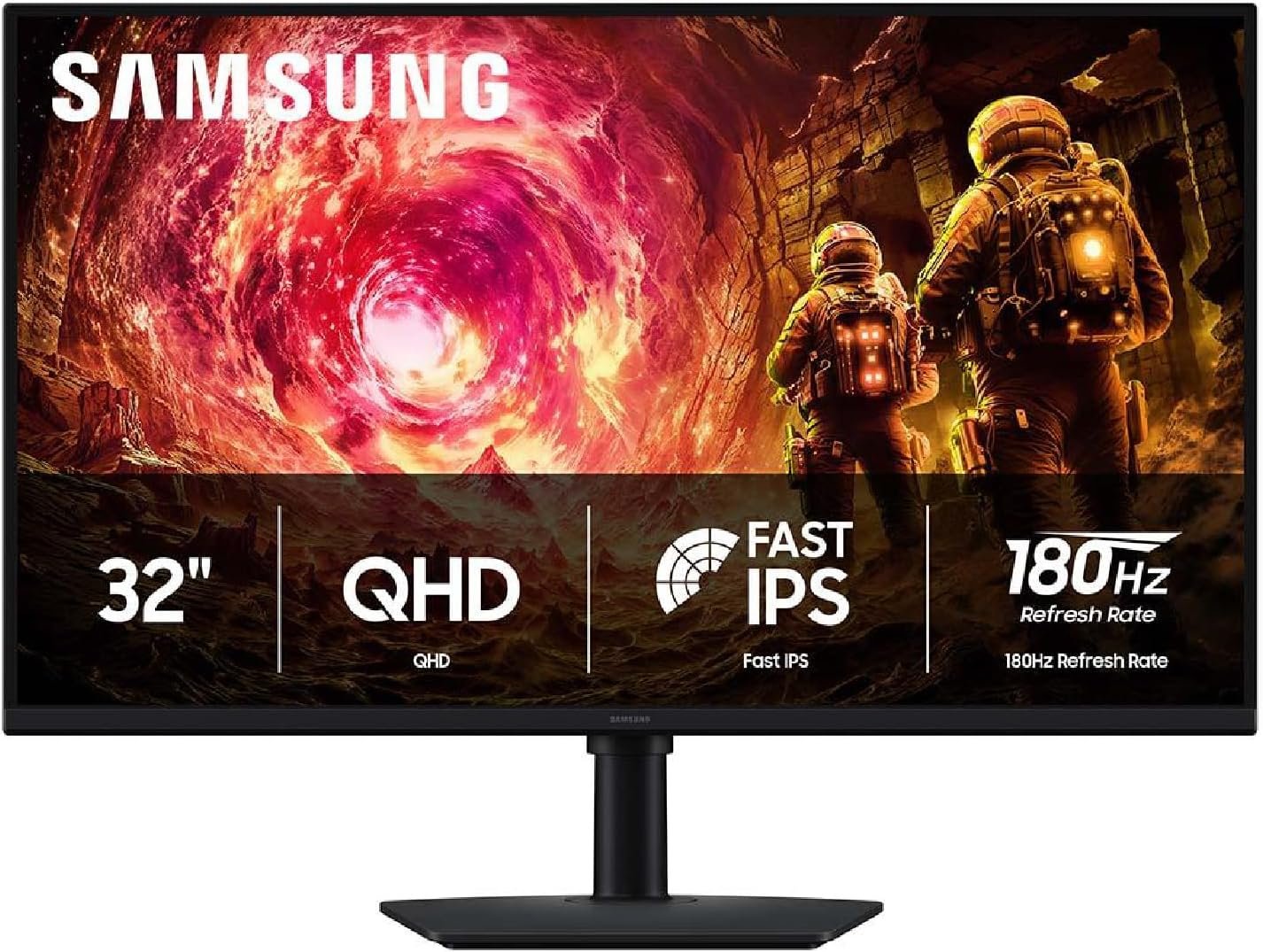
Same 2560 x 1440 resolution as the 27-inch screens, spread across 32 inches. Pixels are physically larger, so text is easier to read from a distance and games feel more enveloping, at the cost of a slightly softer look if you sit close. The IPS panel runs at 180Hz with a 1ms grey-to-grey claim and a 178-degree viewing angle.
Samsung adds G-Sync compatibility, HDR10 and two features aimed at shooters: Black Equalizer, which raises visibility in shadowed areas, and Virtual Aim Point, an on-screen crosshair. Brightness is 300 cd/m². A 32-inch screen wants more desk depth than a 27, so measure before ordering.
What it does well
- 32 inches of 1440p at 180Hz.
- G-Sync compatible with HDR10 support.
- Black Equalizer and an on-screen aim point.
- 178-degree viewing angle from the IPS panel.
What to know before buying
- At 32 inches, 1440p looks softer up close than it does on a 27-inch panel.
- Needs a deeper desk than a 27-inch screen to sit comfortably.
- 1000:1 contrast and 300 cd/m² are mid-range numbers.
5. LG UltraGear 27GS60QC-B: A 1000R Curve at 1440p
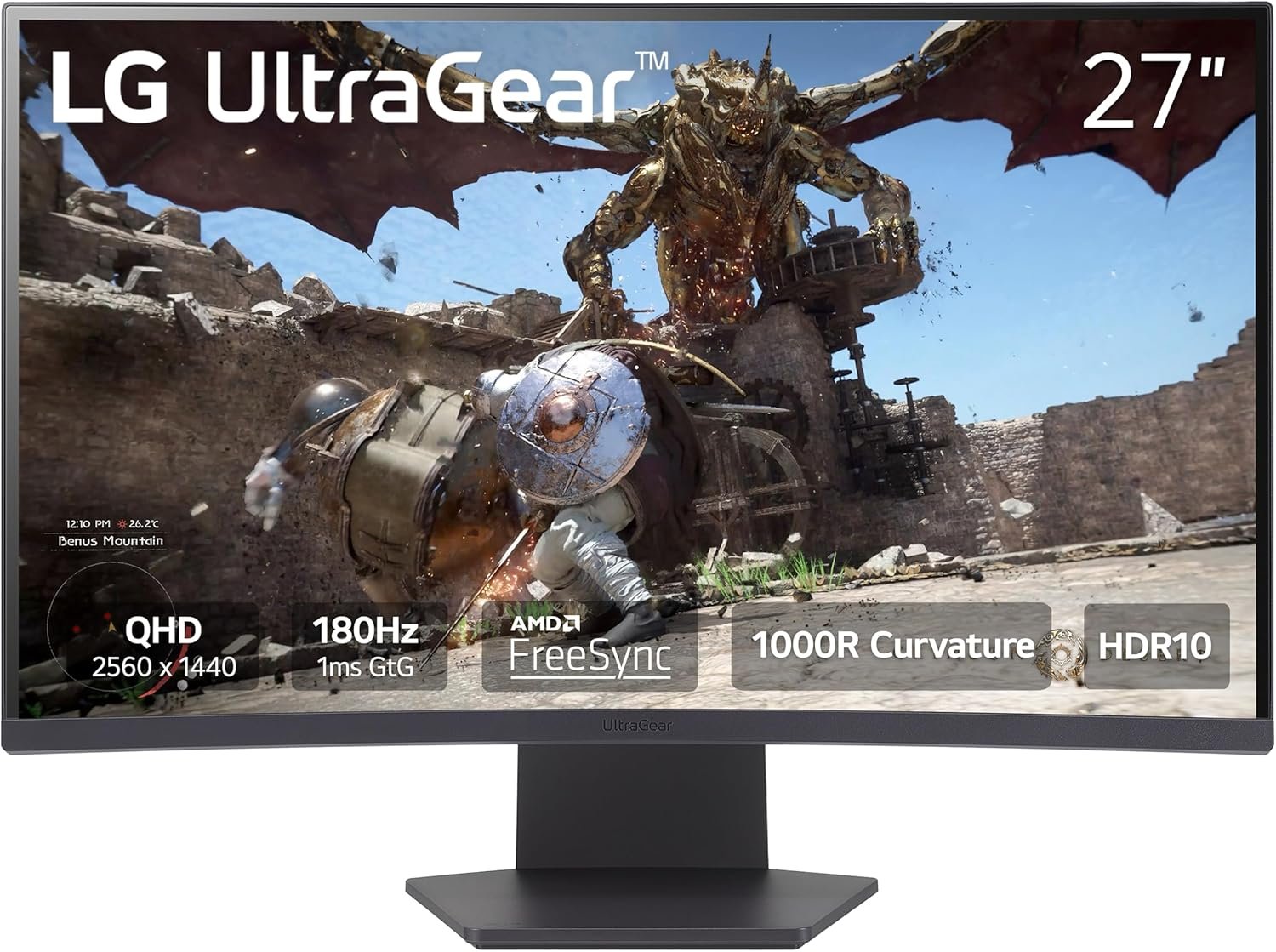
The curve here is 1000R, the steepest LG uses, which means the screen bends to roughly the radius of a one-metre circle. On a single-monitor desk that pulls the edges into your peripheral vision; in a two-screen setup the same curve makes the pair harder to line up. The panel is 2560 x 1440 at 180Hz with a 1ms grey-to-grey rating.
LG quotes 99 percent sRGB coverage with HDR10 input, and includes the UltraGear gaming set: Black Stabilizer for dark scenes, Dynamic Action Sync to cut processing lag, an overlay crosshair and an on-screen frame counter. It weighs 10.6 pounds and uses a three-side borderless design. A large desk pad helps a curved screen sit square.
What it does well
- Steep 1000R curve for single-screen setups.
- 180Hz at 1440p with AMD FreeSync.
- Black Stabilizer, Dynamic Action Sync and an on-screen frame counter.
- 99 percent sRGB and a three-side borderless frame.
What to know before buying
- A 1000R curve is awkward to pair with a second flat monitor.
- Curved panels distort straight lines in design and spreadsheet work.
- HDR10 here is signal support rather than high brightness.
6. Amazon Basics 27-Inch 165Hz: High Refresh on the Smallest Budget
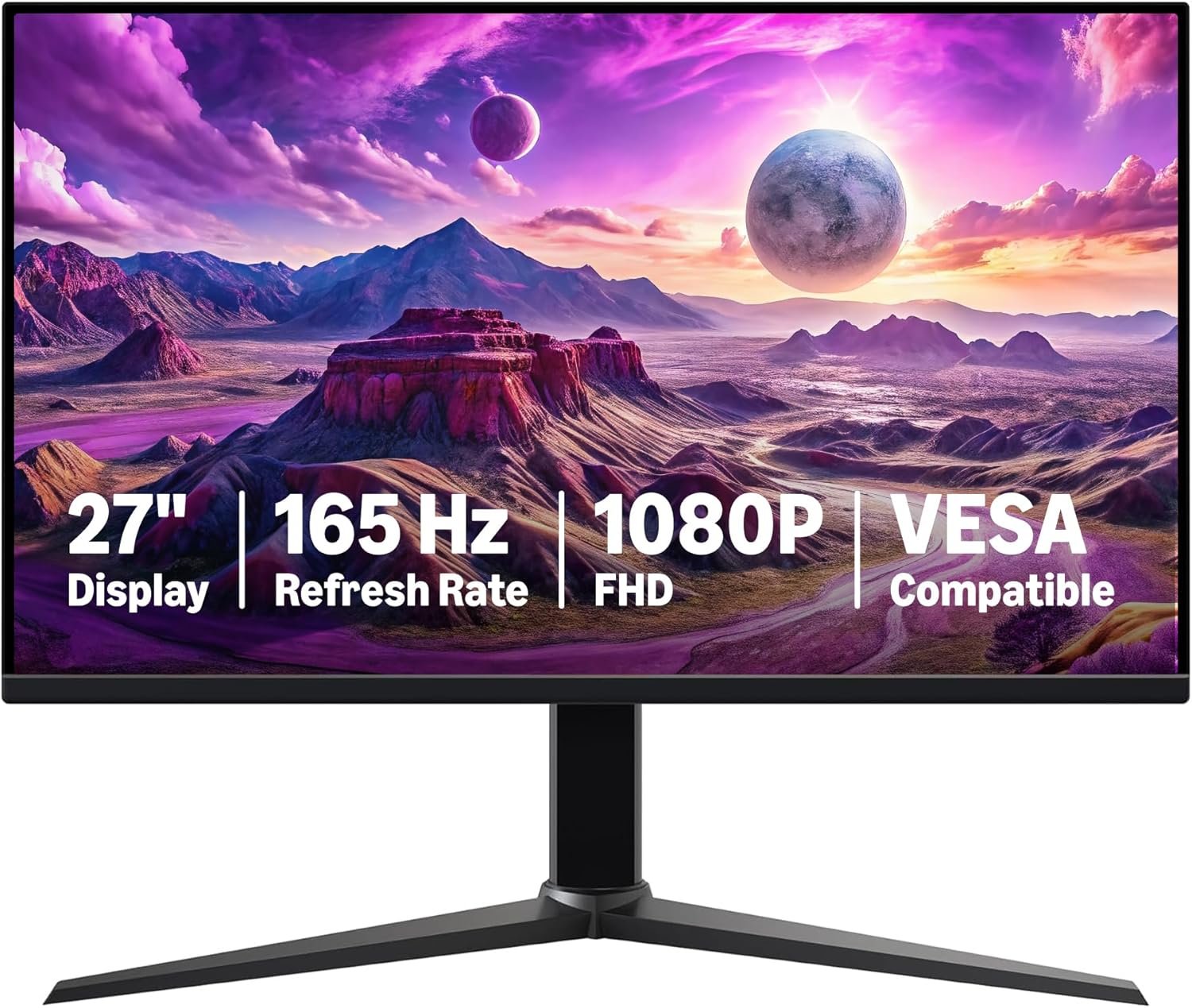
If the goal is simply to stop playing at 60Hz, this is the least you can spend to do it. The 27-inch IPS panel runs 1920 x 1080 at 165Hz with a 1ms response claim and adaptive sync, and it is VESA compatible so it can go straight onto an arm.
The compromises are exactly where you would expect: 1080p across 27 inches is noticeably less sharp than 1440p, and there is no colour-gamut or HDR certification to speak of. It weighs 9.9 pounds. One practical note from the manual is worth repeating, because people miss it: peel the protective film off the panel before use.
What it does well
- 165Hz at 1080p for the lowest outlay here.
- 27-inch IPS panel with adaptive sync.
- VESA compatible for arms and wall mounts.
- 1ms quoted response time.
What to know before buying
- 1080p spread over 27 inches looks soft next to a 1440p panel.
- No meaningful HDR or wide-gamut colour coverage.
- Hitting 165Hz needs the right cable and port on your graphics card.
7. Samsung Odyssey G5 34-Inch: Ultrawide for Racing and Strategy
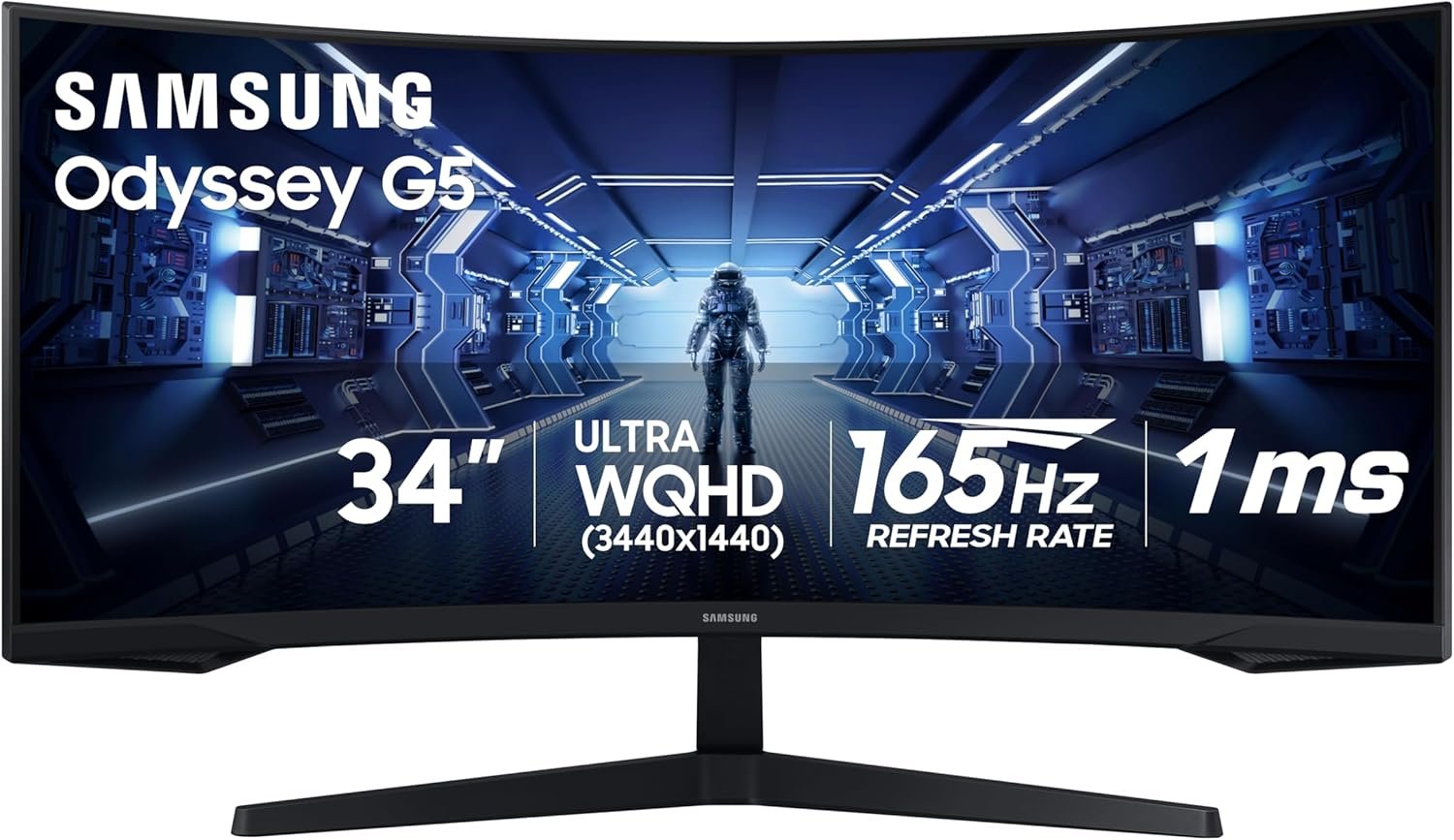
This is the shape change rather than the specification change. A 34-inch 21:9 panel at 3440 x 1440 shows roughly a third more horizontal space than a 16:9 1440p screen, which matters most in racing sims, flight sims and strategy games where the extra width is information rather than decoration.
The VA panel runs at 165Hz with a 1ms MPRT figure and a 1000R curve that Samsung matches to the human field of view, plus FreeSync Premium and HDR10. VA panels give deeper blacks than IPS but can smear slightly on fast dark transitions. Brightness is 250 cd/m² and it weighs 12.3 pounds.
What it does well
- 3440 x 1440 across 34 inches, close to a dual-screen view.
- 165Hz with FreeSync Premium.
- VA panel with deeper blacks than the IPS screens here.
- 1000R curve matched to peripheral vision.
What to know before buying
- Some older games letterbox rather than filling a 21:9 screen.
- VA response is slower than IPS on dark, fast transitions.
- 250 cd/m² is the dimmest panel in this group.
Refresh Rate, Frame Rate and What Your Graphics Card Can Feed
A 240Hz monitor redraws the image 240 times a second, but it can only show frames your card produces. If your card holds 100fps in the game you play most, a 240Hz panel spends much of its time repeating frames and the money would have gone further on resolution or panel quality.
This is also why variable refresh rate matters more than the headline number. Instead of the screen refreshing on a fixed clock, it waits for each finished frame, which removes tearing and the stutter you get when frame rate drifts below the refresh rate. Every monitor here supports it under one name or another.
A sensible order of operations: find your typical frame rate at the resolution you want, buy a refresh rate a little above it, and put the rest of the budget into the panel.
IPS, VA and OLED on a Real Desk
IPS panels, which cover most of this list, hold colour steady off-axis and respond quickly, but their blacks are grey in a dark room because the backlight stays on. Around 1000:1 contrast is normal and none of them will look inky at night.
VA sits in between, as on the 34-inch Samsung: much deeper blacks, slightly slower on dark fast transitions. OLED removes the backlight altogether, so black is simply an unlit pixel, which is where the ASUS ROG panel earns its contrast figure.
Room lighting decides more than the panel label. A bright room with a window behind you suits a matte IPS screen; a dim room is where OLED and VA pull ahead.
Which Gaming Monitor to Buy
For most people the ASUS TUF VG27AQ3A is the right answer: 1440p at 180Hz is the resolution and refresh pairing current graphics cards handle comfortably, and it works with both AMD and NVIDIA variable refresh without any configuration.
From there the choice is about priorities rather than quality. Competitive shooter players should take the AOC Q27G41ZE for its 240Hz; anyone who cares most about image quality and games in a dim room should stretch to the ASUS ROG OLED; racing and strategy players gain real screen space from the 34-inch Samsung; and if the budget is fixed and low, the Amazon Basics panel still ends 60Hz gaming. A gaming laptop can drive any of them over HDMI or DisplayPort.
Frequently Asked Questions
Is 1440p or 1080p better for gaming?
1440p shows noticeably more detail on a 27-inch or larger screen and is the resolution most current graphics cards are built around. 1080p remains the right pick if your card is a few generations old or if the budget only reaches a high-refresh 1080p panel, because a smooth 1080p picture beats a stuttering 1440p one.
How many Hz do I actually need?
Match the panel to your real frame rate. If you hold around 100fps, a 144Hz or 180Hz screen captures almost all of the benefit. Refresh rates of 240Hz and above pay off mainly in competitive shooters running at low settings, where the frame rate is high enough to use them.
Does G-Sync work on a FreeSync monitor?
Usually yes. NVIDIA validates many FreeSync panels as G-Sync Compatible, which means variable refresh works over DisplayPort with a GeForce card. The ASUS TUF VG27AQ3A carries that validation, and the Samsung screens here list G-Sync compatibility as well.
Are OLED gaming monitors still at risk of burn-in?
The risk is real but managed. Current panels shift pixels, dim static elements and run cleaning cycles, and the ASUS ROG model adds a sensor that dims the screen when you leave the desk. ASUS covers burn-in for three years, which is the practical answer to the question.
Related Articles
As an Amazon Associate, Fox Bulletin earns from qualifying purchases.

Get the Fox Bulletin briefing
The stories that matter, in your inbox. No spam, unsubscribe anytime.
Newsletter signup will be available soon.
Related stories

Best Office Chairs: 7 Mesh, Leather and Gaming Picks
Seven office and gaming chairs compared on adjustment points, lumbar support, weight capacity and materials, so you can match the chair to your desk hours.
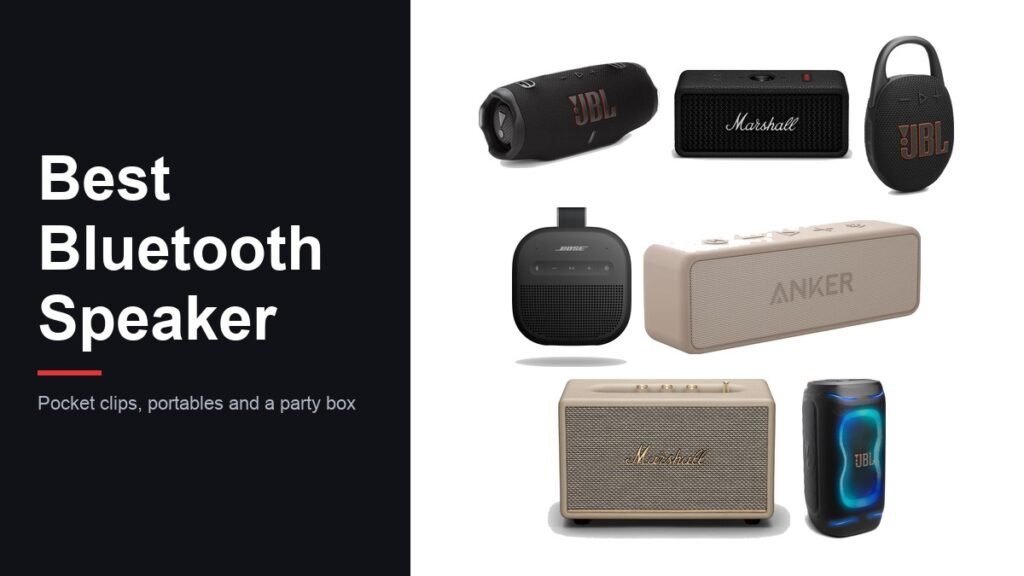
Best Bluetooth Speaker: 7 Picks by Size and Use
Seven bluetooth speakers from a pocket clip to a 200-watt party box, compared on battery life, waterproofing and how loud each one really needs to be.

Amazon Prime Benefits: Everything Included for $14.99 a Month
Amazon Prime costs $14.99 a month and covers ten benefit categories, including a fuel discount, Grubhub+ and pharmacy savings most members never use. Everything included, and the cheaper tiers.