

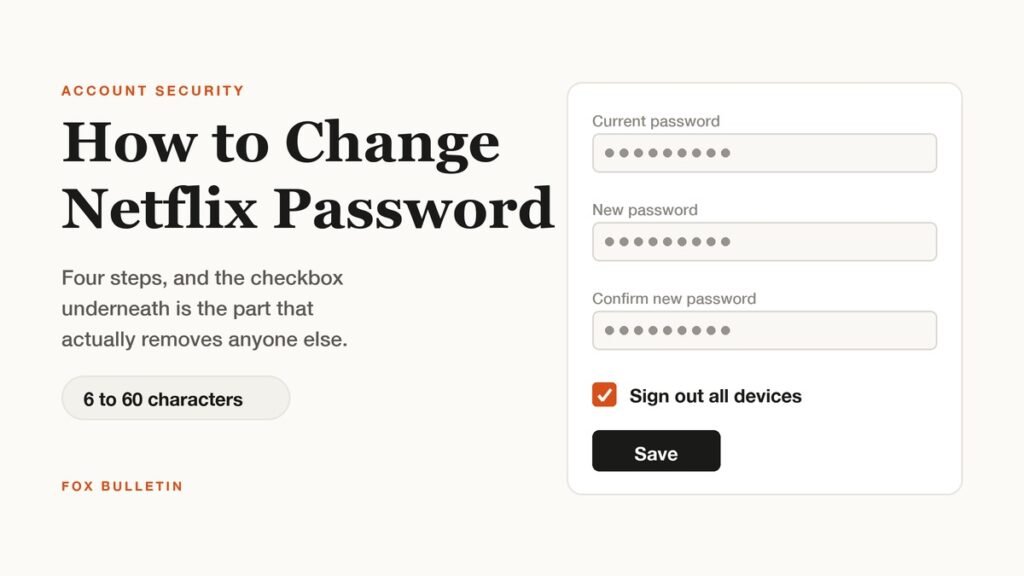
How to change Netflix password, in short: open netflix.com/password, enter the current password, type the new one twice, leave the Sign out all devices box checked and select Save. The whole thing takes under a minute and works the same in a browser or the mobile app.
That checkbox is the only part worth slowing down for. Changing a password on its own does not remove anyone, because devices that are already signed in stay signed in. Leaving the box checked is what ends those sessions, and it is the difference between locking an account and simply giving it a new password.
| Password rule | What Netflix applies |
|---|---|
| Hard limit | 6 to 60 characters |
| Netflix recommendation | At least 8 characters |
| Character mix | Upper and lower case, numbers and symbols, recommended but not enforced |
| Reuse | Must differ from your previous Netflix password |
| Blocklist | Passwords on known compromised or common lists are rejected |
| Kids profiles | The password cannot be changed while a Kids profile is the active profile |
How to Change Netflix Password in Four Steps
The flow sits in account settings rather than anywhere inside the player:
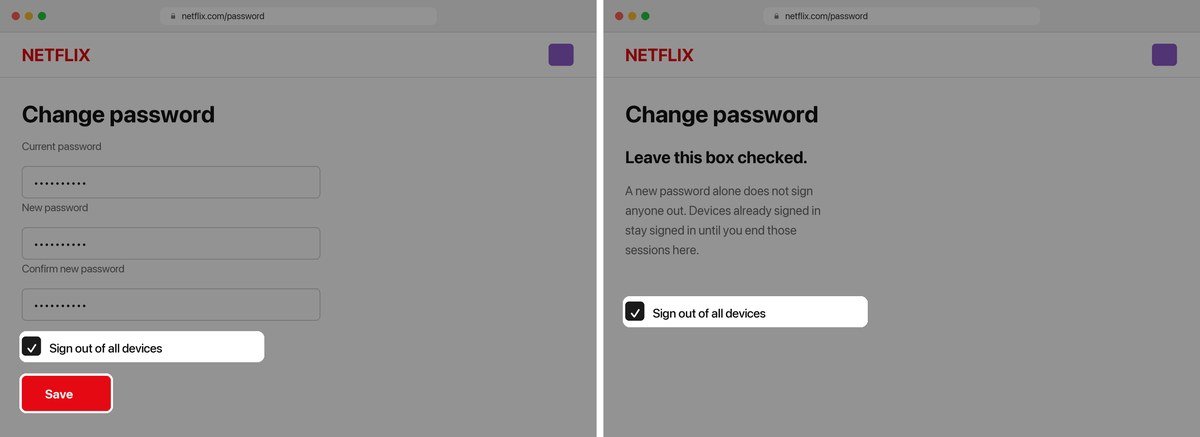
- Open netflix.com/password in a browser, or go to Account and select Change password.
- Enter your current password, then type the new one twice.
- Leave the Sign out all devices box checked.
- Select Save. You stay signed in on the device you are using and sign back in elsewhere with the new password.
Two things commonly stop this working. Netflix will not let the password be changed while a Kids profile is the active profile, so switch to an adult profile first. Accounts billed through a payment partner rather than by Netflix directly sometimes manage sign in through that partner, in which case the Account page points to the right process. The password itself always belongs to Netflix, not to the partner.
There is no confirmation step to complete afterwards and no email you need to click. The change applies immediately on save, which is why Netflix recommends signing out other devices at the same time rather than as a separate task later.
What Signing Out All Devices Actually Does
Checking the box ends every active session on the account except the one you are using. The practical effects are worth knowing before you do it, particularly if other people are watching:
- Every other device is signed out and asks for the new password the next time it is used.
- Profiles, viewing history, My List and recommendations are untouched by a password change.
- Anyone who had the old password loses access unless you give them the new one.
- The device you are making the change on stays signed in, so you are not locked out mid task.
Televisions are the usual complication. A smart TV or streaming stick that has been signed in for years will ask for the new password at the next attempt, and typing a long password with a remote control is slow enough that it is worth having the password to hand before you start rather than improvising one.
If you would rather not sign everyone out at once, the Account page has a Manage access and devices section that lists recent sessions with the device type, the profile used and the last watched time. It can sign out one device or all of them. That is the better tool for removing a single old phone, while the checkbox during a password change is the right choice when you do not know who has access.
Do not read that list as a complete inventory, though, because it is not. A device can take up to 48 hours to appear, and Netflix leaves out anything that has not been active in the last 90 days, anything used only for Netflix games and anything used only to reach Tudum. An account can therefore look clean while a dormant device still holds a valid session, which is the argument for signing out everything rather than auditing the list device by device.
Resetting a Password You Cannot Remember
A forgotten password goes through netflix.com/loginhelp instead, and there are three routes with different time limits:
| Route | How it works |
|---|---|
| Choose Email at netflix.com/loginhelp and enter the account address. The reset link Netflix sends expires after 24 hours. | |
| Text message | Choose Text Message and enter the phone number on the account. The verification code expires after 20 minutes, so it is the faster route if you have the phone to hand. |
| Card details | Choose the option for not remembering the email or phone, then give the account holder name and card number. Netflix sends a reset email to the address on the account rather than showing it to you. Availability varies by region. |
The expiry times matter more than they look. A 24 hour email link is generous, but a 20 minute window is short enough to lapse while you hunt for the phone, which makes the email route the safer choice when you are not already holding it. If neither the email address nor the phone number on the account is reachable, the card route is the only remaining option, and it still delivers the reset to the account email rather than to you.
Password Rules Netflix Enforces and the Ones It Only Suggests
Netflix separates a hard limit from a recommendation, and the two do not match. The limit is 6 to 60 characters: a password of fewer than 6 characters is rejected outright. Its own guidance then asks for at least 8, mixed upper and lower case, numbers and symbols, different from anything used on other sites and not based on personal information. Only the length floor and the blocklist are actually enforced.
A six character password is therefore accepted while being too short by Netflix own advice and by current public guidance. The federal digital identity guidelines set a minimum of 8 characters for user chosen passwords and advise against forcing particular character mixes, on the reasoning that composition rules push people towards predictable substitutions while length does more for strength. Netflix lands close to that position, enforcing a floor and screening against known compromised lists rather than demanding symbols. The same guidelines say a service should accept at least 64 characters, where Netflix stops at 60, so a long passphrase from a password manager can be turned away for being too long rather than too weak.
The screening is the part people hit unexpectedly. A password can satisfy every length and character rule and still be refused because it appears on a list of commonly used or already breached passwords. That is a security feature rather than a fault, and the fix is a longer or less common phrase. Guidance on building passwords that resist guessing recommends length and a password manager over memorable substitutions, which also removes the problem of typing something complicated into a television.
When to Change It Rather Than Just Wanting To
Netflix does not expire passwords or require periodic changes, so most people never change one. There are specific occasions when it is the correct response:
- Email about a sign in, profile change or plan change you did not make.
- Unfamiliar titles appearing in viewing activity, or profiles you did not create.
- Sessions in Manage access and devices from places or device types you do not recognise.
- A shared password after someone has moved out or a relationship has ended.
- Reuse of the same password on a service that has since had a breach.
The last one is the most common real risk. Credentials exposed on one site get tried automatically against others, so a Netflix account rarely falls on its own: it falls because the same password was used somewhere that leaked. Changing the Netflix password closes that door only if the replacement is not also in use elsewhere.
If the account is being shared more widely than you want, a password change plus a full sign out is the direct remedy, and it is a different decision from leaving the service altogether. The steps for that, including how billing and pausing work, are in our guide to cancelling Netflix, and if the goal is to reduce what you pay across several subscriptions it is worth comparing the main streaming services before cancelling anything.
Frequently Asked Questions
Does changing my Netflix password log everyone else out?
Only if you leave the Sign out all devices box checked when you save. Without it, devices that are already signed in keep working on the old session, and a password change alone will not remove anyone.
How long does the Netflix password have to be?
Between 6 and 60 characters. Netflix recommends at least 8 with a mix of upper and lower case letters, numbers and symbols, but only the 6 character floor and the ban on known compromised passwords are enforced.
How do I reset my Netflix password without the email address?
Use netflix.com/loginhelp and choose the text message route if the account has a phone number, where the code expires in 20 minutes. If neither email nor phone is reachable, the card details route sends a reset link to the account email address, and it is not available in every region.
Why does Netflix reject my new password?
Either it is shorter than 6 characters, it matches your previous Netflix password, or it appears on a list of commonly used or previously breached passwords that Netflix blocks. A longer and less predictable phrase resolves all three.
Can I change the password from a Kids profile?
No. Netflix blocks the change while a Kids profile is the active one, so switch to an adult profile first and then open the password page. The restriction applies to the profile in use rather than to the account.
Related Articles

Get the Fox Bulletin briefing
The stories that matter, in your inbox. No spam, unsubscribe anytime.
Newsletter signup will be available soon.
Related stories
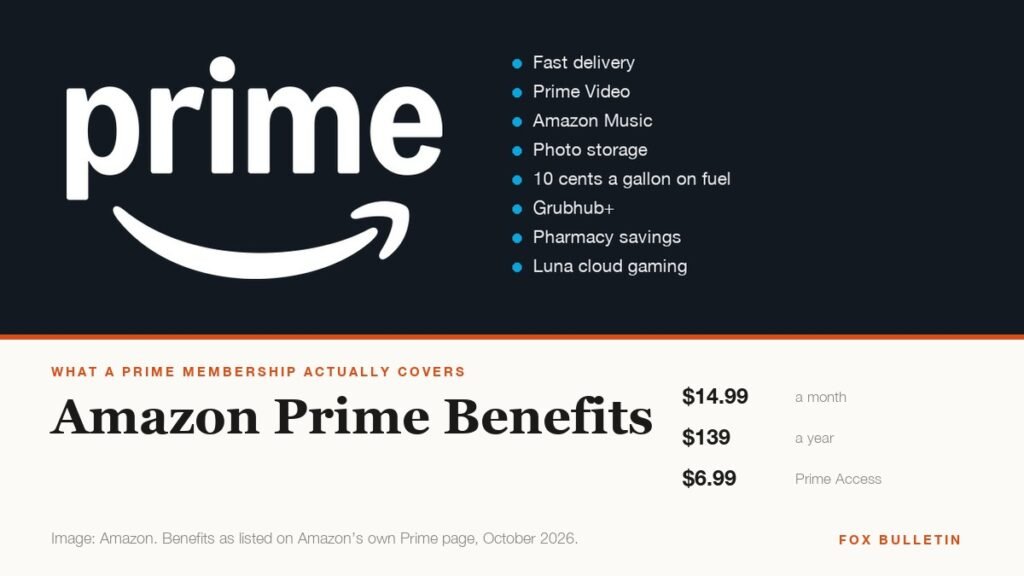
Amazon Prime Benefits: Everything Included for $14.99 a Month
Amazon Prime costs $14.99 a month and covers ten benefit categories, including a fuel discount, Grubhub+ and pharmacy savings most members never use. Everything included, and the cheaper tiers.
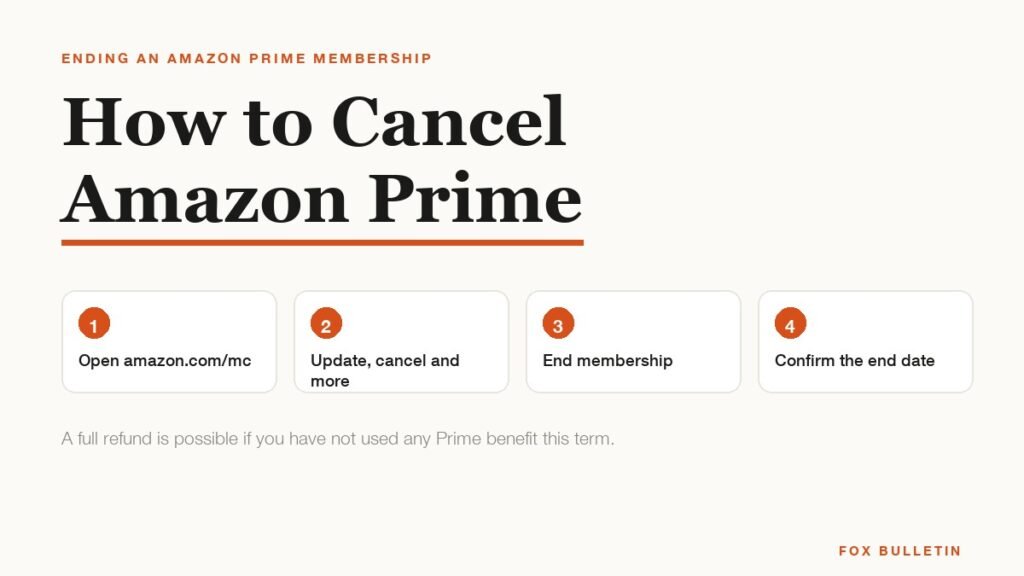
How to Cancel Amazon Prime and When You Get a Refund
Cancel Amazon Prime at amazon.com/mc in about a minute. The exact steps, when the charges stop, and the rule that decides whether you get a refund.
What Is Amazon Haul? Prices, Shipping and the Catch
Amazon Haul caps everything at $20, ships free over $25 and adds 10% off at $75. What it costs, how slow delivery really is, and why items under $3 cannot be returned.