

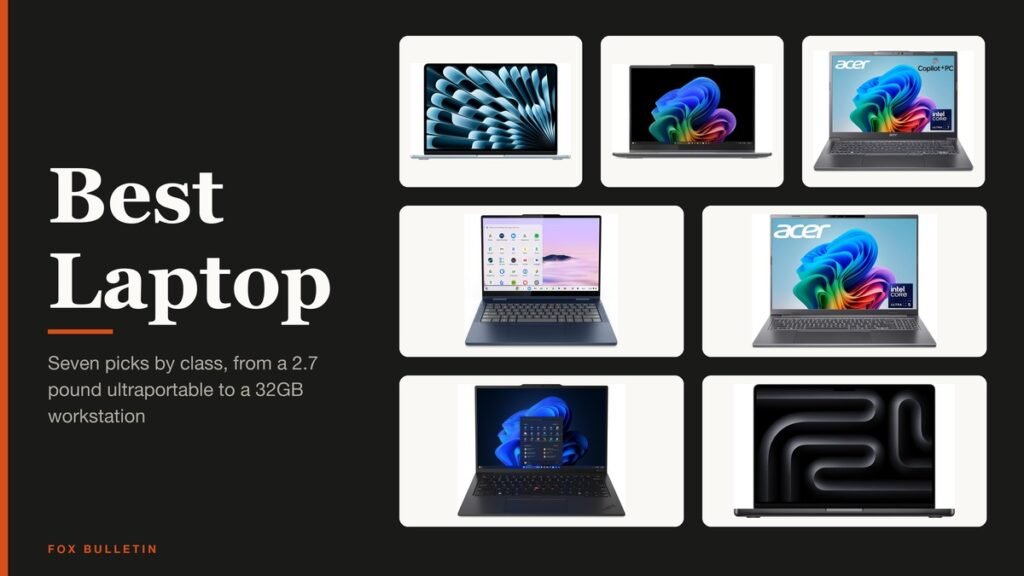
The best laptop in 2026 is the 13-inch MacBook Air with the M5 chip for most buyers, the Lenovo Yoga 7i 2-in-1 for anyone who wants Windows with a touchscreen, and a Chromebook Plus for people whose work lives in a browser. Four more picks cover big screens, travel and creative work.
Each laptop below is a configuration you can buy today, and each lists the chip, memory and storage its product page confirms. No gaming notebook is in these seven, because our best gaming laptop guide covers the RTX 50 machines.
Best Laptop Comparison: Chip, Memory and Storage for All 7
Buy the MacBook Air M5 as the best all-round laptop, the Yoga 7i for a Windows touchscreen with a pen, and the Lenovo Chromebook Plus for the simplest machine. Take the Aspire 16 for a larger screen, the ThinkPad for travel and the MacBook Pro for heavy creative work.
| # | Laptop | Chip, memory and storage | Pick it for |
|---|---|---|---|
| 1 | MacBook Air 13-inch (M5) | Apple M5, 16GB, 512GB | Most buyers |
| 2 | Lenovo Yoga 7i 2-in-1 | Core Ultra 5 226V, 16GB, 1TB | Windows touchscreen and pen |
| 3 | Acer Aspire 14 AI | Core Ultra 7 256V, 16GB, 1TB | Everyday Windows use |
| 4 | Lenovo Chromebook Plus 2-in-1 | Intel N355, 8GB, 256GB | Browser-first work |
| 5 | Acer Aspire 16 AI | Core Ultra 5 226V, 16GB, 512GB | A large 120Hz screen |
| 6 | ThinkPad X1 Carbon Gen 13 | Core Ultra 7 258V, 32GB, 2TB | Travel and business |
| 7 | MacBook Pro 14-inch (M5) | Apple M5, 32GB, 1TB | Creative work |
Seven Laptops, One for Each Kind of Buyer
1. Apple MacBook Air 13-inch M5: Best Overall Laptop
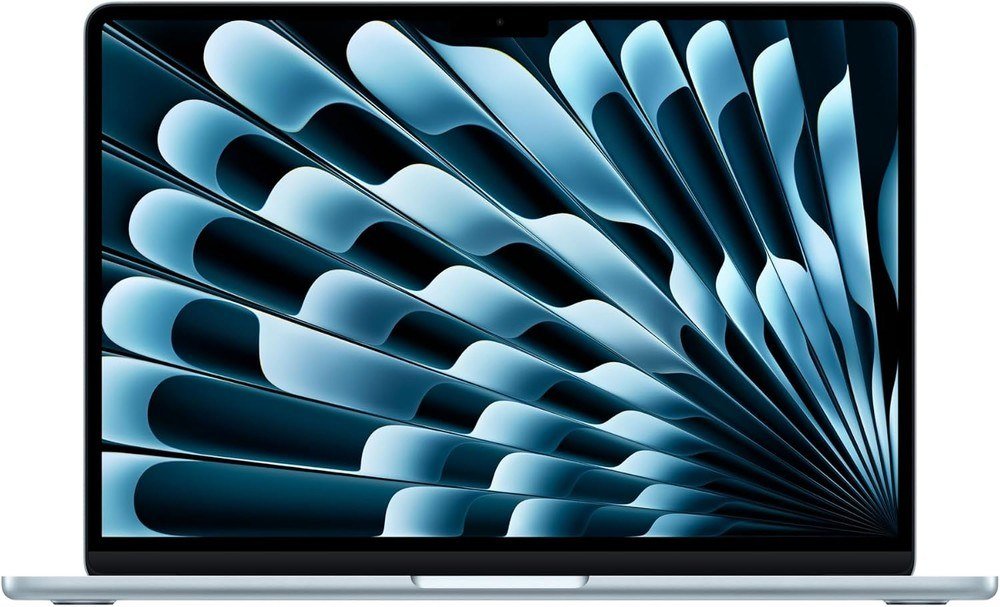
The listing is the 13.6-inch Air with the M5 chip, 16GB of unified memory and a 512GB SSD in Sky Blue. Apple’s MacBook Air specifications give a 2560 by 1664 display at 500 nits, a weight of 2.7 pounds and a thickness of 0.44 inch, which makes it the lightest pick here that still starts at 16GB.
Apple quotes up to 18 hours of video streaming and 15 hours of wireless web, measured with brightness eight clicks up from the bottom. The Neo costs less, but its memory stops at 8GB, a gap our MacBook Neo vs MacBook Air comparison covers in full.
What it does well
- Two Thunderbolt 4 ports, MagSafe 3 charging and Wi-Fi 7
- 12MP Center Stage camera and Touch ID on every model
- Memory configurable up to 32GB when ordered from Apple
What to know before buying
- Only two USB-C ports and no HDMI or card slot
- Memory and storage are fixed at purchase, so pick the tier first
- Skip it if your work depends on Windows-only programs
2. Lenovo Yoga 7i 2-in-1: Best Windows Touchscreen Laptop
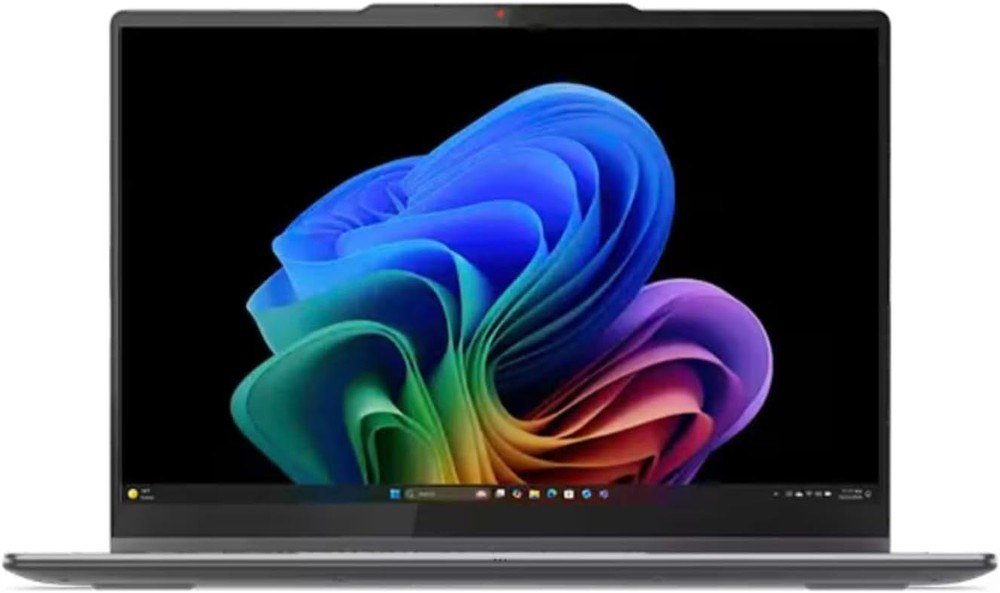
This configuration pairs the Core Ultra 5 226V with 16GB of LPDDR5X memory, a 1TB SSD and a 14-inch 1920 by 1200 OLED touchscreen rated at 100% DCI-P3 and 400 nits. The listing is 0.61 inch thin at a stated 3.04 pounds, and the hinge folds flat into tablet mode.
The Yoga Pen is included, which suits note taking and sketching. Lenovo’s spec sheet lists two Thunderbolt 4 ports, HDMI, a USB-A port and a microSD reader, so a dongle is rarely needed.
What it does well
- OLED panel with true blacks and touch input
- Pen included in this listing
- 5MP IR webcam with a privacy shutter
What to know before buying
- The panel refreshes at 60Hz, not 120Hz
- Memory is soldered on the board, so 16GB is what you keep
- OLED screens can show burn-in over years of static content
3. Acer Aspire 14 AI: Best Everyday Windows Laptop
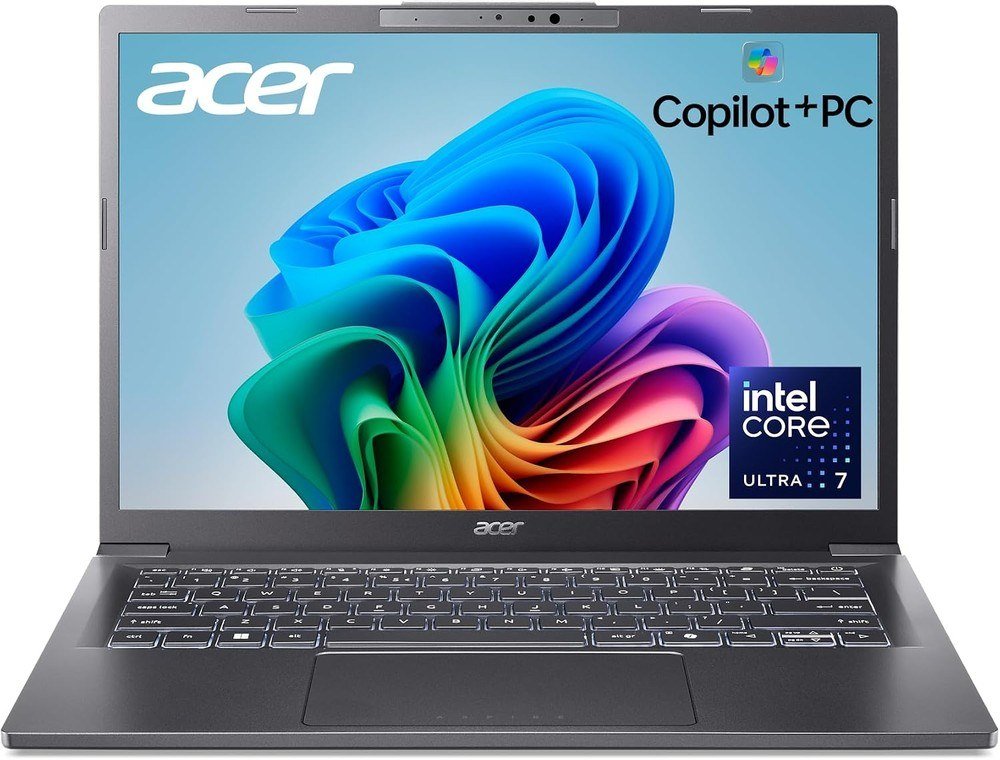
The Aspire 14 AI here is the Core Ultra 7 256V version with 16GB of LPDDR5X and a 1TB SSD. Acer rates its NPU at 47 TOPS, above the 40 TOPS that Microsoft requires of a Copilot+ PC, and the 14-inch 1920 by 1200 screen sits in an aluminum body that weighs 3.1 pounds.
Acer quotes up to 22 hours of battery life under its own test conditions, so plan on a long day rather than a long weekend. The hinge opens a full 180 degrees for sharing a screen across a table.
What it does well
- 1TB of storage in this configuration
- Copilot+ PC features with a 47 TOPS NPU
- 180-degree hinge and a backlit keyboard
What to know before buying
- Wi-Fi 6E, one generation behind Wi-Fi 7
- A standard LCD screen, not OLED
- About 0.4 pound heavier than the MacBook Air
4. Lenovo Chromebook Plus 2-in-1: Best Chromebook
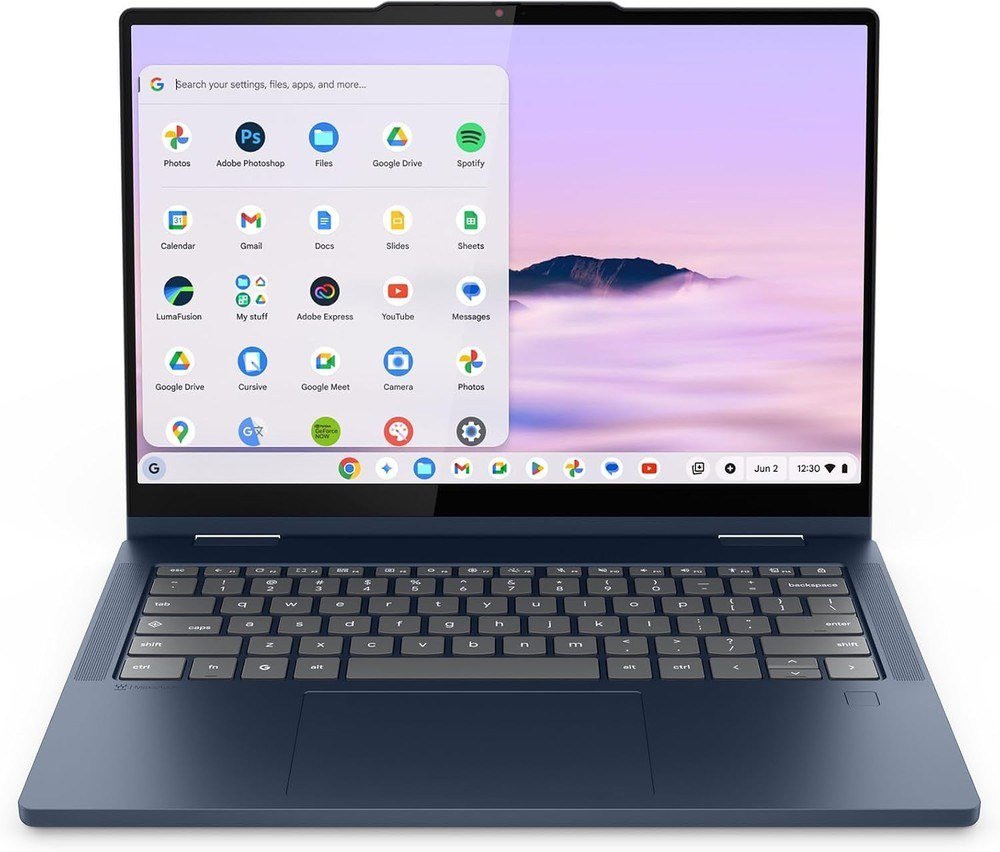
This Chromebook Plus uses an Intel N355 with 8GB of RAM and 256GB of UFS storage, double the 128GB floor Google sets for the Plus label. The 14-inch 1920 by 1200 touchscreen flips into tent and tablet modes at 3.3 pounds.
ChromeOS runs web apps, Android apps and Linux applications, and Google promises 10 years of automatic updates. Our Chromebook vs laptop guide explains who should skip Windows entirely.
What it does well
- Two USB-C, two USB-A and an HDMI port
- Fingerprint reader and a webcam shutter
- Gemini built into the home screen
What to know before buying
- Windows programs will not install
- A 60Hz IPS panel rather than OLED
- 8GB of memory is the minimum the Plus label allows
5. Acer Aspire 16 AI: Best Big Screen Laptop
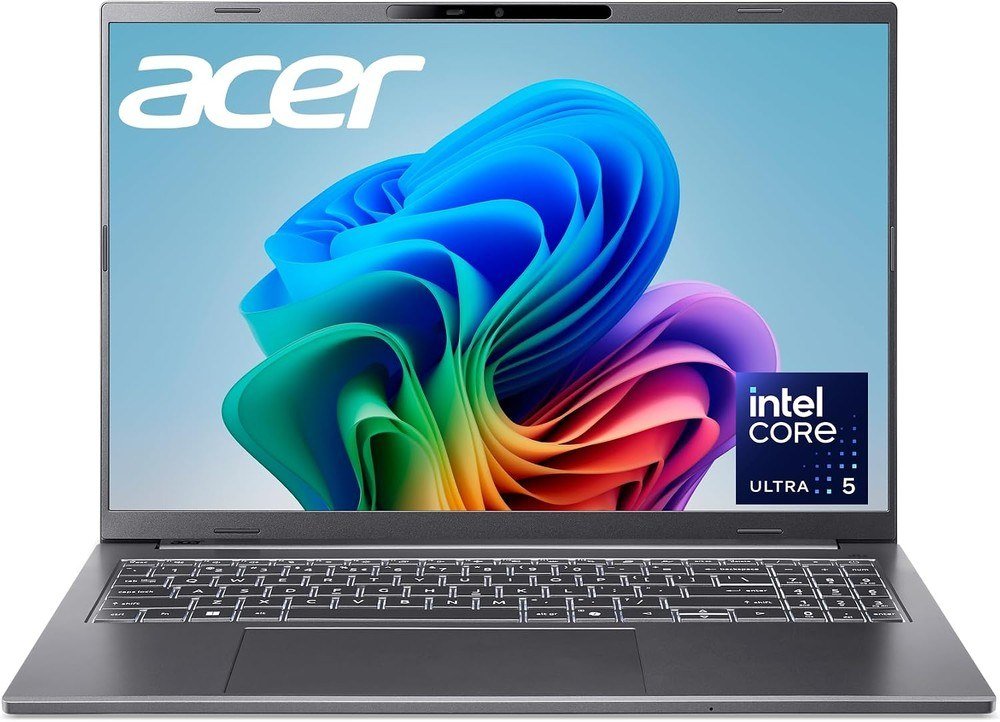
The 16-inch screen runs at 120Hz, twice the 60Hz of the Yoga 7i, with 100% sRGB color. Inside are a Core Ultra 5 226V, 16GB of LPDDR5X and a 512GB PCIe Gen 4 SSD, plus Wi-Fi 7 and HDMI 2.1.
Acer quotes up to 26.5 hours of battery life under test conditions. At 1920 by 1200 on 16 inches, pixel density works out near 141 per inch, so text is clear but not as sharp as the 14-inch OLED options.
What it does well
- 120Hz panel and two Thunderbolt 4 ports
- EPEAT Gold registered and a 1080p IR webcam
- Wi-Fi 7 and an HDMI 2.1 port
What to know before buying
- 3.4 pounds is the heaviest here after the MacBook Pro
- 512GB fills quickly with video and games
- No touchscreen on this configuration
6. Lenovo ThinkPad X1 Carbon Gen 13: Best Laptop for Travel
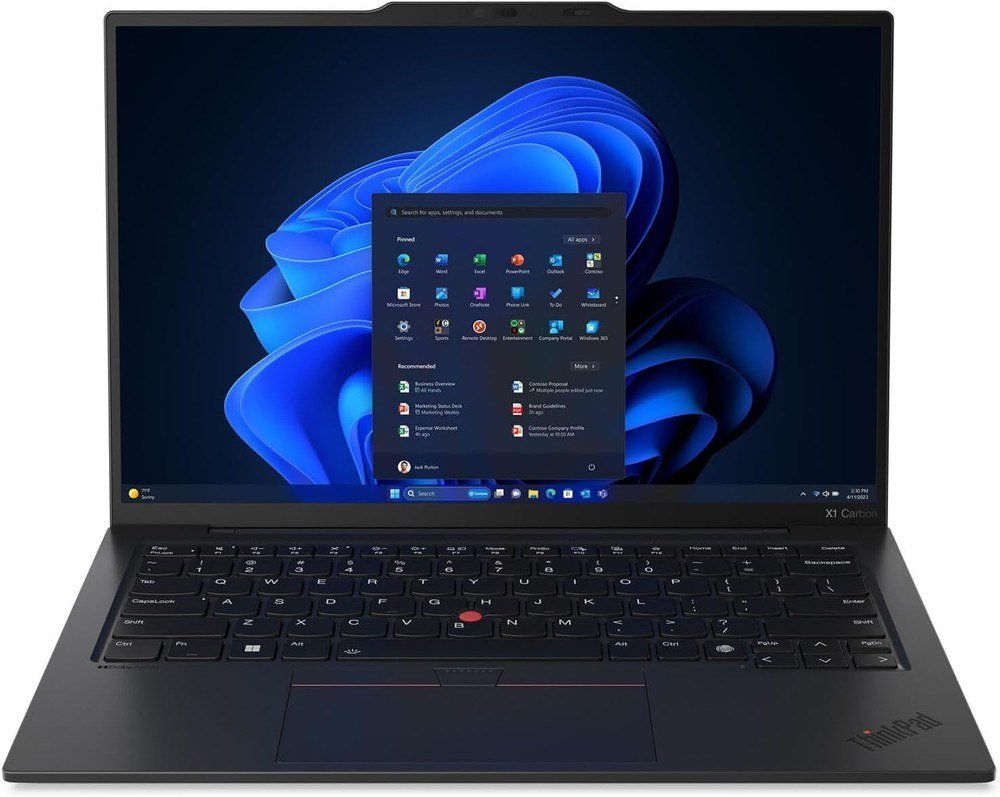
This is the top configuration: a Core Ultra 7 258V, 32GB of DDR5, a 2TB Gen 5 SSD and a 14-inch 2.8K OLED running at 120Hz on Windows 11 Pro. Lenovo says the machine weighs less than a kilogram, and the listing shows 2.4 pounds.
It carries a 1080p IR camera and Wi-Fi 7. Nothing else here pairs this much memory and storage with so little weight, which is what business travelers pay for.
What it does well
- The lightest laptop in the roundup
- 32GB and 2TB leave no spec to regret
- Windows 11 Pro preinstalled
What to know before buying
- A clamshell, so no tablet mode
- More storage than most buyers will use
7. Apple MacBook Pro 14-inch M5: Best Laptop for Creative Work
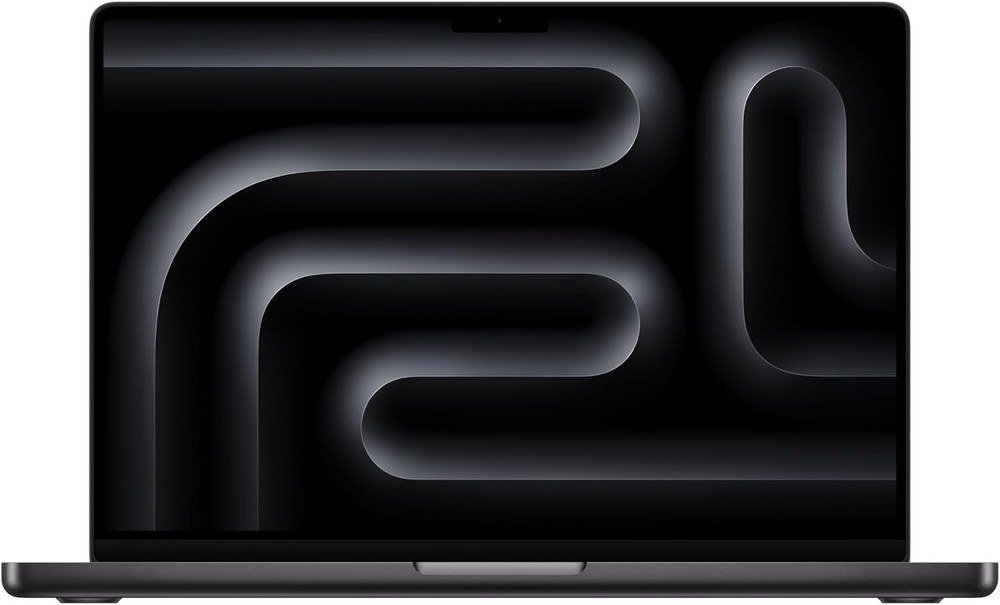
The 14.2-inch Liquid Retina XDR display holds 1000 nits across the full screen and peaks at 1600 nits for HDR, with ProMotion up to 120Hz. This configuration has the M5 chip, 32GB of unified memory and a 1TB SSD in Space Black.
Apple quotes up to 24 hours of video streaming from the 72.4Wh battery. Three Thunderbolt 4 ports, HDMI and an SDXC card slot mean a camera or monitor plugs straight in.
What it does well
- XDR display with 254 pixels per inch
- HDMI, SD card slot and three Thunderbolt 4 ports
- 32GB suits photo and video work
What to know before buying
- 3.41 pounds, so it is not a carry-everywhere laptop
- M5 Pro and M5 Max models add Thunderbolt 5, this one does not
- Overkill for email and browsing
How Much Memory and Storage a Laptop Needs
The same model name often ships in several tiers, so the title line matters more than the badge. Acer sells its Aspire 14 as a 16GB laptop with a 1TB SSD and also as a 16GB laptop with only 256GB, and the MacBook Neo tops out at 8GB of memory. Read the chip, RAM and storage in the listing before you click Buy.
Vendors publish floors you can use as a guide:
- Chromebook Plus: 8GB of RAM and 128GB of storage, per Google.
- Copilot+ PC on Windows: 16GB of RAM and a 256GB SSD, per Microsoft.
- Windows 11 itself: 4GB of RAM and 64GB of storage, the bare minimum.
- MacBook Air: 16GB of unified memory and 512GB of storage as the starting point.
Memory on most thin laptops is soldered, and Lenovo lists the Yoga 7i memory as soldered on the board. Choose the tier you will want in three years, because you cannot add RAM later.
Battery Hours and Update Years: What the Claims Mean
Battery numbers are vendor claims. Apple measures its 18-hour video figure with brightness near the bottom of the slider and its web figure, 15 hours for the Air, with 25 sites loaded over Wi-Fi. Acer says its 22 and 26.5 hour figures were measured under its own conditions, while the Lenovo Chromebook listing states 11. Compare hours within one brand’s test, not across brands, and treat each number as a ceiling.
Support length matters as much as battery life. Google states that Chromebooks get 10 years of automatic updates, and Microsoft ended Windows 10 support on October 14, 2025, the date on its Windows 10 lifecycle record. Every Windows laptop here ships with Windows 11.
Which Laptop to Buy
Start with the MacBook Air M5 if you use an iPhone or want a 2.7 pound laptop with an 18-hour quoted battery. Pick the Yoga 7i if you want Windows with a pen and an OLED screen, or the Aspire 14 AI for a 1TB laptop that does everyday work.
Choose the Chromebook Plus when a browser covers your day, the Aspire 16 for a bigger display, the ThinkPad X1 Carbon when weight and memory outrank everything, and the MacBook Pro when you edit photos or video.
Frequently Asked Questions
How much RAM does a laptop need in 2026?
Sixteen gigabytes is the practical floor for Windows, which matches Microsoft’s Copilot+ PC minimum. A Chromebook Plus works with 8GB, and the MacBook Neo is limited to 8GB.
Is a MacBook or a Windows laptop better?
Neither wins outright. Choose the system your must-have software runs on, then check the extras: Apple’s listing says Mac works with iPhone mirroring, while the Yoga gives you a touchscreen and a pen.
How long does a laptop battery really last?
Often less than the box says. Vendors quote hours from controlled tests, and Apple runs its test with brightness near the bottom of the slider, so a bright screen, video calls and games cut the figure.
How long do Chromebooks get updates?
Google says Chromebooks receive 10 years of automatic updates. Check the update schedule for your exact model before you buy a discounted older one.
Related Articles
- Best Docking Station: 10 Picks for Mac and Windows Laptops
- Best Power Bank: 7 Picks for Phones, iPhones and Laptops
- Laptop Screen Problems: Common Faults and How to Fix Them
As an Amazon Associate, Fox Bulletin earns from qualifying purchases.

Get the Fox Bulletin briefing
The stories that matter, in your inbox. No spam, unsubscribe anytime.
Newsletter signup will be available soon.
Related stories

Best VPN: 7 Services Compared on Audits and Privacy
Seven VPN services compared on no-logs audits, server countries, simultaneous devices, platforms and kill-switch behavior, with prices only where a service lists them in US dollars.
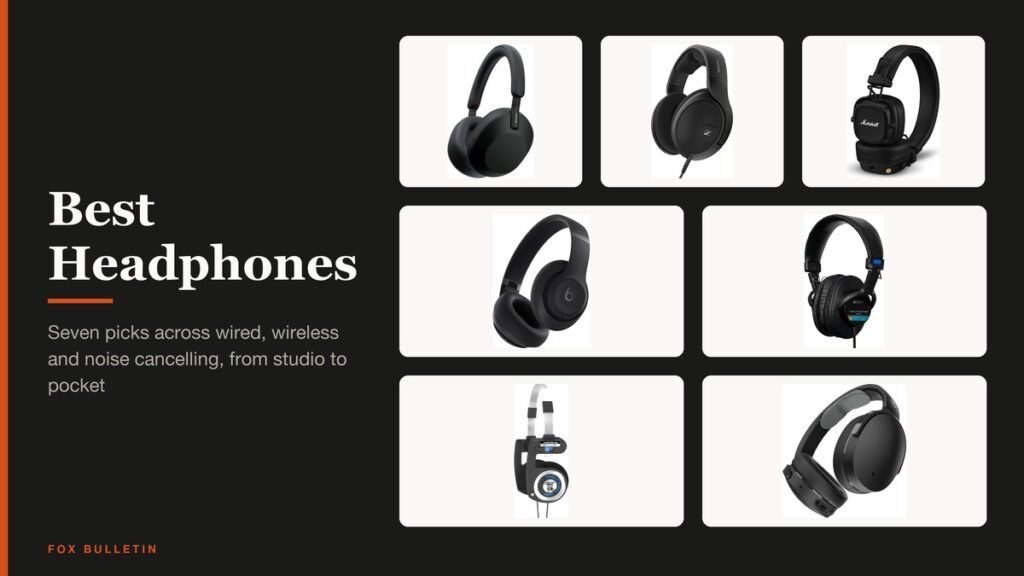
Best Headphones: 7 Wired, Wireless and ANC Picks
Seven headphones chosen by design, from an open-back Sennheiser and a Sony studio standard to Sony, Beats and Skullcandy noise cancelling pairs, with the wired and Bluetooth basics.
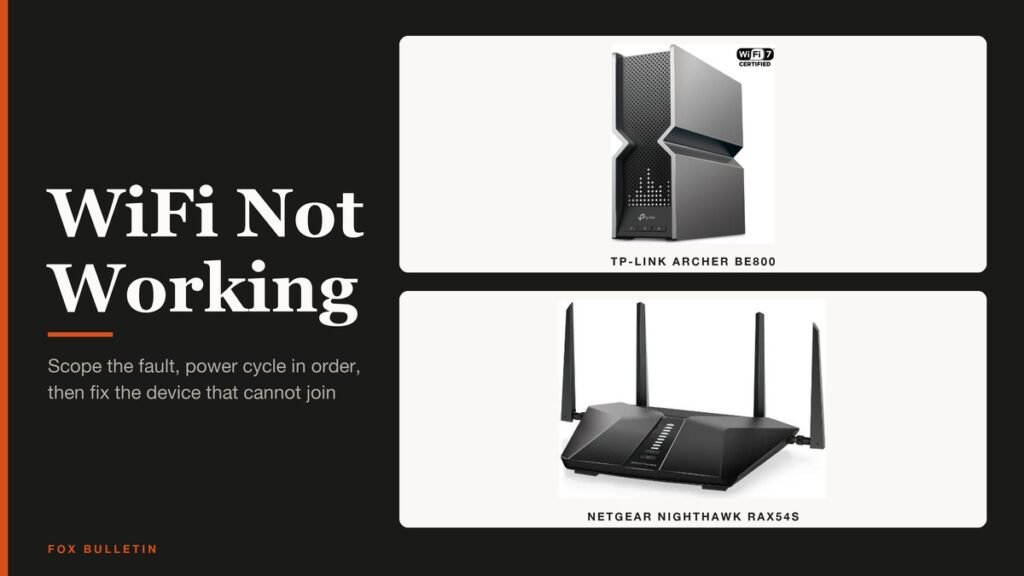
WiFi Not Working? Fixes in the Order to Try Them
Wifi not working? Find out whether one device or all of them are offline, restart the modem and router correctly, then fix iPhone, Android and Windows in the order that wastes the least time.