

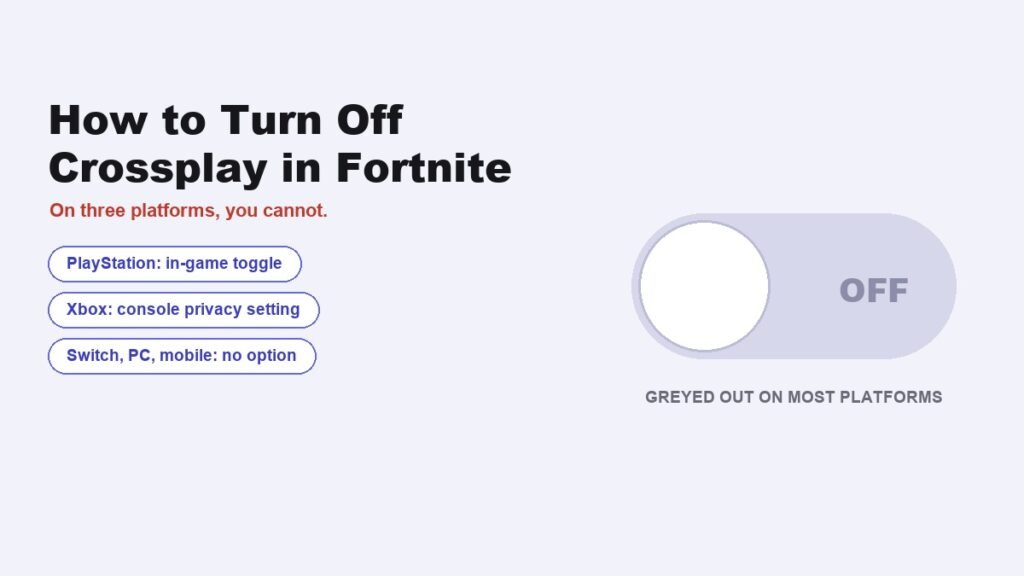
Anyone searching for how to turn off crossplay fortnite offers will find a different answer depending on what they play on. PlayStation has a toggle inside the game. Xbox handles it at the console level. On PC, Switch and mobile, Epic says it currently cannot be done at all.
That last point is the one worth establishing first, because it saves a long hunt through settings menus that do not contain what you are looking for. Everything here comes from Epic’s own support documentation.
Who Can Turn Off Crossplay, and Who Cannot
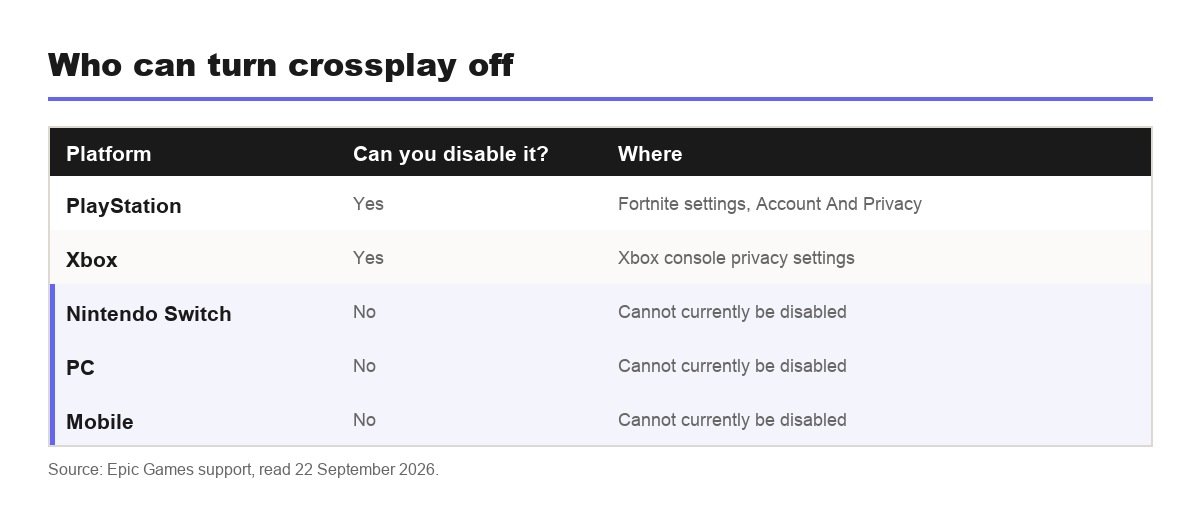
Epic sets it out by platform, and the split is uneven.
| Platform | Can you disable it? | Where the setting is |
|---|---|---|
| PlayStation | Yes, in Fortnite settings | Account And Privacy, then Gameplay Privacy |
| Xbox | Yes, in Xbox settings | Set at the console level, not in Fortnite |
| Nintendo Switch | No | Epic states it cannot currently be disabled |
| PC | No | Epic states it cannot currently be disabled |
| Mobile | No | Epic states it cannot currently be disabled |
Only PlayStation exposes the control inside Fortnite. Xbox uses the console-wide cross-network play privacy setting instead, which applies to every game you own. For Switch, PC and mobile, the help article states plainly that it is currently not possible to disable the crossplay function.
How to Turn Off Crossplay in Fortnite on PlayStation
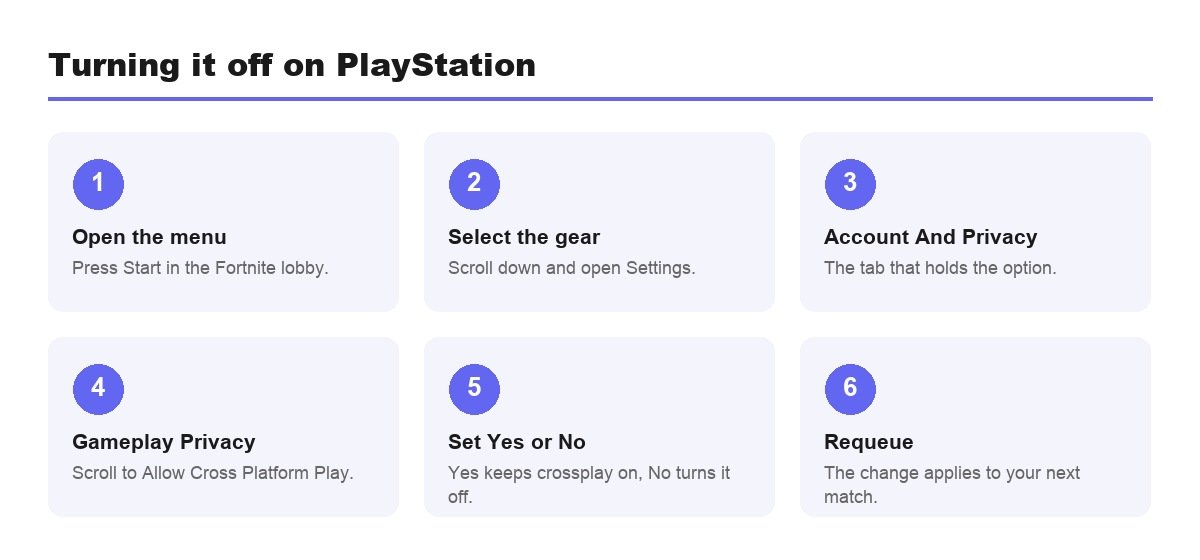
- Open the Fortnite lobby and press Start to bring up the menu.
- Scroll down to the gear icon and select Settings.
- Go to the Account And Privacy tab.
- Scroll to Gameplay Privacy and find Allow Cross Platform Play.
- Set it to Yes to enable crossplay, or No to turn it off.
Do it from the lobby rather than mid-match. The change applies to your next queue, there is no confirmation prompt, and the toggle position is the only place your current state is displayed. It affects Fortnite alone, so other games on the console are unaffected.
Xbox Puts It in the Console Settings
Epic points Xbox players to Microsoft’s documentation rather than offering an in-game option, because the console privacy setting sits above individual games.
- It covers every game on the console, not just Fortnite.
- It lives in the Xbox privacy and online safety settings under cross-network play.
- A family organiser can lock it on a child account.
- It changes who you can party with everywhere, across your whole library.
That reach is the catch. Switching cross-network play off to avoid PC opponents in Fortnite also cuts you off from friends on other platforms in every other multiplayer game you own, which is usually a worse deal than the one you set out to make.
What Disabling It Costs You
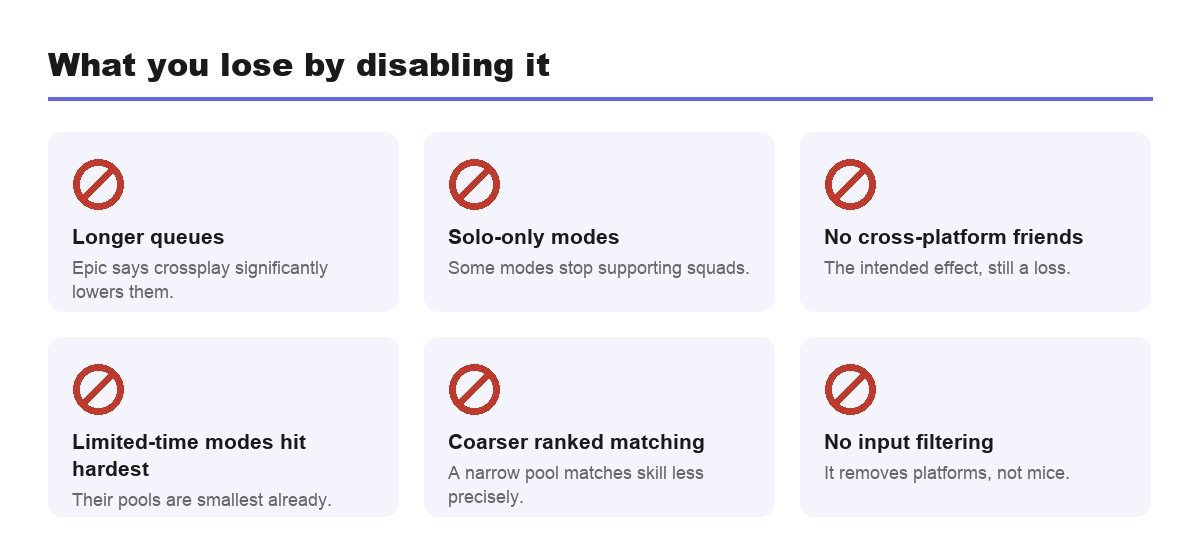
Epic names two consequences, and both are the kind that send players straight back to the setting.
- Longer queues. Epic says crossplay significantly lowers queue times, so removing it shrinks the pool you match from.
- Solo-only modes. With crossplay disabled, some game modes may only work in Solo.
- No cross-platform friends, which is the intended effect but still a loss.
- Limited-time modes suffer most, because their pools are smallest already.
- Ranked matching gets coarser, since a narrower pool makes skill matching less precise.
How much the queue actually slows depends on when and where you play. At peak hours in a big region a console-only pool still fills quickly. Late at night, in a smaller region, or in an unpopular mode, the gap between a pooled queue and a split one can run to several minutes a match.
Crossplay Is Not the Setting Most People Want
A lot of searches for this end up in the wrong menu. Crossplay governs which platforms you are matched with. It does nothing about who can contact you or what they can do to your account.
- Crossplay: a matchmaking setting, organised by platform.
- Privacy settings: who can invite, message or join you.
- Two-factor authentication: protects the login, set on the Epic website.
- Parental controls: sit above all of it and can lock the rest in place.
If the goal is fewer strangers rather than fewer platforms, privacy settings are the right tool and they cost you nothing in queue time. Our guide to setting up parental controls covers the contact and spending side, which is what most people are actually asking about.
Nobody Can Filter by Controller or Mouse
The request behind most of these searches is to stop facing mouse and keyboard players. Disabling crossplay does not deliver that, because it removes platforms rather than input devices.
Plenty of PC players use a controller and plenty of console players use a mouse, so a platform filter is a blunt instrument for an input problem. Fortnite does account for input in its own matchmaking, but that is not something the crossplay toggle exposes or lets you override.
It is worth being honest about what the setting achieves before spending a queue-time penalty on it. For most players the answer is a slower game against a slightly different mix of opponents, rather than the clean separation they were hoping for.
Party Play Across Platforms
Crossplay is the reason a Switch player can squad with someone on PC in the first place, and leaving it on is the default for good reason.
- Add friends through the Epic account rather than the console list, so the connection survives across platforms.
- The party leader’s platform does not restrict who can join.
- Every member needs crossplay enabled for a mixed group to queue.
- Voice chat runs through Fortnite rather than the console party system in mixed groups.
Setting up an account for someone else is also the right moment to enable two-factor authentication, since gifting between those friends will not work without it and the reward for switching it on is free.
When a Party Will Not Queue
- Check the PlayStation members first, since theirs is the only in-game toggle.
- Then check Xbox console settings for anyone on that platform.
- Assume PC, Switch and mobile members are fine, because they cannot disable it.
- Have the odd one out turn it back on and requeue.
- Requeue from the lobby rather than retrying from the error screen.
It also helps to know that the restriction is party-wide rather than personal. One member with the setting disabled constrains everybody, so the group inherits the narrowest configuration present rather than the most permissive one.
A mixed party where one member has crossplay off often cannot find a lobby that satisfies everyone, and the error message rarely explains why. Working through the list above finds the culprit faster than restarting the game, which is the usual first instinct and almost never the problem.
Why Epic Keeps the Pool Together
A battle royale needs a hundred players a match, and both queue speed and match quality depend on how many people are available to draw from. Splitting that pool by platform makes every smaller pool slower and less well matched.
That is the trade behind the design. The PlayStation toggle exists for historical platform reasons, from a period when cross-network play was contentious and console makers required a control. Nothing equivalent was ever required on PC, Switch or mobile, and Epic has no reason of its own to add one.
The phrasing in the help article, that it is currently not possible, is about as close to a settled policy as Epic gets on the subject. Planning around it is more productive than waiting for a toggle that has not arrived in seven years of the game being cross-platform.
Frequently Asked Questions
How do you turn off crossplay in Fortnite?
On PlayStation, open Fortnite settings, go to the Account And Privacy tab, scroll to Gameplay Privacy and set Allow Cross Platform Play to No. On Xbox it is a console privacy setting. On PC, Switch and mobile it cannot be turned off.
Does crossplay affect ping or server choice?
No. Crossplay decides which platforms share a lobby, while your server region is a separate setting that governs latency. Turning crossplay off does not move you to a closer server, and it will not improve ping. If connection quality is the problem, the region setting is the one to look at.
Why can I not find the crossplay setting?
Because on your platform it probably does not exist. Epic states that Nintendo Switch, PC and mobile currently cannot disable crossplay, so there is no toggle to find in the Fortnite settings menu.
Does turning off crossplay give easier lobbies?
Not reliably. It removes platforms rather than input devices, so you will still face controller and mouse players from your own platform. What it does guarantee is longer queues and, in some modes, Solo-only play.
Can I still play with friends on other platforms?
Not with crossplay off. It is the mechanism that allows a console player to party with someone on PC or mobile, so disabling it removes those friends from your matchmaking entirely.
Related Articles

Get the Fox Bulletin briefing
The stories that matter, in your inbox. No spam, unsubscribe anytime.
Newsletter signup will be available soon.
Related stories
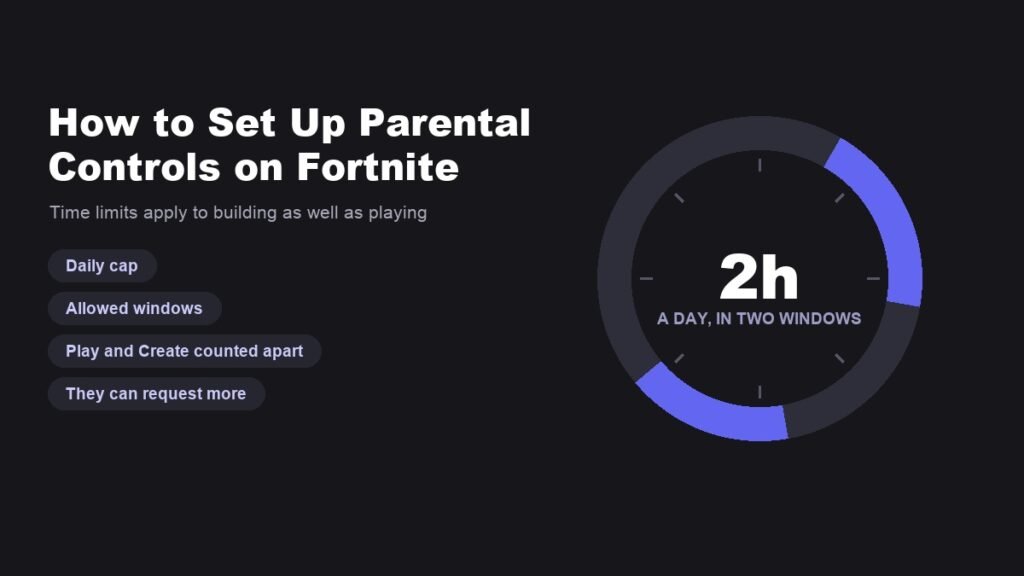
How to Set Up Parental Controls on Fortnite Properly
The setup is in the game, not on the website, and it turns on two decisions: which email owns it and what the PIN is.
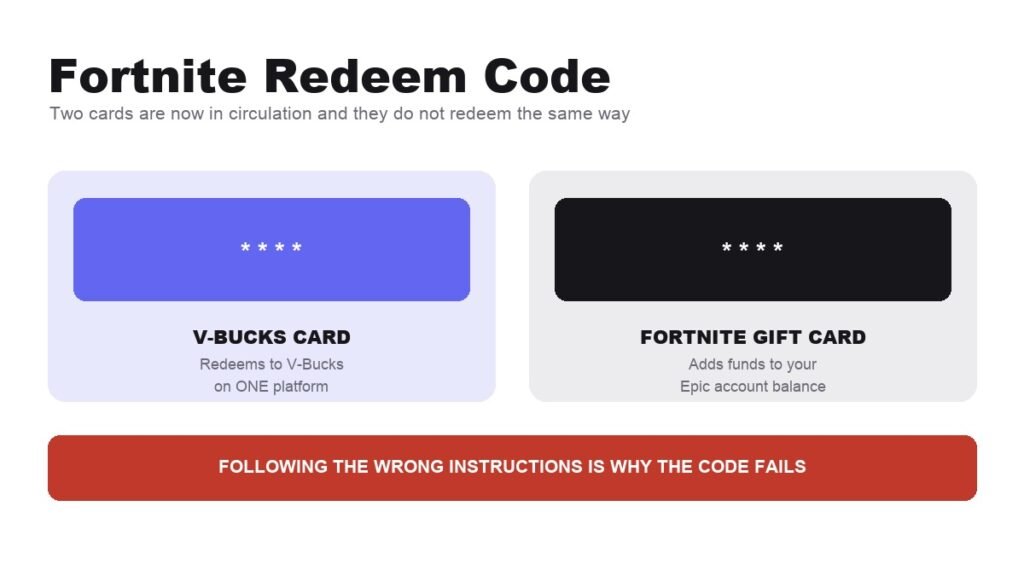
Fortnite Redeem Code: How V-Bucks Cards Actually Work
Two cards are in circulation and they redeem through different systems. Starting with the wrong instructions is why codes fail.
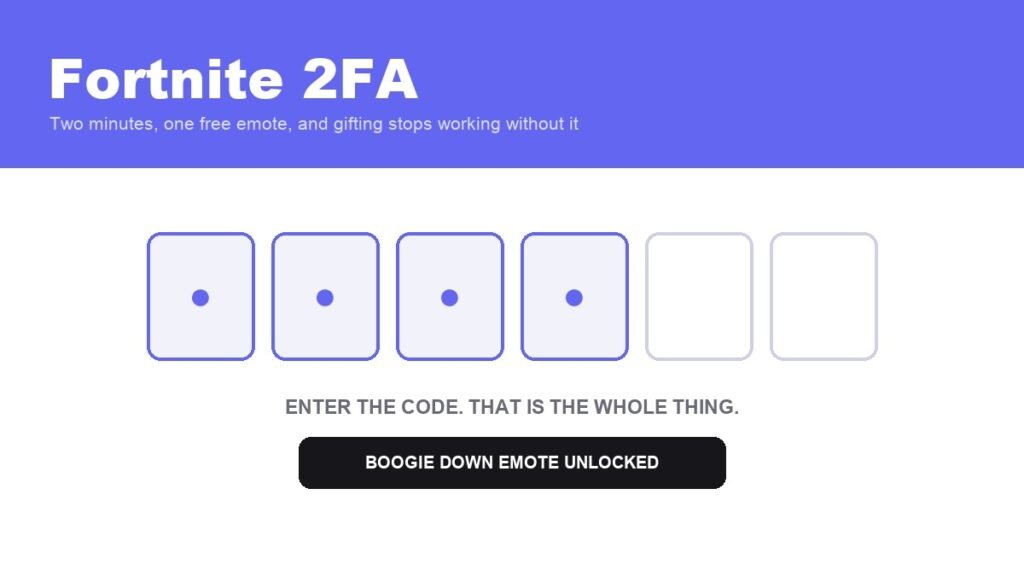
Fortnite 2FA: How to Enable It and What You Get
A free emote, three extra items for Save the World owners, and the reason your gift button does nothing.