

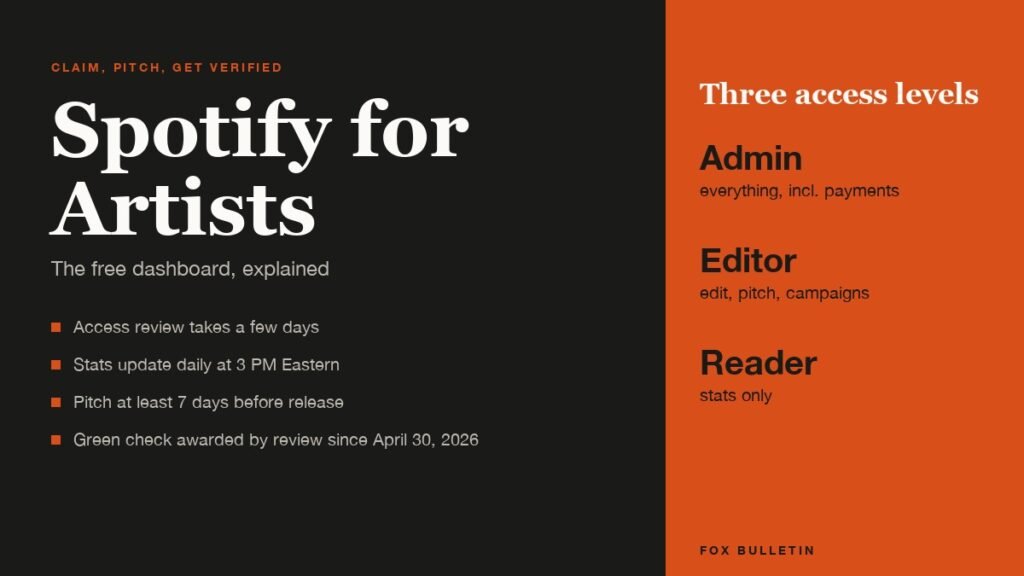
Spotify for Artists is the free dashboard and app that lets a musician, manager or label claim an artist profile on Spotify, read listener and stream data, edit the profile and pitch unreleased songs to Spotify’s playlist editors. Access is requested through a form, reviewed by hand, and usually granted within a few days.
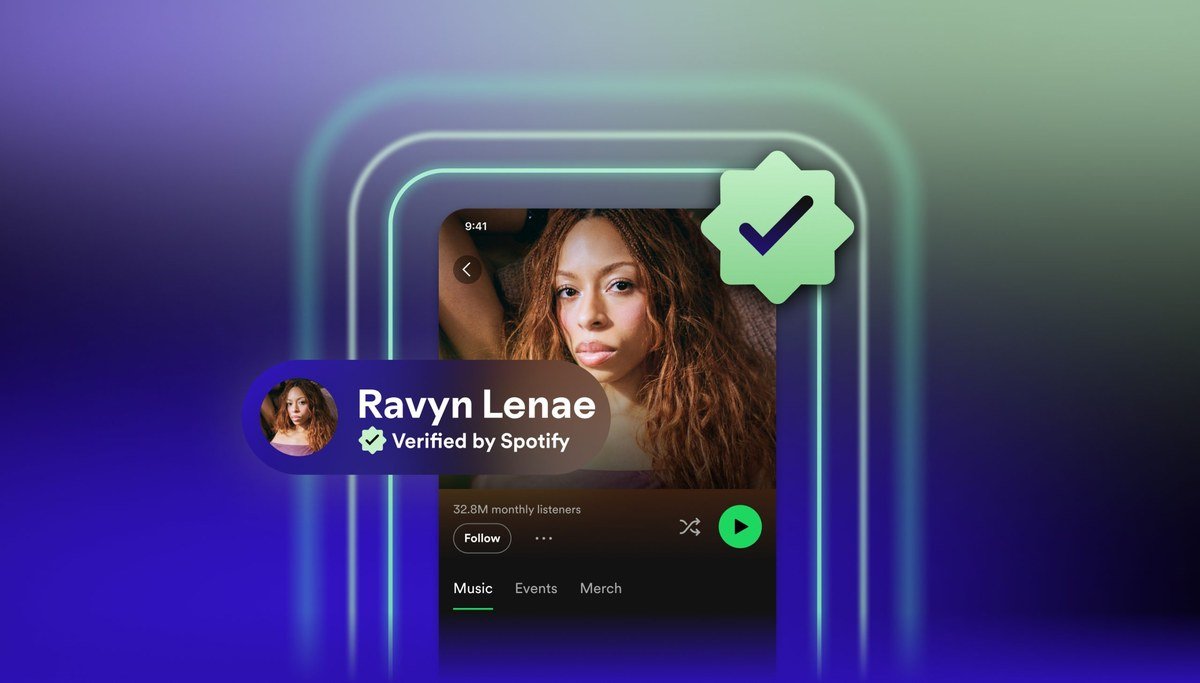
This guide covers how to get in, what the three access levels allow, when the numbers update, how pitching works, and what the badges on a profile now mean after Spotify retired the blue checkmark in January 2026 and introduced a separate green Verified by Spotify mark in April.
What Spotify for Artists Does
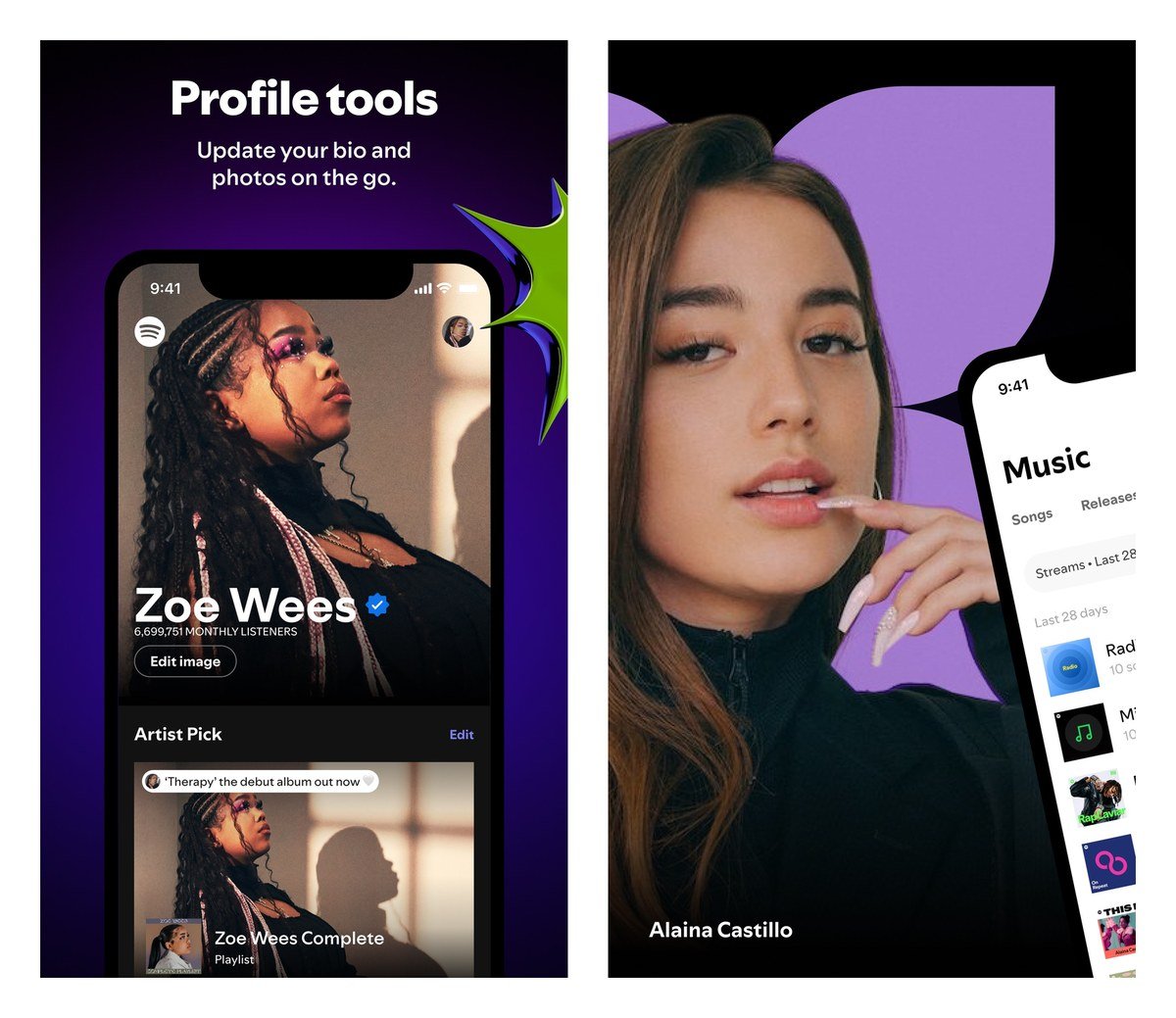
Spotify’s own summary is that the tool lets you see audience stats, promote your music and manage your profile. In practice that breaks into four jobs: a stats dashboard with listeners, streams, followers, playlist placements and audience segments; profile tools for the bio, images, Artist Pick and merch; promotion tools including playlist pitching, Canvas loops, Clips, Countdown Pages and paid Marquee and Showcase campaigns; and team management for everyone who works on the act.
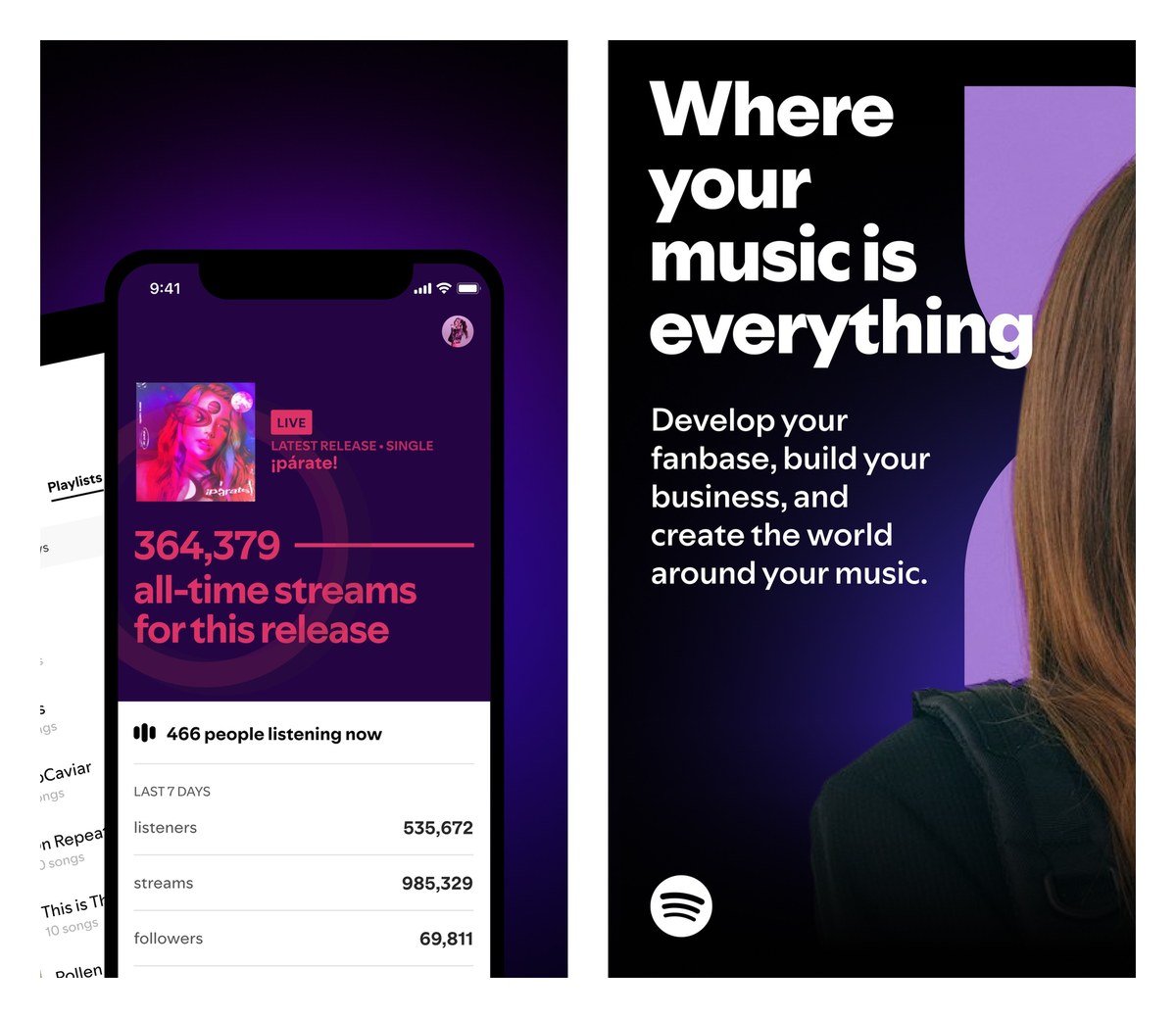
It is available on the web at artists.spotify.com and as a Spotify for Artists app on iOS and Android, which carries the stats, profile editing and pitching on a phone. The iOS app was last updated on October 5, 2026.
How to Get Access to Spotify for Artists
An artist profile is created automatically when a distributor delivers your first release. You cannot create one yourself, but you can claim it, and Spotify’s access guide sets out the steps.
- Go to artists.spotify.com and log in with the Spotify account you want to manage the profile from.
- Search for the artist profile and submit the access request form.
- Add a link to the artist’s website or social channels so Spotify can verify your identity.
- Wait for the manual review, which Spotify says can take a few days.
- Check your email: approval gives you team access, and a rejection comes with next steps.
How you know it worked: the profile appears in your Spotify for Artists home with its stats visible, and the artist page on Spotify gains a Registered Artist label in its About section.
Three shortcuts exist. Artists who deliver through one of Spotify’s preferred distributors get access automatically on request. If your first release is not yet live, your distributor can give you the artist link and you can contact support with that link and the UPC of the upcoming release. And if someone on your team already claimed the profile, you cannot request to join it; the team’s Admin has to invite you.
Only one access request can be active per profile at a time, and while one is under review nobody else can submit another for the same artist. Labels claim a separate label team by linking to a few releases they own, which lets them see the whole catalogue in one place.
Access Levels: Admin, Editor and Reader
| Can do | Admin | Editor | Reader |
|---|---|---|---|
| See music and audience stats | Yes | Yes | Yes |
| See the artist profile and roster | Yes | Yes | Yes |
| Edit the artist profile | Yes | Yes | No |
| Add Clips and Canvas | Yes | Yes | No |
| Pitch upcoming releases | Yes | Yes | No |
| Create campaigns and see results | Yes | Yes | No |
| Add and manage Shopify merch | Yes | Yes | No |
| Add and edit payment methods | Yes | No | No |
Every team member gets one of three levels, and the same person can hold different levels in different teams. Spotify’s access levels page sets out the split: Readers see stats and the profile, Editors can also edit the profile, add Clips and Canvas, pitch releases, run campaigns and manage merch, and Admins add payment methods on top.
A fourth, optional permission called Team Admin controls membership. Team Admins invite and remove members, change access levels and see team activity, and they do it through Spotify Manage at manage.spotify.com rather than inside the dashboard. Only Team Admins can change anyone’s level.
When Spotify for Artists Stats Update
Stats update once a day at approximately 3 PM Eastern, 8 PM UTC, and every day is tracked in UTC. Spotify’s support page gives the practical consequence: a track released at 7 PM Eastern shows no stats for its release day, because it is already past midnight UTC when it goes live.
New releases get a live stream counter for their first seven days that refreshes every two seconds. After that they join the daily cycle. The time zone cannot be changed, so artists planning a release around a stats screenshot should schedule it for the UTC morning.
What the dashboard does not show is money. Spotify pays rights holders through labels and distributors rather than through this tool, and the question of how much Spotify pays per stream is answered by its separate Loud & Clear report rather than by the dashboard.
How to Pitch a Song to Spotify’s Playlist Editors
Pitching is the feature most artists claim the profile for. Spotify’s pitching guide sets the rules: deliver the song through your distributor at least seven days before release, then open the Music tab, choose Upcoming and complete the pitch form. In the app, the Home tab offers a Pitch from next release shortcut.
- Deliver the release to Spotify through your distributor at least 7 days before the release date.
- In Spotify for Artists, open Music, then Upcoming, and select the song.
- Fill in the form: genre, mood, instruments, location and a description of the track.
- Submit. Anyone with Admin or Editor access can see and edit the pitch until release day.
How you know it worked: a pitched song is automatically placed on your followers’ Release Radar playlists on release day, and if an editor adds it to an editorial playlist Spotify emails you. Results appear afterwards in the Playlists tab.
The limits matter. You can pitch one song per release and only one pitch at a time, compilations and tracks where you are only a featured artist cannot be pitched, and a song cannot be pitched once it is live. Editors may pick a different track from the release than the one you pitched, and a pitch never guarantees placement. Eligible artists can also pin a pitched song to their This Is playlist for up to 28 days.
Registered Artist and Verified by Spotify
Two separate marks now appear on artist pages. The blue checkmark that used to read Verified Artist became a Registered Artist label on January 28, 2026, shown in the About section of the profile. Spotify says it signals only that the profile has been claimed and is actively managed through Spotify for Artists; visibility, royalties and tools are unchanged.
On April 30, 2026 Spotify introduced Verified by Spotify, a light green checkmark beside the artist name and in search results. It is not applied for. Spotify reviews profiles on an ongoing basis against three criteria: consistent listener activity and engagement over time, good standing with platform policies, and signals of a real artist such as concert dates, merch and linked social accounts.
Profiles that appear to primarily represent AI-generated or AI-persona artists are not eligible at launch. Spotify pairs the criteria with human review, and it says that not seeing the badge yet does not mean a profile will not receive it. A separate Artist Profile Protection feature, in beta, gives artists more control over what appears on their page.
- Registered Artist: you claimed the profile; appears in About; replaced the blue check on January 28, 2026
- Verified by Spotify: green check beside the name; awarded by review, not application; launched April 30, 2026
The Tools Beyond Stats
Canvas adds a short looping visual to a track, and Clips are short videos that sit on the profile and in the Now Playing view. Countdown Pages let fans pre-save an album and watch a timer. Merch is sold through a Shopify link, concerts and festival dates are listed on the profile, and Fan Support collects tips or donations to a cause.
The paid side is Campaign Kit: Marquee and Showcase are display campaigns that put a release in front of listeners, and Discovery Mode trades a lower royalty rate for a boost in personalised playlists. Loud & Clear, Fan Study and the release engagement metrics are the reporting layer, and artists competing for the same listeners across services will find our ranking of the best music streaming services useful for seeing where those listeners are.
Frequently Asked Questions
Is Spotify for Artists free?
Yes. Claiming a profile, the stats dashboard, profile editing and pitching all cost nothing. The only paid elements are optional Marquee and Showcase campaigns, and Discovery Mode, which is paid for through a reduced royalty rate rather than a fee.
How long does Spotify for Artists approval take?
Spotify says the manual review can take a few days. Artists who release through a preferred distributor are approved automatically on request, and only one request per profile can be open at a time.
How do I get verified on Spotify?
You cannot apply. Since April 30, 2026 the green Verified by Spotify badge is awarded after Spotify’s own review of sustained listener engagement, policy standing and evidence of a real artist. Claiming your profile earns the separate Registered Artist label, not the green check.
What time do Spotify for Artists stats update?
Once a day at about 3 PM Eastern, 8 PM UTC, with days counted in UTC. Releases also show a live stream count for their first seven days that updates every two seconds.
Related Articles

Get the Fox Bulletin briefing
The stories that matter, in your inbox. No spam, unsubscribe anytime.
Newsletter signup will be available soon.
Related stories
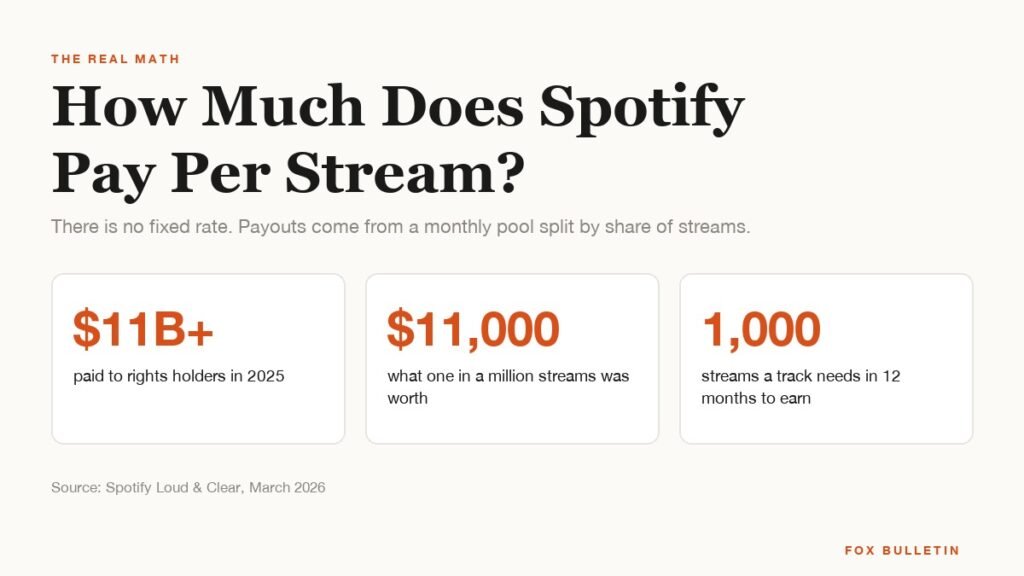
How Much Does Spotify Pay Per Stream? The Real Math
Spotify does not pay a per-stream rate. It paid more than $11 billion to rights holders in 2025 from a pool split by share of streams, and one in every million streams was worth about $11,000. Here is how that turns into money for an artist.
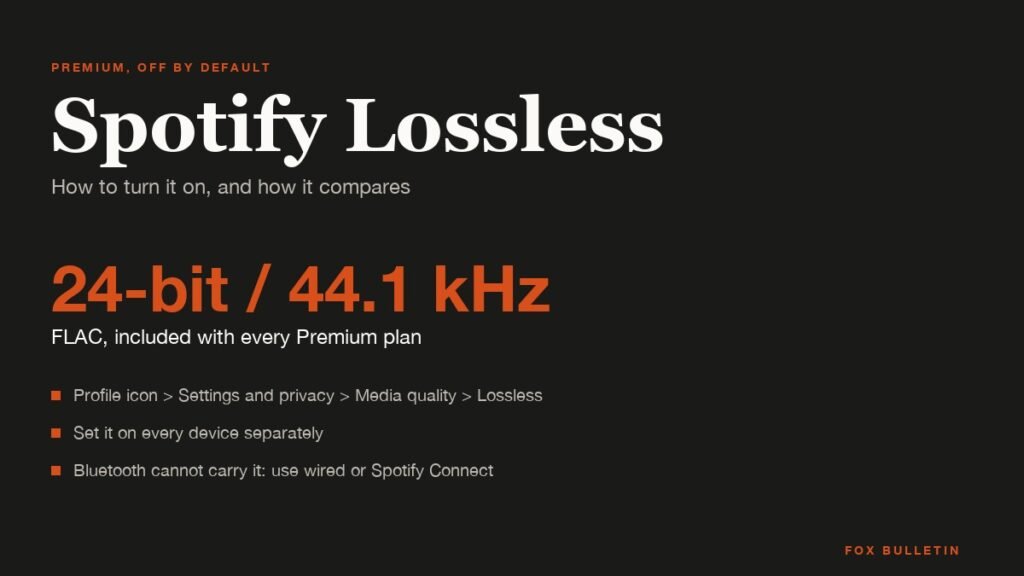
Spotify Lossless: How to Turn It On and How It Compares
Spotify Lossless streams up to 24-bit/44.1 kHz FLAC on Premium at no extra charge, but it is off until you turn it on, device by device. Here is how to enable it, what it needs, and how it stacks up against the hi-res rivals.
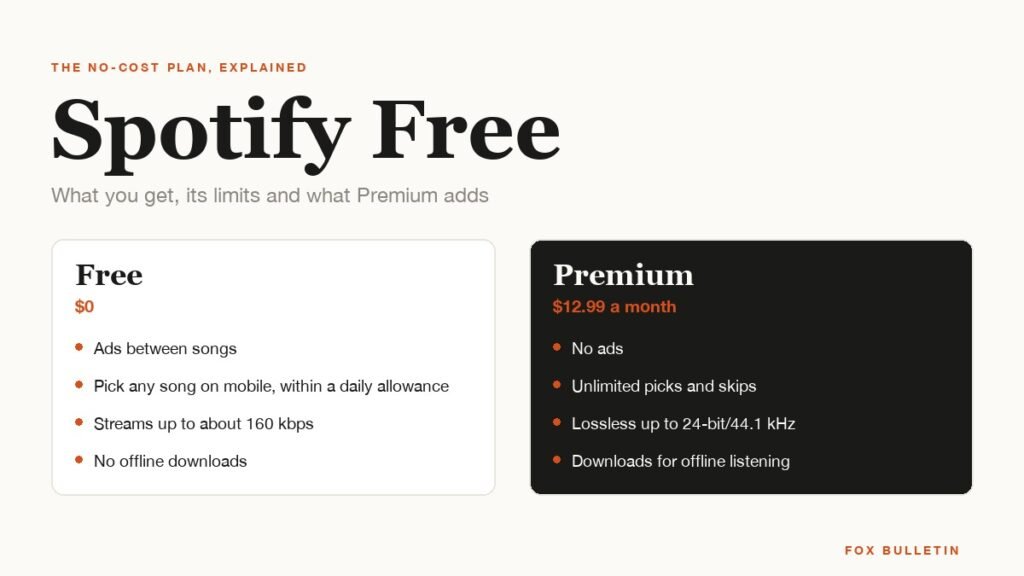
Spotify Free: What You Get, Its Limits and What Premium Adds
Spotify Free is a real plan, not a trial: the full catalogue with ads, a daily allowance of on-demand plays on mobile, and streaming capped at 160 kbps. Here is what it includes, what it blocks and what Premium costs.