

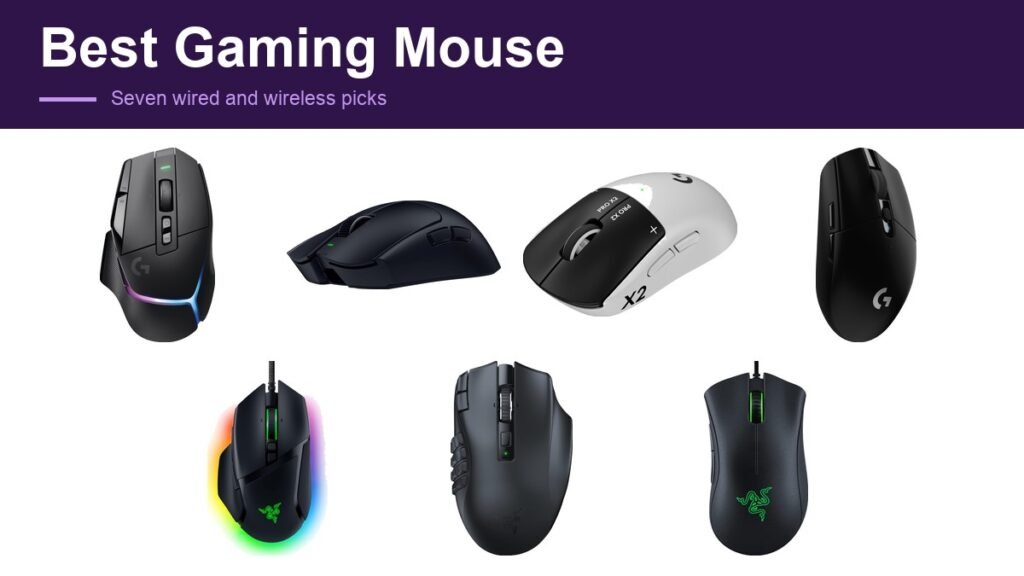
The best gaming mouse for an FPS player and the best one for an MMO player have almost nothing in common. One is a 49 gram shell with as little as possible in it, built so the arm can move it quickly for hours. The other has 19 buttons under the thumb and weighs whatever it needs to. Buying the wrong category matters far more than buying the wrong brand.
These seven are grouped by what they are for rather than by price: two flagships, an esports shell, a budget wireless pick, an ergonomic wired mouse, an MMO mouse and the cheapest thing worth owning. Sensor and battery figures are the manufacturers’ own claims.
Gaming Mouse Comparison: Connection, Weight and Buttons
| Mouse | Connection | Sensor | Buttons |
|---|---|---|---|
| Logitech G502 X Plus | Wireless | HERO 25K | 13 |
| Razer Viper V4 Pro | Wireless | Focus Pro 50K Gen-3 | 8 |
| Logitech G PRO X2 Superstrike | Wireless | HERO 2 | 8 |
| Logitech G305 Lightspeed | Wireless | HERO 12K | 6 |
| Razer Basilisk V3 | Wired | Focus+ 26K | 11 |
| Razer Naga V2 HyperSpeed | Wireless | Focus Pro 30K | 19 |
| Razer DeathAdder Essential | Wired | Optical 6,400 | 5 |
1. Logitech G502 X Plus: The Best Gaming Mouse Overall
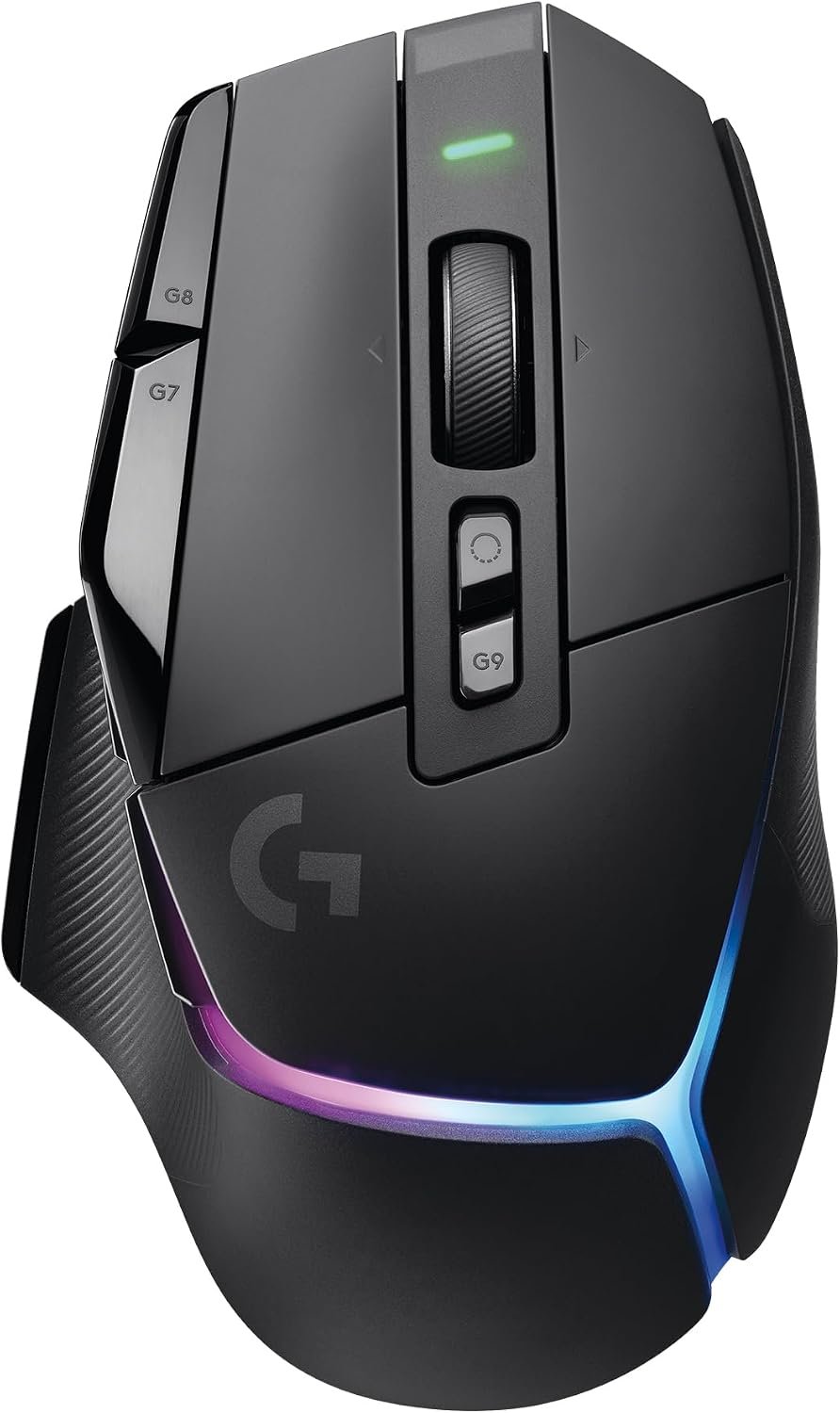
The G502 is the most successful gaming mouse ever made and this is the wireless version with the shape kept and the internals replaced. Logitech’s LIGHTFORCE switches are a hybrid optical-mechanical design, which is meant to combine the speed of optical actuation with the tactile click of a mechanical one.
LIGHTSPEED wireless is quoted as 68 percent faster in response than the previous generation, and the eight-LED LIGHTSYNC lighting adapts as you play. With 13 buttons it sits between an everyday mouse and a dedicated MMO one, which is why it suits so many people.
What it does well
- Proven shape with modern internals
- Hybrid optical-mechanical switches
- 13 buttons without MMO bulk
What to know before buying
- Heavier than esports shells
- RGB lighting costs battery life
2. Razer Viper V4 Pro: Best Gaming Mouse for FPS
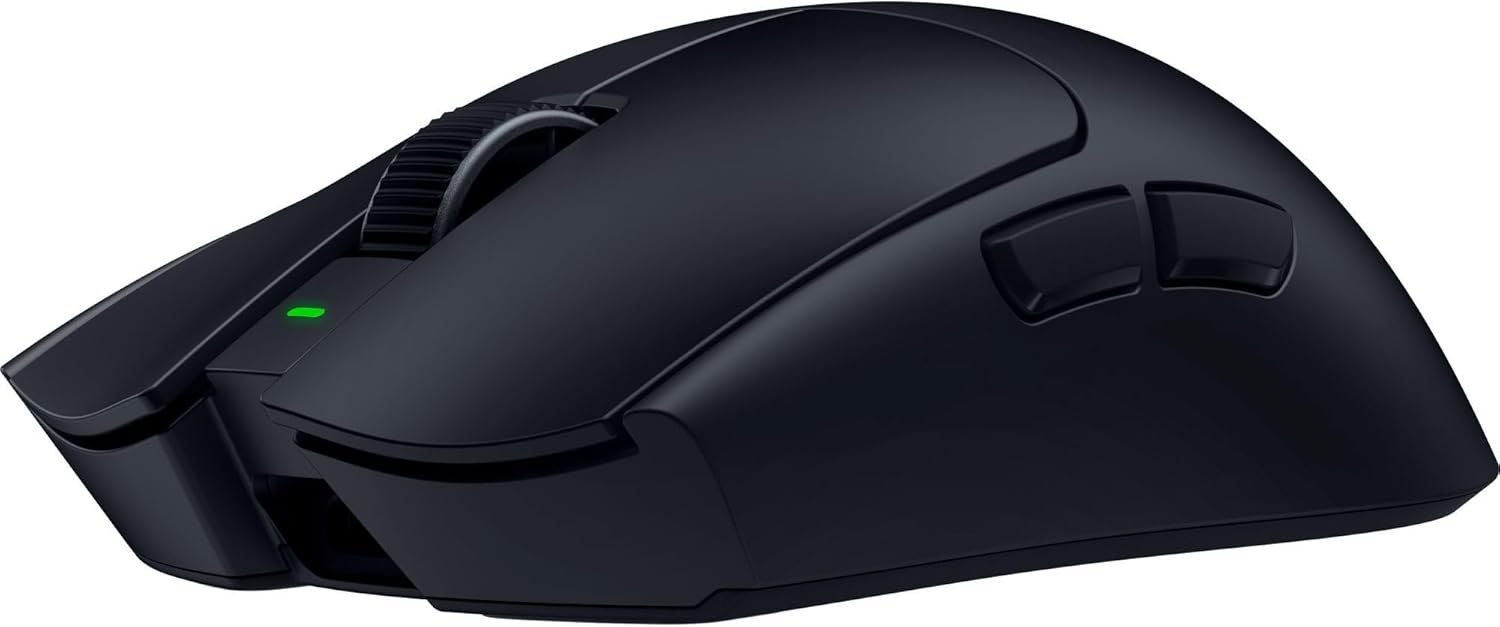
Forty nine grams, which Razer says is nine percent lighter than the previous generation, developed with competitive players. At this weight the mouse stops being something you push and becomes something your hand simply moves, which is the entire point for anyone playing shooters seriously.
The Focus Pro 50K Gen-3 sensor is quoted at up to 930 IPS tracking and 90G acceleration, with HyperSpeed Wireless Gen-2 at a true 8,000Hz polling rate and a claimed 180 hours of battery. The scroll wheel uses optical actuation rather than mechanical for consistency.
What it does well
- 49g makes fast aiming less tiring
- 8,000Hz polling with long battery life
- Optical scroll wheel
What to know before buying
- Few buttons for anything but FPS
- Premium price for a minimal mouse
3. Logitech G PRO X2 Superstrike: Best Gaming Mouse for Precision
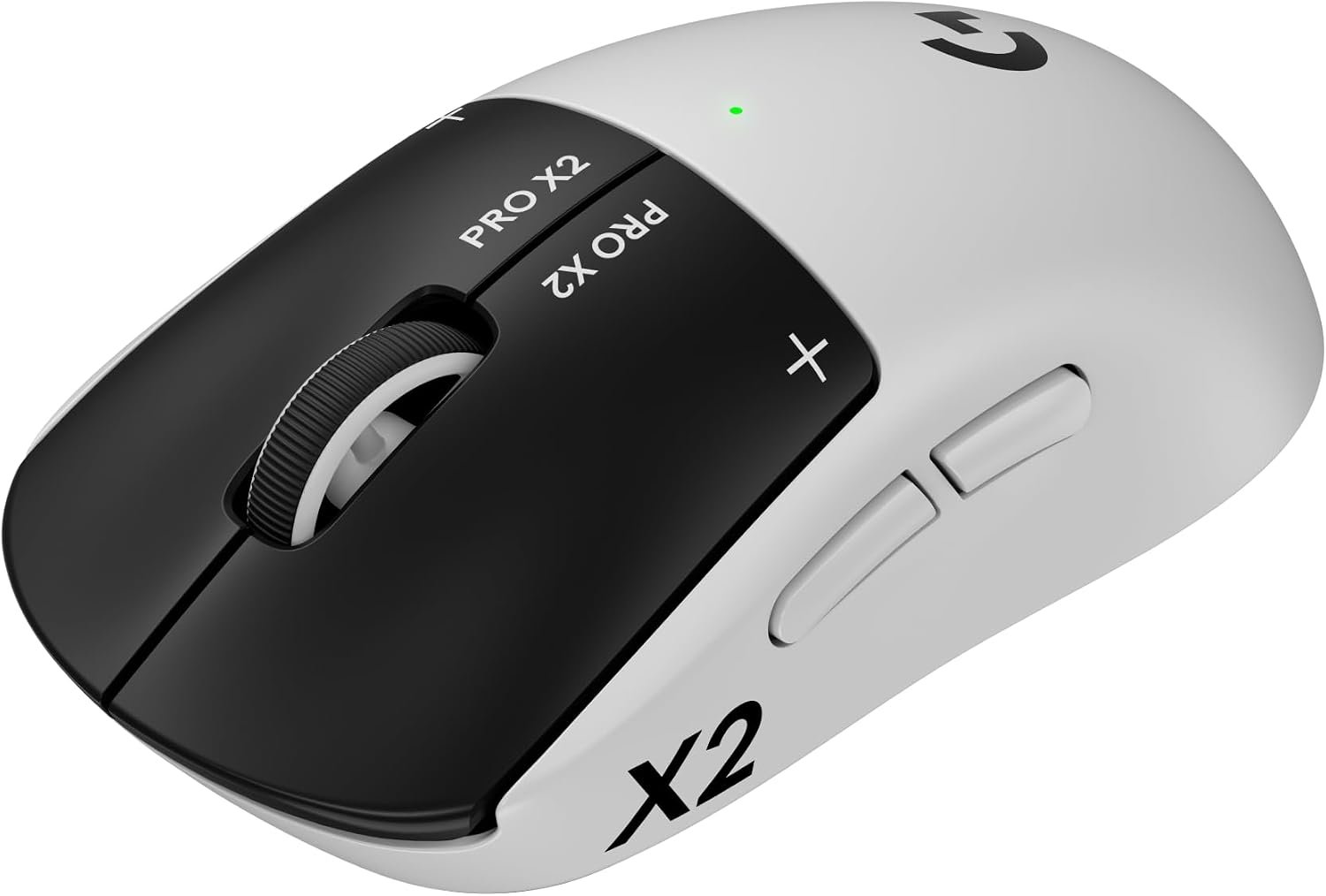
The most unusual mouse here. Logitech fits magnetic analog switches with ten levels of actuation point and five levels of rapid trigger, so you choose how far the button travels before it registers, the idea borrowed from analog keyboards.
It also adds haptic feedback through what Logitech calls the Haptic Inductive Trigger System, and the HERO 2 sensor is quoted at over 888 IPS, 88G and up to 44,000 DPI. Logitech claims 30 millisecond faster clicks. This is a mouse for someone who wants to tune the click itself.
What it does well
- Adjustable actuation point per button
- Haptic feedback is genuinely novel
- Fastest claimed click response here
What to know before buying
- Most expensive mouse on the list
- Adjustability is wasted on most players
4. Logitech G305 Lightspeed: Best Budget Wireless Gaming Mouse
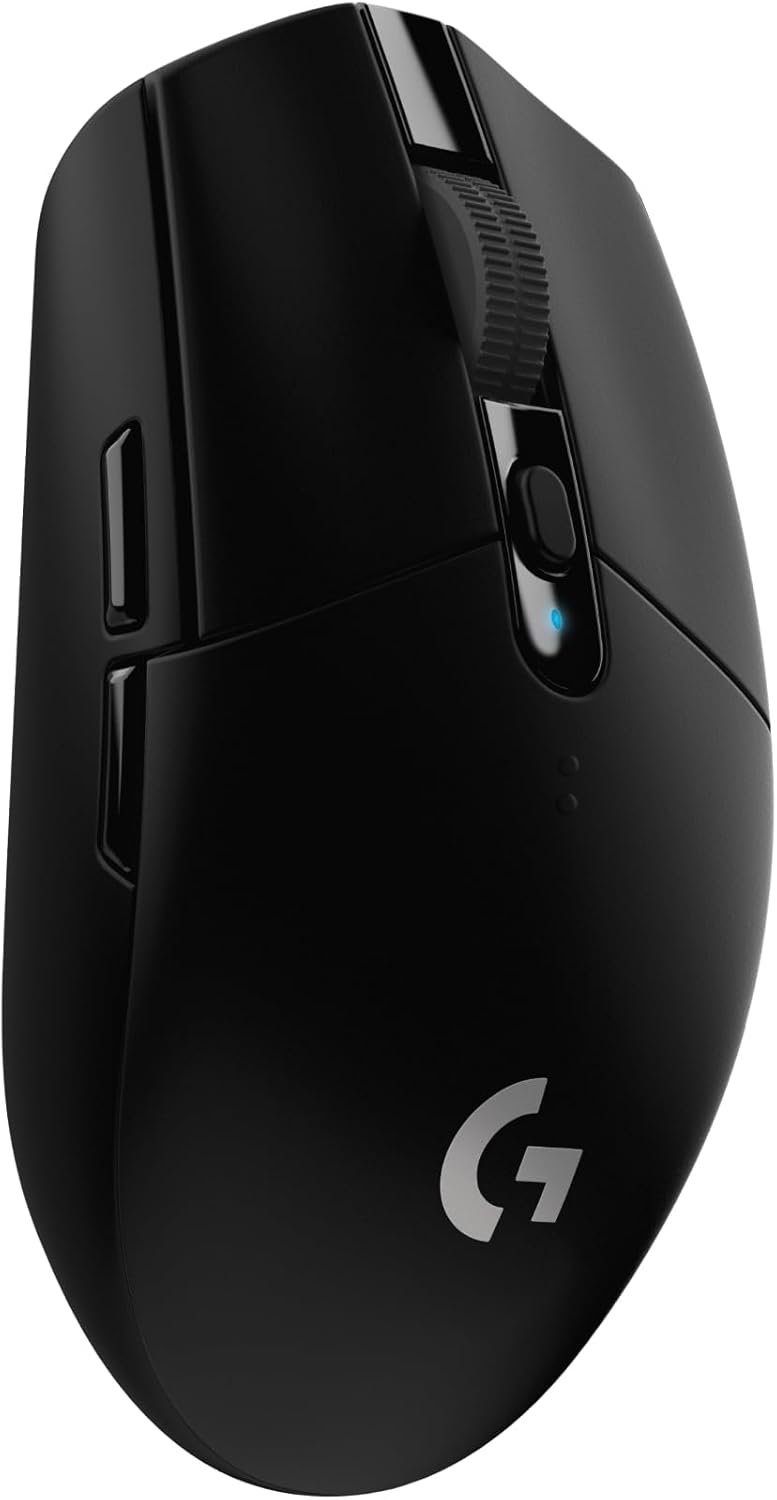
The one that made wireless gaming mice normal. A HERO sensor rated to 12,000 DPI and 400 IPS, LIGHTSPEED wireless at a 1ms report rate, and a claimed 250 hours of gameplay from a single AA battery, extending considerably further in Endurance mode.
At 3.4 ounces it is light for its class, achieved partly by using one AA rather than a rechargeable pack. There is no RGB and no charging cradle, which is exactly why the battery lasts and the price stays where it is.
What it does well
- 250 hours claimed from one AA
- Lag-free wireless at a low price
- Light without exotic materials
What to know before buying
- AA batteries rather than rechargeable
- No RGB or extra buttons
5. Razer Basilisk V3: Best Ergonomic Wired Gaming Mouse
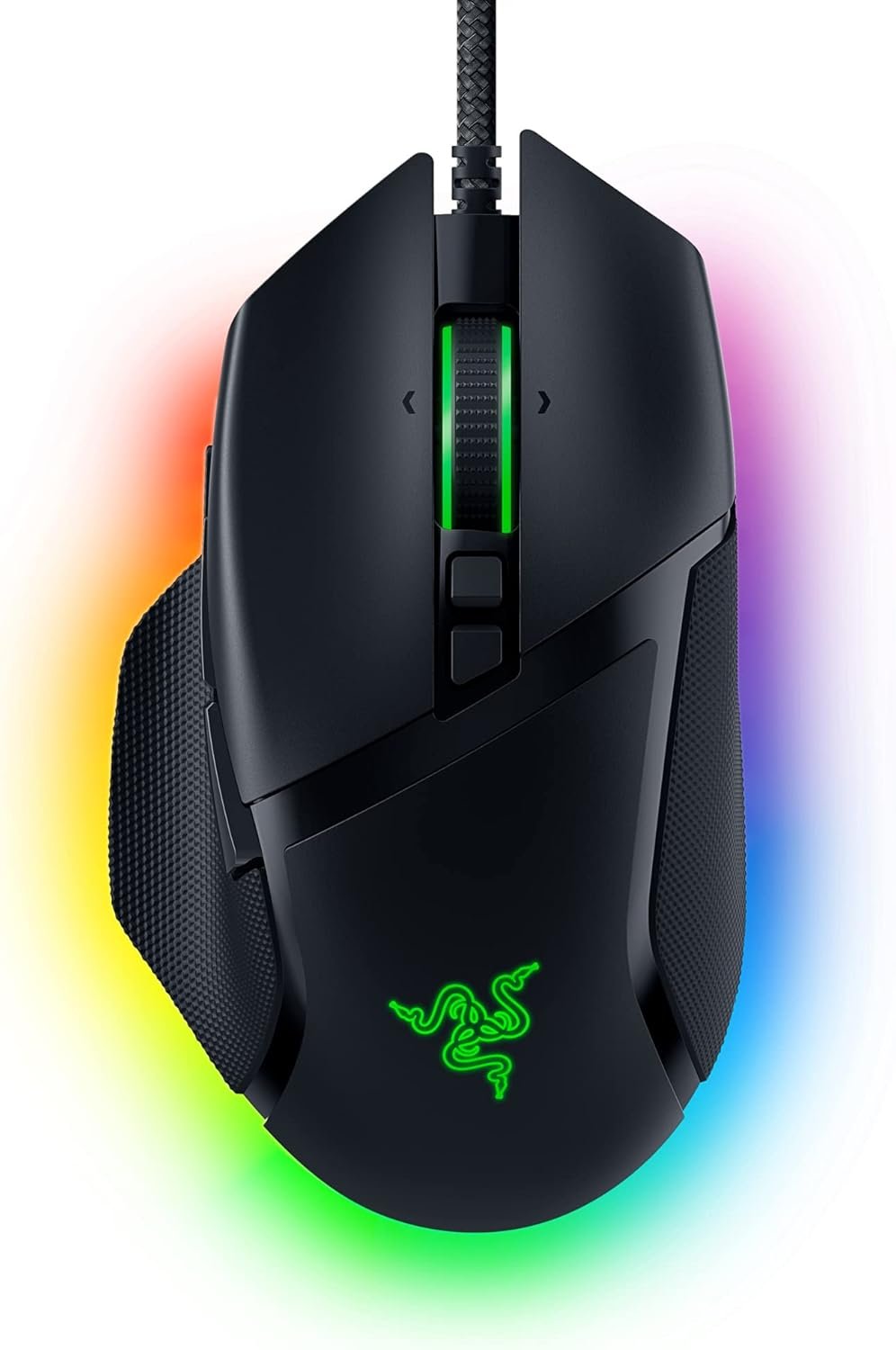
A wired mouse with a pronounced thumb rest and 11 programmable buttons, built around supporting the hand rather than minimising weight. The HyperScroll tilt wheel free-spins until stopped or switches to a tactile mode, which is more useful than it sounds for weapon wheels and long documents.
Eleven Chroma RGB zones react to over 150 integrated games. Being wired removes the battery question entirely and keeps the price well below the wireless flagships, which makes this the value pick for anyone who does not mind a cable.
What it does well
- Comfortable shape for long sessions
- Free-spinning and tactile scroll modes
- No battery to manage
What to know before buying
- Cable gets in the way of fast aiming
- Heavier than wireless esports mice
6. Razer Naga V2 HyperSpeed: Best MMO Gaming Mouse
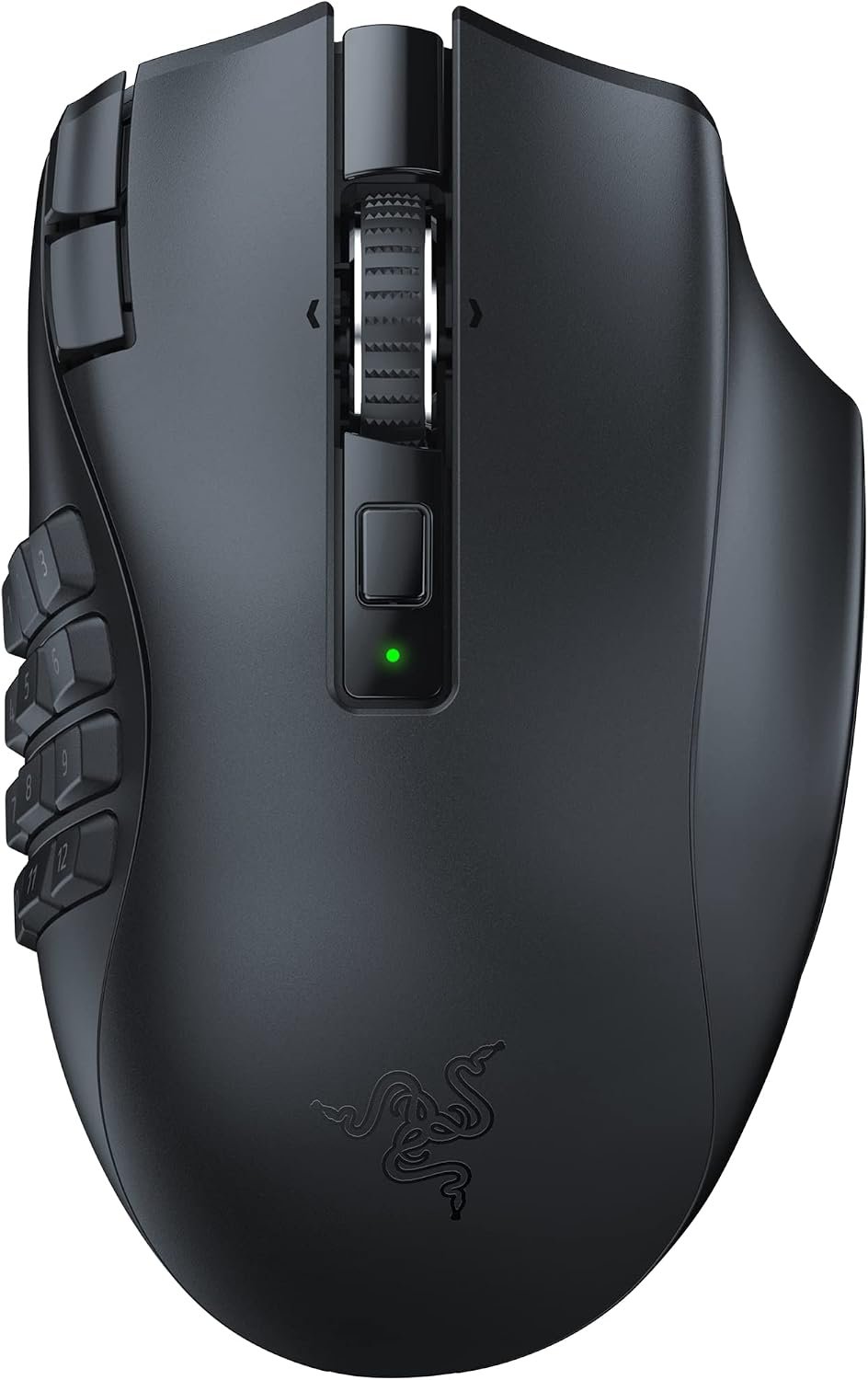
Nineteen programmable buttons, most of them under the thumb, which is the whole argument for an MMO mouse: an entire action bar reachable without moving your hand off the mouse. If you play games where that matters, nothing else on this list competes.
Razer quotes up to 400 hours on Bluetooth and 250 hours on HyperSpeed Wireless, which is the longest battery life here, helped by there being no RGB to drive. HyperScroll technology gives the same free-spin and tactile wheel modes as the Basilisk.
What it does well
- 19 buttons replace an action bar
- Up to 400 hours claimed battery
- Two wireless modes
What to know before buying
- The thumb grid takes weeks to learn
- Pointless for shooters
7. Razer DeathAdder Essential: Best Cheap Gaming Mouse
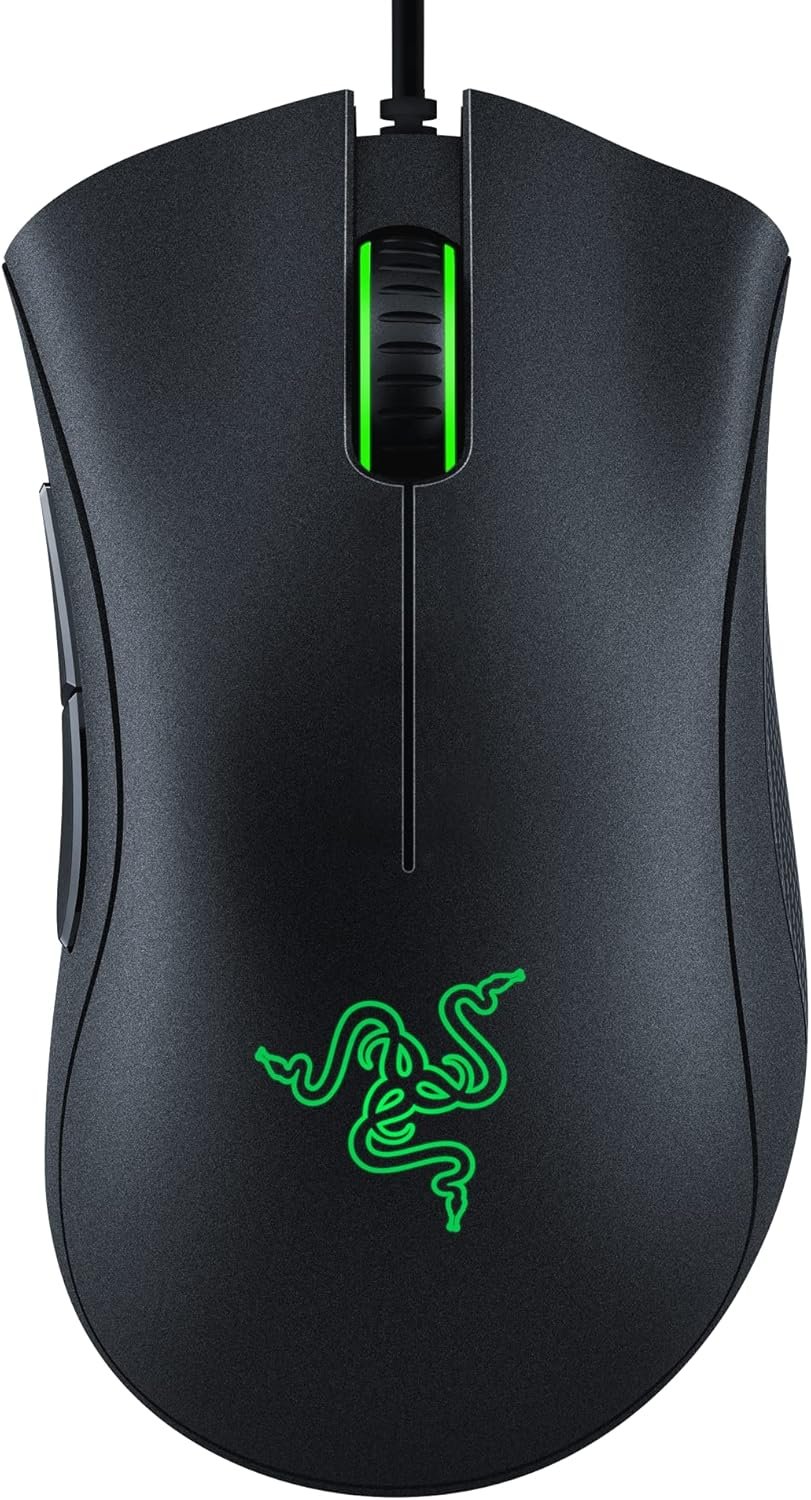
The DeathAdder shape is one of the most copied in the industry and this is the stripped down version of it. A 6,400 DPI optical sensor with on-the-fly adjustment, five programmable buttons and mechanical switches Razer rates to 10 million clicks.
The ridged rubberised scroll wheel is a small detail that makes a real difference when scrolling matters mid-game. This is the mouse to buy when the alternative is whatever came with the computer, and it will outlast several of those.
What it does well
- Proven ergonomic shape
- Switches rated to 10 million clicks
- Costs very little
What to know before buying
- Wired only with a plain cable
- Sensor is far behind the flagships
Why DPI Is the Least Useful Number on the Box
DPI has become the headline specification on gaming mice and it is close to meaningless. It describes how far the cursor travels for a given hand movement, and almost everyone plays somewhere between 400 and 1,600, including professionals. A sensor advertised at 44,000 DPI is not more accurate than one at 26,000; it simply offers a setting nobody uses.
The figures that do matter are tracking speed in IPS, which is how fast you can move the mouse before the sensor loses the surface, and polling rate, which is how often the mouse reports its position. Every sensor here tracks faster than a human hand moves, which is why weight and shape decide more than the sensor does. Logitech G lists weight in grams on each product page, which is the number to compare first.
Weight is the specification to read first. The 49 gram Viper and the 13-button G502 are built for different arms as much as different games, and the gap between them is the real choice on this page.
Grip, Shape and Not Hurting Your Hand
How you hold a mouse decides which shape suits you. A palm grip rests the whole hand on the shell and wants a high back and a thumb rest, which is the Basilisk and the DeathAdder. A claw or fingertip grip lifts the palm and wants a lower, lighter shell, which is the Viper. Using a palm shape with a fingertip grip is how people end up with sore hands.
Sensitivity interacts with this. A low DPI needs large arm movements and a big mousepad, which is less tiring over hours than the wrist-only flicks a high setting encourages. OSHA’s computer workstation guidance covers the same ground for desk work: keep the wrist neutral and let the larger joints do the moving.
Desk height matters more than any of these mice. If the forearm slopes up to reach the desk, no shell will fix it. A headset and a properly sized pad finish the setup, and our gaming console picks cover the other way to play.
Which Gaming Mouse to Buy
For most people the Logitech G502 X Plus is the right answer, because 13 buttons and a proven shape cover nearly every game without committing to a specialist design. Serious shooter players should take the 49 gram Razer Viper V4 Pro instead, and anyone who wants to tune the click itself should look at the G PRO X2 Superstrike.
On a budget, the G305 Lightspeed is still the best cheap wireless mouse and the Razer DeathAdder Essential is the cheapest thing here worth owning. Take the wired Basilisk V3 if comfort over long sessions matters more than weight, and the Naga V2 HyperSpeed only if you play MMOs, where its 19 buttons stop being a gimmick and start being the point.
Frequently Asked Questions
Does a higher DPI make a mouse better?
No. Most players, including professionals, use between 400 and 1,600 DPI regardless of what the sensor supports. Tracking speed, polling rate, weight and shape all matter more than the headline DPI number.
Is a wireless gaming mouse fast enough for competitive play?
Yes. Current wireless technology operates at 1ms or better and the Viper here polls at 8,000Hz. Wireless mice are used at the top level of competitive play, so the cable is now a price and preference question rather than a performance one.
How much should a gaming mouse weigh?
For shooters, as little as possible, which is why the Viper is 49 grams. For MMOs and general use, weight matters far less than button layout and how the shell fits your grip.
Do I need an MMO mouse with lots of buttons?
Only if you play games with large action bars. The 19 buttons on the Naga replace keyboard reaches in an MMO, but in a shooter they are buttons you will never press and a shape you did not need.
Related Articles
As an Amazon Associate, Fox Bulletin earns from qualifying purchases.

Get the Fox Bulletin briefing
The stories that matter, in your inbox. No spam, unsubscribe anytime.
Newsletter signup will be available soon.
Related stories
Best AirPods Pro Ear Hooks: 7 Compared on Fit and Models
Seven AirPods Pro ear hooks compared on fit, material and model compatibility, including which ones work with the Pro 3 and why none of them charge.
Best TV: 7 4K Sets Compared From OLED to Budget QLED
Seven 4K televisions compared on panel type, processing and gaming features, and why OLED and Mini LED suit completely different rooms.
Best Gaming Laptop: 7 RTX 50 Machines Compared
Seven RTX 50-series gaming laptops compared on GPU tier, display and memory, and why the GPU name alone does not tell you the performance.