

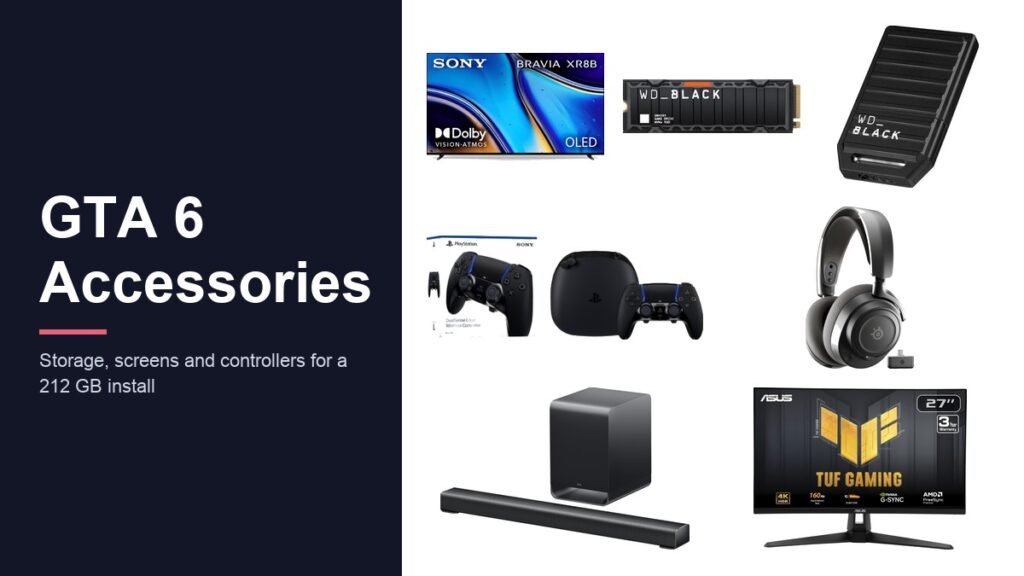
The GTA 6 accessories worth buying are decided by one number: Rockstar asks for 212 GB of free space, and almost nobody has that spare. Grand Theft Auto VI arrived on 19 November 2026 for PS5 and Xbox Series X and S, and the first thing most people met was a storage warning rather than Vice City.
This is the full setup list, in the order the money should be spent. Storage comes first because the game will not install without it. Screens and audio come next, with one correction that saves real money: GTA 6 runs at 30 frames per second on every console, including the PS5 Pro, so a high refresh rate panel is not the upgrade it is sold as.
GTA 6 Accessories Compared by Category and Job
Seventeen products, grouped by what they fix. Nothing here is required to start the game except the storage, and the honest answer for many people is that two or three rows are enough.
| # | Product | Category | What it is for |
|---|---|---|---|
| 1 | WD_BLACK SN850X 2TB with Heatsink | PS5 internal | Fits the whole 212 GB install and a library beside it |
| 2 | SanDisk Optimus GX PRO 850X 2TB | PS5 internal | Same capacity for less money |
| 3 | WD_BLACK C50 1TB Expansion Card for Xbox | Xbox card | The only internal expansion a Series console accepts |
| 4 | SanDisk Extreme Portable SSD 1TB | USB archive | Frees internal space by holding your other games |
| 5 | Sony BRAVIA XR8B 65-Inch OLED | TV, dark room | Per-pixel black for a game set mostly at night |
| 6 | TCL QM8L 65-Inch Mini-LED | TV, bright room | Brightness that survives a sunlit room |
| 7 | ASUS TUF Gaming VG27UQ1A 27-Inch 4K | Desk screen | Sharper at desk distance than a TV across a room |
| 8 | UGREEN Certified HDMI 2.1 Cable | Cable | Certified length so the console sits where you want |
| 9 | TCL S60K 3.1 Dolby Atmos Soundbar | Audio | Centre channel keeps dialogue above the radio |
| 10 | SteelSeries Arctis Nova 7P Gen 2 | Headset | Wireless and Bluetooth at once for long sessions |
| 11 | SteelSeries Arctis Nova 5P | Headset | Wireless audio at a lower price |
| 12 | PlayStation DualSense Edge | PS5 controller | Stick modules replace instead of the whole pad |
| 13 | Xbox Elite Series 2 Core | Xbox controller | Adjustable stick tension for sustained steering |
| 14 | PowerA Twin Charging Station | Charging | Keeps a second pad charged and ready |
| 15 | KontrolFreek FPS Freek Galaxy | Controller care | Takes the wear the stock sticks would |
| 16 | NexiGo PS5 Slim Stand with Cooling | Cooling | Air across a console under constant load |
| 17 | ECHOGEAR ShockBlocker 8-Outlet | Power | Protects the whole shelf at once |
GTA 6 Storage: The Upgrade the Install Size Forces
Start here, because this is the only category where the game itself decides the answer. A Series S owner hands over 212 GB of roughly 364 GB usable, more than half the console for one game, and an original PS5 has around 667 GB, enough for GTA 6 but not for GTA 6 alongside a library. We compared the machines themselves in our guide to the best gaming consoles.
1. WD_BLACK SN850X 2TB with Heatsink: the PS5 drive to buy once and forget
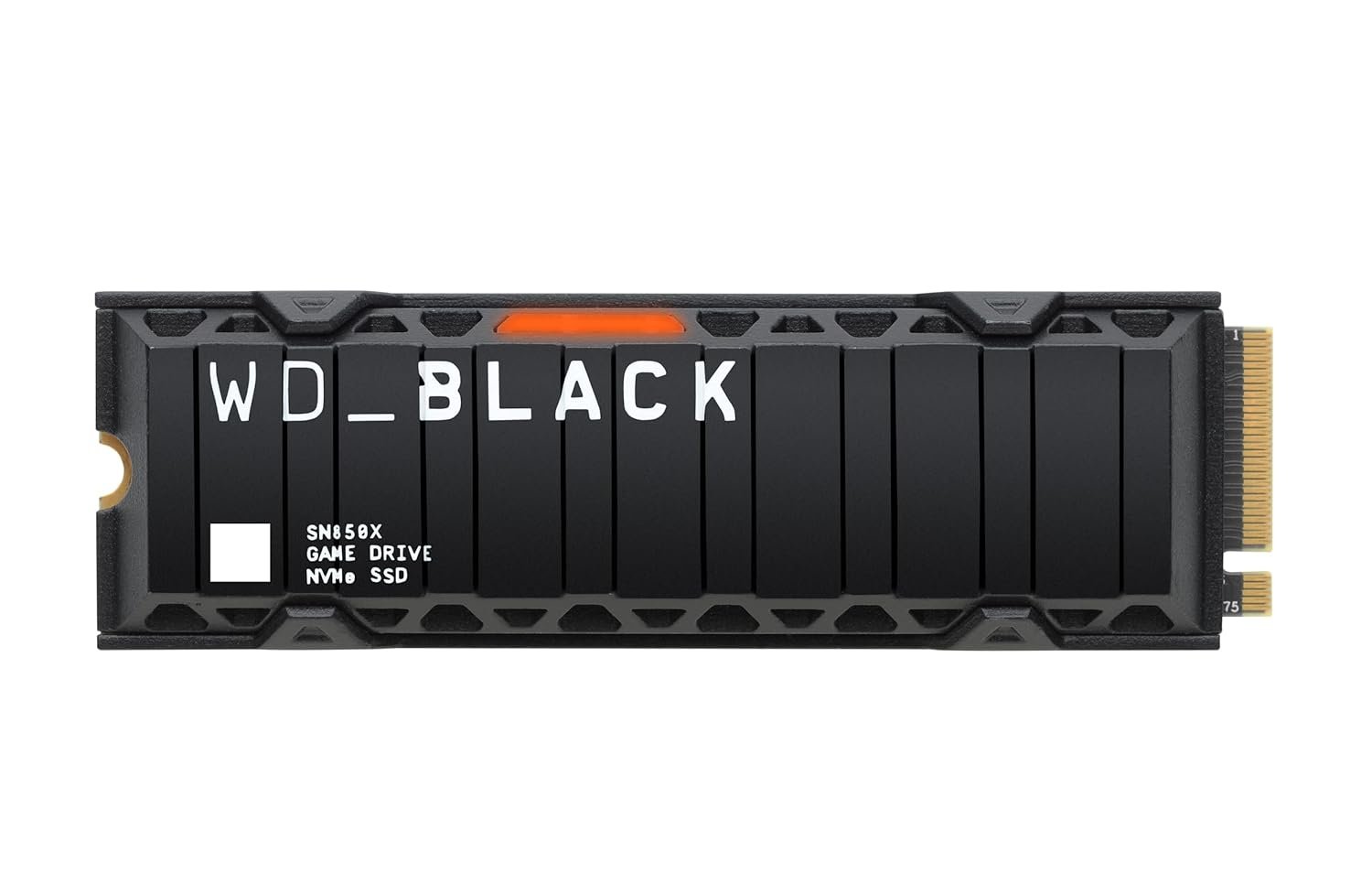
This is the drive that clears the problem in one go. Two terabytes holds roughly nine copies of GTA 6 beside everything already installed, which is the point of paying for capacity rather than buying 1TB twice.
Western Digital quotes sequential reads of up to 7,300 MB/s and writes of up to 6,300 MB/s, well clear of the 5,500 MB/s read floor PlayStation sets for the M.2 bay. The heatsink is fitted at the factory to the console clearance, so nothing needs measuring.
What it does well
- Clears the PS5 read-speed floor with room to spare
- Heatsink is pre-fitted and already within the slot clearance
- 2TB leaves space for GTA 6 plus a full library
What to know before buying
- Costs more per terabyte than a slower Gen4 drive
- Xbox owners cannot use it, the Series consoles take a card instead
- Needs a cross-head screwdriver and ten minutes with the console open
2. SanDisk Optimus GX PRO 850X 2TB: same job, less money
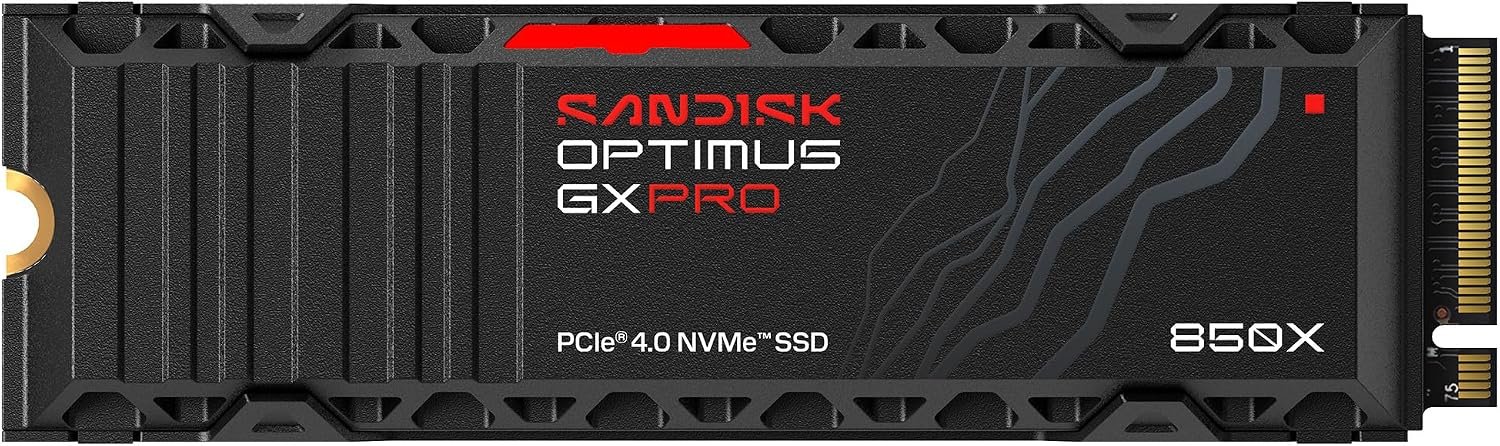
If the WD drive is more than the budget allows, this is the straight swap. It is a PCIe 4.0 M.2 2280 drive with the heatsink already attached, which is the combination the PS5 bay requires.
Day to day the difference between this and the drive above is invisible. GTA 6 streams its world from the drive constantly, but both sit far above the speed the console actually asks for, so the money buys capacity rather than loading time.
What it does well
- Heatsink included, no separate cooler to source
- PCIe 4.0 and 2280 form factor, the shape the bay expects
- Usually the cheaper route to 2TB
What to know before buying
- A less familiar name than WD or Samsung
- Still a PS5-only part, not an Xbox expansion
- Check the heatsink height if the console has been modified
3. WD_BLACK C50 1TB Expansion Card for Xbox: the only way to grow an Xbox
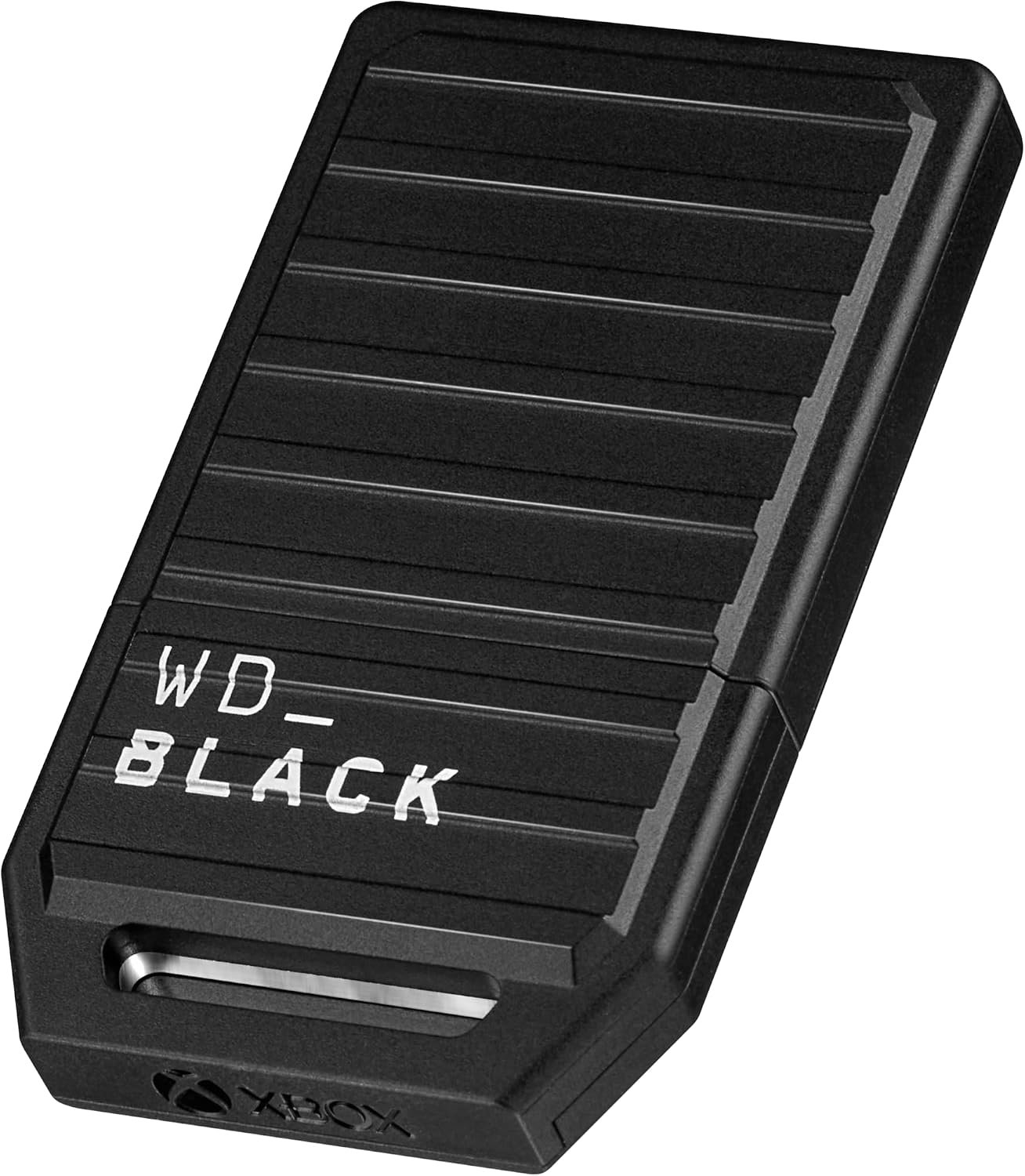
Xbox owners do not get a choice of drive. The Series X and S take a proprietary expansion card that slots into the back of the console, and only a handful of licensed cards exist. This is one of them.
It matters most on a Series S. With about 364 GB usable, a 212 GB install swallows more than half the console before anything else is counted, so the card is closer to a requirement than an upgrade.
What it does well
- Plugs into the back of the console, nothing to open
- Keeps Quick Resume working, which an external drive cannot
- Runs games at full internal speed
What to know before buying
- Proprietary, so it costs more than a bare NVMe drive
- Does nothing for a PS5
- Series S owners should budget for it rather than hope
4. SanDisk Extreme Portable SSD 1TB: parks the games you are not playing
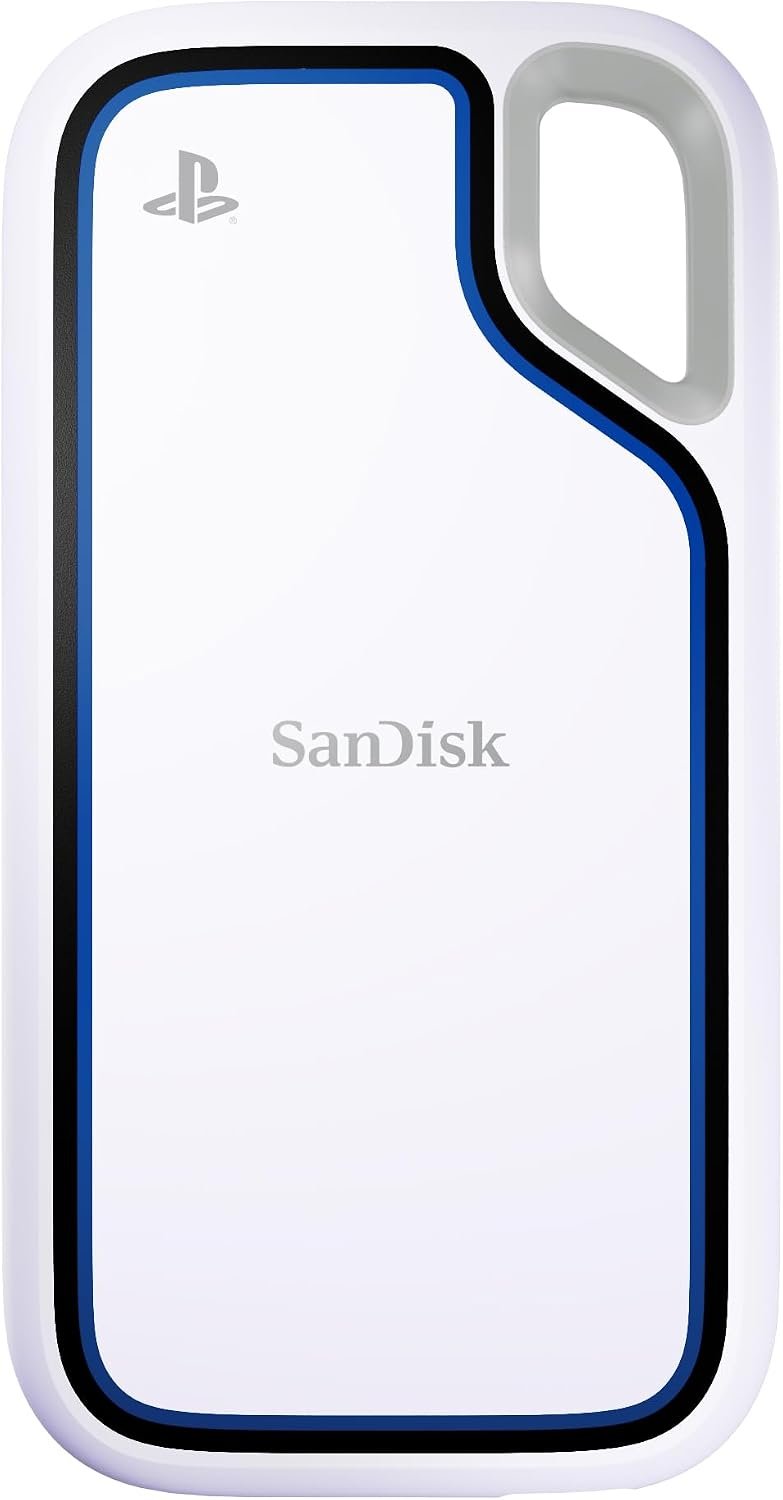
Read the limitation first, because it decides whether this is useful. GTA 6 will not run from a USB drive on either console. What a USB drive does is hold your other games so the internal storage is free for the one that cannot move.
That makes it the cheapest way out of the storage problem. Move a shelf of finished games onto this, keep GTA 6 internal, and copy anything back over USB later instead of redownloading it.
What it does well
- Far cheaper per terabyte than an internal drive or a card
- Moves between PS5 and Xbox, and doubles as a work drive
- Copying back beats a second full download
What to know before buying
- GTA 6 cannot be played from it, only stored
- Older PlayStation and Xbox titles do run from USB, current ones do not
- A rugged shell is wasted if it lives behind the TV
Screens and Cables for a 30 FPS Game
A locked frame rate changes what is worth paying for on a screen. Brightness, black level and input lag still matter. Refresh rate, for this game, does not.
5. Sony BRAVIA XR8B 65-Inch OLED: built for night driving
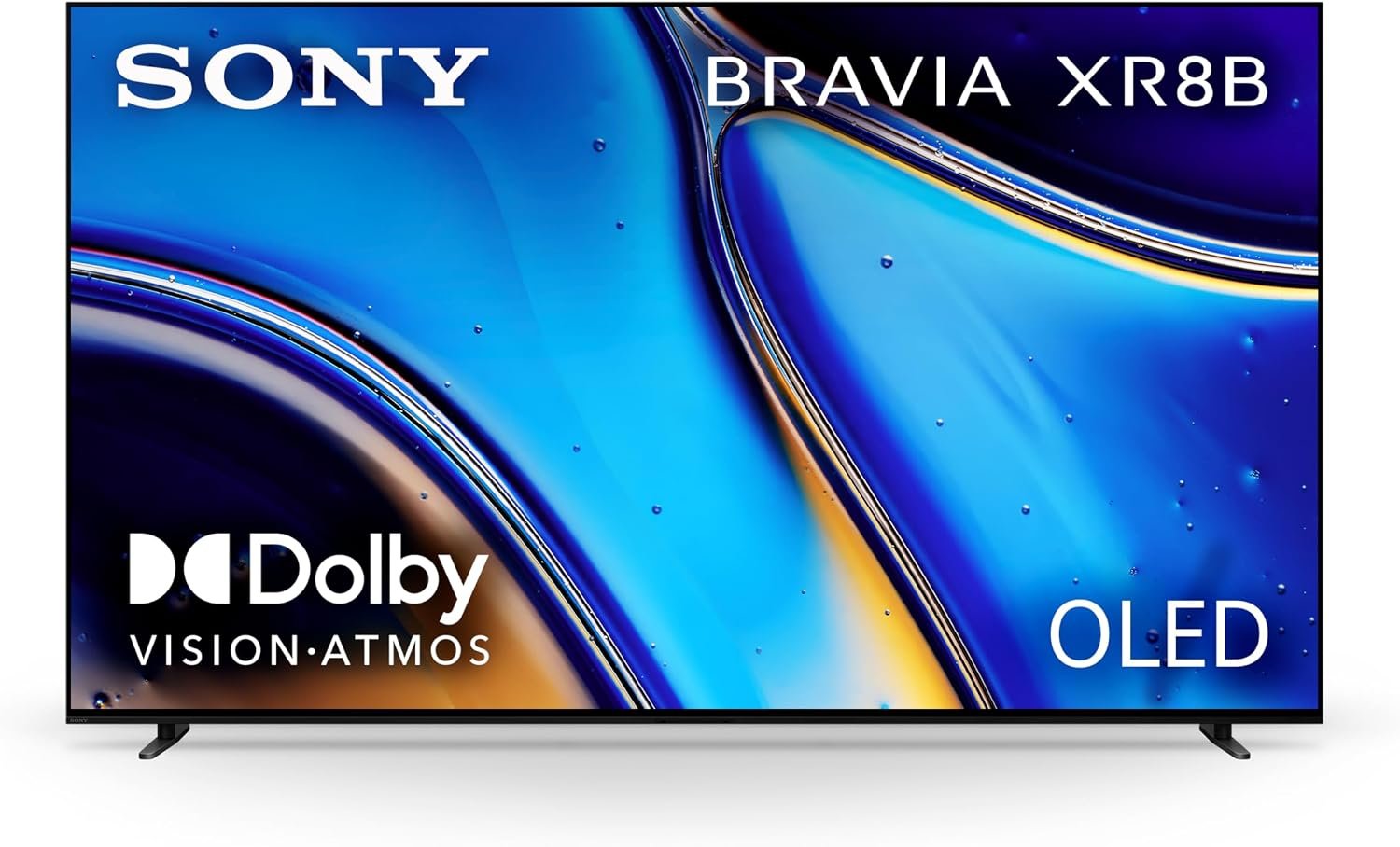
Most of GTA 6 happens after dark, and that is the one thing OLED does that nothing else matches. Each pixel switches itself off, so a night skyline reads as black rather than the grey haze a backlit panel produces.
It also carries Dolby Vision and Dolby Atmos, both of which the Xbox version is reported to support. PlayStation does not pass Dolby Vision, so a PS5 owner is buying this for the panel and the Atmos path rather than the full badge set.
What it does well
- True black, which is most of this game
- Dolby Vision and Atmos for the Xbox version
- Google TV handles the apps without a second box
What to know before buying
- Dolby Vision does nothing on a PS5
- OLED is the wrong panel for a bright, sunlit room
- The 120Hz panel is not being used by this game
6. TCL QM8L 65-Inch Mini-LED: the right answer in a bright room
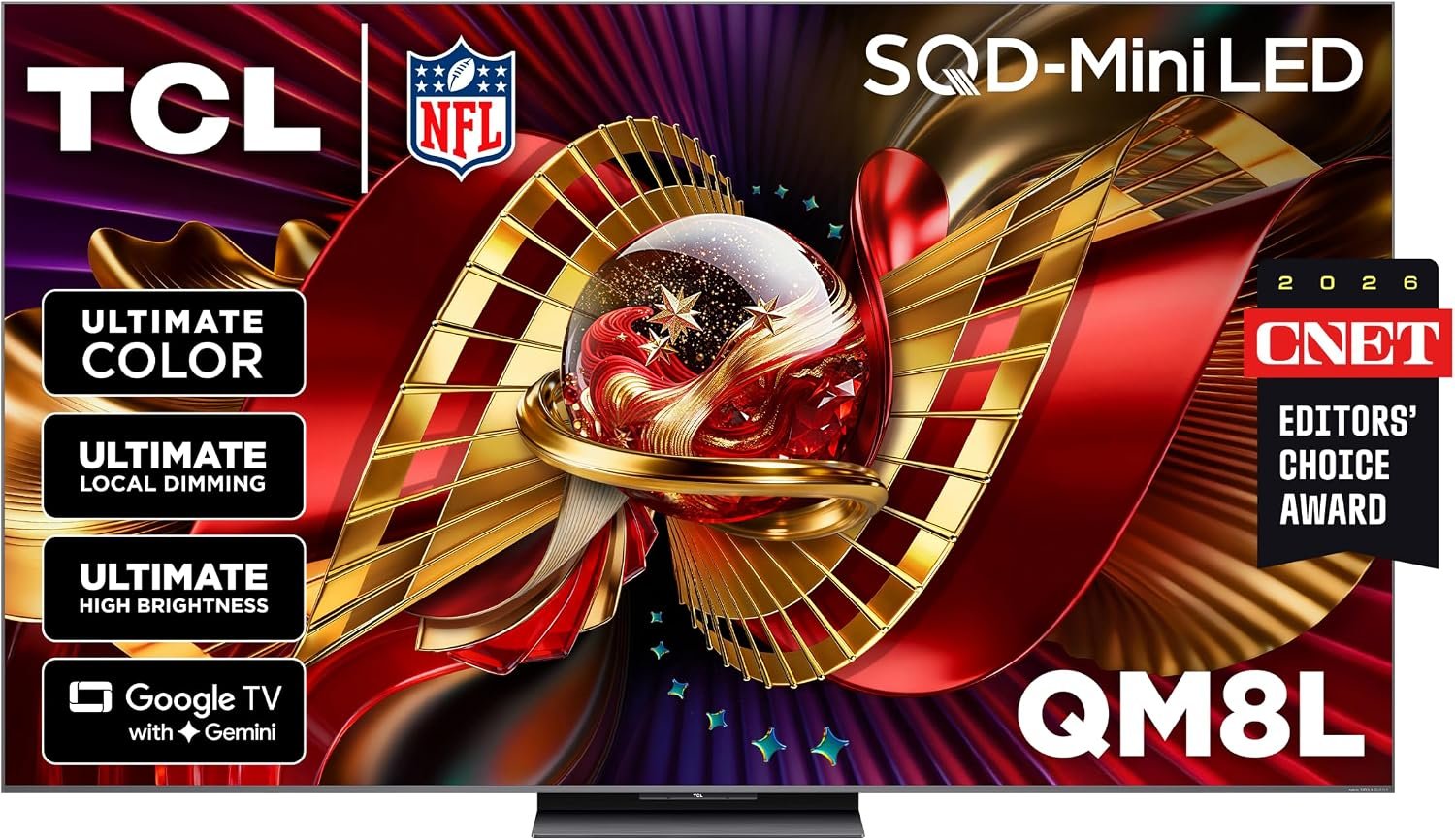
OLED loses to daylight. If the console lives in a room with large windows, a Mini-LED panel drives far more light through the screen and keeps highlights legible when the sun is on it.
The trade is black level. Local dimming across many zones gets close in a dark room but never fully matches a panel that can switch a pixel off, so this is a choice about the room rather than about which television is better.
What it does well
- Much brighter than OLED for daytime play
- No risk of burn-in from a fixed heads-up display
- Usually larger screen for the money
What to know before buying
- Black levels trail OLED after dark
- Local dimming can halo around bright objects on dark backgrounds
- The 144Hz panel is wasted on a 30 FPS game
7. ASUS TUF Gaming VG27UQ1A 27-Inch 4K: for a desk rather than a sofa
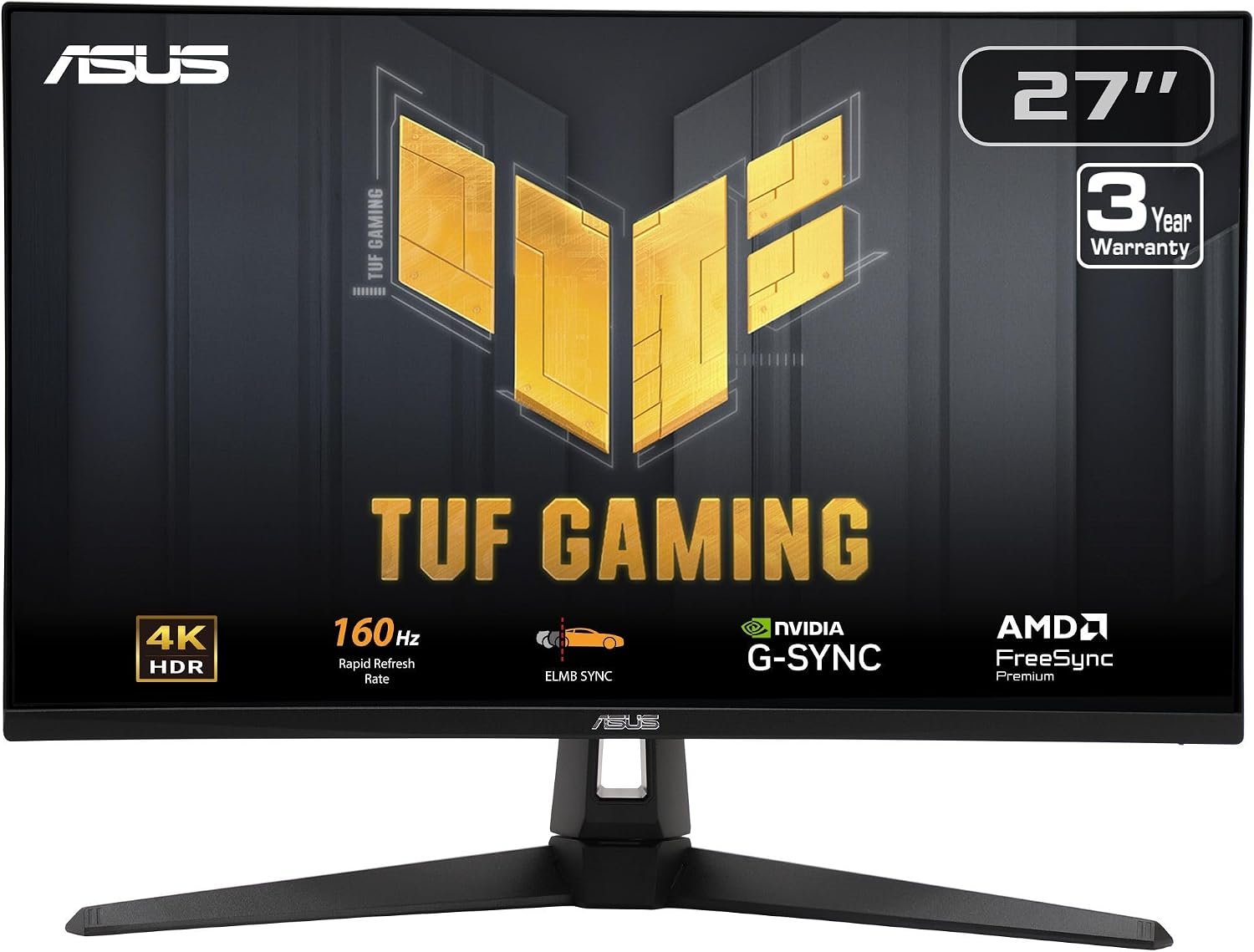
A 27-inch 4K panel at desk distance resolves more fine detail than a 65-inch screen across a room, which is why street signage and map text read better on a monitor than people expect.
Buy it for the pixel density and the low input lag rather than the refresh rate. The 160Hz panel has nothing to do on a game that runs at 30 FPS, though it earns its keep the moment the same screen is used for anything else. Our best gaming monitor guide covers the wider field.
What it does well
- 4K at desk distance is sharper than a large TV across a room
- Low input lag without hunting through picture menus
- Useful for everything else the desk does
What to know before buying
- No speakers worth using, budget for headphones
- A 27-inch screen cannot do what a 65-inch one does for driving
- The high refresh rate is idle in this game
8. UGREEN Certified HDMI 2.1 Cable: replaces the cable in the box
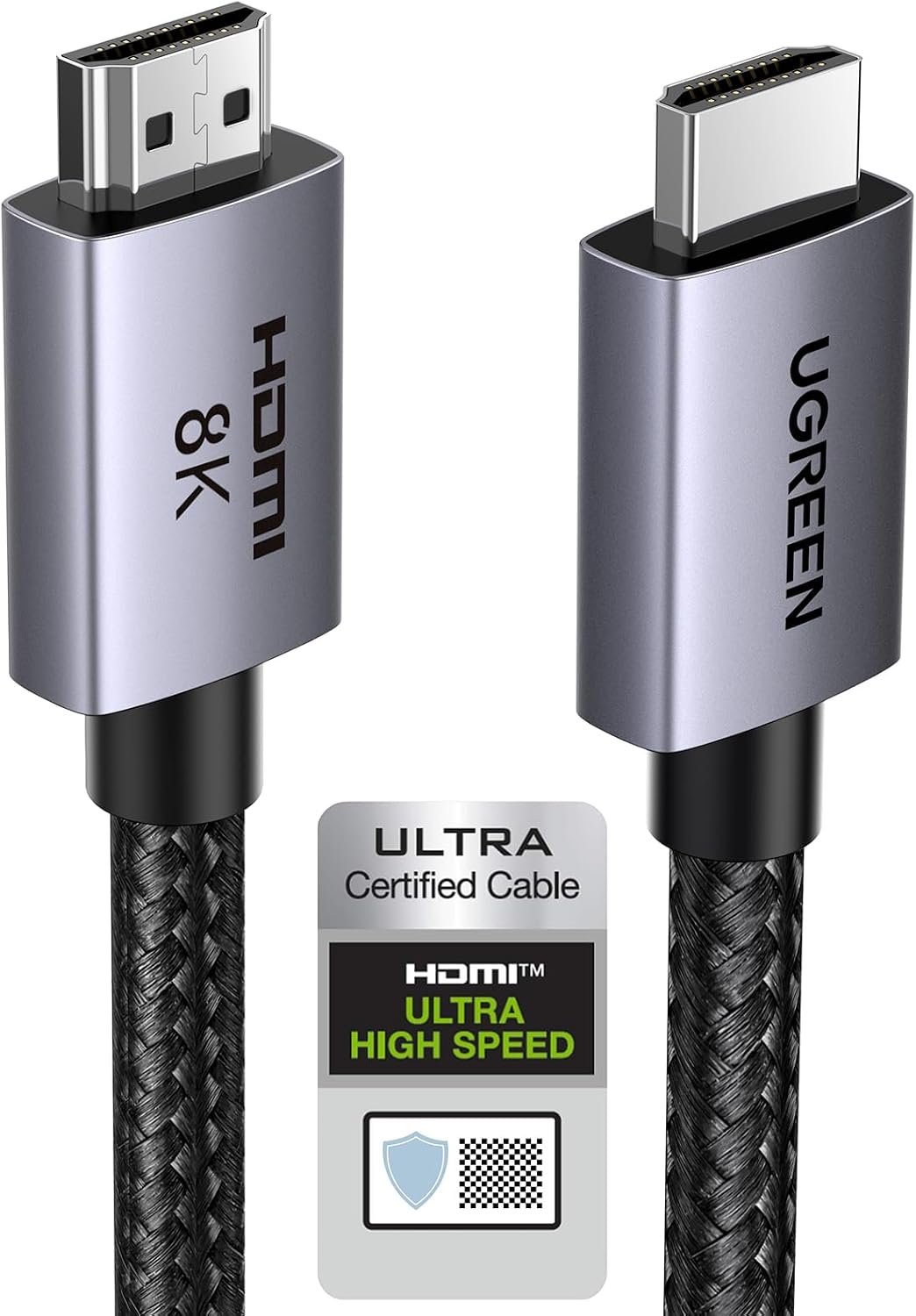
The cable that ships with a console is about one metre long, which decides where the console sits more often than anyone intends. A certified 48 Gbps cable at two metres simply removes that constraint.
Certification is the part worth paying for. Cables carrying the Ultra High Speed mark have been tested to the full bandwidth, which is what keeps 4K HDR stable instead of dropping to a lower mode at random.
What it does well
- Long enough to put the console where you want it
- Certified to the full 48 Gbps rather than labelled for it
- Braided jacket survives being moved around
What to know before buying
- It will not make a 30 FPS game look different
- The in-box cable is fine if the length already works
- Uncertified cables carrying the same numbers are common
9. TCL S60K 3.1 Dolby Atmos Soundbar: for the radio stations
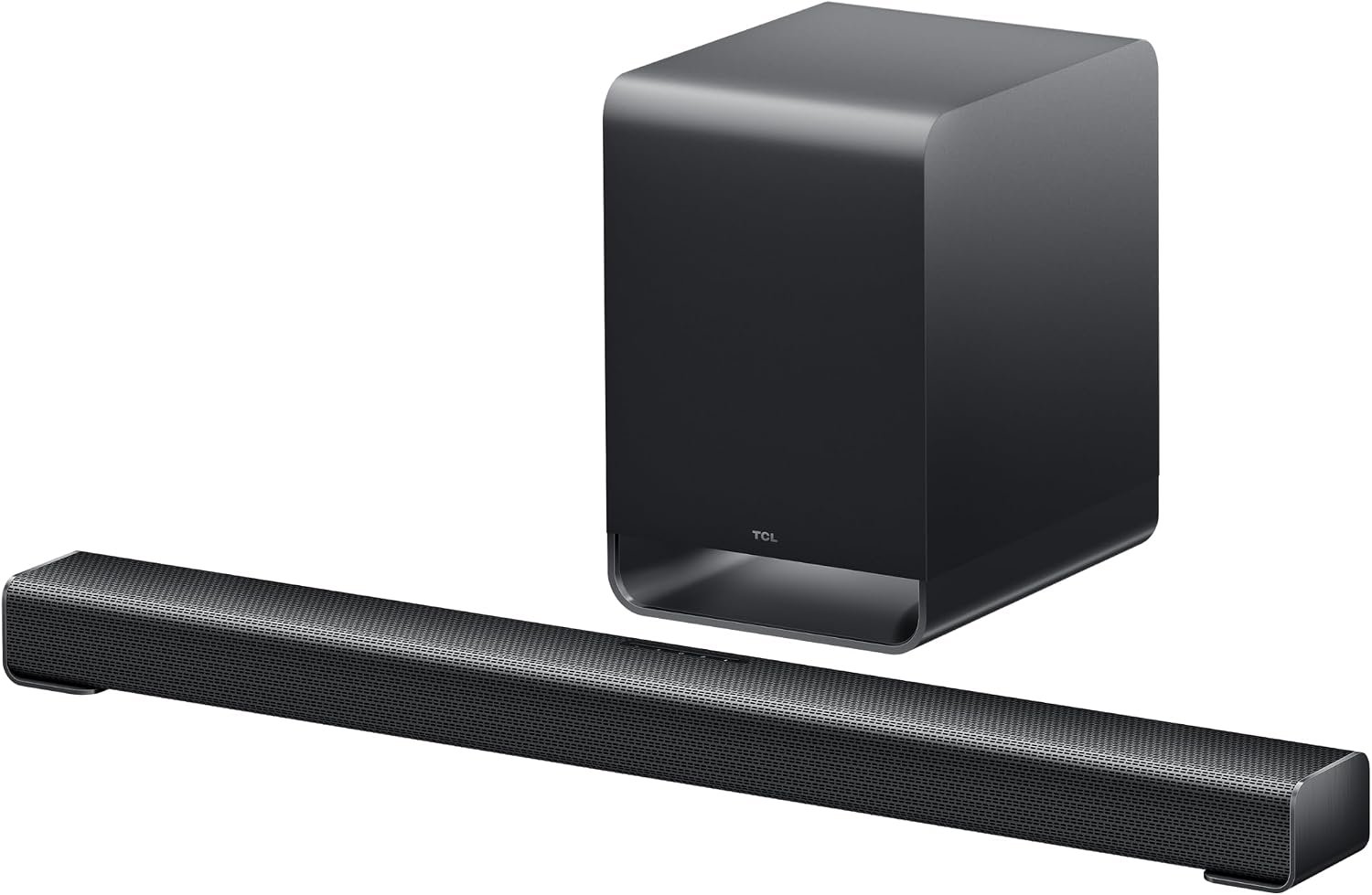
Half of what a Grand Theft Auto game does happens on the radio, and television speakers fire downwards into a cabinet. A 3.1 bar adds a centre channel for dialogue and a separate subwoofer for everything the panel physically cannot produce.
Dolby Atmos is handled here too, which the Xbox version reportedly supports and which the PS5 can pass over HDMI. The centre channel is the upgrade people actually notice, because it stops speech disappearing under the score.
What it does well
- Dedicated centre channel keeps dialogue clear
- Wireless subwoofer carries the low end a TV cannot
- Atmos support on both consoles
What to know before buying
- The subwoofer needs a mains socket of its own
- A headset still beats it after midnight
- Atmos from a single bar is not the same as ceiling speakers
Controllers and Headsets for Long Sessions
These are the parts that wear out or run flat during a game people are playing in very long sittings.
10. SteelSeries Arctis Nova 7P Gen 2: the headset that fits every case
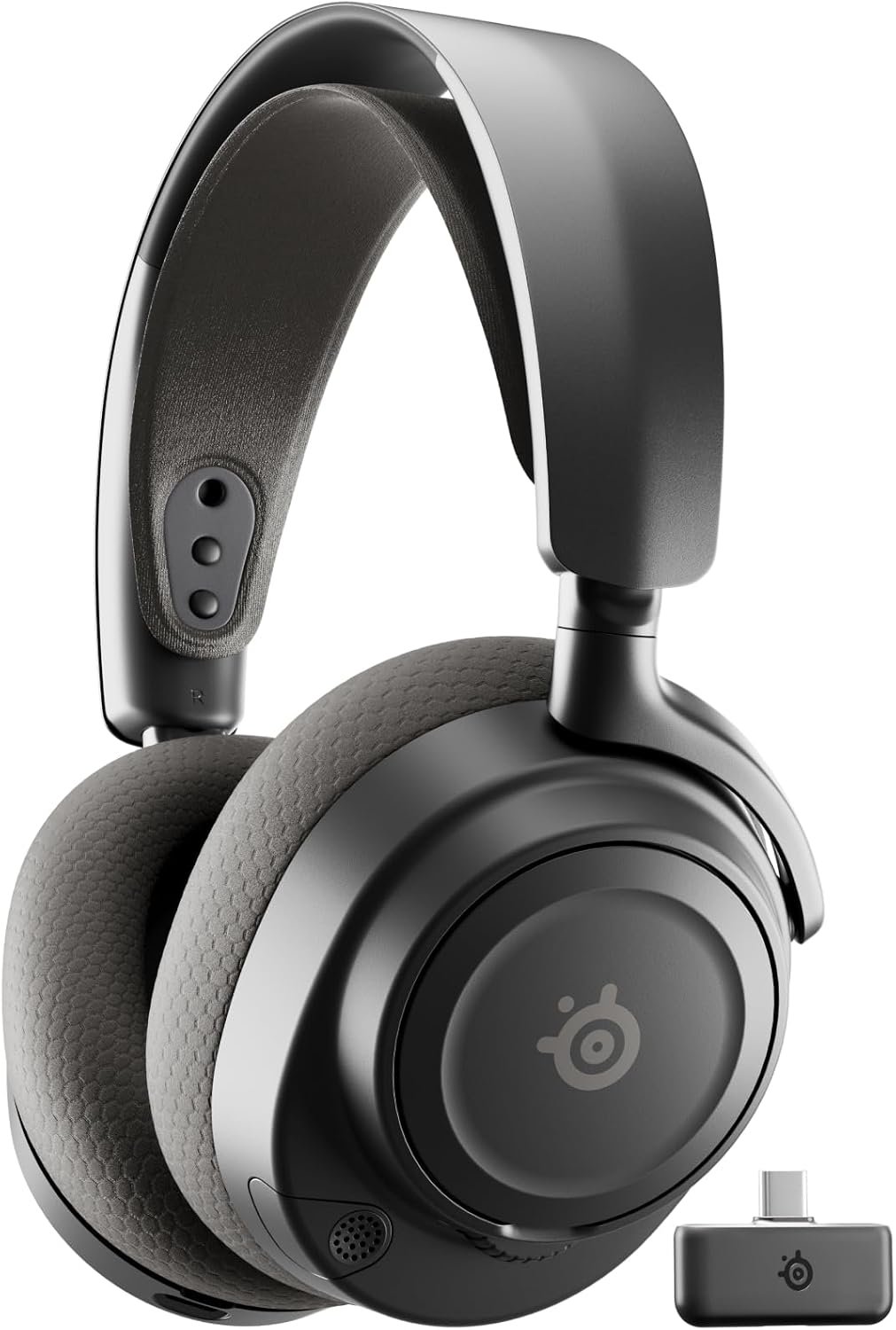
PlayStation runs Tempest 3D Audio through any pair of headphones you plug in, so the money goes on comfort and battery rather than on a badge. Sessions in this game run long, and that is what separates headsets.
The Gen 2 model pairs over its own wireless dongle and over Bluetooth at the same time, which in practice means game audio in one ear path and a phone call in the other without unplugging anything. More options sit in our roundup of the best gaming headsets.
What it does well
- Simultaneous wireless and Bluetooth connections
- Comfortable enough for the sessions this game produces
- Works across PlayStation, PC and Switch
What to know before buying
- The dongle is another thing to lose
- Xbox needs the X variant, not this one
- Wired headphones cost far less if you never move
11. SteelSeries Arctis Nova 5P: the cheaper wireless route
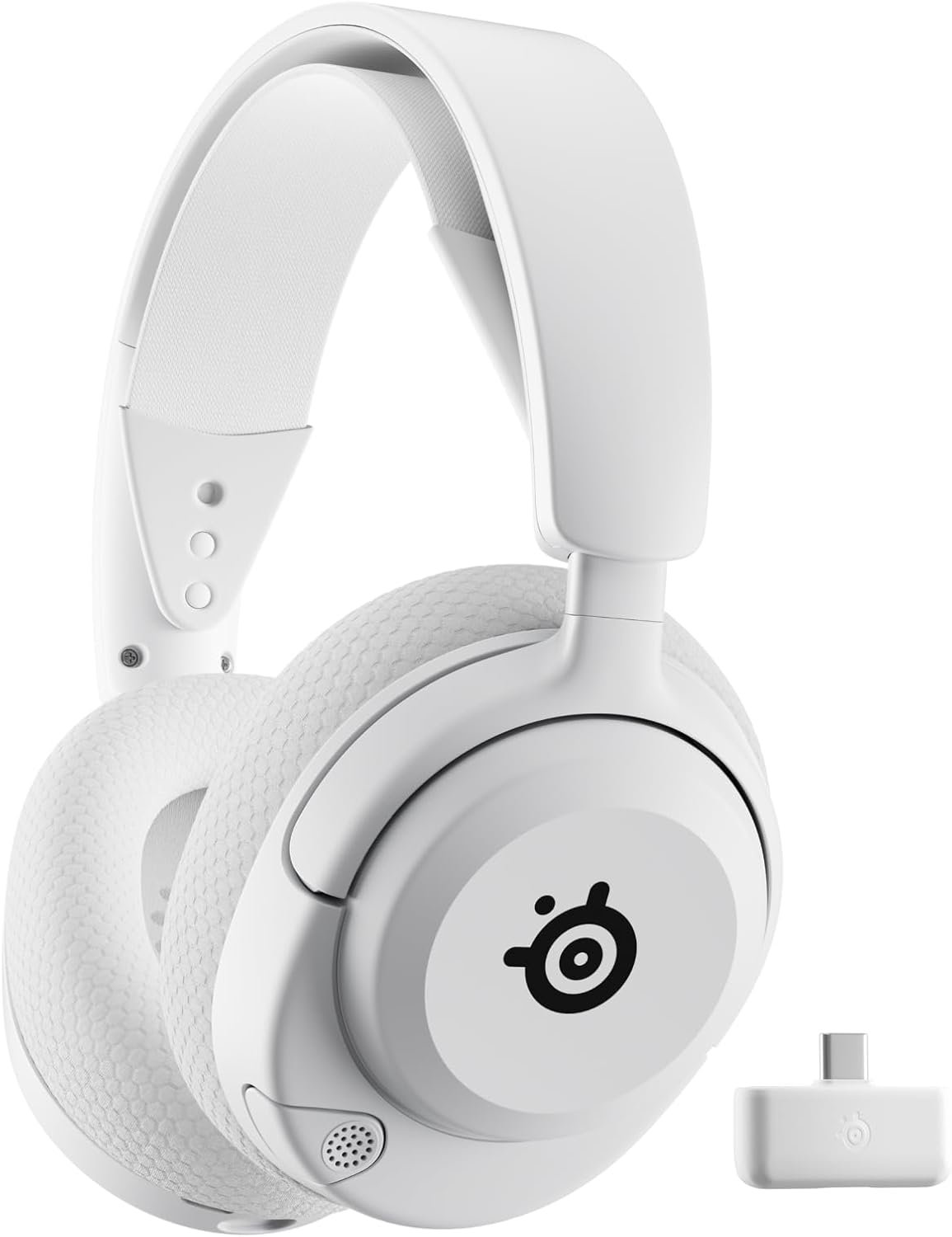
The step down keeps the thing that matters, which is wireless audio that does not tether you to the console, and drops the extras most people never touch.
For a single-player game with no competitive ranking attached, the gap between this and the model above is small. Spend the difference on storage, which the game genuinely demands.
What it does well
- Wireless without the flagship price
- Light enough to forget during a long session
- Multi-system support out of the box
What to know before buying
- Shorter battery life than the 7P
- No simultaneous Bluetooth path
- Again, Xbox owners need the X variant
12. PlayStation DualSense Edge: the answer to stick drift
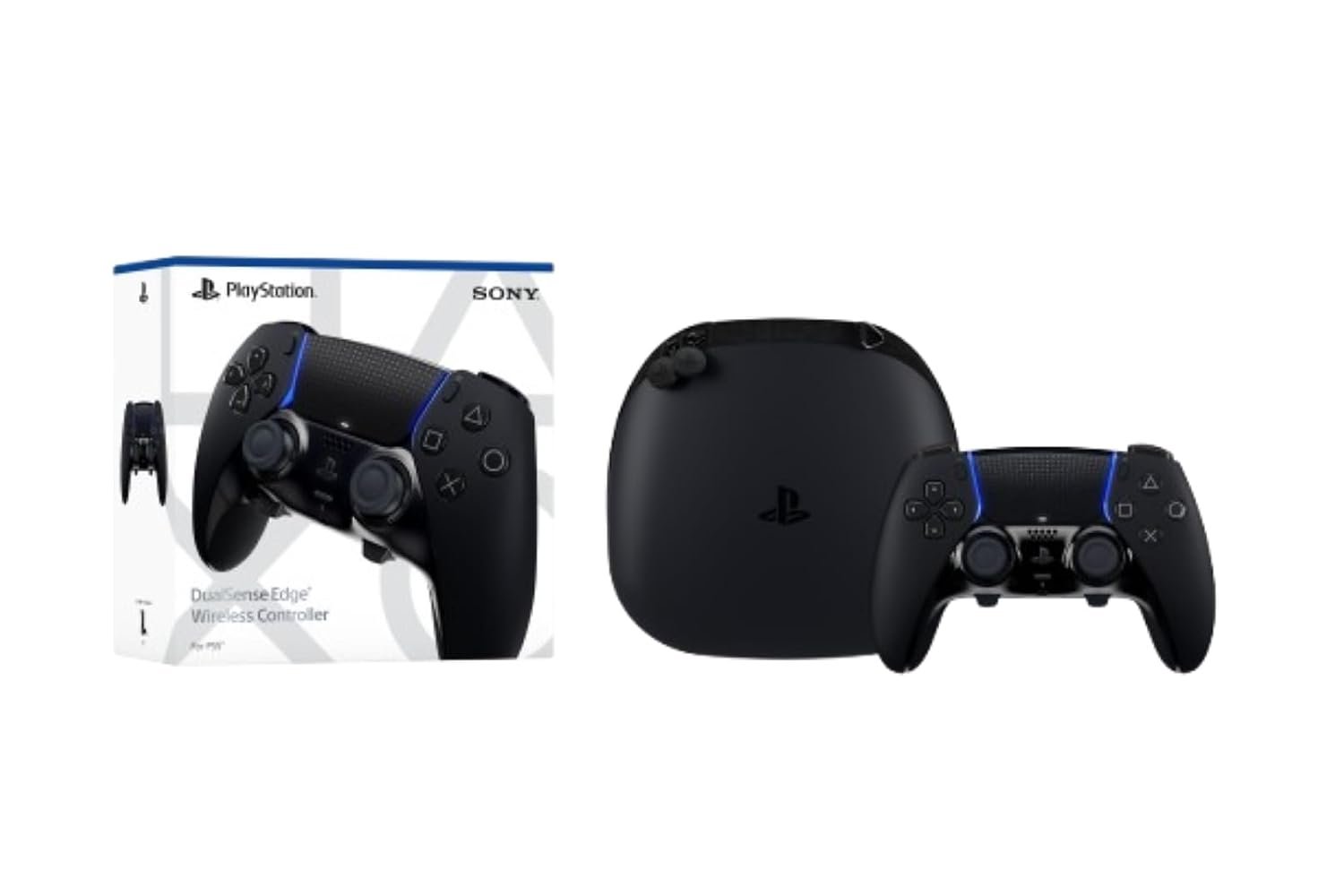
Stick drift ends a standard controller. The Edge is the only PlayStation pad where the stick modules lift out and are replaced on their own, which turns a dead controller into a part rather than a write-off.
The back buttons and adjustable trigger stops matter less in this game than in a shooter, but a driving game puts a specific kind of wear on a left stick, and this is the pad built for that.
What it does well
- Replaceable stick modules instead of a new controller
- Adjustable trigger travel and mappable back buttons
- Carry case included, which keeps the parts together
What to know before buying
- Heavier than a standard DualSense
- Battery life is shorter than the standard pad
- Expensive unless drift has already cost you a controller
13. Xbox Elite Series 2 Core: the Xbox equivalent
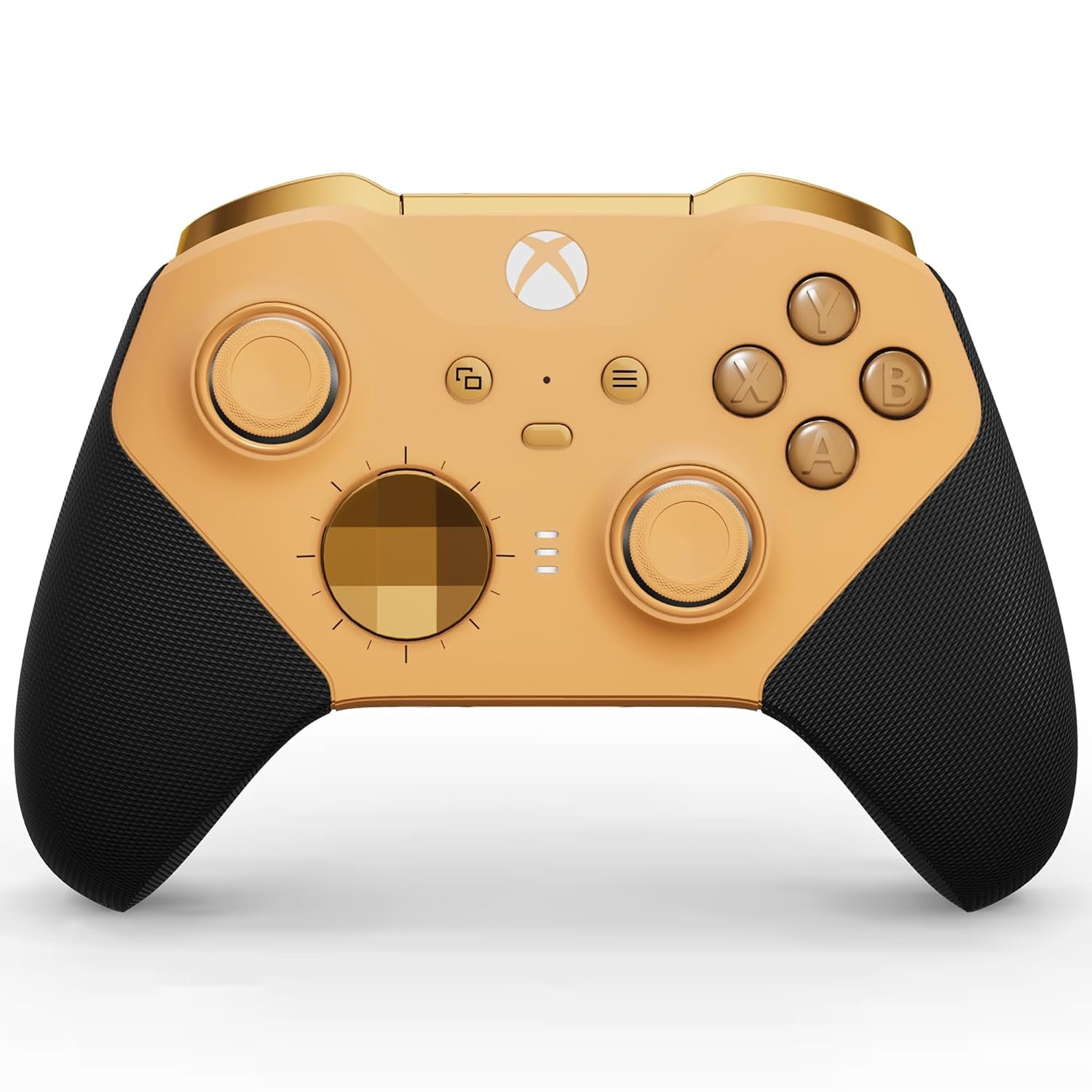
The Core model is the same pad as the full Elite Series 2 without the case and the full set of swappable components, which is the sensible version for anyone who wants the build rather than the accessory kit.
Adjustable thumbstick tension is the feature that earns its place here. Steering in this game lives on small, sustained inputs, and a stick that can be firmed up holds a line better than a standard pad.
What it does well
- Adjustable thumbstick tension suits sustained steering
- Wrap-around rubberised grip
- Cheaper than the full Elite bundle
What to know before buying
- Components the full kit includes are sold separately
- Still uses batteries rather than a fixed internal cell
- No PlayStation support
14. PowerA Twin Charging Station: two pads, always full
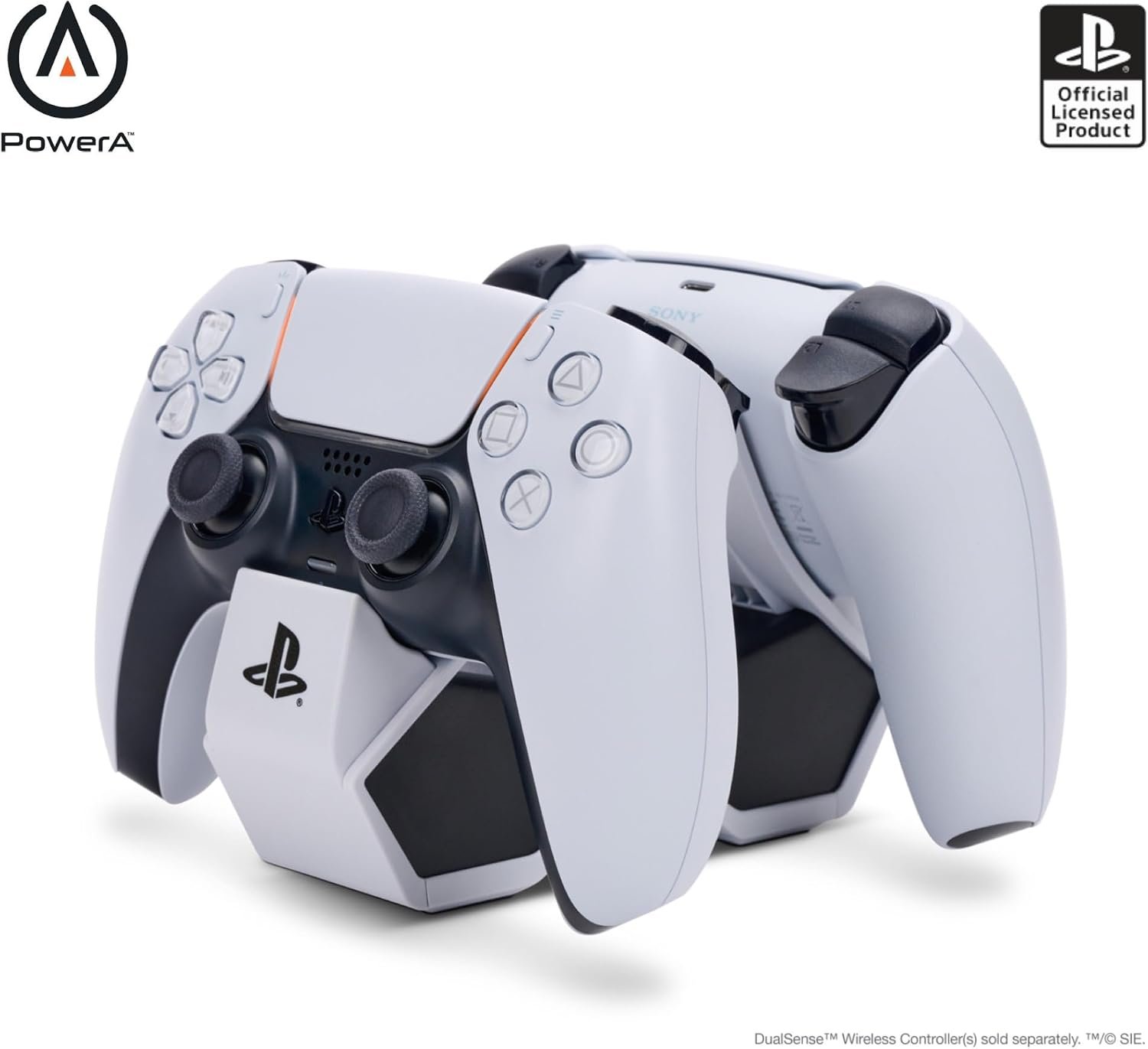
The DualSense has the weakest battery of the current controllers, and a game people are playing in long stretches finds that out quickly. A dock turns charging into something that happens without a decision.
The practical benefit is the second controller. Keeping two charged means a flat pad costs you the time it takes to reach across, rather than ending the session.
What it does well
- Charges two controllers without using the console ports
- Officially licensed, so the fit is correct
- Drops the pads in rather than threading a cable
What to know before buying
- Needs its own mains socket
- Only fits the DualSense shape
- A long USB-C cable does the same job for less
15. KontrolFreek FPS Freek Galaxy: saves the stick coating
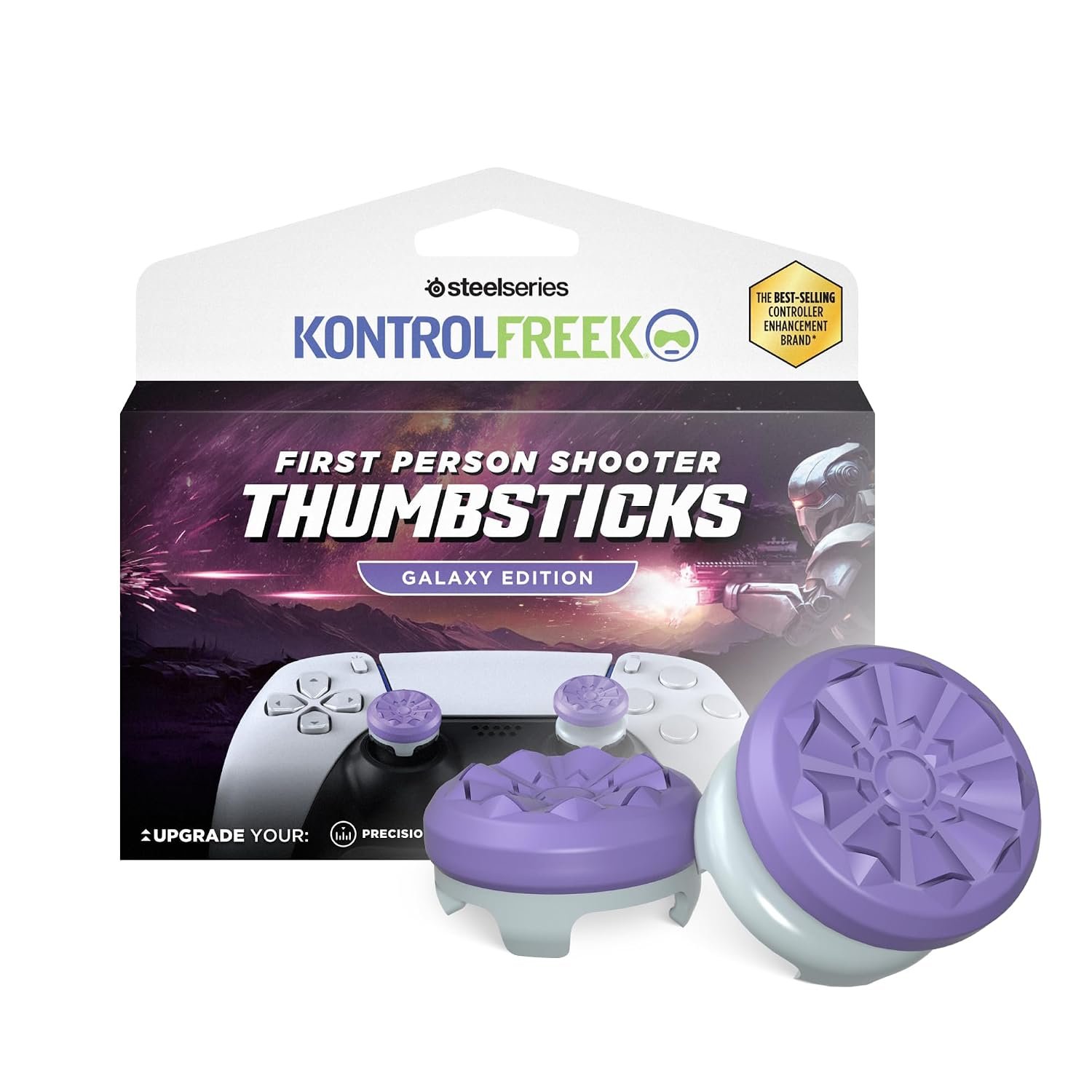
The rubber on a stock thumbstick wears through before anything electrical fails, and a hundred-hour game accelerates that. Grips take the wear instead and cost a fraction of a pad.
They also raise the stick, which lengthens the travel and makes small steering corrections easier to hold. That suits this game more than it suits a shooter, whatever the name on the packet suggests.
What it does well
- Protects the stick coating that normally wears first
- Taller sticks make fine steering inputs easier
- Cheapest item on this page by a distance
What to know before buying
- Raised sticks take a day or two to adjust to
- Does nothing for drift, which is a sensor problem
- Needs the right version for your controller
Keeping the Console Cool and Powered
Two cheap purchases that protect everything above them.
16. NexiGo PS5 Slim Stand with Cooling: for a console that is now always on

A console running one demanding game for hours at a time sheds more heat than one used in short bursts, and the disc model of the PS5 Slim does not include a stand in the box at all.
This solves both at once. It holds the console steady and moves air across it, which is worth doing on a machine that is now the most expensive thing on the shelf.
What it does well
- Adds the stand the disc model does not include
- Moves air across a console under sustained load
- Raises the machine off a dusty surface
What to know before buying
- Fans draw power from the console USB port
- A well-ventilated shelf needs no help
- Fitment is specific to the Slim, not the original or Pro
17. ECHOGEAR ShockBlocker 8-Outlet: insurance on the whole shelf
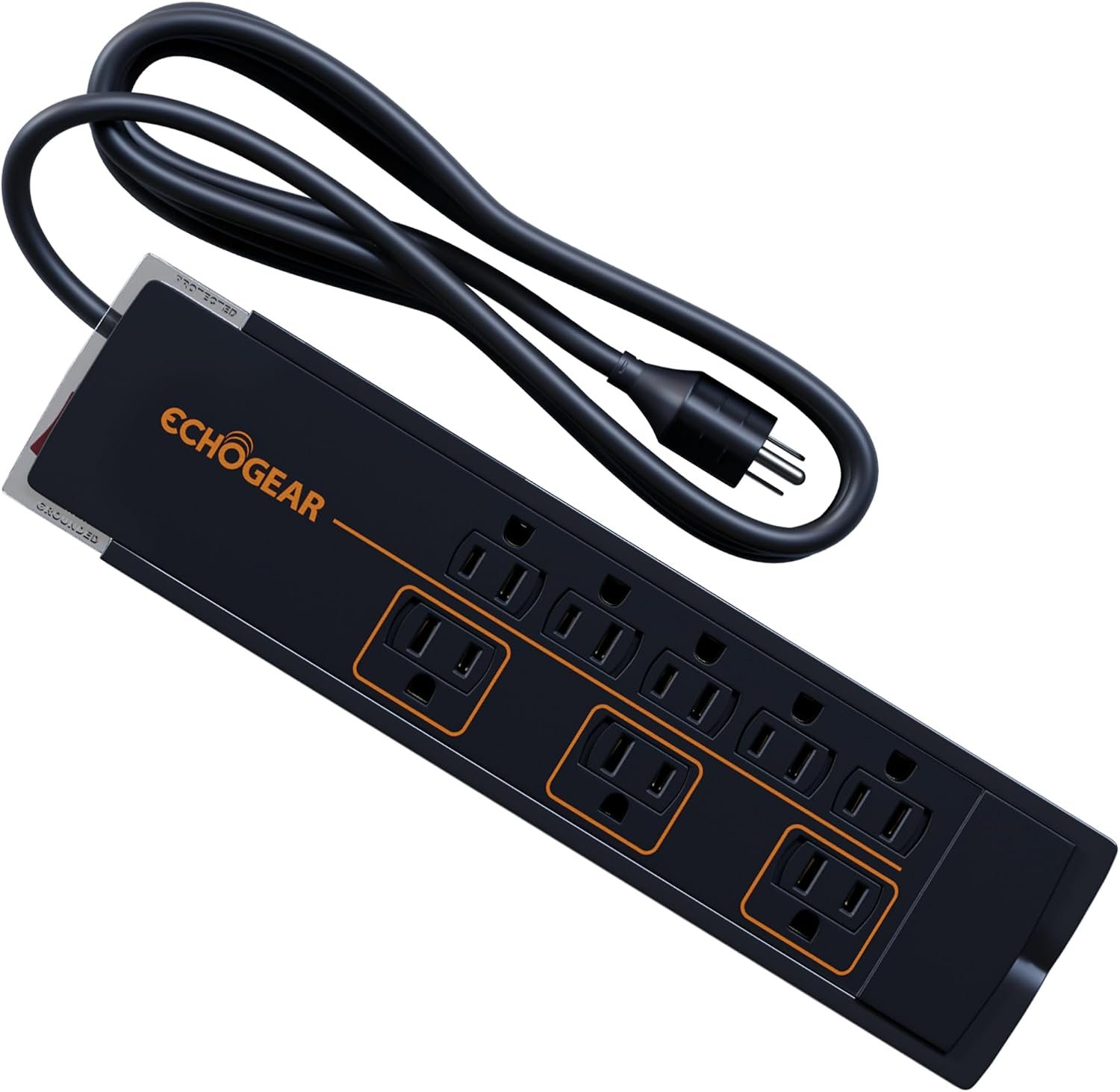
By the time a television, a console, a soundbar and a drive are plugged in, the shelf holds more value than most of the room. A surge protector is the least interesting purchase here and the easiest one to justify.
A flat profile matters more than it sounds, because the furniture these setups live in rarely leaves room behind it for a conventional block and a fistful of adapters.
What it does well
- Protects every part of the setup at once
- Flat design fits behind furniture
- Spaced outlets take mains adapters without blocking each other
What to know before buying
- Not a battery backup, power cuts still end the session
- Protection components wear out over years
- A newer house may already have good protection
Why a 120Hz Screen Is the Wrong Upgrade for This Game
Rockstar targets 30 frames per second on PS5, PS5 Pro, Xbox Series X and Xbox Series S. There is no performance mode to switch to, and on a base PS5 the settings menu carries no performance, graphics or resolution option at all.
That removes the usual reason to pay for a fast panel. Variable refresh rate on PS5 only engages above 48 frames per second, so it never activates here, and a 120Hz or 144Hz panel spends the entire game displaying the same 30 frames a 60Hz screen would.
Spend that money on the panel instead. Peak brightness, black level and input lag all change how this game looks and feels. On a PS5 Pro the picture is reconstructed to a 4K-like image from a lower internal resolution and adds ray-traced shadows, which rewards a screen with real contrast rather than a fast one.
Which Console Needs Which Kind of Storage
The two consoles solve this in completely different ways, and buying the wrong one is the most common mistake on this list.
- PS5: takes a standard M.2 NVMe drive in an internal bay. PlayStation specifies PCIe Gen4 x4, 250 GB to 4 TB, sequential reads of at least 5,500 MB/s and a heatsink for cooling.
- Xbox Series X and S: take a proprietary expansion card that slots into the rear port. Standard NVMe drives do not fit and there is no internal bay to open.
- Both: can use a USB drive to store games, but current-generation titles including GTA 6 will not run from one.
Anyone buying an M.2 drive should confirm the heatsink height before ordering, because the bay clearance is the part that catches people out. Our explainer on NVMe SSDs covers how the drives differ.
Which GTA 6 Accessories to Buy
Buy storage and stop there if the budget is tight. A PS5 owner wants the WD_BLACK SN850X 2TB, an Xbox owner wants the WD_BLACK C50 card, and a Series S owner should treat that card as part of the cost of the game rather than an extra.
After that, the order is a headset, then a screen, then everything else. A headset changes how the game sounds for a fraction of what a television costs, and most people already own a screen that is good enough. If a new television is genuinely due, pick the panel for the room: OLED for a dark one, Mini-LED for a bright one, and ignore the refresh rate entirely.
Frequently Asked Questions
How much free space does GTA 6 need?
Rockstar asks for 212 GB of free space, and that figure applies to PS5 and Xbox Series X and S alike. The Xbox Store lists the package at a larger number because it counts in decimal units while the console reports in binary ones.
Can GTA 6 run from an external USB drive?
No. Both consoles will store the game on a USB drive but neither will run it from one. A USB drive is still useful because it holds your other games and frees internal space for GTA 6, which is the cheapest way to solve the problem.
Does GTA 6 have a 60 FPS performance mode?
No. Every console version targets 30 frames per second, the PS5 Pro included, and no 40 or 60 FPS mode has been announced. The Pro spends its extra power on image reconstruction and ray-traced shadows rather than frame rate.
Do I need a PS5 Pro to play GTA 6?
No. A standard PS5 and an Xbox Series S both run the game. The Pro produces a cleaner image and adds ray-traced shadows, but it runs at the same 30 frames per second as every other console.
Related Articles
As an Amazon Associate, Fox Bulletin earns from qualifying purchases.

Get the Fox Bulletin briefing
The stories that matter, in your inbox. No spam, unsubscribe anytime.
Newsletter signup will be available soon.
Related stories
GTA 6 Map Locations: All Six Regions and Five Counties
The six regions of Leonida, the five counties the game files every address under, and the only map size figure Rockstar has given.
GTA 6 Weapons: How to Buy, Store and Keep Them
All 24 GTA 6 gun stores by county and tier, the four-gun carry limit, and why a bought gun comes back when a stolen one does not.
GTA 6 100% Completion: All 35 Requirements Listed
All 35 requirements on the GTA 6 100% completion checklist, which ten allow no misses, and how much of the grind you can skip.